Food and Drinks Website Templates: Promote Your Menu

Which food and drinks website template actually suits your venue — restaurant, cafe, bar, bakery, food truck or ghost kitchen — and why generated sites have largely replaced picking one from a gallery.

Template galleries are seductive and slightly dishonest. Every food and drinks template looks superb in the gallery, because the gallery version has a professional photoshoot, a nine-item menu, and no opening hours to keep accurate. Yours will have forty dishes, three photographs, and a kitchen that changes the specials on Thursdays.
Quick answer: Pick a food and drinks website template by matching your venue's primary job — menu browsing, table booking, or ordering — rather than by which one looks best in the gallery. Then check it handles a long menu, changes easily, and loads fast on a phone. Increasingly the better route is skipping the gallery: AI website builders generate a menu-first site from your details in a couple of minutes, which is a template already filled in with your content.
Match the template to the job, not the mood
Food and drinks venues look similar and behave completely differently. The template that suits a tasting-menu restaurant actively harms a bakery.
Venue | Primary job of the site | What the template must nail |
|---|---|---|
Restaurant (a la carte) | Menu browsing, then booking | Long readable menu, reservations |
Fine dining / tasting menu | Booking — availability is scarce | Reservation-first hero, single menu |
Cafe / coffee shop | Hours, location, atmosphere | Hours everywhere, fast mobile |
Bar / cocktail bar | Drinks list, events, atmosphere | Long drinks menu, events page |
Bakery | Product list, pre-orders, collection times | Item grid, ordering, collection slots |
Food truck | Today's location and hours | Prominent, easily changed location |
Ghost kitchen / delivery-only | Ordering | Direct ordering, no dine-in furniture |
Catering / private hire | Enquiry capture | Strong form, capacity and pricing detail |
Getting this wrong is the most common template mistake. A food truck on a fine-dining template buries the one piece of information — where it is today — under an atmospheric hero photograph. |
The four checks that matter more than looks
1. What does it do with a long menu?
Gallery demos have twelve dishes. Load forty into the same template and half of them stop looking designed. Before committing, paste in your real menu, on a phone.
2. How hard is a change?
You will change the menu more often than you expect — specials, price changes, a supplier going out of stock. If updating a dish means editing a layout, you'll stop doing it, and a stale menu is worse than a plain one. This is the single strongest argument for generated sites over static templates: you describe the change in a sentence rather than rebuilding a section.
3. Is it mobile-ready, genuinely?
Most food and drinks traffic is a phone, frequently outdoors on weak signal. Mobile-ready website creation means the phone layout was designed first, not squeezed down afterwards. Check the menu page, not the homepage — that's where cramped templates fall apart.
4. Does it carry the machine-readable layer?
A good food template emits Restaurant and Menu structured data so search engines and AI assistants can read your hours, cuisine and dishes. Most gallery templates don't, and you can't see the difference by looking.
Why generated beats picked, for most venues
A template is a starting point you then have to fill. The alternative that's emerged is automated business website creation: you describe the venue and get back a site that already contains your content.
Practically, that's:
-
AI copy design and code generation — the menu copy, the layout, and the working code produced together, not a shell you populate
-
Multi-page website generation — menu, drinks, about, booking, contact and private hire as separate real pages with their own URLs, which matters once your drinks list deserves its own page
-
Mobile-ready website creation — phone layout treated as the primary case
-
SEO and lead generation — meta tags, Open Graph and LocalBusiness structured data emitted at publish, plus booking and enquiry forms already wired up
-
No-code website development — later edits are a sentence, not a build
The practical difference: with a template you spend the afternoon making your forty dishes fit someone else's twelve-dish layout. With a generated site you spend it correcting a draft that already has forty dishes in it.
A note on what you're actually shopping for: most of these products are a general small business website builder with a food template attached, so a useful website builder comparison asks two questions the gallery can't answer — does the AI web design hold up at forty dishes, and does booking stay on your own domain or hand off to an online booking website somebody else runs?
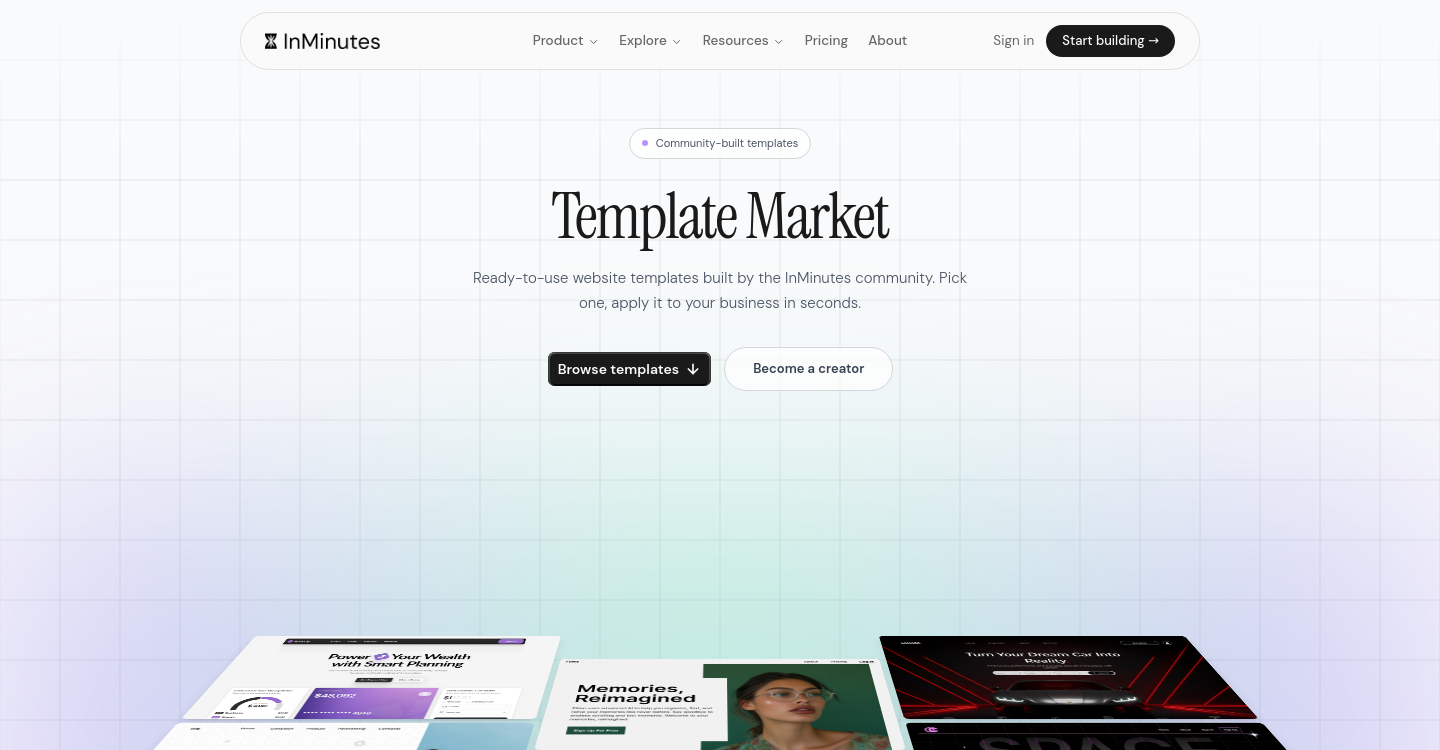
InMinutes does both — there's a Template Market if you'd rather start from a community-built design, and fast website creation from a description if you'd rather not browse. Appointments are included on every plan, including the free tier, so table booking isn't an upgrade; taking a card deposit at booking runs through Stripe Connect and needs Pro. Selling online — gift cards, pre-orders, a bakery product list — is the Pro tier, at 0% InMinutes platform fee on sales. Worth being straight about that last one: several other builders also reach 0% platform fee on their commerce plans, and in every case you still pay your card processor (typically around 2.9% + 30¢ in the US via Stripe or PayPal). The InMinutes version is 0% with either processor rather than only with an in-house one.
Honest limitation: you get a strong, well-structured site quickly, not a bespoke identity. A design-led venue where the website is part of the concept still wants a designer — ideally working from the generated structure rather than from nothing.
Promoting the menu once the site exists
The template is maybe a third of the job. The rest:
-
Publish the menu as text, never a PDF. Dish names are search signals and AI assistants can't quote a PDF. Full method in How to Put Your Restaurant Menu Online.
-
Link the menu from your Google Business Profile, pointing at your own page rather than a delivery app.
-
Give big sections their own URLs — a wine list or a brunch menu that people search for separately should be its own page.
-
Keep hours accurate everywhere, including holidays. A mismatch between your site and your listing costs you the customer who drove over.
-
Take orders on your own domain where you can, using the delivery apps for discovery instead of as your only channel — see Restaurant Online Ordering Without Commission Fees.
FAQ
The bottom line
Choose for the job your venue actually needs done, test with your real menu on a real phone, and prefer whatever makes weekly menu changes trivial. For most food and drinks businesses that now means generating the site rather than picking a template and filling it in. Build your venue's site free with InMinutes →
See also The 15+ Best Restaurant Websites of 2026 and 7 Restaurant Website Features to Check in 2026.

Guides10 min read
Guides11 min read

Guides9 min read

Guides9 min read