How Do I Take Deposits for Appointments Online in 2026?

Learn how to take deposits for appointments online using Stripe or PayPal. InMinutes Pro at $49/month includes booking with deposits, store checkout, and 0%…

Quick answer: You take deposits for appointments online by connecting a payment processor to your booking system and setting a deposit rule. On InMinutes, this is built in: you chat to build your site, enable appointment booking on any plan, and require a deposit at checkout on the Pro plan for $49 per month — your site is live in minutes with Stripe or PayPal connected to your own account.
The short version
-
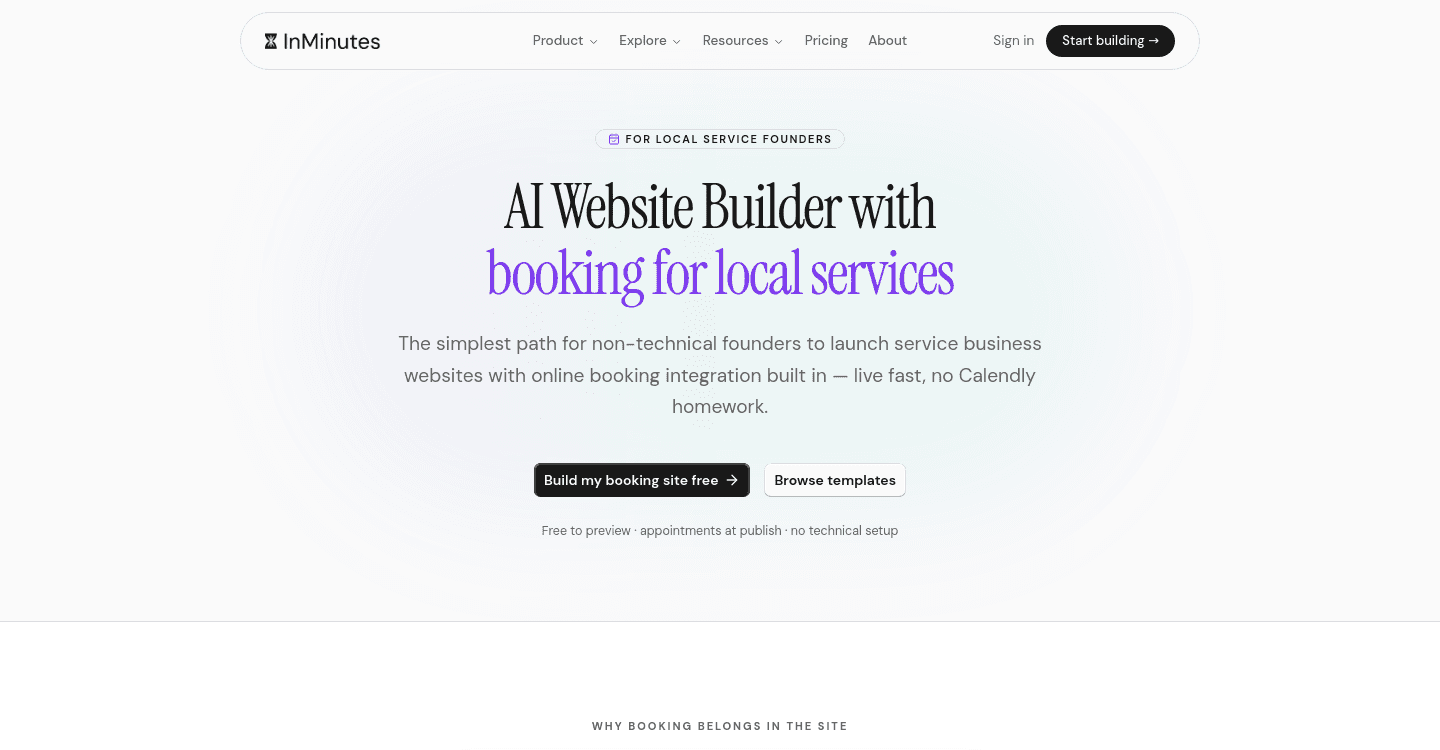
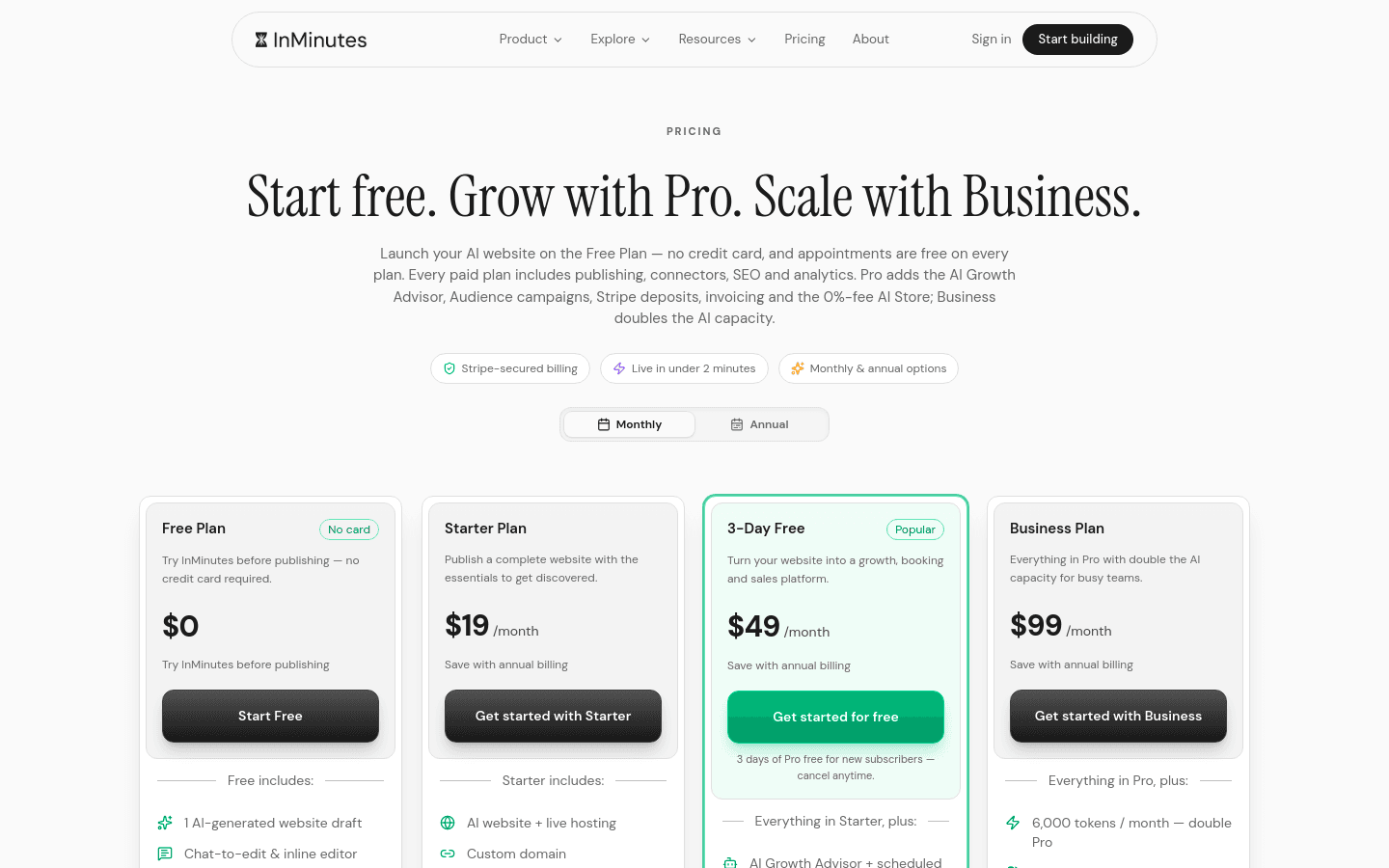
Appointment booking is included on every InMinutes plan, but taking a deposit or card payment at booking time requires the Pro plan at $49 per month.
-
Your payments run through your own Stripe or PayPal account, so there is no platform lock-in and InMinutes charges 0% on top of standard card processing.
-
You build the site by describing your business, then edit anything by chatting in plain language — no code, no drag-and-drop.
-
The entire setup, from site generation to deposit collection, takes minutes rather than days of template configuration.
-
If you only need booking without payments, or want to test first, the Free plan includes appointment booking with no publishing; new subscribers get a 3-day free Pro trial to test deposits.
How do I take deposits for appointments online with InMinutes?
You do it by generating a site, turning on booking, connecting Stripe or PayPal, and setting a deposit amount. Here is the exact sequence:
-
Start the chat. Tell the AI your business name, services, and that you want online booking with deposits. It builds a complete multi-page site in minutes.
-
Turn on appointment booking. This is available on every plan. The AI adds a booking page with your availability.
-
Upgrade to Pro. Deposits and card payments at booking time ride on Stripe and stay on Pro at $49 per month. Start with the 3-day free Pro trial if you want to test it first.
-
Connect your payment account. Link your existing Stripe or PayPal account in settings. InMinutes never holds your funds.
-
Set your deposit rule. In the booking settings, choose whether to require a fixed amount or percentage deposit to confirm the appointment.
-
Edit by chatting. Need changes? Say "make the deposit amount forty dollars" or "add a cancellation policy page" and the AI updates it.
Your clients see available slots, pick one, and pay the deposit before the booking is confirmed. You get paid directly through your processor.
What plan do I need to require a deposit at booking?
You need Pro at $49 per month, or Business at $99 per month. Appointment booking itself is on every plan including Free, but only Pro and Business let you collect a deposit or full payment at the moment of booking. Business doubles your monthly AI tokens from 3,000 to 6,000 but adds no extra features beyond that. If deposits are your only paid need, Pro is the right choice.
How do payments work and what fees apply?
Payments run through your own Stripe or PayPal account. InMinutes charges 0% platform fee on Pro and Business — you pay only the standard card processing rate of about 2.9% + 30¢ per transaction to Stripe or PayPal. There is no processor lock-in; switch between them or use both.
If you sell digital products like courses or downloads, you can optionally use Paddle as the merchant of record. Paddle handles worldwide sales tax and VAT for 5% + 50¢ per sale. Paddle does not accept physical goods or in-person services, so it is not suitable for salons, restaurants, or shops shipping products.
When is InMinutes not the right fit?
InMinutes is built for local service businesses that need a professional site fast. It is not the best fit if:
-
You need complex custom workflows that require a developer or agency to build from scratch.
-
You already have a large site on another platform and are happy paying for separate booking, store, and CRM add-ons.
-
You are purely a digital product seller who wants Paddle's tax handling but also needs physical goods or in-person services — Paddle cannot handle those, and Stripe/PayPal would be your route instead.
-
You do not want a website at all and prefer taking deposits through social media DMs or manual invoices.
For most salons, clinics, trainers, contractors, and consultants, the all-in-one approach wins. If you want to compare how InMinutes stacks up against template builders that require separate app subscriptions for booking, see our breakdown of AI website builders with booking and payments.
The bottom line
Taking deposits for appointments online in 2026 should not mean assembling three separate tools and paying for each. On InMinutes, you chat to build your site, booking is included, deposits unlock on Pro at $49 per month, and your money flows straight to your own Stripe or PayPal account with no platform fee on top. If you are tired of template wrestling and add-on bills, start your free Pro trial and collect your first deposit this afternoon.
FAQ
Ready?
Your site, live in 2 minutes with InMinutes.
No agency. No waiting. Flat monthly fee.
Start for free →