How to Make a Restaurant Website in 8 Steps

A step-by-step walkthrough for getting a restaurant website live — what to prepare before you start, how to publish the menu, and how to add reservations and ordering without stacking apps.

Most guides to building a restaurant website start with choosing a template. That's the wrong first move — it's the step that matters least. The work that decides whether the site earns covers is what you prepare before you open a builder, and what you connect after you publish.
Quick answer: Decide what the site must do first (menu, hours, directions, reservations, ordering), gather your content, then build. In order: define the job, collect menu and photos, get a domain, generate the pages, publish the menu as real text, add reservations, add ordering if you do takeaway, then publish and connect Google Business Profile. Expect an afternoon, not a week.
Before you start: the 20 minutes that save a weekend
Nearly every stalled restaurant site stalls in the same place — halfway through, when the owner realises they don't have the menu in a file, don't know their exact opening hours over holidays, and have eleven photos of the same dish. Collect this first:
-
The full menu, with current prices, as text you can copy — not a photo of a printed menu
-
Opening hours, including the days you close and any kitchen-closes-earlier-than-the-bar quirks
-
Exact address and phone number, written the way they appear on your Google listing
-
6–10 photos: the room, two or three signature dishes, the exterior/sign, and the team
-
Two or three sentences on what the place actually is — cuisine, neighbourhood, what you're known for
That last one matters more than it sounds. On an AI builder it is the input — the difference between a generic site and one that reads like your restaurant is whether you wrote "family-run Neapolitan pizzeria in Kadıköy, wood-fired, known for the pistachio calzone" or "Italian restaurant."
The 8 steps
1. Decide what the site has to do
A restaurant site does one to four jobs. Be honest about which ones apply to you before you pick anything:
Job | You need it if… | What it adds |
|---|---|---|
Inform | Always | Menu, hours, address, phone, photos |
Get found | Always | Local SEO, Google Business Profile, structured data |
Take bookings | You seat guests by reservation | Table reservations with availability |
Take orders | You do takeaway or delivery | Ordering with checkout and payment |
If you only need the first two, don't pay for a platform built around the last two. If you need all four, decide that now — retrofitting ordering onto a brochure site three months later usually means rebuilding it. |
2. Get your domain
Buy yourrestaurant.com if it's free. If it isn't, add the city rather than a hyphen soup — borgopizzalisbon.com beats borgo-pizza-restaurant-official.com. Skip novelty extensions unless you have a reason; .com still carries the most trust with the walk-in-searching-on-a-phone crowd.
3. Generate or build the pages
You need four pages, and only four to start: Home, Menu, About/Contact, and — if applicable — Book a table or Order. Resist a gallery page; put the photos on Home.
With an AI builder this is where the description from your prep goes in, and the pages come back written and laid out. With a template builder this is where you'll spend the longest, dragging blocks. Either way, the test at the end of this step is the same: open it on your phone and see whether you can find the menu in one tap.
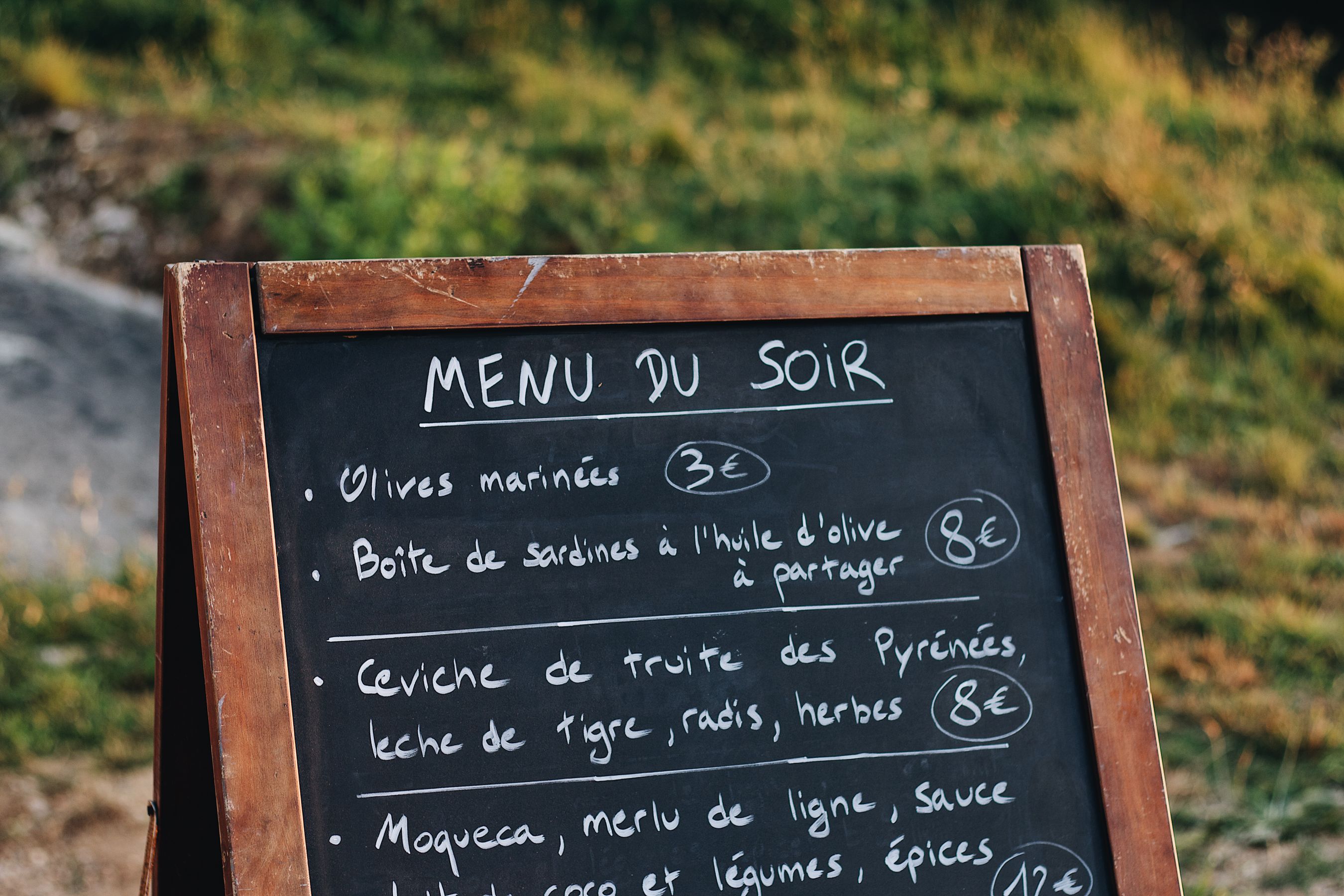
4. Put the menu on the page as text
This is the step most restaurants get wrong, so it has its own guide. Short version: a PDF menu is invisible to search engines, unreadable on a phone, and stale the day you change a price. Type the menu into the page as real text, with sections and prices.
5. Add reservations if you seat guests
Reservations belong on the site, not behind a link to a third-party app that asks your guest to make an account. What you're configuring is small: service windows, party sizes, how long a table turns, and how far ahead people can book. On InMinutes, appointments and the booking page are included on every plan, including the free tier — taking a card deposit at booking time is the one part that needs Pro, because it runs through Stripe.
6. Add ordering if you do takeaway
Same principle, bigger stakes: every order that goes through a marketplace app carries a commission. Running ordering on your own site means the transaction fee conversation is just you and your payment processor. Covered in detail here.
7. Publish, then check it on a phone
Not a desktop browser resized — an actual phone, ideally on mobile data rather than the restaurant's wifi. Check: does the menu load fast, is the phone number tappable, does the address open in Maps, and can you complete a booking without pinching to zoom?
8. Connect Google Business Profile and make everything match
The site isn't finished when it's live; it's finished when your name, address, phone number, and hours are identical on the website and on Google. Mismatched hours are the single most common reason a customer shows up to a closed restaurant and leaves a one-star review about it. Add the website URL to your Google listing, and make sure the site publishes structured data so search engines can read your hours and location — on InMinutes that's generated automatically at publish.
How long each step actually takes
Step | Template builder | AI builder |
|---|---|---|
Prep (menu, photos, hours) | 20–30 min | 20–30 min |
Domain | 10 min | 10 min |
Building the pages | 3–8 hours | 2–10 min |
Menu entry | 30–60 min | 15–30 min |
Reservations setup | 30 min + app signup | 10 min |
Ordering setup | 1–2 hours + app signup | 20 min |
Publish + Google | 30 min | 30 min |
The prep and the Google work don't get faster with better software. That's why doing them first is worth it — they're the fixed cost, and everything else is compressible. |
FAQ
The bottom line
Prepare your menu, hours, photos, and a two-sentence description of the restaurant, and the build stops being the hard part. Do the Google Business Profile work the same day you publish — that's where the covers come from. Build your restaurant's site free with InMinutes →
More on the platform side in 7 Restaurant Website Features to Check in 2026 and Top AI Website Builders for Restaurants in 2026.

Guides10 min read
Guides11 min read

Guides9 min read

Guides9 min read