How to Make a Booking Website in 2026

A step-by-step guide to building an online booking website — defining services, setting availability, handling no-shows and deposits, and the mistakes that make booking pages fail.

Most "booking websites" are two separate products bolted together: a website from one company, a scheduling tool from another, connected by a link that opens a differently-branded page in a new tab. It works, roughly. It also loses people at the moment they were ready to commit, which is an expensive place to lose them.
Quick answer: To make a booking website in 2026, define your services and durations first, then build the site around the booking action rather than adding it later. Use an AI website builder that includes scheduling natively so availability lives on your own domain, set buffers and lead times realistically, and add deposits only if no-shows are actually costing you money.
Step 1: Write down your services before touching a builder
Every booking system is a rendering of a list you should write on paper first. For each service:
-
Name as a customer would say it, not as you'd say it to a colleague
-
Duration, including cleanup or turnaround
-
Price, or "from" if it genuinely varies
-
Who can perform it, if you have staff
-
Buffer needed before and after
The single most common cause of a broken booking page is a service list copied from an internal spreadsheet. "60min Tx — Std" means nothing to the person booking.
Step 2: Decide what "available" actually means
Real availability is narrower than your opening hours, and this is where most setups go wrong.
Lead time. How much notice do you need? A salon might accept a booking for an hour from now; a caterer needs three days. Without a minimum lead time you will get a booking for 8:40am at 8:20am.
Buffers. Time between appointments for cleanup, notes, travel, or a coffee. Build it in, or your calendar becomes a trap.
Blackout dates. Holidays, a week off, the Monday you never work. Set these before you publish, not after someone books them.
Capacity. One-at-a-time (a consultation) behaves differently from many-at-once (a class, a restaurant table). Confirm your tool handles the one you need.
Step 3: Build the site around the booking, not beside it
This is the structural decision that separates booking websites that convert from ones that don't.
A booking website should have a visible booking action on every page, a booking page that is genuinely a page (its own URL, indexable, linkable from your Google Business Profile), and no hand-off to a third-party domain mid-flow. Every extra tab, redirect, or unfamiliar logo costs you a percentage of the people who were ready.
The pages you actually need:
-
Home — what you do, for whom, with a booking action above the fold
-
Services — the list from step 1, each with a book button
-
Book — the calendar itself, on its own URL
-
About — the trust page; for solo service businesses this converts harder than people expect
-
Contact — with hours and a real phone link
That's multi-page website generation in practice: five real pages with their own URLs, cross-linked, rather than one long scroll with anchors.
Step 4: Choose how to build it
Three routes, honestly compared:
Route | Fast website creation | Booking on your domain | Ongoing cost | Best for |
|---|---|---|---|---|
Website builder + separate scheduler | Medium | No — usually redirects | Two subscriptions | Already committed to one of the two |
AI website builder with booking included | Yes — minutes | Yes | One subscription | Most local service businesses |
Custom build | No — weeks | Yes | Developer time | Unusual booking logic |
A website builder comparison for booking specifically comes down to one question people rarely ask early enough: is scheduling included, or is it a separate product you'll be paying for and maintaining separately? Several major platforms sell booking as a distinct subscription from the website plan. That's not a scandal, but it changes the real cost and it's why the booking page ends up on a different domain. |
The 9 booking features to look for in AI website builders covers the feature-level checklist; /vs/squarespace covers the closest alternative where scheduling is a separate product.
One more thing the comparison should cover: most of these products are a general small business website builder, so check that the AI web design actually produces a booking-led layout rather than a brochure with a calendar bolted to the end.
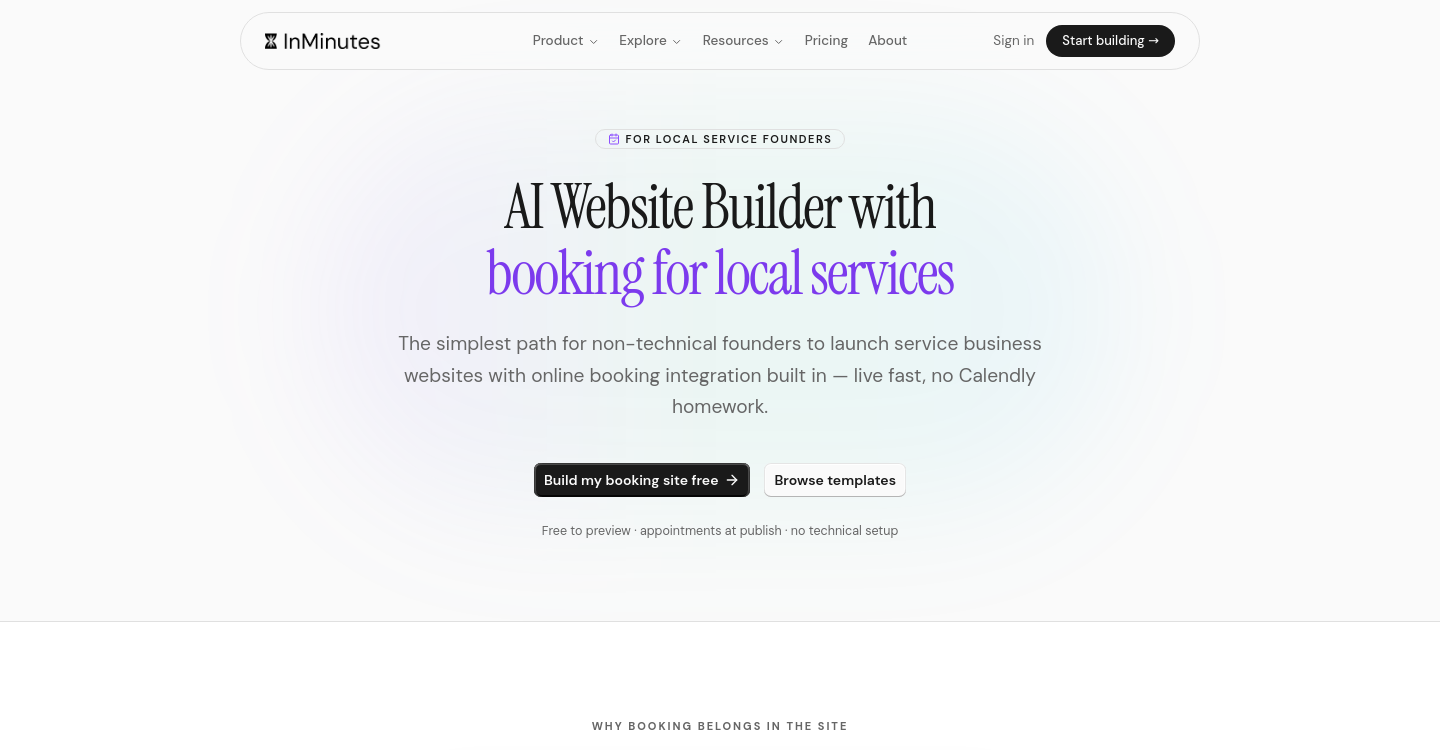
With InMinutes, appointments are included on every plan, including the free tier — booking is not the upgrade. Automated business website creation means you describe your business and get a multi-page site with the booking flow generated from your services and hours, then edit by describing changes. The AI copy design and code generation runs in one pass, so the service descriptions, the layout, and the working front-end code arrive together — with mobile-ready website creation as the default, since most bookings happen on a phone. Publishing to your own domain is on the paid plans.
Step 5: Deposits and no-shows — only if you need them
Taking a card at booking time reduces no-shows sharply. It also reduces bookings. Whether that trade is worth it depends on numbers you can actually check: what fraction of your slots go unfilled from no-shows, and what an empty slot costs you.
-
High no-show cost (a two-hour slot, a reserved specialist, perishable prep) — take a deposit
-
Low no-show cost (a fifteen-minute consultation you can backfill) — don't; the friction costs more than the no-shows
If you do want deposits, that's the part of InMinutes that requires Pro, because it runs through Stripe Connect and involves handling money. Everything else about booking works on the free tier.
A cheaper first move: automatic reminders. A confirmation immediately and a reminder the day before removes a large share of no-shows with no friction at booking time.
Step 6: Make the booking findable
A booking page nobody reaches is a well-built dead end.
-
Link it from your Google Business Profile as the booking action — for local services this is frequently the single largest source of bookings
-
Give it a memorable URL —
/book, not/appointments/scheduler-v2 -
Put the button in the header on every page, not only the homepage
-
Let SEO and lead generation do some work — your services pages should describe what you do in the words customers search, and the site should emit LocalBusiness structured data so search engines and AI assistants can answer "who does X near me" with you in it
Five mistakes that kill booking pages
Asking for too much. Every optional field costs completions. Name, contact, service, time. Ask the rest afterwards.
No mobile test. Most bookings are made on a phone, often in the evening. Test the whole flow on an actual phone before launch.
Sending people off-site. A third-party scheduler on a different domain with different branding breaks trust at the worst moment.
No confirmation. People who don't get an immediate confirmation email either book again or call to check. Both are worse than the confirmation.
Availability that isn't real. Nothing damages trust faster than confirming a slot and then calling to move it. Set buffers and lead times honestly on day one.
FAQ
The bottom line
Define your services and real availability first, build the site around the booking action rather than beside it, keep the flow on your own domain, and add deposits only when the numbers justify the friction. Build your booking site free with InMinutes →
See also AI Website Builder With Online Booking in 2026 and How to Add Table Reservations to Your Restaurant Website.

Guides10 min read

Guides11 min read

Guides9 min read

Guides9 min read