How to Add Table Reservations to Your Restaurant Website

The settings that make online table booking work — service windows, turn times, party sizes and no-show deposits — and why reservations belong on your own site rather than behind a third-party app.

A reservation system is one of the few restaurant website features with a directly measurable payback: every booking taken online is a phone call nobody had to answer during service. The setup is small. Getting the settings right is what separates a booking page that fills tables from one that creates double-seatings and no-shows.
Quick answer: Put booking on your own site rather than behind a third-party app, then configure five things: service windows, party size limits, how long a table turns, how far ahead people can book, and blackout dates. Add a deposit for large parties if no-shows hurt. On InMinutes, appointments and the booking page are included on every plan including the free tier; taking a card at booking time requires Pro because it runs through Stripe.
Why it belongs on your own site
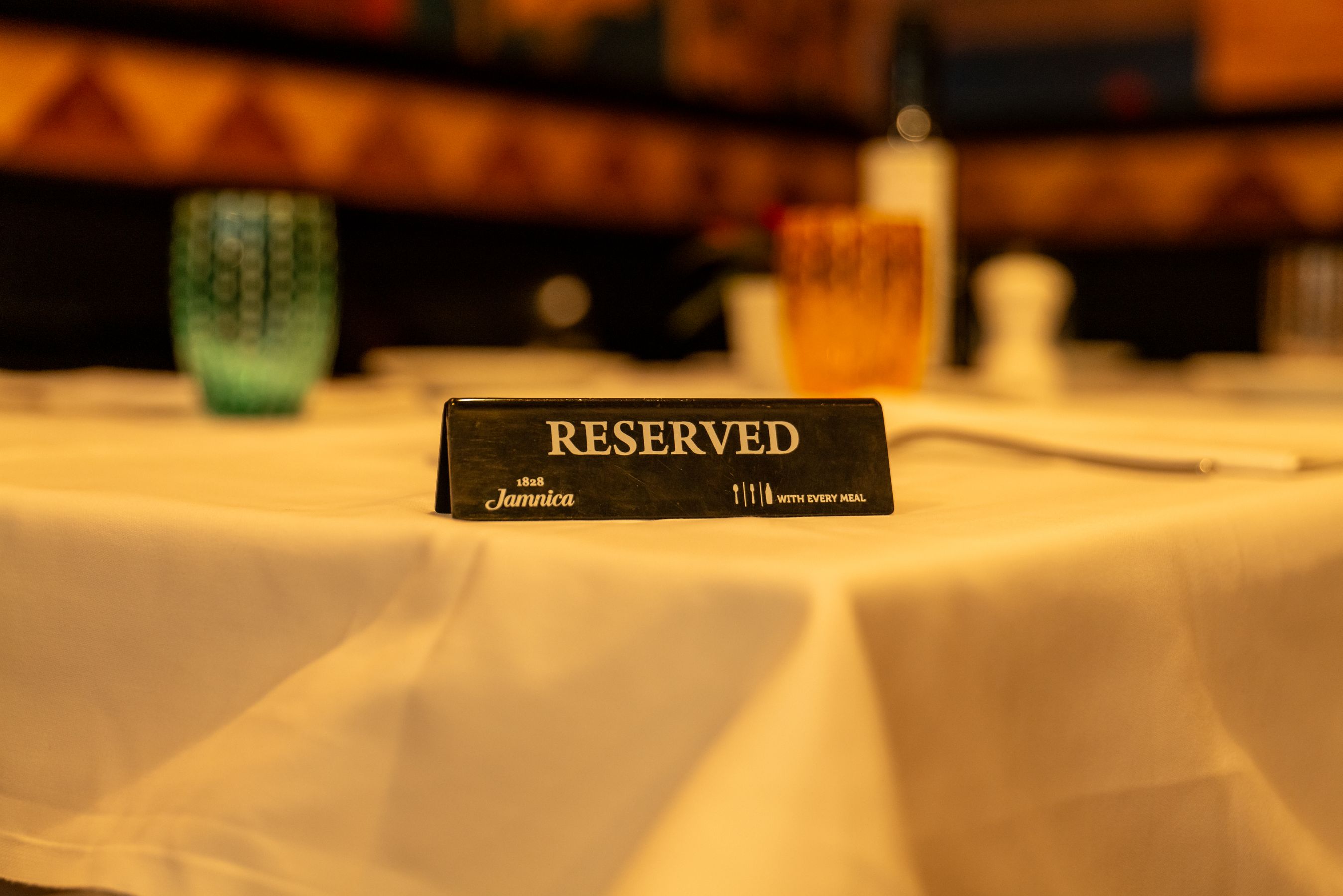
The common setup is a "Book a table" button that throws the guest into a reservation marketplace, where they're asked to create an account and are then shown three competing restaurants nearby. That last part isn't a bug in their product — it's the business model.
Booking on your own site means:
-
No account wall between a ready-to-book guest and a booked table
-
No competitor suggestions on the confirmation screen
-
One set of hours — the booking page and the site can't drift apart if they're the same site
-
The guest's contact details are yours, so you can email them about next month's tasting menu
The five settings that matter
1. Service windows, not opening hours
Bookable times are not the same as the hours the door is open. Lunch 12:00–14:30, dinner 18:00–22:00, kitchen closed between. Set the windows per day — Sunday is almost always different, and the mistake of copying Friday's hours across the week shows up as a party of six arriving on a day you don't do dinner.
2. Party size range
Set a minimum (usually 1 or 2) and a maximum you can genuinely seat without rearranging the room. Anything above the maximum should be routed to a phone call or an enquiry form — large groups need a conversation about menus anyway.
3. Turn time
How long a table is held per booking. Ninety minutes for a bistro, two to three hours for tasting menus. This is the setting that gets ignored and then causes the 20:15 party to arrive while the 18:45 party is on dessert. Set it to what actually happens in your room, not what you wish happened.
4. Booking window and notice
How far ahead people can book (30–60 days is normal) and the minimum notice you'll accept (often 1–2 hours, so the kitchen isn't ambushed). Too short a notice period turns your booking page into a walk-in queue; too long and you lose the spontaneous Friday table.
5. Blackout dates
Holidays, private events, the two weeks you close in August. Put them in the moment you know them. An accepted booking for a day you're closed costs you a guest permanently.
Reducing no-shows
No-shows are the reason many restaurants avoid online booking at all. Three things move the number, in order of effectiveness:
-
A card on file or a deposit, especially for parties above four or on peak nights. It's the only measure that reliably works. On InMinutes this is the Pro piece — deposits run through Stripe Connect.
-
A confirmation and a reminder, sent automatically. Most no-shows are forgetting, not malice.
-
Easy cancellation. Counterintuitive, but a guest who can cancel in one tap does — and you get the table back with hours to sell it, instead of an empty seat at 20:00.
A deposit policy stated plainly on the booking page also filters out the bookings least likely to show up, before they're made.
Setup checklist
Setting | Typical value | What goes wrong if you skip it |
|---|---|---|
Service windows per day | Lunch + dinner, per weekday | Bookings on days or times you don't serve |
Party size min/max | 1–8, larger by phone | Groups you can't seat arrive anyway |
Turn time | 90 min – 3 hrs | Double-seated tables, backed-up service |
Booking window | 30–60 days ahead | Bookings for a season you haven't planned |
Minimum notice | 1–2 hours | Ambushed kitchen |
Blackout dates | Holidays, closures | Guests arriving at a locked door |
Deposit for large parties | Peak nights, 5+ guests | No-shows on your best tables |
Confirmation + reminder | Automatic | Forgetting-based no-shows |
Where to put the button
Top navigation, and again on the homepage above the fold. Not only in the footer. If you have a menu page, put it at the bottom of that too — reading the menu is the moment the decision gets made.
On mobile, it should be reachable with a thumb without scrolling past three photos. That's where the bookings come from.
FAQ
The bottom line
Get service windows, party sizes, turn time, notice, and blackout dates right, and online booking quietly removes a stack of interruptions from every service. Add deposits when no-shows start costing real money. Build your restaurant's site free with InMinutes →
See also How to Make a Restaurant Website in 8 Steps and 7 Restaurant Website Features to Check in 2026.

Guides10 min read
Guides11 min read

Guides9 min read

Guides9 min read