How to Launch a Business Website Without a Designer

Show startup founders and small business owners the fastest step-by-step path to publish a professional website with booking, payments, and SEO using an AI website builder instead of hiring a developer or designer.
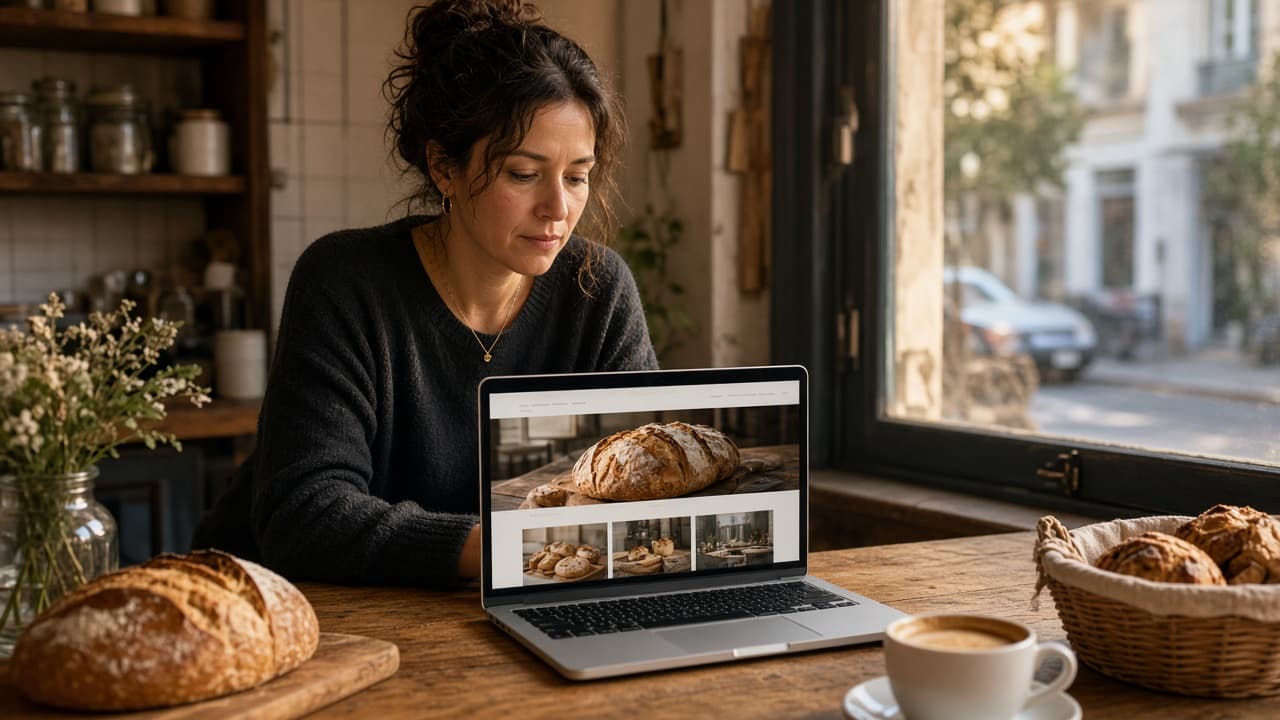
You do not need a designer to look professional online. You need clear business facts, a modern website builder for small businesses, and a short publish checklist. This walkthrough is the fastest path to a live site with booking, payments, and SEO — without hiring a developer.
Quick answer: Gather your NAP, services, and logo, generate a site with an AI no-code website creation tool like InMinutes, verify facts, turn on booking/payments, publish on a custom domain, then connect Google Business Profile and Search Console.
What you need before you start
-
Business name, city, phone, address or service area
-
3–6 services or products with plain prices (even if approximate)
-
Logo file (or skip and add later)
-
One proof point (review quote, years in business, or photo)
-
Domain preference (or buy at publish)
How to launch without a designer
1. Write a one-sentence offer
"We help [customer] get [result] in [city]." That sentence becomes your hero. If you cannot write it, no designer can save the site.
2. Generate with an AI website builder
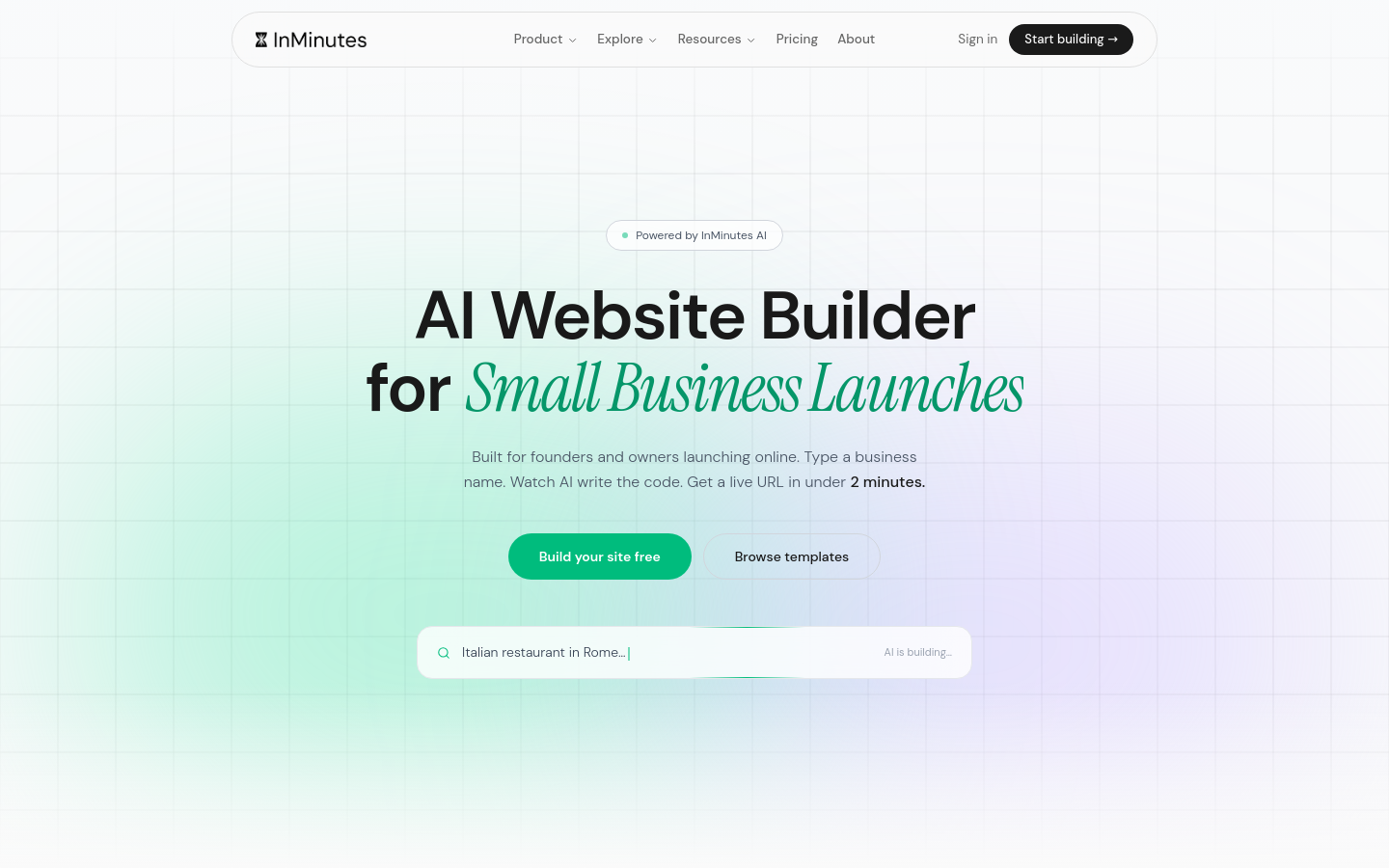
Use DIY website design that starts from your business — not a blank artboard. InMinutes creates a multi-page draft from your details (and Google Business data when available) in about two minutes.
3. Fix only facts and proof
Chat-edit wrong hours, missing services, and weak CTAs. Do not spend a day swapping fonts. Professional business websites win on clarity, not on trendy typefaces.
4. Turn on booking and payments
-
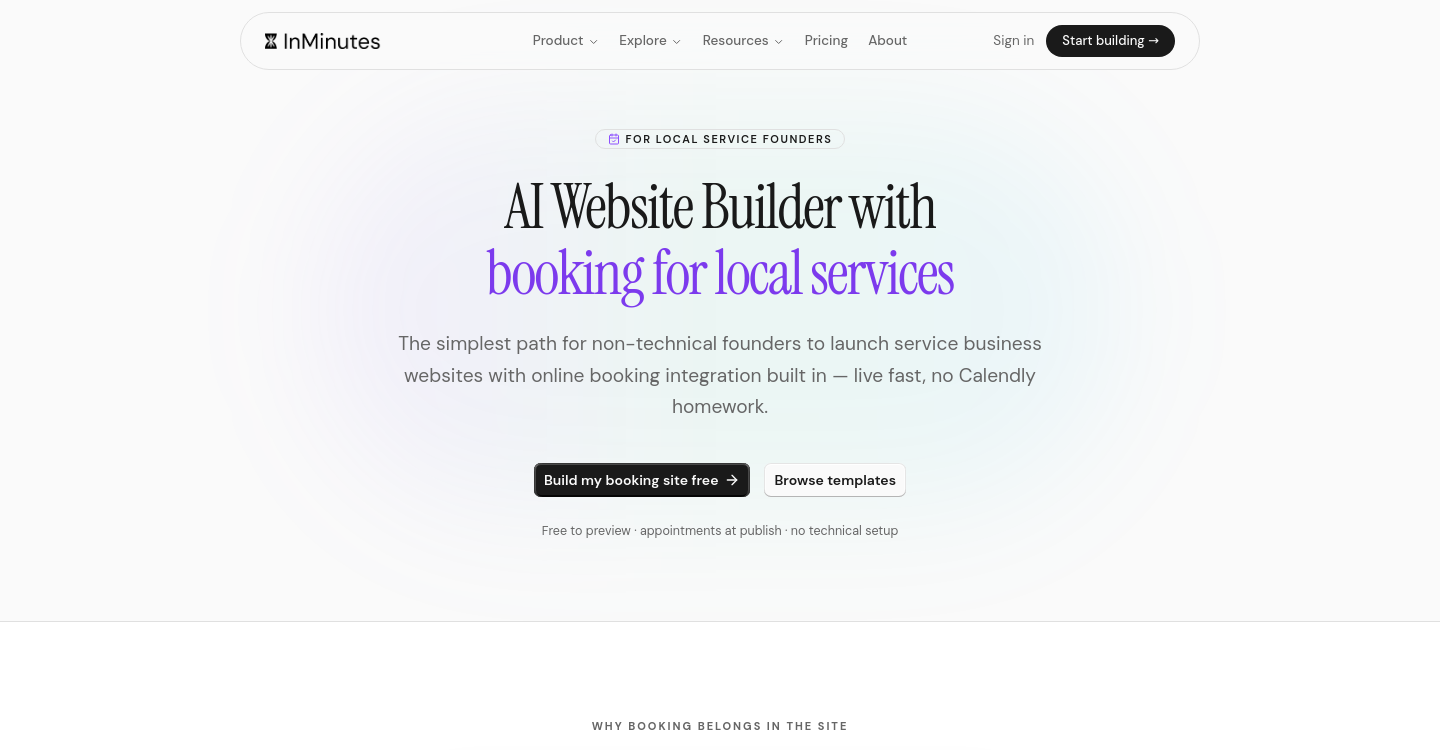
Enable online booking and match your real hours
-
On InMinutes Pro, add Stripe deposits and/or the 0% platform-fee AI Store
-
Test one real booking or checkout on your phone
5. Publish on your own domain
Upgrade from Free preview to Starter ($19/mo) to publish and connect a custom domain. Free subdomains look temporary to customers and partners.
6. Wire discovery
-
Paste the site URL into Google Business Profile
-
Submit the sitemap in Google Search Console
-
Confirm NAP matches footer and Google
7. Ship a first SEO page
Publish one useful page or blog post that answers a real local question. On Pro, scheduled auto-blog can keep this going.
Example launch day schedule
| Time | Task |
|---|---|
| 0:00–0:10 | Write offer sentence + list services |
| 0:10–0:20 | Generate site in InMinutes |
| 0:20–0:40 | Fix NAP, hours, CTA, add logo |
| 0:40–1:00 | Enable booking and run a test slot |
| 1:00–1:20 | Publish domain + update Google Business Profile |
| 1:20–1:40 | Submit sitemap; ask one customer for a review |
| That is a full startup website launch without a design sprint. |
When you should still hire a designer
Hire help when you need a custom brand system, complex motion, or a product UI. For a marketing site that takes bookings and explains services, AI + your judgment is enough.
Also hire (or pause) if:
-
You sell a visually competitive consumer brand where photography direction is the product
-
Legal or regulated copy must be lawyer-reviewed before publish
-
You need complex membership entitlements beyond standard booking/store tools
Time and cost reality check
| Approach | Typical cost | Typical time |
|---|---|---|
| AI website builder | $0–$49/mo | Same day |
| DIY template builders | $17–$30/mo | Days–weeks |
| Freelance designer | $1.5k–$6k | Weeks |
| Agency | $5k–$20k+ | Months |
The bottom line
Web design without developers is normal in 2026. Launch with an AI builder, validate with customers, then invest in design only where it measurably improves conversion.
FAQ
Related reading
Best website builders for fast startup launches, AI website builder or web designer for local business, and beginner's guide to no-code business websites.