A Beginner's Guide to No-Code Business Websites

Create a definitive guide that shows startup founders and small business owners how to launch a professional appointment-ready website without a developer using no-code and AI website tools.
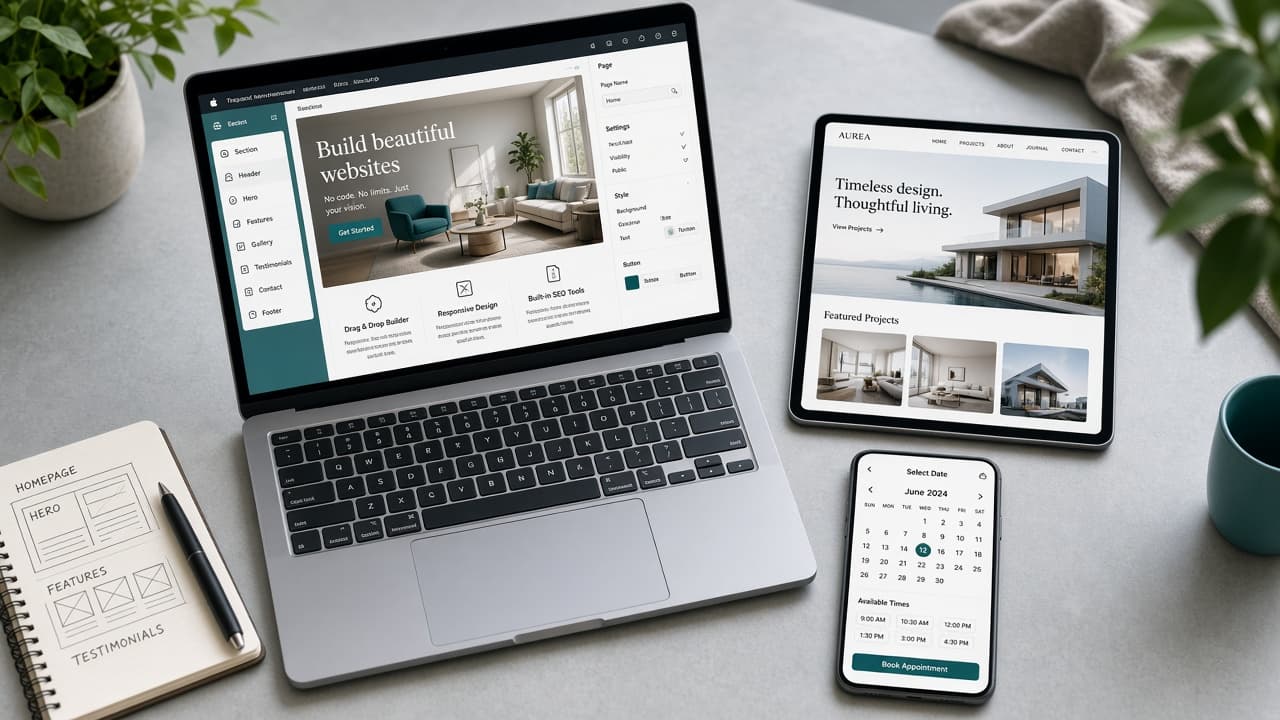
No-code website creation means you publish a real business site without writing code — and in 2026, AI builders go further: they draft the pages for you. This beginner's guide shows how founders and small businesses launch an appointment-ready site with modern small business website tools.
Quick answer: Pick an AI website builder for small businesses, generate from your business details, enable booking, publish on a custom domain, and keep NAP consistent with Google. InMinutes is built for that path: Free preview, booking on every plan, Starter to publish ($19/mo), Pro for store and growth agents ($49/mo).
What is a no-code business website?
A no-code business website is a hosted site you edit visually or with prompts — no HTML/CSS required. AI builders are a subset: they generate the first version, then let you refine. The goal is a professional business website customers can trust, not a coding project.
What should beginners put on the site?
-
Clear offer in one sentence
-
Services or products with prices (or starting at)
-
Proof (reviews, photos, credentials)
-
Hours and contact
-
Booking or form CTA
-
Mobile-friendly layout
How do beginners launch an appointment-ready site?
Step 1 — Choose the right class of tool
| Tool class | Best when | Watch-outs |
|---|---|---|
| AI generators (InMinutes, Durable) | You want speed | Confirm booking/SEO depth |
| DIY editors (Wix, Squarespace) | You enjoy designing | Slower launches |
| Design tools (Framer) | Brand visuals matter | Embeds for ops |
| Dev platforms | You have engineers | Overkill for brochure sites |
Step 2 — Generate the first draft
Enter business name and city. Prefer builders that use real business data. InMinutes drafts multi-page structure automatically.
Step 3 — Enable appointments
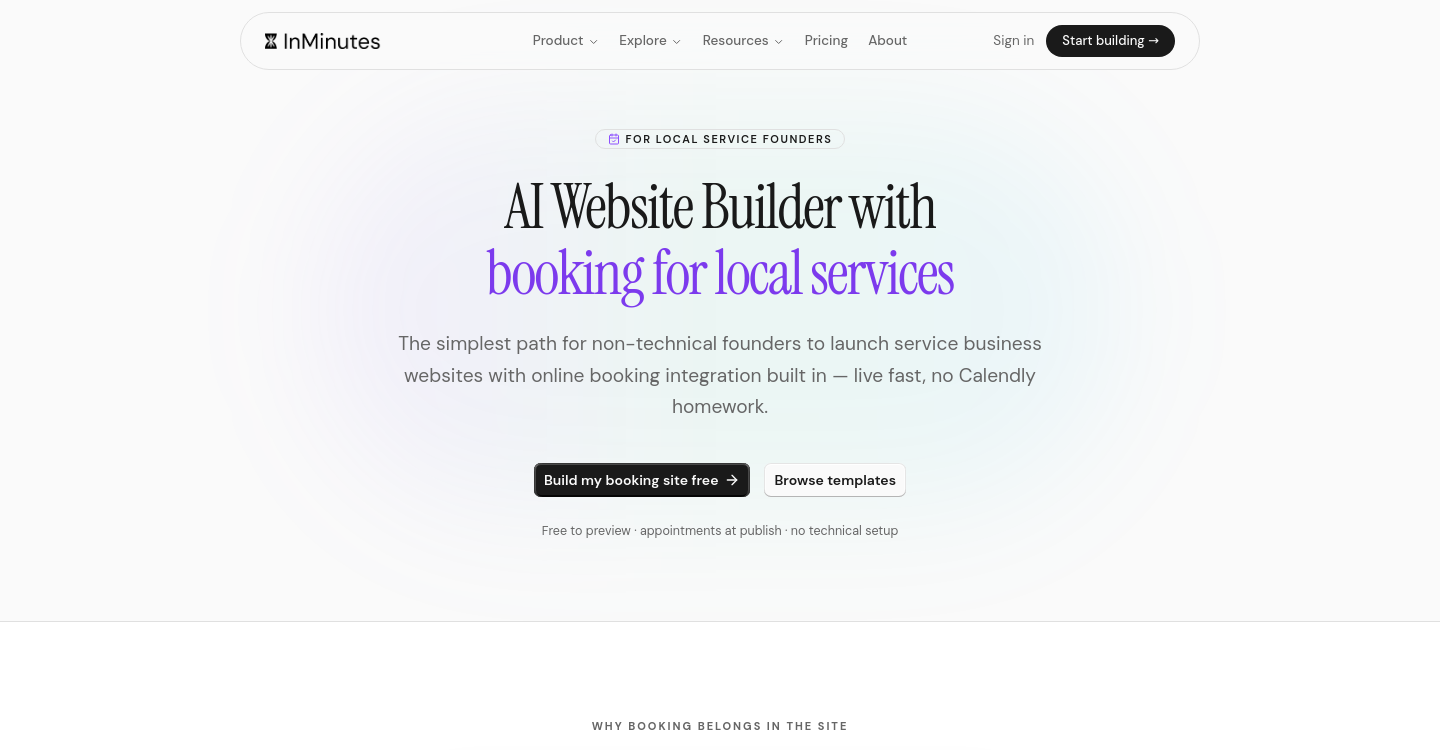
Turn on online booking. Match availability to real hours. Test on mobile. This is the difference between a brochure and an appointment-ready site.
Step 4 — Publish and connect domain
Free previews are for validation. Publishing on your domain is for customers. Starter includes hosting, domain connection, blog, and SEO tools.
Step 5 — Do beginner SEO only
-
Unique title per page
-
City + service in headings where natural
-
Sitemap + Search Console
-
Google Business Profile website link
Skip keyword stuffing. Consistency beats tricks.
Common beginner mistakes
-
Launching on a free subdomain forever
-
Hiding prices and CTAs
-
Using a PDF menu or services list nobody can read on mobile
-
Mismatched hours vs Google
-
Buying five apps before publishing one clear page
DIY website design vs AI generation
DIY website design teaches the editor. AI generation teaches the business. Beginners usually get a better first site by answering business questions than by learning padding controls.
Booking setup for beginners (checklist)
-
List every bookable service with duration
-
Set weekly hours that match Google
-
Add buffer time between appointments
-
Write a short cancellation policy on the booking page
-
Test on your phone with a real email address
-
Only then share the link on Google, Instagram, and your card
On InMinutes, appointments are available even on the Free Plan for preview; publishing the bookable site needs Starter or above.
What “good enough” looks like on mobile
Open your draft on a phone and check:
-
Can you understand the offer without zooming?
-
Is the Book / Call button visible without scrolling forever?
-
Are hours and address correct in the footer?
-
Do service names match what customers actually ask for?
If those four pass, you are ready to publish. Polish colors later.
The bottom line
You do not need to become a designer to launch. Use no-code website creation, keep the checklist short, and measure success by bookings and calls — not by how many templates you browsed.
Start your no-code site free →
FAQ
Related reading
How to launch a business website without a designer, best website builders for fast startup launches, and 10 AI website builder mistakes beginners make.