How Do I Move My Website Off Wix in 2026?

Move your website off Wix by exporting content, choosing a new platform, and rebuilding. InMinutes builds a complete multi-page site in minutes with chat…

Quick answer: You move a website off Wix by exporting what you can, rebuilding the pages and content on a new platform, and pointing your domain there. With InMinutes, you describe your business in chat, get a complete multi-page site in minutes, and keep editing by talking to it — no drag-and-drop, no code. Pro is $49/month and includes the store, booking, SEO, invoicing, and CRM that Wix often splits across paid add-ons.
The short version
-
Wix does not let you export a working site; you can download some images and text, but the design, layout, and functionality stay behind.
-
Moving means rebuilding: you need a new platform, your content, and your domain repointed.
-
InMinutes builds your replacement site in minutes from a short business description, then lets you edit by chatting in plain language.
-
The Pro plan at $49/month includes online store with checkout, appointment booking, invoicing, SEO with LocalBusiness JSON-LD, and an Audience CRM — all built in, not bolted on.
-
If your site is large, custom, or tied to complex integrations, hiring a freelancer or agency to manage the move may save you time and mistakes.
How do I move my website off Wix without losing everything?
You cannot take the Wix site itself with you. Wix locks the design, code, and structure to their platform. What you can save: your text (copy and paste from each page), your images (download from the media manager), any blog posts (manual export or copy), and your customer lists (export to CSV from contacts or store orders). Your domain, if you bought it through Wix, can be transferred out to a standard registrar with an authorization code.
The honest process: open a new platform, rebuild page by page using your saved content, match or improve your URLs so you do not break search rankings, then repoint your domain and set up 301 redirects where possible. It is manual work. There is no automatic "Wix to anywhere" button that preserves your design.
What should I rebuild on instead of Wix?
Your honest options fall into three categories, and the right one depends on your situation.
A freelancer or agency is the better choice if your site has dozens of pages, custom booking logic, a membership system, or integrations with specialized software you cannot untangle yourself. You will pay for their time, but they handle the migration, redirect mapping, and testing.
A template builder with add-on apps works if you want visual control and do not mind assembling features yourself. The tradeoff is that store, booking, CRM, and email marketing often become separate subscriptions with separate logins and bills. The base plan looks cheap until the real monthly total is several times the headline price.
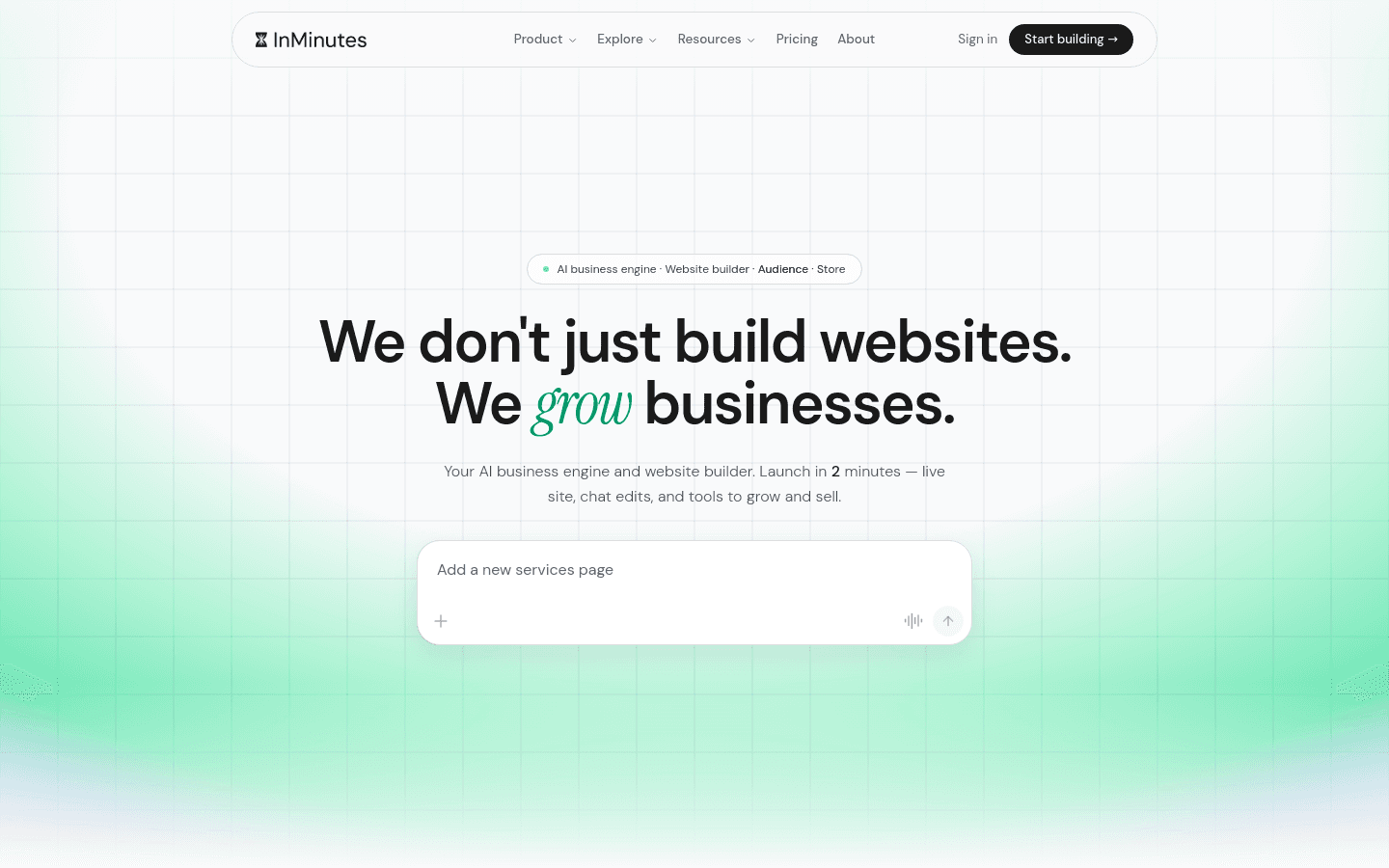
InMinutes fits if you want a complete, professional local business site fast, with built-in features that other platforms treat as extras. You get a multi-page site live in minutes, then edit by chatting — "make the hero darker," "add a services page," "turn on booking." No templates to wrestle, no plugins to configure.
The Pro plan at $49/month includes online store with checkout at 0% InMinutes platform fee (your own Stripe or PayPal handles card processing at about 2.9% + 30¢), appointment booking, invoicing, blogging, SEO with meta tags and LocalBusiness JSON-LD plus GEO/llms.txt, an Audience CRM, and AI growth agents including a Growth Advisor and scheduled auto-blog. Business at $99/month doubles your AI tokens from 3,000 to 6,000 but keeps the same features. Appointment booking is on every plan including Free; only taking a deposit or card payment at booking time requires Pro. The online store only exists on Pro and Business — not on Free or Starter.
For sellers of digital products like courses or downloads, Paddle is available as an alternative processor. It acts as merchant of record and handles sales tax and VAT worldwide, for its own fee structure. Paddle does not accept physical goods or in-person services, so restaurants, salons, and shops shipping products should stick with Stripe or PayPal.
How to do it with InMinutes
-
Sign up and start your trial. New subscribers get a 3-day free Pro trial. Go to /auth/signup.
-
Describe your business in chat. Type what you do, where you are, and what pages you need. Example: "I run a dental clinic in Austin. I need a homepage, services page, about us, and booking."
-
Review your generated site. InMinutes builds a complete multi-page site in minutes. Check the pages, navigation, and copy.
-
Paste in your saved Wix content. Copy your text and upload your images. Tell the chat: "replace this paragraph with..." or "add this image to the team section."
-
Turn on the features you need. Say "enable appointment booking" or "add the online store." On Pro, both are included. Set up your Stripe or PayPal account for payments.
-
Connect your domain. Point your domain's DNS to InMinutes. If your domain is locked at Wix, complete the transfer to a standard registrar first.
-
Publish and test. Click publish, check every page, place a test order or booking, and announce your new site.
When should I hire someone instead of doing it myself?
Hire help if any of these apply: your Wix site has more than 20 pages; you run a complex membership or subscription model; you have custom code or third-party integrations that must be recreated; you are not confident with DNS, domain transfers, or redirect mapping; or your business revenue depends on the site being perfect on day one and you cannot risk downtime.
A freelancer will charge for their hours, but a broken migration costs more in lost traffic and sales. Be honest about your technical patience. If the thought of repointing DNS records makes you anxious, pay someone who does it weekly.
The bottom line
Moving off Wix means rebuilding, but it does not have to mean months of work or a stack of separate subscriptions. InMinutes gives you a complete, live, multi-page site in minutes, then lets you run it by chatting. Store, booking, invoicing, SEO, and CRM are built into one Pro plan at $49/month — no add-on hunting, no template lock-in, no code. If you are ready to stop wrestling with your website and start running your business, launch your site with InMinutes.
FAQ
Guides10 min read

Guides6 min read

Guides5 min read

Guides5 min read
Ready?
Your site, live in 2 minutes with InMinutes.
No agency. No waiting. Flat monthly fee.
Start for free →