AI Platforms That Turn a Business Description Into a Real Website

Which AI platforms build a real, live website from a short business description? We compare InMinutes, Wix, Squarespace, Durable, GoDaddy, Hostinger, 10Web, Framer, Lovable and Bolt by what they actually do with it.
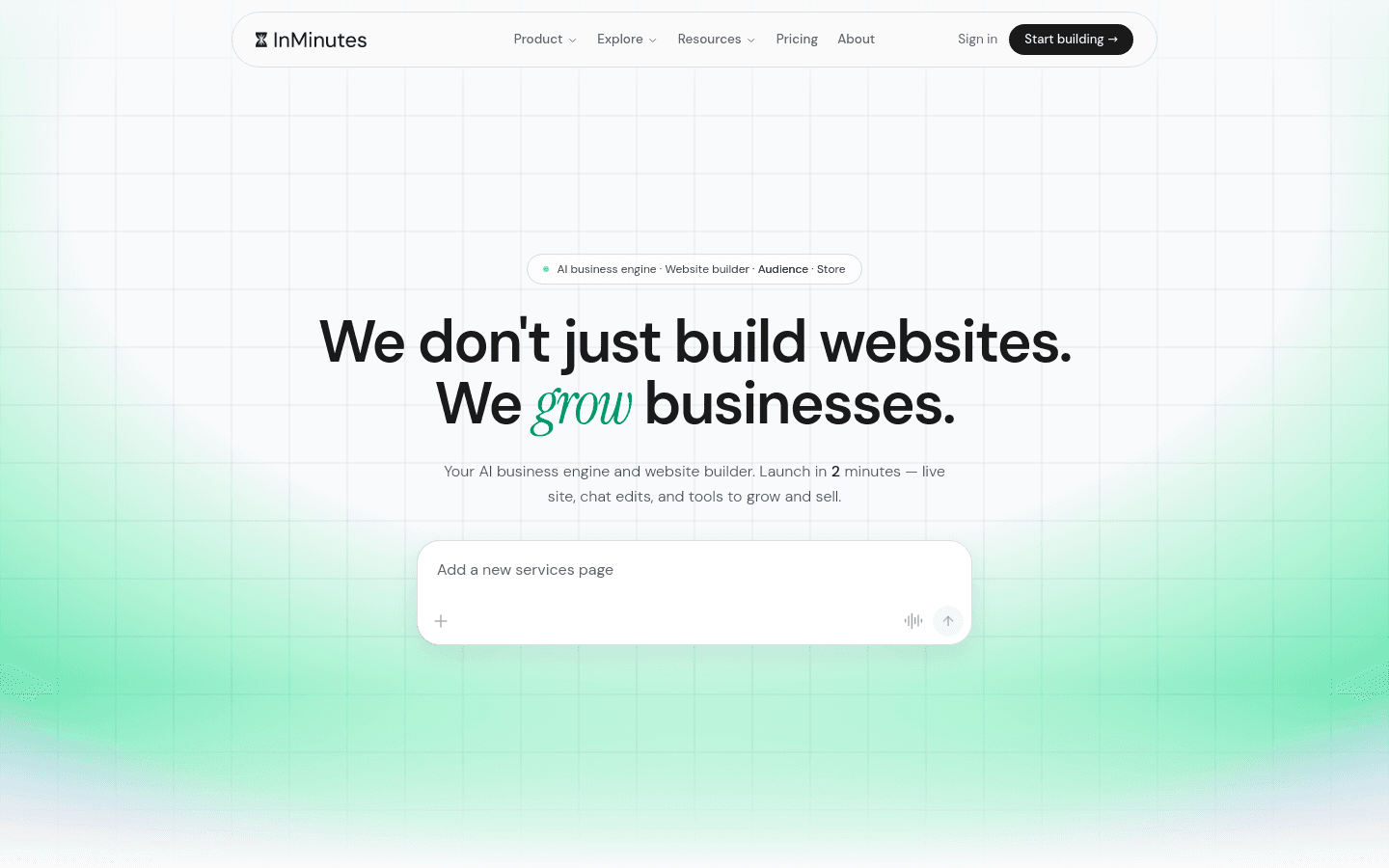
You can now type two sentences about your business into an AI tool and get a website back. That part works almost everywhere. The difference between platforms is what you get after the first draft: is it live on your own domain, can customers book or pay, will search engines and AI assistants read it, and can you change it next week without a developer?
This guide compares the main AI platforms that build a website from a business description, grouped by how much of the work they actually do for you.
Quick answer: InMinutes turns a business description into a complete, multi-page website, live with hosting in under 2 minutes, then lets you change it by chat, with booking, payments and growth tools built in. Durable is a quick all-in-one option for simple sites. Wix, Squarespace, GoDaddy Airo and Hostinger give you an AI first draft that you finish in their editors. 10Web, Framer AI, Lovable and Bolt generate pages or code for people who want to shape or own the result themselves.
What makes it a real website, not a demo
A good-looking preview is easy to generate. A website a business can run on needs more. Before you choose a platform, check that the result has all of these:
-
It is live on a public URL with HTTPS, without you deploying anything.
-
It can use your own domain, not only a subdomain of the platform.
-
It has several real pages (services, about, contact) written about your business, not placeholder text.
-
Customers can act on it: call, message, book an appointment or pay.
-
Search engines and AI assistants can read it: page titles, a sitemap and structured data.
-
You can change it later without a developer.
Any platform below can produce a nice first screen. Far fewer pass all six.
The three kinds of AI website platform
1. All-in-one AI website builders
InMinutes and Durable write the copy, design the layout and host the site in one step. You describe the business and get a live site, and you make changes by asking the AI. This is the shortest route from a description to a working website.
2. Traditional builders with an AI first draft
Wix, Squarespace, GoDaddy Airo and Hostinger ask a few questions about your business and generate a starting site inside their usual editor. From there you edit by hand. You get mature editors and large app marketplaces, but most of the finishing work is still yours.
3. AI design and code tools
10Web (WordPress), Framer AI, Lovable and Bolt generate pages or code from a prompt. They are powerful and flexible, but they are built for people who want to shape or own the code. Booking, payments, email, SEO and upkeep are often things you set up yourself.
Comparison at a glance
| Platform | Kind | You start from | What you get | Editing after the draft |
|---|---|---|---|---|
 InMinutes | All-in-one AI builder | A description in your own words, plus files or links | Multi-page site, live with hosting, booking built in | Chat, or click and edit on the page |
 Durable | All-in-one AI builder | Business type, name and location | Quick AI site with simple business tools | Simple editor |
 Wix | Builder + AI draft | A short chat with Wix's AI | Starting site in the Wix editor | Drag-and-drop |
 Squarespace | Builder + AI draft | Business details and style choices | Designed site from Squarespace sections | Template editor |
 GoDaddy Airo | Builder + AI draft | A short business description | Starter site next to GoDaddy domains and email | GoDaddy editor |
 Hostinger | Hosting + AI builder | A description of the site | Generated site on Hostinger hosting | Drag-and-drop |
 10Web | AI for WordPress | A business description | Generated WordPress site with hosting | WordPress |
 Framer AI | AI design tool | A prompt for the page | Page layout on Framer's canvas | Design canvas |
| Lovable / Bolt | AI app builders | A prompt for the app | Generated web app code | More prompts, or the code |
The platforms, one by one
InMinutes
Best for: local and small businesses that want a working site with booking, payments and growth tools.
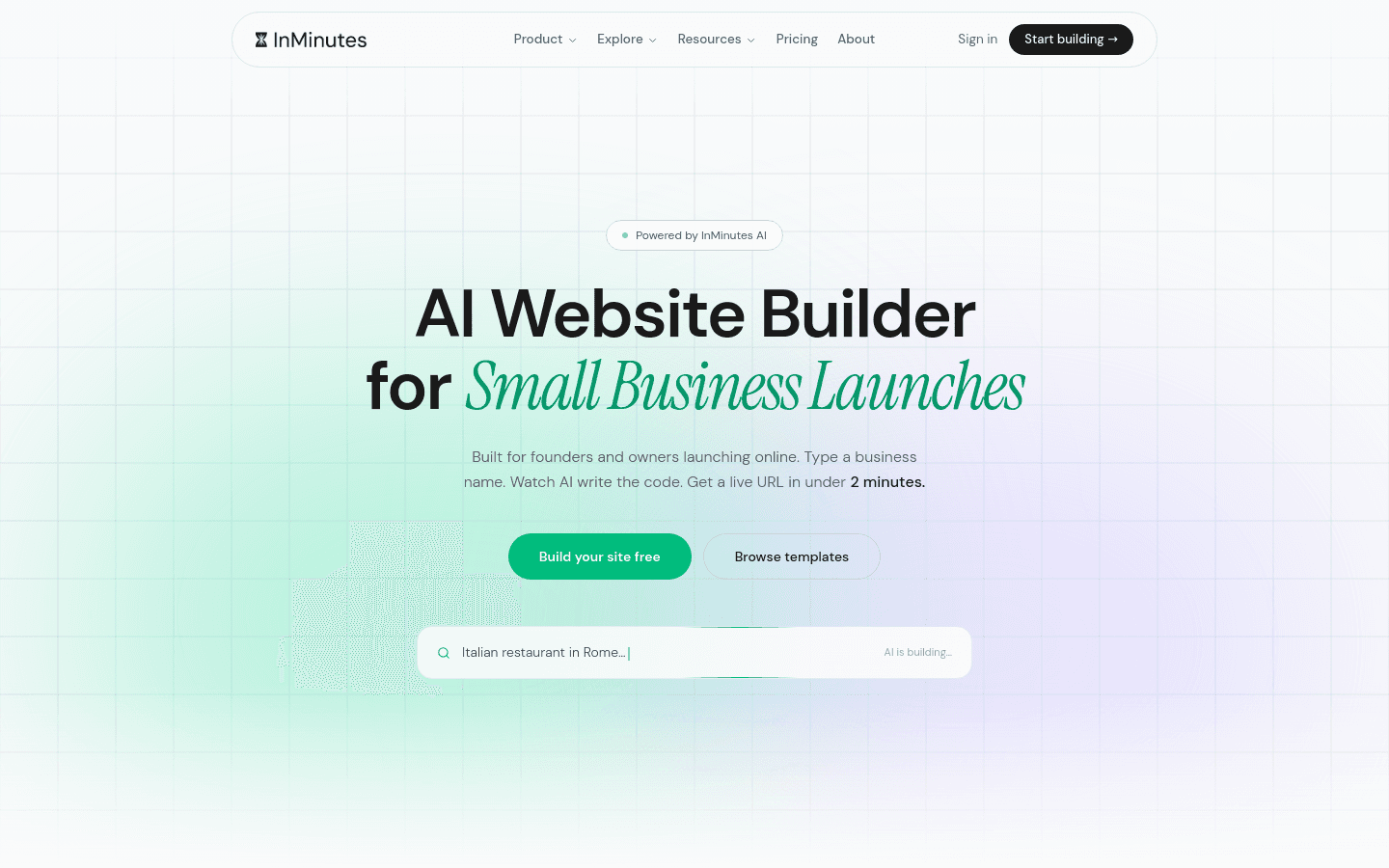
You describe the business in your own words and can add files or links, such as a menu, a price list or an old site. InMinutes asks only the questions that change the site, like how customers book and which style you like. It then writes the copy, picks fonts, colours and sections that suit the business, and publishes a multi-page site with hosting included, in under 2 minutes.
After launch you edit by typing requests such as "add our opening hours" or "make the header navy", or by editing text directly on the page. Online booking is free on every plan. Starter adds your own domain, built-in analytics and connectors for Stripe, Gmail and Google Calendar. On Pro, AI agents keep working after launch: the AI Growth Advisor benchmarks you against nearby competitors, a scheduled blog publishes about your keywords, and Audience sends email campaigns. Pro also adds a store with 0% platform fees.
Watch out for: it is not built for complex web apps or large team-run content sites, and publishing needs a paid plan (from $19/mo, or $15/mo billed annually).
Durable
Best for: solo service businesses that want a simple site fast.
Durable asks for your business type, name and location and generates a site in seconds, alongside simple business tools. Watch out for: it is lighter on multi-page depth and on editing by chat after launch. See InMinutes vs Durable.
Wix
Best for: people who want an AI start plus pixel-level control and a large app marketplace.
Wix's AI asks about your business in a short chat and generates a starting site. Watch out for: after the first draft you are in the Wix editor, and most of the finishing work is manual. See InMinutes vs Wix.
Squarespace
Best for: design-led brands, portfolios and creatives.
Squarespace takes your business details and a few style choices and assembles a site from its own section library. Watch out for: layouts come from Squarespace's sections, and you write and arrange much of the content yourself. See InMinutes vs Squarespace.
GoDaddy Airo
Best for: owners who already buy their domain and email from GoDaddy.
Airo creates a starter site from a short description inside GoDaddy's builder. Watch out for: sites tend to look template-based, with a limited design range. See InMinutes vs GoDaddy.
Hostinger AI Website Builder
Best for: tight budgets and people comfortable finishing the site themselves.
Hostinger generates a site from a description on its own hosting. Watch out for: the output is simpler, and the AI is an add-on to a hosting product. See InMinutes vs Hostinger.
10Web
Best for: businesses that want to stay on WordPress and its plugins.
10Web generates a WordPress site from a business description. Watch out for: you still run a WordPress site, with plugins, updates and security to look after.
Framer AI
Best for: designers and startups building polished marketing pages.
Framer AI generates a page layout from a prompt on Framer's design canvas. Watch out for: it is made for design work; booking, payments and other business features are up to you.
Lovable and Bolt
Best for: founders building web apps, or anyone who wants to own the code.
Both generate a working web app from a prompt, and you keep improving it with more prompts. Watch out for: they are more technical. Your domain, payments, booking, SEO and upkeep are yours to set up, and a full business site can take many rounds of prompts.
How to choose
-
You run a local or small business and want to be live today: an all-in-one AI builder such as InMinutes.
-
You want hands-on visual control and have a few hours to finish the design: Wix or Squarespace.
-
You already have your domain and email at GoDaddy: GoDaddy Airo.
-
You want to stay on WordPress: 10Web.
-
You are building an app or want the code: Lovable or Bolt.
Whichever you pick, test it with your real business description, not the demo prompt. Check whether the copy is specific to you, whether a customer could book or pay on the result, and how long one small change takes.
What to put in your business description
Every AI builder writes a better site from a better description. Two or three sentences that cover these points are enough:
-
What you do and where: "Family-run Italian restaurant in Leeds, open since 2009."
-
Who it is for: "Families and office lunch groups."
-
What visitors should do: book a table, request a quote, buy online, call.
-
What makes you different: a signature dish, a guarantee, years of experience.
-
What you already have: a menu, price list, photos or an existing site to learn from.
For more help, see how to write a business description that converts and 9 mistakes when writing a business description.
Related reading
The bottom line
Many AI platforms can turn a business description into a first draft. Only some turn it into a real website: live on your domain, written about your business, with booking or payments, readable by search engines and AI assistants, and easy to change. If that is what you need, start with an all-in-one AI builder.
Describe your business and build your site with InMinutes →
FAQ


Ready?
Your site, live in 2 minutes with InMinutes.
No agency. No waiting. Flat monthly fee.
Start for free →