How Do I Add Online Booking to My Website in 2026?

Add online booking to your website in minutes with built-in tools—no plugins, no coding. See how InMinutes includes booking on every plan, even free.

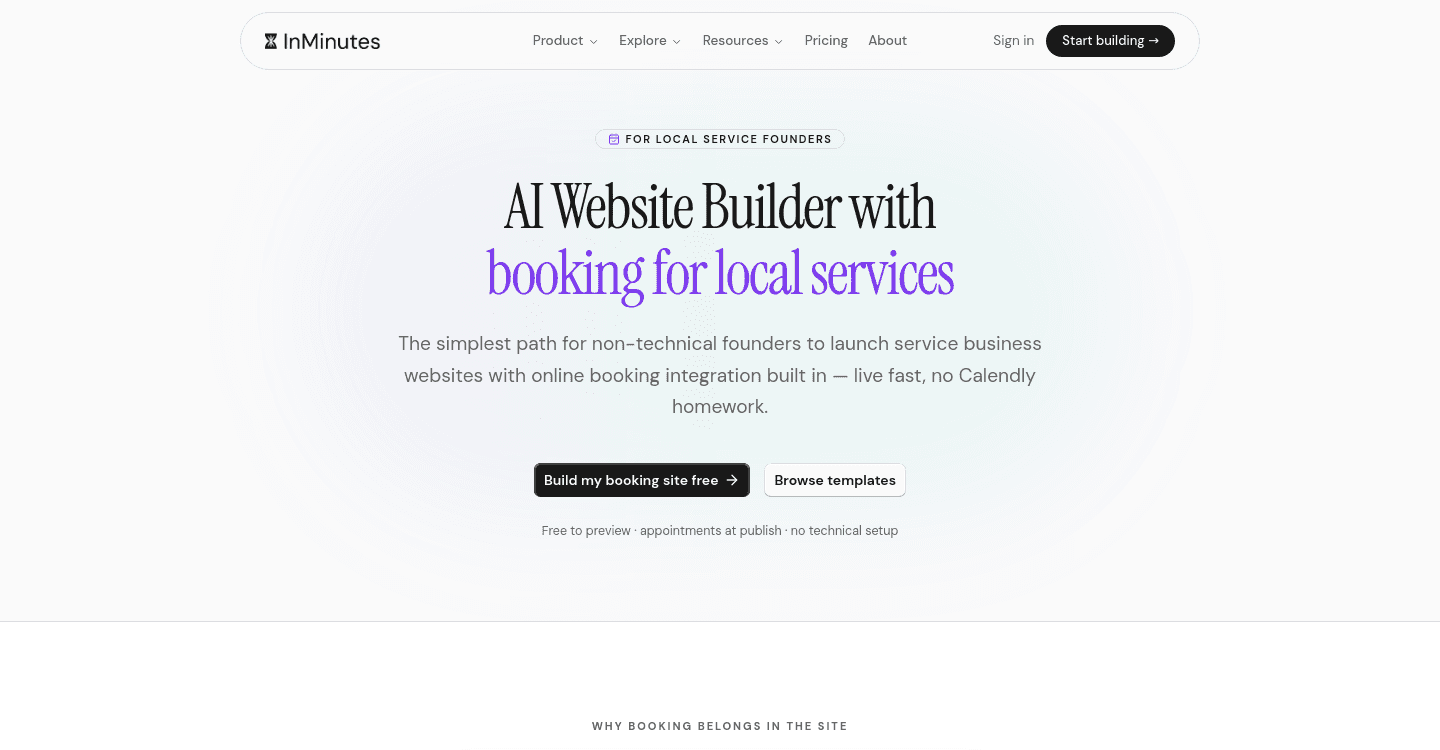
Quick answer: You add online booking to your website by embedding a scheduling widget or using a platform with built-in booking. On InMinutes, appointment booking is included on every plan, including Free, and goes live the moment your site does — no separate app to install.
The short version
-
InMinutes builds your complete website, including booking, in minutes through a chat conversation.
-
Appointment booking works on every plan, even the Free plan, so you can start taking bookings without paying anything.
-
If you want to collect deposits or card payments at booking time, that requires the Pro plan at $49 per month.
-
You edit everything, including your booking flow, by chatting in plain language — no code, no drag-and-drop panels.
-
Your payments run through your own Stripe or PayPal account, so you keep full control and pay no platform fee on top.
-
If you already have a website elsewhere, you can either rebuild on InMinutes or keep your current site and add a third-party booking widget.
How do I add online booking to my website without coding?
You have three honest paths, and two of them require zero technical skill.
Use an all-in-one platform with booking built in. This is the simplest route. Your website, booking system, and payments share one dashboard. You never patch together separate logins or worry about whether the widget matches your design.
Add a dedicated booking widget to your existing site. If you are happy with your current website, you can embed code from a standalone scheduling service. The downside is another subscription, another brand experience for your customer, and usually manual styling to make it look like it belongs.
Hire a developer or agency. This makes sense if you need complex rules — multiple staff calendars with conflicting availability, custom resource allocation, or deep integration with legacy software. For a standard local business, it is overkill and overbudget.
For most owners, the first option wins. You get consistency, fewer bills, and you are not troubleshooting why the widget broke after a theme update.
How to do it with InMinutes
-
Start a chat at InMinutes. Describe your business and mention you need online booking. The AI generates a complete multi-page site in minutes.
-
Tell it your services. Say something like "I offer 60-minute consultations and 30-minute follow-ups." It builds the booking page with your time slots.
-
Pick your plan. Booking itself works on Free. If you want to require a deposit or take full payment at booking, upgrade to Pro at $49 per month.
-
Connect your payment processor. Link your existing Stripe or PayPal account. You pay about 2.9% + 30¢ in card processing, and zero platform fee to InMinutes.
-
Launch. Your site and booking are live. Share the link or let customers find you through search — SEO with LocalBusiness JSON-LD is already built in.
-
Adjust anytime. Text the chat things like "add a buffer between appointments" or "block Tuesdays." The change happens without you touching settings panels.
If you sell digital products like courses or downloads, you can use Paddle instead of Stripe. Paddle acts as the merchant of record and handles worldwide sales tax and VAT at 5% + 50¢ per sale. Do not use Paddle for physical goods or in-person services — it does not support them.
Do I need to pay extra for booking or payment features?
No, and yes — it depends what "extra" means to you.
Appointment booking itself costs nothing beyond your plan. Even on the Free plan, customers can see your availability and request times.
Taking money at booking time requires Pro at $49 per month. That $49 also unlocks the full online store with checkout, invoicing, and the Audience CRM. You are not buying a booking add-on. You are upgrading to a tier where commerce features live.
Some builders keep booking on a higher tier or sell it as a separate subscription. With InMinutes, the structure is flat: one plan, one price, booking plus store plus SEO plus invoicing included.
What if I already have a website somewhere else?
You have two choices, and the honest one depends on your frustration level.
Rebuild on InMinutes. This is faster than it sounds. The AI builds your new site in minutes from a short description. You end up with everything native — booking, store, blog, SEO, invoicing — under one roof. See how it compares to your current builder or read about how long a small business website actually takes to build.
Keep your current site and add a booking widget. This works if your site is new, heavily customized, or tied to other tools you cannot move yet. Search for a scheduling embed, copy the code block, paste it into your page. You will manage bookings in a separate dashboard and likely pay a separate subscription.
If your current site is on a free plan with ads, slow load times, or no mobile optimization, rebuilding is usually the smarter move. A booking widget does not fix a site that drives customers away.
The bottom line
Adding online booking to your website in 2026 is not a technical project anymore. It is a choice about how many tools and subscriptions you want to juggle. InMinutes puts a live, bookable site in your hands in minutes, with editing as simple as texting a friend. Booking is free to start, payments unlock at $49 per month, and you own your customer relationships through your own Stripe or PayPal account.
Start your free site with InMinutes and turn on booking in your first chat. If you want to compare paths first, read can I take online bookings on my website for free or what is the easiest way to make a website for my small business.
FAQ

Ready?
Your site, live in 2 minutes with InMinutes.
No agency. No waiting. Flat monthly fee.
Start for free →