Can I Take Online Bookings on My Website for Free?

Yes, you can take online bookings for free. InMinutes includes appointment booking on its $0 Free plan, with Pro adding deposit collection via Stripe or PayPal.

Quick answer: Yes, you can take online bookings on your website for free. InMinutes includes appointment booking on its Free plan at $0 per month. You only need to upgrade if you want to collect a deposit or full payment at the time of booking.
The short version
-
InMinutes puts appointment booking on every plan, including the Free plan at $0 per month.
-
The Free plan lets you build one draft site with 200 AI tokens, but you cannot publish it.
-
New subscribers get a 3-day free Pro trial, so you can publish and test booking live before paying anything.
-
If you want to take deposits or payments at booking time, that requires Pro at $49 per month and your own Stripe account.
-
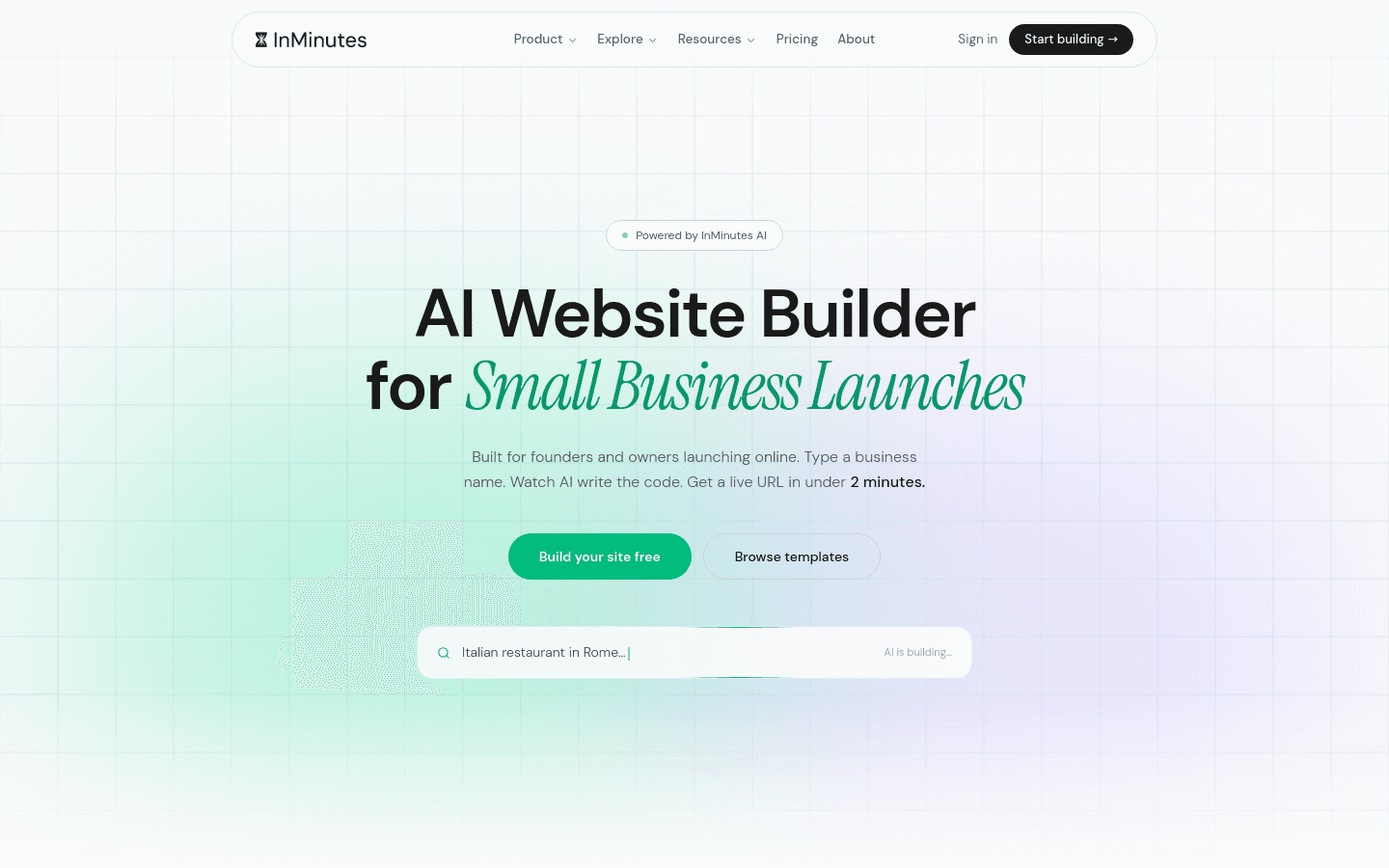
Your site goes live in minutes, and you edit it by chatting in plain language — no drag-and-drop, no code.
Can I take online bookings on my website for free with InMinutes?
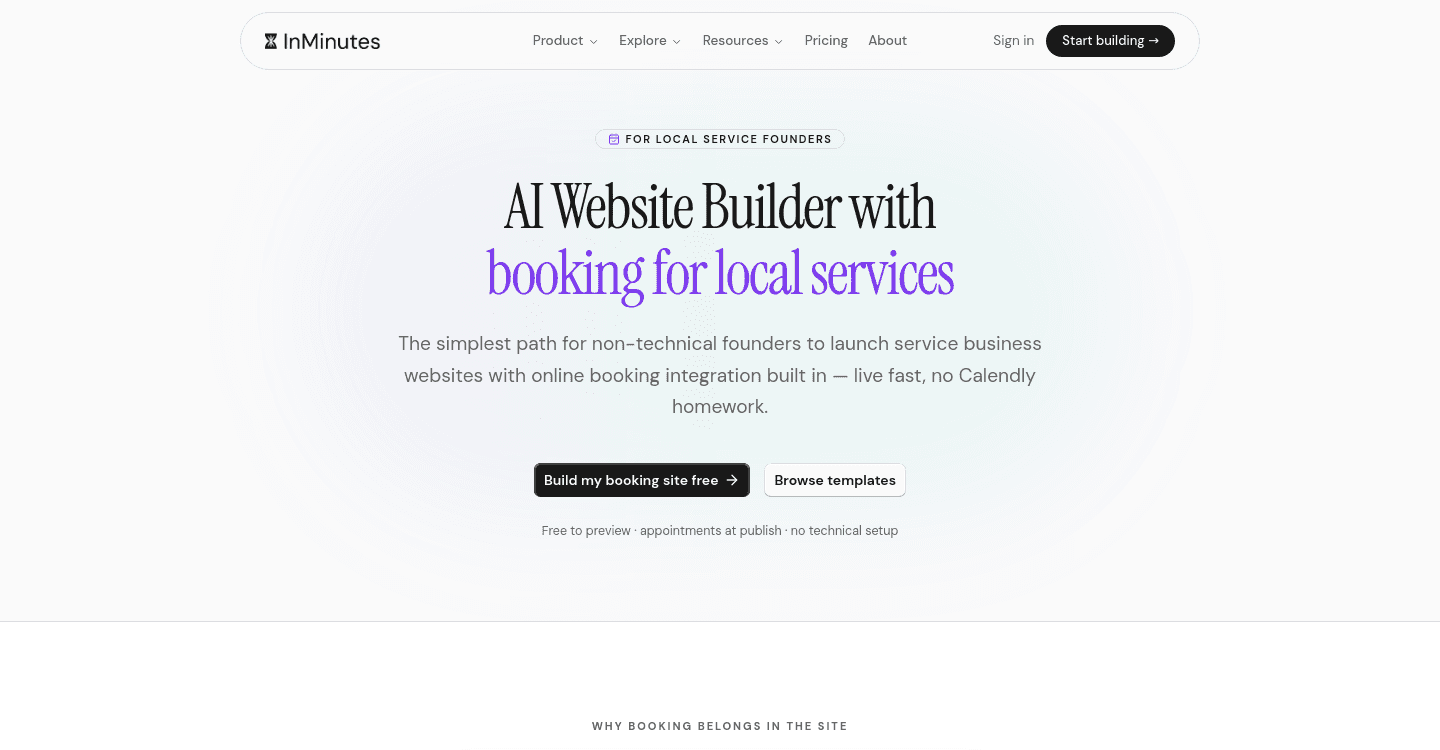
Yes. Appointment booking is built into every InMinutes plan, including Free. You do not need to pay for a separate booking plugin or subscription. The booking system is native, not an add-on you bolt on later.
The catch is on the publishing side. The Free plan at $0 per month gives you one draft site and 200 AI tokens, but you cannot publish it to a live domain. To actually let customers book, you need a published site. New subscribers get a 3-day free Pro trial, which lets you publish immediately and test everything live. After the trial, you can stay on Pro at $49 per month or drop to Starter at $19 per month — booking stays on both. If you want to stay at $0 permanently, you would need another way to publish, which InMinutes Free does not provide.
How to do it with InMinutes
-
Sign up at InMinutes and start your site. Tell it your business name, what you do, and that you take appointments.
-
Let it build. The AI generates a complete multi-page site in minutes, with a booking page included.
-
Edit by chatting. Say things like "add a 60-minute massage service," "make my booking hours Tuesday to Saturday," or "add a cancellation policy." No drag-and-drop, no code.
-
Connect your calendar. Set your available hours, services, and durations in the booking settings.
-
Publish. During your 3-day Pro trial, your site goes live with booking enabled. After the trial, downgrade to Starter at $19 per month if you do not need payments at booking time — booking still works.
That is it. The booking form is live, customers pick slots, and you get notified.
What if I want to collect deposits or payments at booking time?
Then you need Pro at $49 per month. The Free and Starter plans let customers book appointments, but they do not handle money at booking time. Pro adds the online store with checkout, and that checkout integrates with booking so you can require a deposit or full prepayment to secure the slot.
Payments run through your own Stripe or PayPal account — InMinutes charges 0% platform fee on Pro, so you only pay standard card processing of about 2.9% + 30¢. There is no processor lock-in. If you sell digital products like courses or downloads, you can use Paddle instead as the merchant of record, which handles worldwide sales tax and VAT for 5% + 50¢ per sale. Paddle does not work for physical goods or in-person services, so restaurants, salons, and shops should stick with Stripe or PayPal.
When is a different approach the better choice?
Sometimes InMinutes is not the right fit, and it is worth saying so honestly.
Hire an agency or freelancer if you need heavy custom logic — for example, a multi-location clinic with complex insurance integrations, or a franchise with a custom booking flow that ties into internal software. You will pay more and wait weeks, but you get exactly what you spec.
Use a template builder with add-on apps if you are already locked into one ecosystem and do not mind assembling pieces. The honest problem: booking is often a separate subscription rather than part of the website plan, store features only unlock on a commerce tier, and you pay extra for CRM, email, and invoicing. The headline price looks small; the real monthly total is several times that after add-ons.
Do nothing — keep phone and text booking — if you have fewer than a handful of appointments per week and your customers prefer calling. A booking system only saves time if it actually gets used. If your clientele is older, local, and accustomed to calling, forcing online booking can lose you business.
The bottom line
You can take online bookings on your website for free with InMinutes in the sense that the feature itself is on the $0 plan. To actually publish and let customers use it, you will need to move past the draft stage. The 3-day Pro trial gets you live immediately, and after that Starter at $19 per month keeps booking working if you do not need checkout. If you do want deposits or payments at booking time, Pro at $49 per month covers it with 0% platform fee and no processor lock-in. The real edge is speed and simplicity: a live site in minutes, edited by chatting, with booking, store, SEO, invoicing, and CRM included in one plan instead of assembled from separate subscriptions.
Ready to stop losing bookings to phone tag? Start your free site with InMinutes and go live today.
FAQ

Ready?
Your site, live in 2 minutes with InMinutes.
No agency. No waiting. Flat monthly fee.
Start for free →