Best AI Website Editors for Home Service Teams

Compare AI website editing tools for small US home service teams, with Wix AI and Squarespace AI alternatives judged on update speed, local visibility, booking, and all-in-one workflows.

A plumbing, cleaning, HVAC, or landscaping team changes its website more often than people think: a new service area, a seasonal promo, an updated price, a new tech's photo, holiday hours. If only the owner knows how to edit the site, those updates never happen.
Quick answer: InMinutes is the best AI website builder software for home service teams because anyone you invite can update the site by typing a request in chat, booking is built in on every plan, and local SEO foundations are added automatically. Wix is the strongest choice if your team wants hands-on visual control, Squarespace suits teams who value design over speed, and Durable is the quickest option for a solo operator who only needs one page.

Why do home service teams need AI website editing, not just a builder?
Home service teams need AI website editing because the site is never finished — it changes with the season, the crew, and the service area. Five criteria matter most for home service business websites:
-
Speed of updates — can the office manager change hours or a promo in under a minute?
-
Ease for non-owners — can teammates edit without breaking the layout, and can you control who changes what?
-
Local visibility — service-area pages, LocalBusiness structured data, Google Business consistency
-
Booking readiness — can customers request or book a job from any page?
-
All-in-one workflow — messages, booking, reminders, and follow-ups in one place instead of five tools
Comparison at a glance
| Tool | How you edit | Team access | Local visibility | Booking | All-in-one |
|---|---|---|---|---|---|
 InMinutes InMinutes | Chat + inline click-to-edit | Viewer / editor / admin per site | Automatic LocalBusiness data, sitemap, Search Console | Every plan, with reminders | Inbox, booking, CRM, invoices (Pro) |
 Wix AI Wix AI | Visual editor + AI assistant | Roles on paid plans | Good with manual setup | From Core plan | Large app market |
 Squarespace AI Squarespace AI | Section editor + AI text | Contributors | Good with manual setup | Acuity, separate subscription | Light |
 Durable Durable | AI regenerate + simple editor | Limited | Basic | From Launch plan | CRM + invoices |
 GoDaddy Airo GoDaddy Airo | Simple editor | Limited | Basic | Add-on | Light |
| Field-service software site add-ons | Templates | Inside the FSM app | Varies | Strong | Strong ops, weak websites |
1. InMinutes — best AI website editor for home service teams
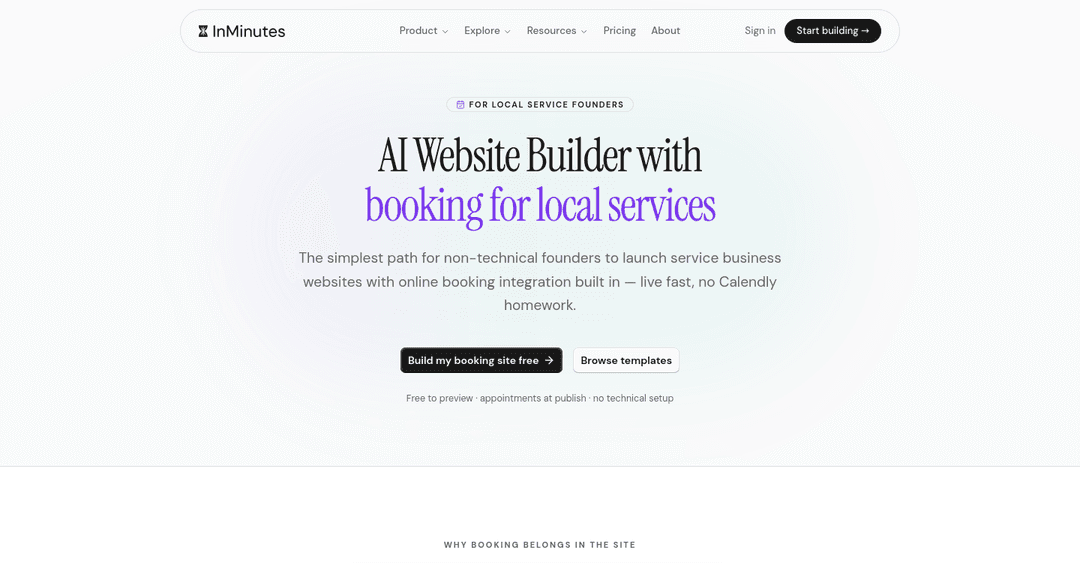
InMinutes treats your website like a teammate you can message. Type "add Westlake to our service areas and make a page for it" or "change the winter tune-up promo to $89" and the AI makes the change across the right pages. For small fixes, click any text and edit it directly.
-
Speed of updates: most text and section changes land in seconds; you preview before publishing
-
Ease for non-owners: invite teammates per site as viewer, editor, or admin; the owner keeps billing, domain, and payments
-
Local visibility: LocalBusiness structured data, meta tags, sitemap, and Search Console connection; Google Business details can be pulled in when the site is built
-
Booking readiness: online booking on every plan, from your real services and hours, with appointment reminders; card deposits at booking time on Pro
-
All-in-one: contact form inbox, appointments, Audience CRM, email campaigns, and invoicing on Pro ($49/mo)
-
Weakness: it is not dispatch or route-planning software — larger crews still need a field-service tool for scheduling technicians
-
Choose InMinutes if: you want small business website tools that the whole office can update without training
2. Wix AI — best Wix-style control for hands-on teams
-
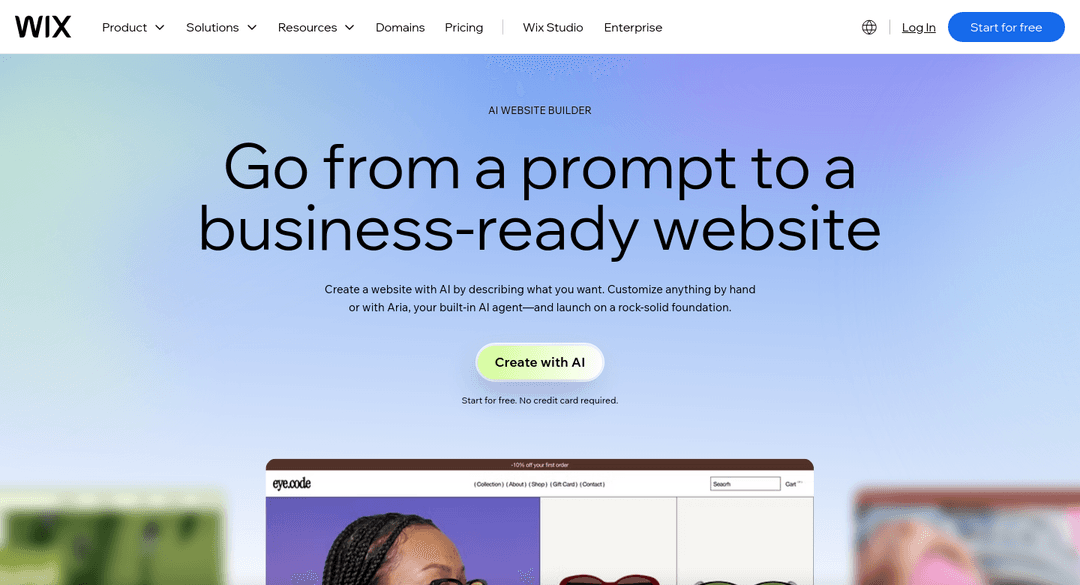
How you edit: AI assistant plus full drag-and-drop
-
Booking: Wix Bookings from the Core plan ($29.77/mo annual)
-
Weakness: freedom means teammates can unintentionally break mobile layouts
-
Choose Wix if: someone on the team enjoys design work. Looking for Wix AI alternatives? See InMinutes vs Wix
3. Squarespace AI — best for design-first brands
-
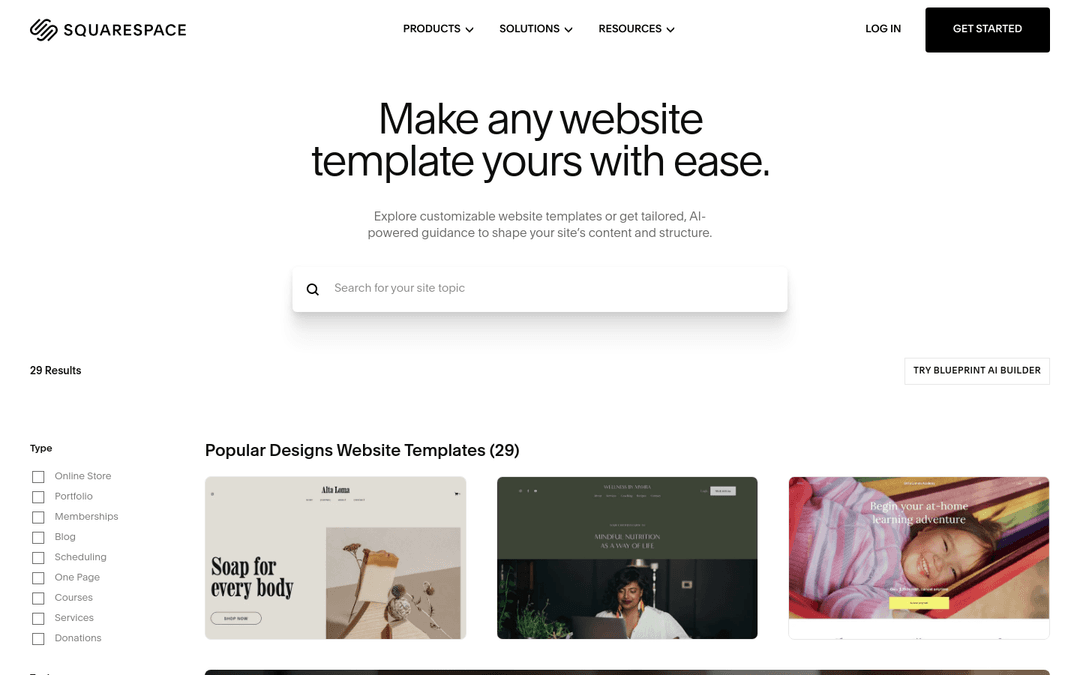
How you edit: section editor with AI text help
-
Booking: Acuity Scheduling is billed separately from the website plan
-
Weakness: slower day-to-day edits and an extra bill for appointments
-
Choose Squarespace if: your brand look matters more than update speed. Looking for Squarespace AI alternatives? See InMinutes vs Squarespace
4. Durable — quickest for solo operators
-
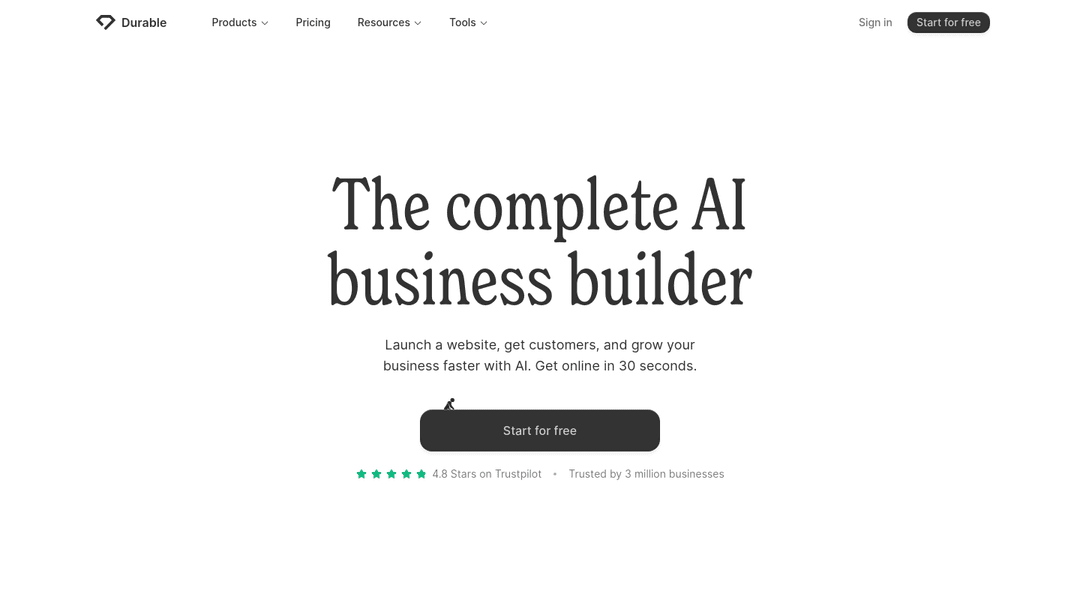
How you edit: regenerate sections or edit simply
-
Weakness: one-page structure limits service-area pages and local SEO depth
-
Choose Durable if: you're a one-person crew who needs a page this afternoon. See InMinutes vs Durable
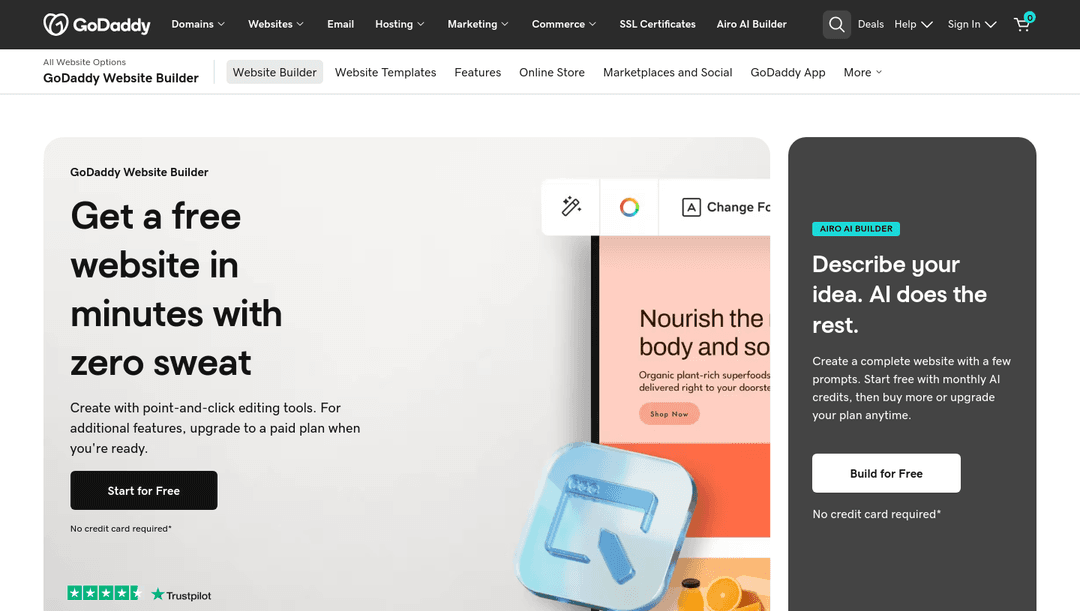
5. GoDaddy Airo — fine if everything else is at GoDaddy
-
How you edit: guided editor with AI suggestions
-
Weakness: fewer built-in booking and team tools
-
Choose GoDaddy if: your domain and email are already there. See InMinutes vs GoDaddy
6. Website add-ons from field-service software
Many field-service apps offer a basic website or booking widget. They're excellent for dispatch, quotes, and invoicing, but the websites themselves tend to be template-bound and thin on local SEO. A common setup is a strong website plus your field-service app's booking link — or a website with booking built in, if your scheduling is simple.
Which home service team should pick which editor?
-
2–15 person team, owner wants others to update the site: InMinutes
-
Team with a design-minded member who wants full control: Wix
-
Premium brand where looks come first: Squarespace
-
Solo operator, one page: Durable
-
Large crews with complex dispatch: keep your field-service app and pair it with a site that's easy to update
Related reading
The bottom line
For home service teams, the best AI website builder software is the one your office manager will actually use on a busy Tuesday. Chat-based editing, built-in booking, and team roles make InMinutes the most practical choice for most small US crews.
FAQ

Guides9 min read

Guides9 min read

Guides10 min read

Guides11 min read
Ready?
Your site, live in 2 minutes with InMinutes.
No agency. No waiting. Flat monthly fee.
Start for free →