11 Shopify Setup Mistakes Small Stores Make (and the Best-Practice Fix)

The risks of an improper Shopify setup — payments, shipping, tax, apps, and SEO — with the best-practice fix for each, and when a simpler store builder avoids them.

Shopify is powerful because almost everything is configurable. That's also why small stores launch with costly gaps: an extra fee on every sale, wrong tax, shipping that loses money, or a slow theme weighed down by apps.
Quick answer: The most expensive Shopify setup mistakes are using a third-party payment gateway without realising it adds a 2% fee on Basic, skipping tax setup, mispricing shipping, and installing too many apps. Fix them by activating Shopify Payments, registering where you collect tax, testing real orders, and auditing apps monthly. If your store is small and you'd rather not configure all of this, an all-in-one AI store builder sets most of it up for you.

What are the risks of an improper Shopify setup?
The risks are lost margin, compliance trouble, and lost sales — usually all three are invisible until a month of orders has gone through. Here are the 11 mistakes we see most, grouped by area.
Payments
1. Using a third-party gateway on Basic without knowing the fee
Fix: activate Shopify Payments if it's available in your country. With another provider as your main gateway, Shopify adds 2% on Basic, 1% on Grow, and 0.6% on Advanced — on top of that provider's own processing.
2. Never placing a real test order
Fix: buy one product with a real card, then refund it. Check the confirmation email, the order in the admin, and the payout.
Shipping and tax
3. One flat shipping rate for everything
Fix: weigh your three most common orders and price shipping zones from real carrier rates. Add a free-shipping threshold only after checking your margin.
4. Skipping tax setup
Fix: decide where you're registered to collect sales tax or VAT and turn on collection there. Ask an accountant if you sell across many states or countries — this is the most common shipping tax compliance gap for growing teams.
5. No pickup or local delivery option
Fix: if you have a physical location, enable local pickup. It's free for you and converts well.
Apps and theme
6. Installing an app for everything
Fix: every app adds a bill and often scripts that slow the storefront. Keep a list, check monthly what each one earns, and uninstall what doesn't pay its way. See Shopify apps: costs and alternatives.
7. Uploading huge product images
Fix: upload images at sensible sizes and use the theme's built-in image handling. Shopify serves resized versions, but enormous originals and image-heavy sliders still slow mobile pages.
8. Editing theme code without a backup
Fix: duplicate the theme before any code change, and keep a copy before updates.
Store basics
9. Missing policy pages
Fix: publish refund, privacy, shipping, and terms pages and link them in the footer. Payment providers and shoppers both look for them.
10. Thin product pages
Fix: write unique titles, descriptions, and image alt text; add size guides and FAQs. Product pages are what Google and AI assistants quote.
11. Not connecting analytics and Search Console
Fix: connect Google Analytics and Search Console before launch, so you have data from day one.
 Shopify setup best practices: a launch checklist
-
Shopify Payments active (or the extra fee knowingly accepted)
-
Tax collection set where you're registered
-
Shipping zones and rates tested with real orders
-
Theme duplicated before edits
-
Apps listed with monthly cost and purpose
-
Policies published and linked
-
Product titles, descriptions, and alt text written
-
Analytics, Search Console, and sitemap connected
-
One real order placed and refunded
Do you need a Shopify setup expert?
You need a Shopify setup expert for specific store types and business models that are complex — subscriptions, wholesale pricing, multi-country selling, ERP or warehouse integrations. For a simple catalog, the checklist above is enough, or you can use a builder that does the setup for you. See ecommerce website agency vs AI builder.
Is there a simpler alternative for small stores?
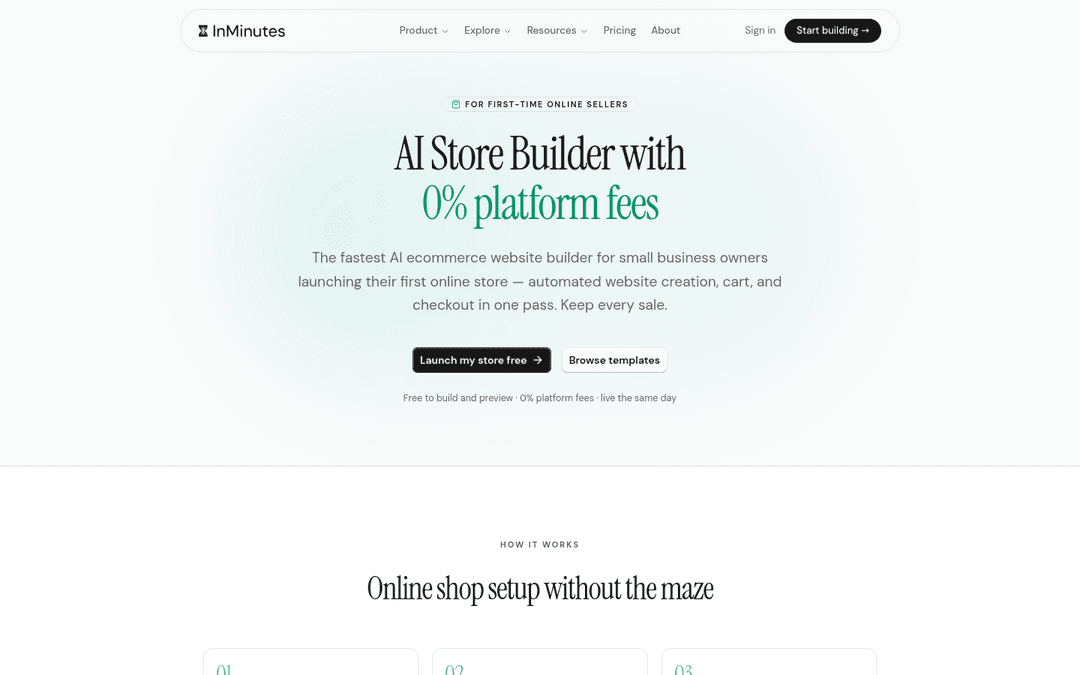
InMinutes generates the store with most of this already done: product pages with written copy, policy and contact pages, Stripe or PayPal checkout with 0% InMinutes platform fee on Pro, flat-rate shipping plus pickup, product reviews, coupons, meta tags, sitemap, and structured data — then you change anything by chat.
The honest trade-off: InMinutes uses one tax rate per store and flat-rate shipping, and has no collections or subscriptions yet. If you sell across many tax regions or need carrier-calculated shipping, Shopify's extra setup is worth it.
Related reading
The bottom line
Most Shopify setup problems come from settings nobody checked: the gateway, tax, shipping, and app list. Run the checklist before launch and again a month later. If your store is simple and you'd rather skip the configuration entirely, let an AI store builder handle it.
Generate a ready-to-sell store free →
FAQ

Guides9 min read

Guides9 min read

Guides11 min read

Guides10 min read
Ready?
Your site, live in 2 minutes with InMinutes.
No agency. No waiting. Flat monthly fee.
Start for free →