Best AI Website Builders for Service Businesses

Compare AI website builders for beginners and small service businesses with clear decision criteria around ease of use, professional design, bookings, ecommerce, and speed to launch.
If you run a cleaning company, a physio practice, a dog-grooming van, or a marketing agency that manages sites for local clients, you probably do not want a website project. You want a professional business website that takes bookings and stops you answering "are you open Saturday?" by text.
The best AI website builder for that job is not the one with the flashiest demo. It is the one a beginner can launch and keep up to date without help. This guide gives you five clear decision criteria, a scorecard, and the tools that win on each.
Quick answer: InMinutes is the best AI website builder for service businesses and beginners because it builds a full site with booking already working, and every later change is a chat message. Wix is best if you want deep control and do not mind a learning curve. Squarespace gives the most polished templates but charges separately for booking. Durable is the fastest route to a simple one-page site. Hostinger is the budget pick if you are happy to assemble things yourself.
The five decision criteria
These are the questions that decide whether a service business site works, ranked by how much they usually matter.
-
Bookings (30%). Can a customer pick a real free slot, and does that slot disappear for the next person? Are buffers, notice periods, and days off handled?
-
Ease of use (25%). Could you change a price, add a service, or close for a holiday in under two minutes, from your phone?
-
Speed to launch (20%). How long from sign-up to a live site on your own domain, including the booking setup?
-
Professional design (15%). Does the site look like your business, or like a template everyone else in town also picked?
-
Ecommerce (10%). Can you take deposits, sell packages or gift cards, and send invoices?
Change the weights for your business. A product-heavy shop should push ecommerce up; a solo consultant may care most about speed.
Scorecard
Scores are out of 5 for a typical small service business run by a non-technical owner.
| Builder | Bookings | Ease of use | Speed to launch | Design | Ecommerce | Weighted score |
|---|---|---|---|---|---|---|
 InMinutes | 5 | 5 | 5 | 4 | 4 | 4.75 |
 Wix | 4 | 3 | 3 | 4 | 5 | 3.65 |
 Squarespace | 3 | 4 | 3 | 5 | 4 | 3.65 |
 Durable | 3 | 5 | 5 | 3 | 2 | 3.80 |
 Hostinger | 3 | 3 | 4 | 3 | 3 | 3.20 |
 GoDaddy Airo | 3 | 4 | 4 | 3 | 2 | 3.35 |
| Durable comes second on the raw score because speed and ease weigh heavily, but it is the weakest on bookings and ecommerce, so we rank Wix and Squarespace above it for businesses that live by their calendar. |
1. InMinutes — best overall for service businesses
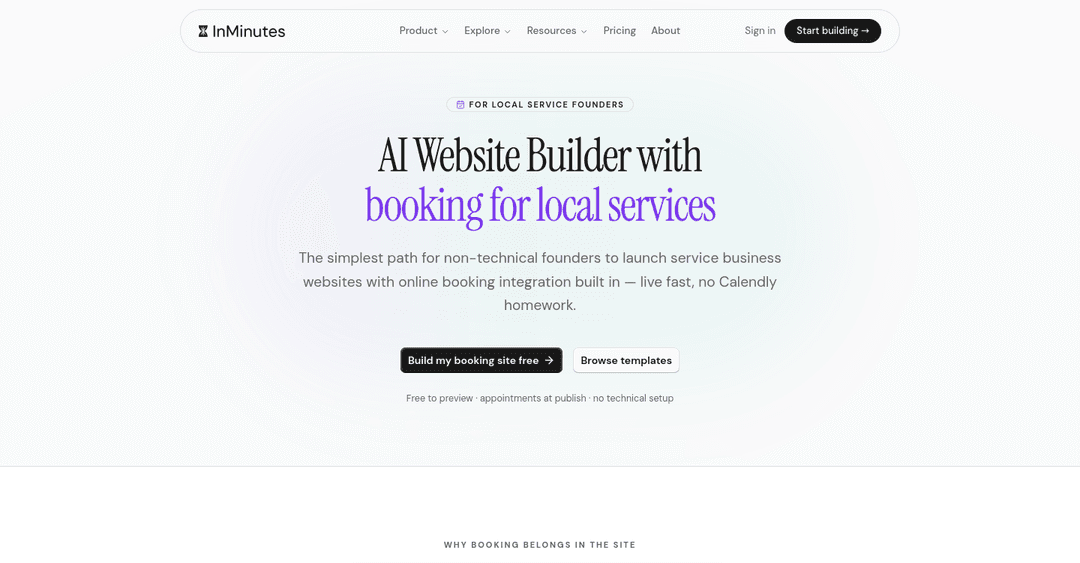
InMinutes starts by asking how your customers book (online slots, call first, or quote requests) and builds the site around that answer. You get a multi-page site with your services, an about page, contact details, and a booking page connected to a real calendar.
-
Bookings: live availability from your hours, buffers between appointments, minimum notice, how far ahead people can book, and blackout dates. Free on every plan. Card deposits at booking time are on Pro.
-
Ease of use: coding-free website development in the literal sense. You type "add a deep-clean package for $180" or click the text on the page.
-
Speed to launch: a full draft in a few minutes; publish on your own domain from Starter ($19/mo, $15 annual).
-
Design: each site gets its own fonts, palette, and section layout chosen for the business, so your plumbing site does not look like the café next door.
-
Ecommerce: AI Store, invoicing, and recurring invoices on Pro ($49/mo, $39 annual).
-
Limitation: one shared calendar per site. Teams that need separate calendars per staff member should look at a specialist such as Vagaro or Square Appointments.
2. Wix — best for owners who want every option
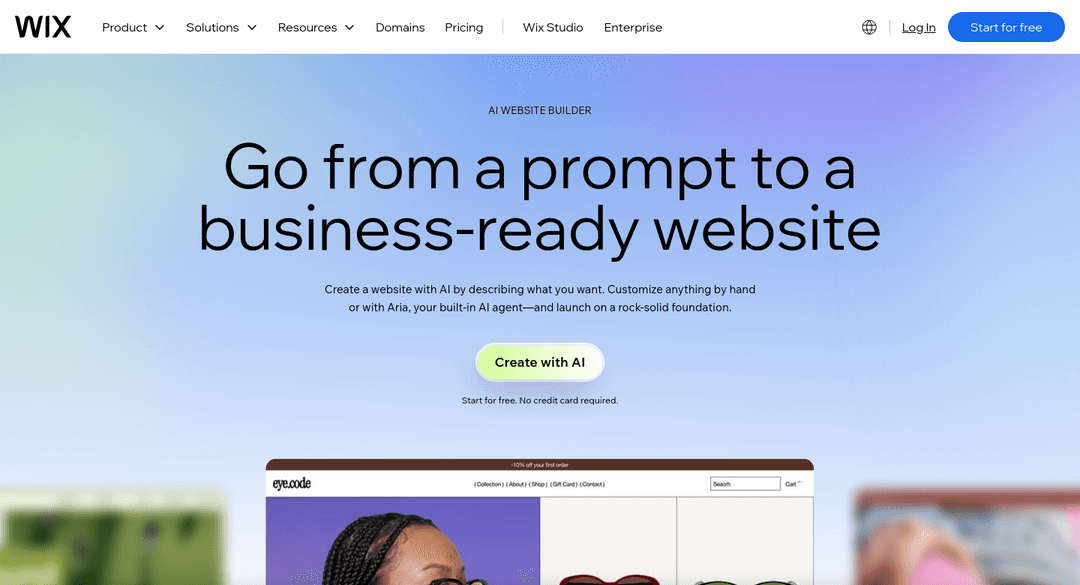
Wix Harmony gives you an AI-generated start, and Wix Bookings is one of the most complete scheduling add-ons on any website builder, with staff calendars and packages.
-
Best at: depth. Staff schedules, memberships, a large app market.
-
Watch out for: the editor has a learning curve, and bookings start on the Core plan, not the entry plan.
-
Pick it if you have the time to configure it properly. See InMinutes vs Wix.
3. Squarespace — best for design-first service brands
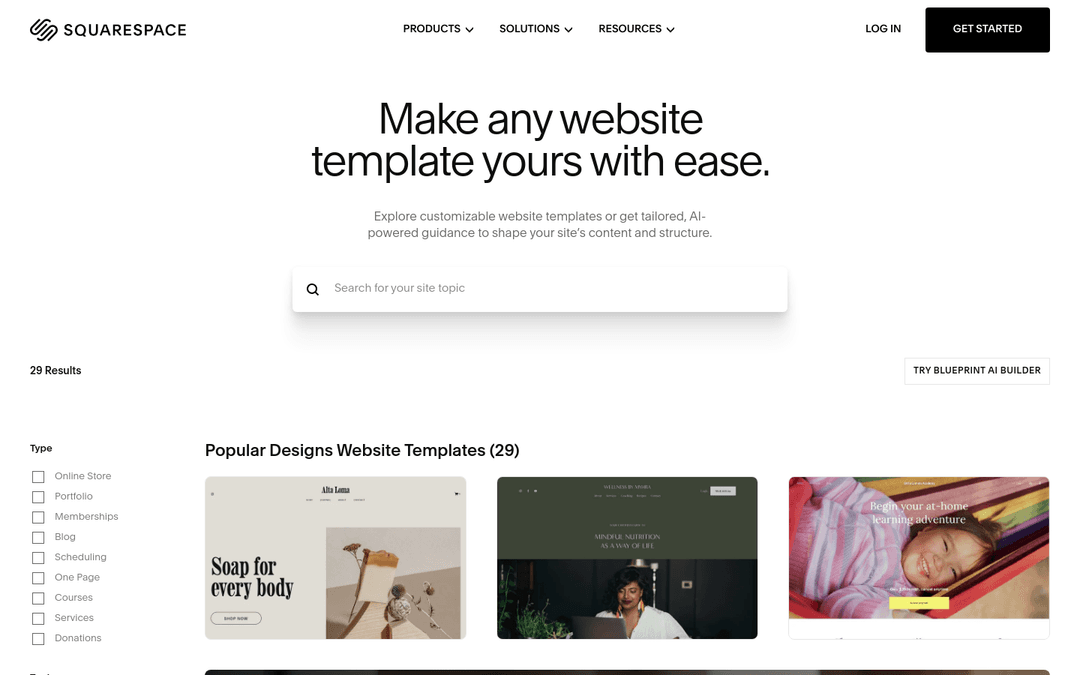
Squarespace makes beautiful sites for photographers, stylists, and boutique studios.
-
Best at: typography and layouts that look premium out of the box.
-
Watch out for: booking is Acuity Scheduling, a separate subscription from $16/mo annual, so you manage two products and two bills.
-
Pick it if the look of the site matters more than booking volume. See InMinutes vs Squarespace.
4. Durable — fastest simple site
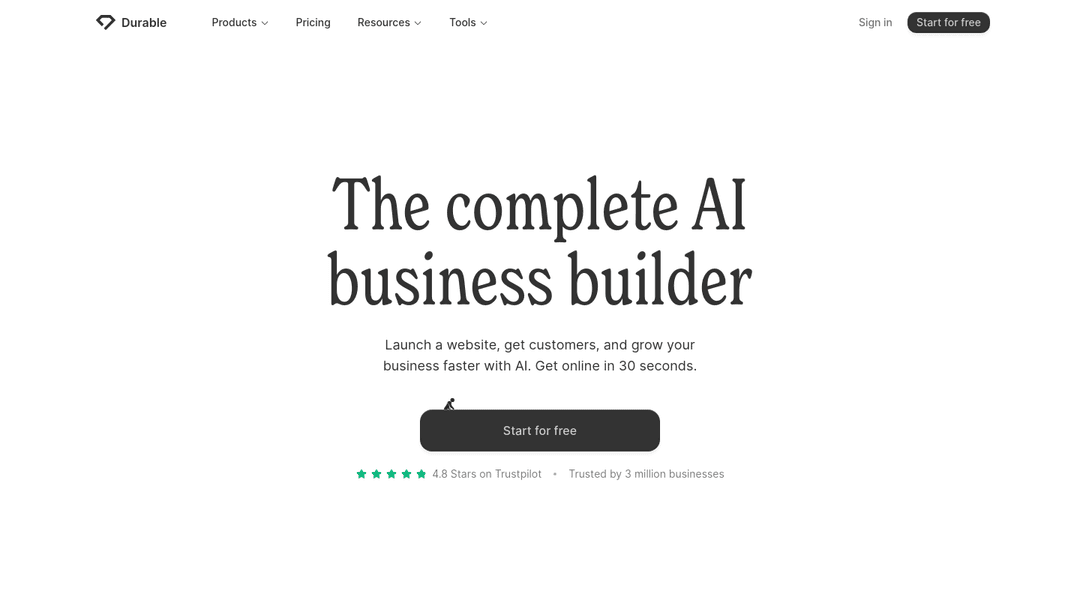
Durable creates a short site in seconds and adds a simple CRM and invoicing.
-
Best at: getting something live today.
-
Watch out for: sites are mostly single pages, and bookings start on the Launch plan ($22/mo annual).
-
Pick it if you need a basic presence while you work out the rest. See InMinutes vs Durable.
5. Hostinger — budget pick if you will do the setup
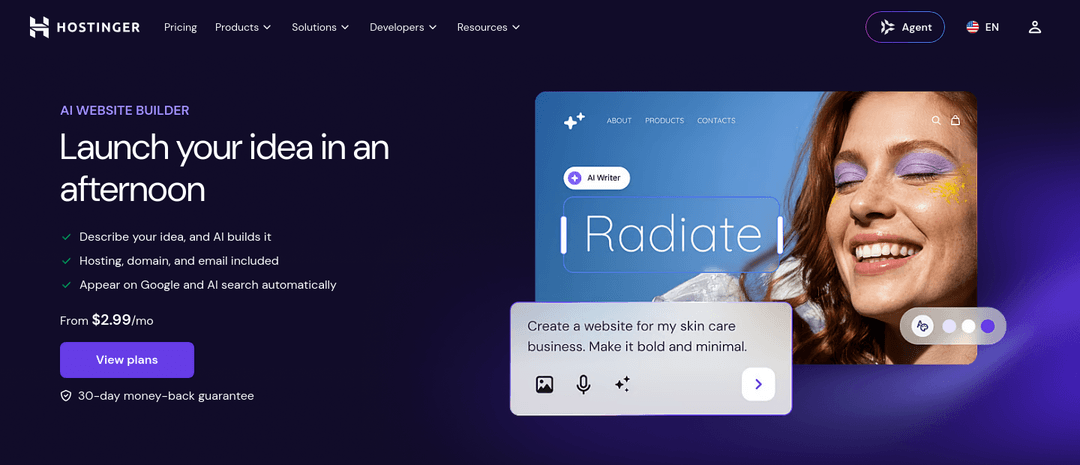
Hostinger's AI builder is inexpensive, with a low introductory price that rises at renewal.
-
Best at: price, and hosting plus email in one account.
-
Watch out for: after the AI draft you are back to a classic editor, and booking needs setting up yourself.
-
Pick it if budget is the deciding factor. See InMinutes vs Hostinger.
A note for marketing managers and agencies
If you manage sites for several local clients, add two criteria: how fast you can hand edits to the client and how much each change costs you in time. Chat editing means the client can change their own hours without a ticket. On InMinutes you can also add collaborators to a site, so the owner pays the plan while you keep access.
Beginner checklist before you pick
-
Book a test appointment on your phone. Did the slot vanish afterwards?
-
Change your opening hours. How many clicks did it take?
-
Connect your own domain. Is it included, or an extra?
-
Check the renewal price, not just the first-year price.
-
Ask what happens to bookings and data if you stop paying.
Related reading
The bottom line
For a service business, the website's real job is filling the calendar. Pick the small business website builder that makes booking work on day one and makes every later change easy. For most beginners that is InMinutes; if you want maximum control and have time to configure it, Wix is the strong alternative.
Start your service business site free →
FAQ

Ready?
Your site, live in 2 minutes with InMinutes.
No agency. No waiting. Flat monthly fee.
Start for free →