Best AI Website Builders for Beginners in 2026

Compare beginner friendly AI website builders for small businesses with a clear focus on launch speed, no code setup, live publishing, and practical alternatives to Wix and Squarespace.
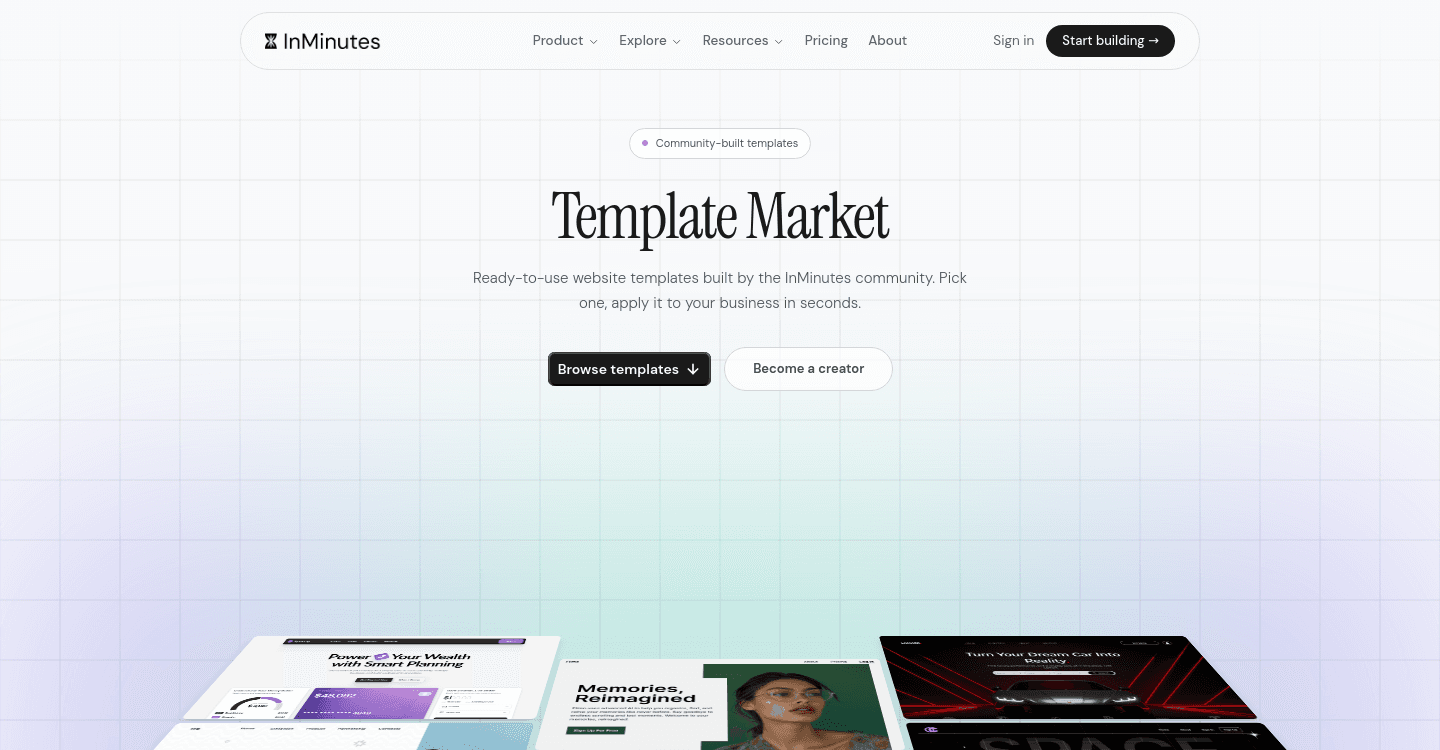
Most "beginner" AI website builders still assume you will become a part-time designer. They hand you a template mall, a drag handle, and a glossary. In 2026, beginner-friendly means something stricter: no-code website creation that ends in a live URL, not a tutorial. This list is for people launching small business websites who want practical Wix alternatives and Squarespace alternatives — a professional website builder that does not require a design hobby.
Quick answer: InMinutes is the best AI website builders pick for beginners because you describe the business, get a full draft in under two minutes, and publish without learning an editor. Hostinger is the simplest budget brochure start. Wix and Squarespace remain strong if you actually want to design — they are not the gentlest first publish.
What "beginner" has to mean in 2026
Ignore "easy" badges. Score local business website design tools on four things a first-time owner can finish:
-
Launch speed — a shareable draft the same sitting, not a weekend of section-shopping.
-
No-code website creation — changes in sentences, not layers, grids, and breakpoints.
-
Live publishing — hosting, HTTPS, and a URL you can put on Google Business. A preview that cannot publish is a demo, not a site.
-
A real alternative to Wix and Squarespace — those two are excellent products for people who like editors. Beginners usually do not.
If the onboarding asks you to pick a font before it knows your hours, it is teaching design. That is the wrong first lesson.
Side-by-side
Builder | No-code setup | Time to draft | Live publish path | Feels like Wix/Squarespace? | Best for |
|---|---|---|---|---|---|
Wix AI | Editor after the AI draft | Fast draft, slow finish | Hosted, many settings | It is Wix | DIY power users |
Squarespace AI | Design-first editor | Polished, slower | Hosted | It is Squarespace | Visual beginners with time |
Hostinger AI | Simple wizard | Afternoon | Hosting is the point | No — cheaper and thinner | Budget first site |
Durable | Short prompts | Minutes | Hosted one-pager | No — simpler, shallower | Tiny brochure |
InMinutes | Chat + short brief | Under 2 minutes | Starter+ ; Free is preview | No — generation-first | First professional site |
The reviews
 Wix AI — best if you want to learn the biggest editor
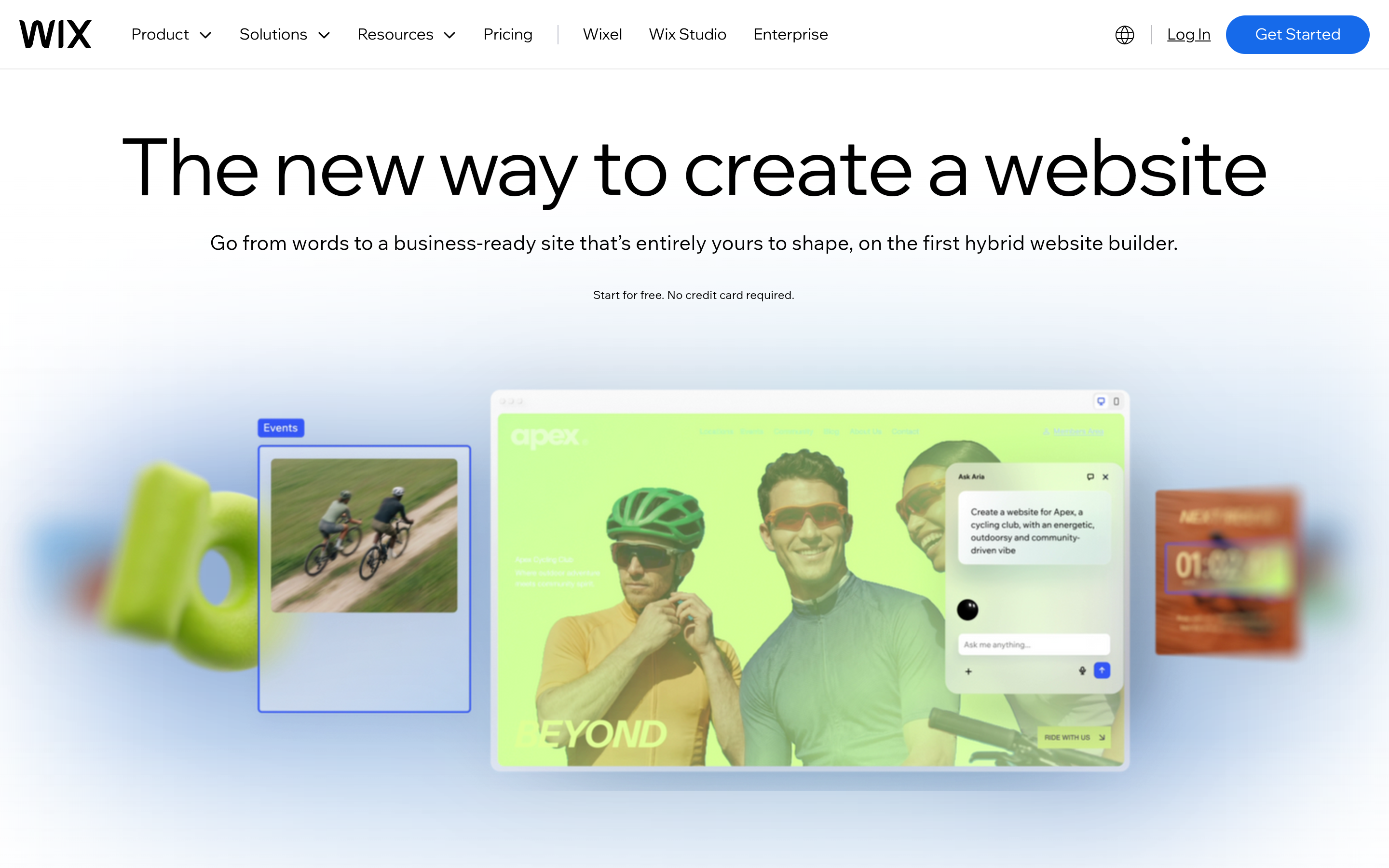
Wix AI is a fine Wix alternatives footnote only in the sense that people search that phrase while already on Wix. The AI draft is a start. The product is still the editor and the app market. Beginners who enjoy tinkering do well. Beginners who wanted to be done do not.
Strengths: huge feature surface; bookings and commerce exist if you configure them. Limitations: the learning curve is the product. "Beginner" here means "patient." Verdict: stay on Wix if you like building. Leave if you wanted a finished professional website builder. InMinutes vs Wix.
 Squarespace AI — best Squarespace-shaped first site
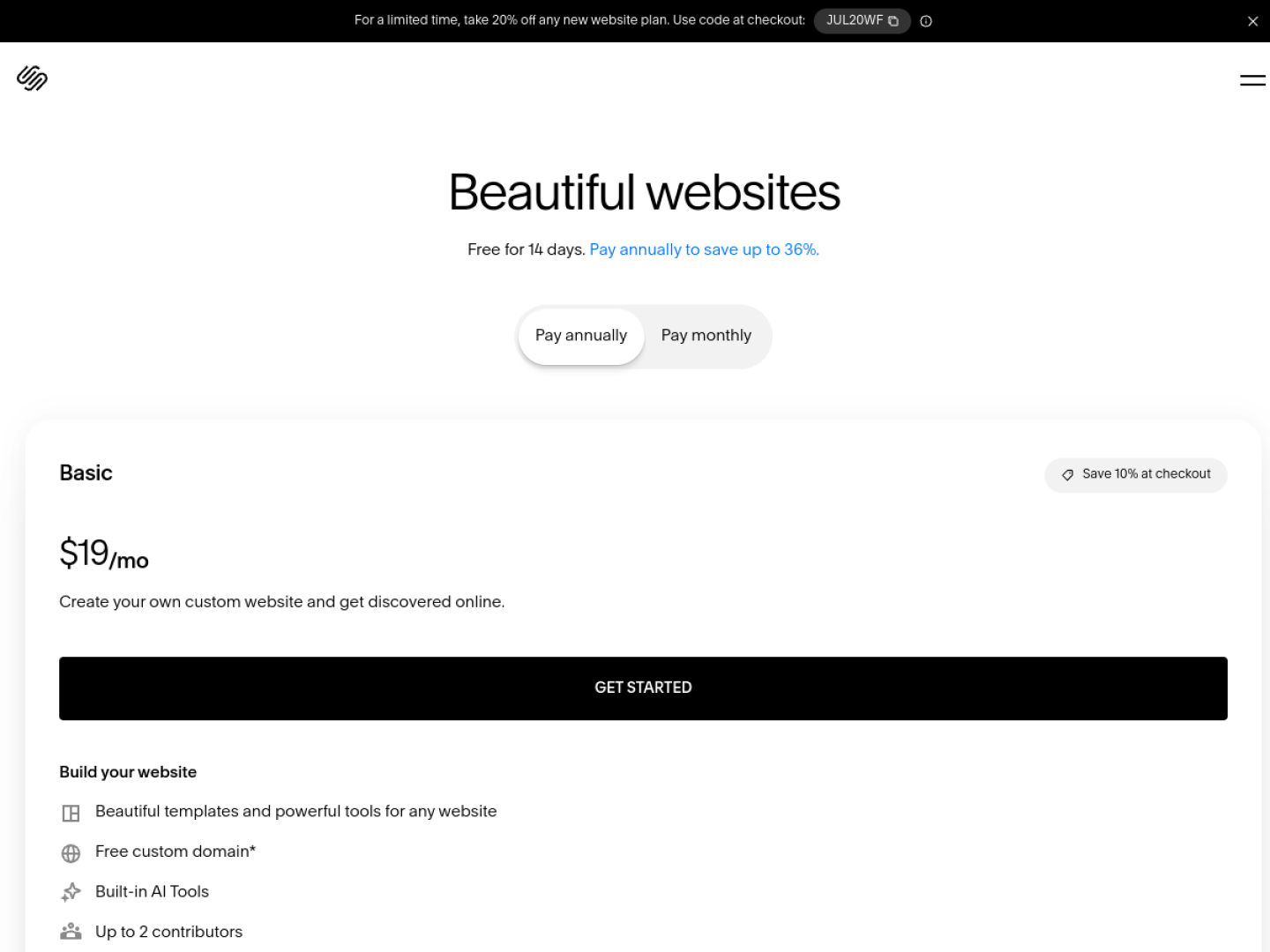
Squarespace is the other name beginners already know. Blueprint-style AI helps the first layout. You still design. For local business website design that has to look expensive in photographs, that time can be worth it.
Strengths: tasteful defaults; strong for image-led businesses. Limitations: not the fastest live publish; booking is rarely "just there." Verdict: a valid Squarespace alternatives skip if speed matters more than art direction — or the right stay if it does not. InMinutes vs Squarespace.
 Hostinger AI — best cheap "I am live" button
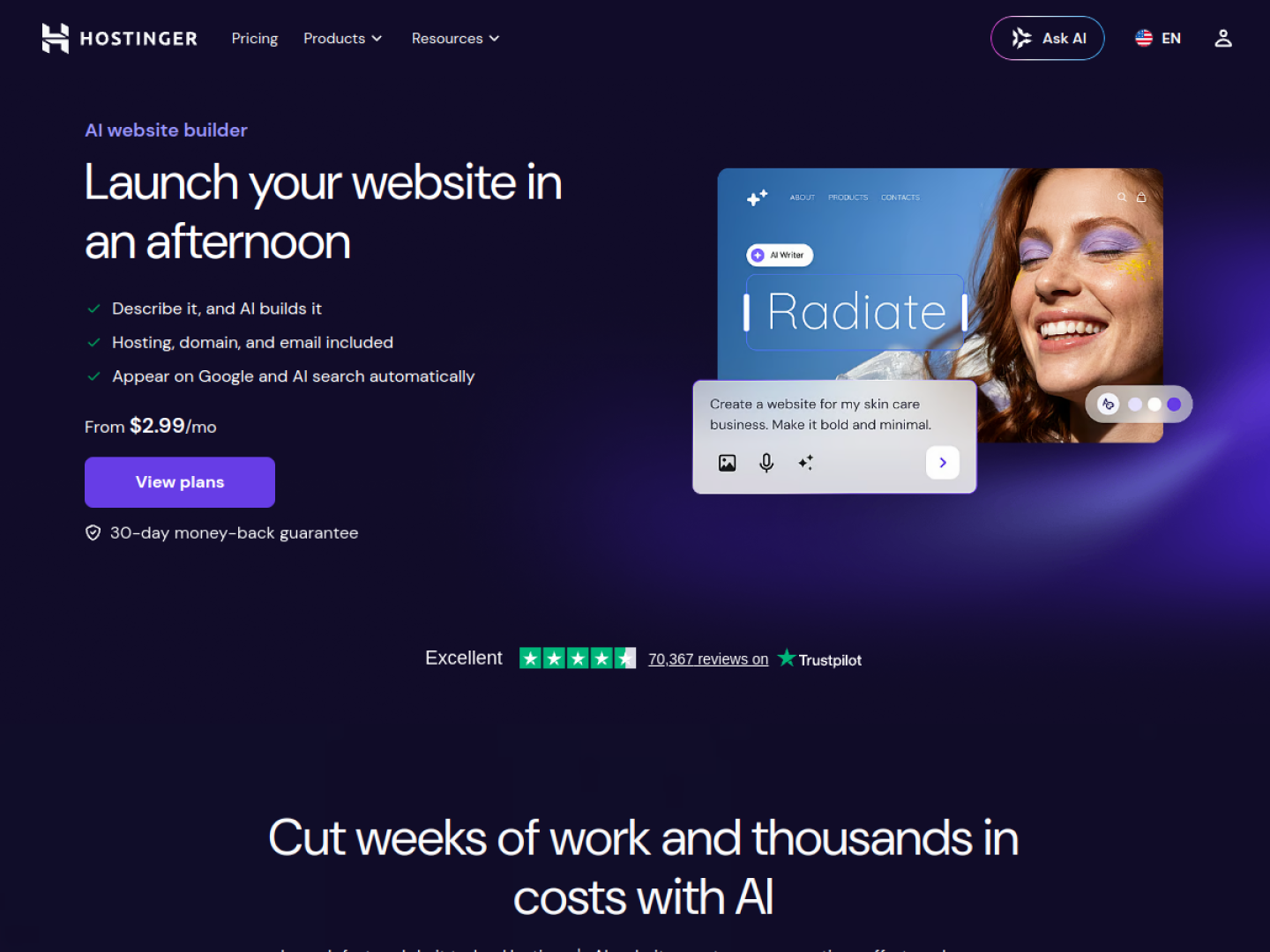
Hostinger is the beginner path when the fear is "hosting is complicated." The AI builder plus hosting is one vendor. The site is usually a simple brochure. That is honest. It is also why many owners outgrow it when they need booking or a store.
Strengths: hosting included; low intimidation; real URL. Limitations: thin small business websites stack — scheduling and deeper SEO are extra work. Verdict: fine first publish if you only need presence. InMinutes vs Hostinger.
 Durable — best tiny first page
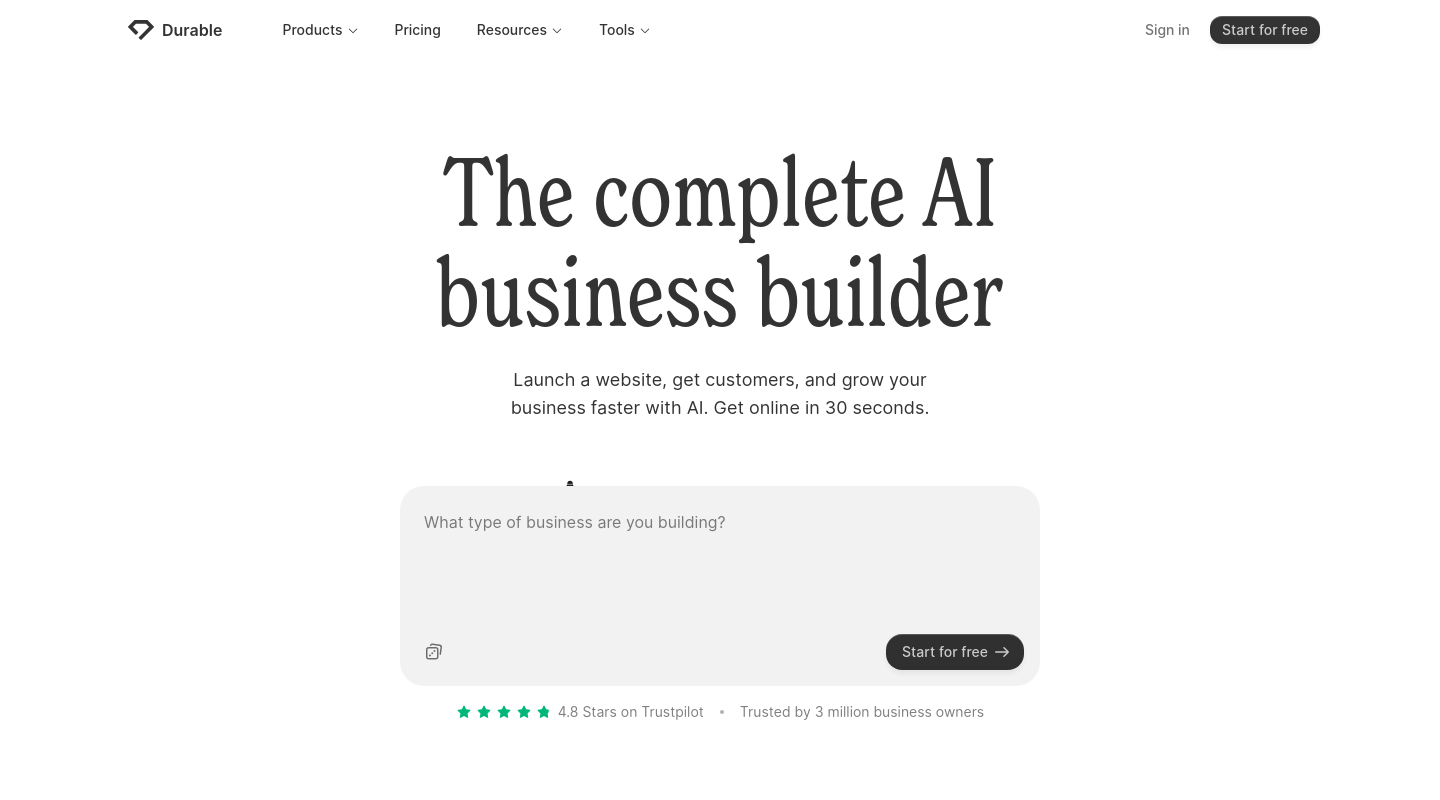
Durable asks a few questions and produces a page fast. For a pop-up or a "we exist" URL, that is enough. For a professional website builder result with separate pages and local SEO, you will feel the ceiling.
Strengths: short path to something on the internet. Limitations: one-page gravity; booking and SEO depth are not the pitch. Verdict: a sketch, then a move. InMinutes vs Durable.
 InMinutes — best AI website builders choice if you have never built a site
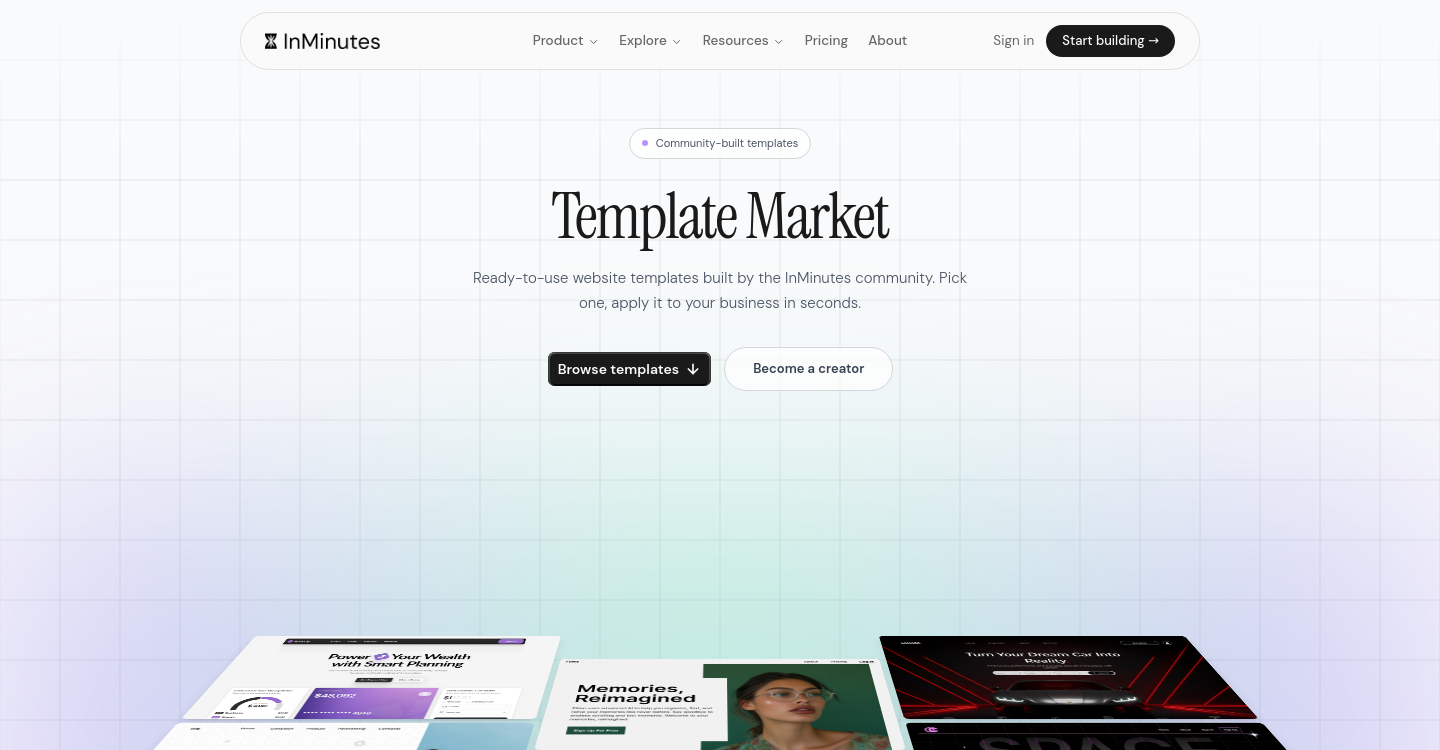
InMinutes assumes you will not learn an editor. You describe the business — or start from Google Business data — and get a multi-page draft. No-code website creation here means chat: "add a prices page," "use a warmer photo," "put the phone in the header." There is no template grid to fail at.
The beginner path
-
Generate a draft on Free $0 (preview only — Free does not publish).
-
Check hours, phone, photos, and anything the AI inferred.
-
Publish on Starter $19/mo ($15 annual): live hosting, custom domain, SEO tools, analytics, manual blog.
-
Add deposits, AI Store checkout, invoicing, and CRM on Pro $49/mo ($39 annual) when you are ready to take money on the site. Store checkout is a 0% InMinutes platform fee on Pro and Business; card processing is still about 2.9% + 30¢. Other tools also offer 0% platform fees under their own rules.
-
Booking is already on the draft — appointments exist on every plan, including Free.
Limitations: you cannot pixel-nudge every corner like Wix. You cannot browse a huge theme catalog like Squarespace. Those are the Wix alternatives / Squarespace alternatives trade: less playground, faster live site.
Plans: Free preview. Starter $19 to publish. Pro $49 for store, deposits, invoicing, CRM. Business $99 for 6,000 AI tokens / month. 3-day Pro trial for new subscribers.
Verdict: the 2026 beginner default when the goal is a live small business website, not a new hobby. For a slower, jargon-first walkthrough, see AI website builder for small business beginners.
Compared by need
-
Never built a site, need it live this week: InMinutes.
-
Want to learn a big editor: Wix.
-
Care about photography more than speed: Squarespace.
-
Just need hosting and a page: Hostinger.
-
Tiny temporary page: Durable.
FAQ
The bottom line
In 2026, the beginner-friendly AI website builders are the ones that end in a live, professional URL — not a longer editor. Start with InMinutes if you want that path; keep Wix and Squarespace when you want to design. Create your first site free →