Best AI Website Builder in 2026: 11 Tools Compared

An honest, side-by-side comparison of Wix, Squarespace, Design.com, BrandCrowd, Framer, Webflow, Hostinger, Durable, 10Web, B12, and InMinutes — pricing, speed, and who each one is actually for.

If you're a small business without a website, you're comparing two very different families of tools right now: classic drag-and-drop builders that added an AI layer on top, and newer AI-native builders that generate the whole site from a prompt. Both call themselves "AI website builders." They are not the same thing, and picking the wrong one costs you a weekend and a subscription you'll cancel.
Quick answer: Wix and Squarespace still win on template depth and ecosystem size. Hostinger wins on price. Framer and Webflow win on design control for people who want to fine-tune every pixel. If the business is brand new and you need a logo and brand kit as much as a site, Design.com generates both from the name and keeps them consistent. If you're a local business that has never had a website and just needs one live today — generated fresh for your business, not a generic template — InMinutes is the fastest path, and it's the only one on this list built specifically for that job.
Here's how eleven of the most-used AI website and brand builders in 2026 actually compare, based on onboarding flow, generated output quality, pricing, and what happens three months after launch — not just the first-draft demo.
Quick comparison
Tool | Best for | Starting price | Time to first live site | AI approach |
|---|---|---|---|---|
Wix | All-around DIY sites | $17/mo | 2–4 hours | AI draft + manual editor |
Squarespace Blueprint AI | Design-led brand sites | $16/mo | 3–6 hours | AI draft + template system |
Design.com | Logo, brand kit, and a matching site | Free to start; paid brand plans | Under 1 hour | AI logo + AI site builder |
BrandCrowd | Logo and marketing templates for a new brand | Free to start; paid brand plans | Under 1 hour | Template library + AI logo maker |
Hostinger AI Website Builder | Budget hosting bundle | $2.99/mo | 1–2 hours | AI draft + editor |
Framer AI | Landing pages, portfolios | $5/mo | 1–3 hours | AI draft + full design control |
Webflow AI Site Builder | Professional handoff to devs | $14/mo | 3–8 hours | AI draft + visual CMS |
Durable | Instant one-page sites | $12/mo | Under 5 minutes | Full auto-generation |
10Web | WordPress migrations | $10/mo | 1–2 hours | AI draft on WordPress |
B12 | AI + human finishing | $49/mo | 1–3 days (with human polish) | AI draft + human review |
InMinutes | Local businesses with no existing site | $10/mo (free to start) | Under 2 minutes | Full auto-generation from your business details |
The reviews
 Wix — best for all-around DIY control
Wix remains the default answer for a reason: the widest template library, the deepest app marketplace, and an AI setup wizard that gets you a passable draft fast. Once you're past onboarding, you're back to a drag-and-drop editor — which is powerful, but it's also where most people lose their afternoon.
Strengths: huge ecosystem, mature e-commerce, strong app store for adding features later. Limitations: the AI draft is a starting point, not a finished site — expect real editing time; older Wix sites have a lingering reputation for bloated code and slower load times. Verdict: the safest generalist choice if you want to be hands-on with design and don't mind spending a weekend on it.
 Squarespace Blueprint AI — best for polished brand sites
Blueprint AI asks a series of style questions, then assembles a site from Squarespace's genuinely good template library. The output looks intentional out of the box in a way few competitors match.
Strengths: best visual polish of any template-based builder; strong for portfolios, studios, and brand-forward businesses. Limitations: you're still constrained to Squarespace's design language; content and copy still need a real editing pass; pricier than Hostinger or 10Web for the same feature set. Verdict: choose it when the site itself is your product's shopfront — photographers, designers, boutique studios.
 Design.com — best for getting a logo and a site from one brand
Design.com starts one step earlier than every other tool on this list. Instead of asking what pages you want, it asks what the business is called and generates a logo first — then carries that logo's colors and type into a matching website, social templates, business cards, and email signatures. If you're naming a business and building its first site in the same week, that ordering saves you the usual back-and-forth of designing a site and then bolting a mismatched logo onto it.
Strengths: AI logo maker with prompt-based editing of fonts, colors, and layout; a full brand kit (social posts, print, email signatures, QR codes, link-in-bio) that stays visually consistent with the site; domain registration in the same place, so naming, branding, and launching happen in one sitting. Limitations: the website builder is the lighter half of the product — it's built for a clean brochure presence rather than deep CMS, booking, or store functionality; if you already have a logo and brand you're happy with, you're paying for the half you don't need. Verdict: the right starting point when the brand doesn't exist yet — you walk away with a logo, a color system, and a live site that match, instead of three tools' worth of near-misses. Explore it at Design.com.
 BrandCrowd — best for a big template library on a new brand
BrandCrowd takes the same brand-first route as Design.com but leans harder on breadth of ready-made designs: thousands of premium logo designs to browse and customize, plus template libraries for Instagram stories, YouTube banners, flyers, posters, business cards, and video. You pick a look rather than describe one.
Strengths: the deepest browse-and-customize logo library of anything here; genuinely broad marketing template coverage across social, print, and video; a website builder, digital business cards, and domains attached to the same brand kit. Limitations: browsing thousands of designs is slower than generating one, and popular logo designs are available to other businesses too, so it takes a real customization pass to look distinct; like Design.com, the site builder is a brochure-grade companion to the branding, not a full business platform. Verdict: pick it over Design.com if you'd rather scroll a catalogue than write a prompt, and if ongoing marketing templates matter as much as the website. Explore it at BrandCrowd.
 Hostinger AI Website Builder — best budget pick
Hostinger bundles an AI builder with hosting at a price nothing else on this list touches. The AI draft is serviceable, not exceptional, but for a first website on a tight budget it gets the job done.
Strengths: lowest cost by a wide margin; hosting, domain, and builder in one bill. Limitations: design flexibility and app ecosystem are thinner than Wix or Squarespace; you'll likely outgrow it if the business grows past a simple brochure site. Verdict: fine for a bare-bones online presence when price is the deciding factor.
 Framer AI — best for design control
Framer AI generates a first draft, then hands you what is effectively a professional design tool underneath — real typography control, layout precision, and motion. It's popular with designers and marketers who want a site that doesn't look templated.
Strengths: best-in-class visual control; fast for landing pages and portfolios. Limitations: steeper learning curve than a true no-code tool; less suited to content-heavy sites like blogs or multi-page local business sites; CMS and SEO tooling are lighter than dedicated content platforms. Verdict: great for a single sharp landing page; less ideal as a full small-business website with hours, menus, services, and bookings.
 Webflow AI Site Builder — best for dev handoff
Webflow's AI layer sits on top of its long-standing visual CMS, which means what you generate is production-grade and exportable to a real development workflow. It's the closest thing to "AI draft, then hand to an engineer."
Strengths: clean code output, powerful CMS, scales to complex sites. Limitations: the steepest learning curve on this list for a non-technical owner; overkill for a single-location local business. Verdict: best when there's a developer or agency in the loop, not for a solo owner who just wants a site live today.
 Durable — best for instant one-page sites
Durable's whole pitch is speed: answer a few prompts and get a live one-page site in under a minute, complete with stock copy and images. It's the closest competitor to InMinutes on generation speed.
Strengths: genuinely fast; simple pricing; built-in basic CRM and invoicing that InMinutes doesn't have. Limitations: the generated site is generic — largely stock imagery and templated copy rather than content pulled from your actual business; limited design depth once you want something more custom. Verdict: a strong choice if speed and built-in invoicing matter more to you than a site that reflects your specific business.
 10Web — best for WordPress owners
10Web's AI builder generates a WordPress site, which matters if you specifically want to stay inside the WordPress ecosystem for plugins, themes, or an existing team's familiarity.
Strengths: real WordPress underneath, so the plugin ecosystem is enormous; solid AI content generation for on-page SEO. Limitations: WordPress overhead (maintenance, plugin updates, security) is real even when AI-assisted; slower time-to-launch than pure AI-native tools. Verdict: pick it only if you already have a reason to want WordPress specifically.
 B12 — best for AI + human hybrid
B12 generates a draft with AI, then routes it through a human designer for a finishing pass before you get the final site. It's a genuine middle ground between DIY and hiring an agency.
Strengths: you get a human quality check, which catches the awkward phrasing and layout issues pure-AI tools sometimes leave behind. Limitations: turnaround is measured in days, not minutes; pricing is the highest on this list. Verdict: worth it if you want AI speed with an agency-level safety net and don't mind paying for it.
 InMinutes — best for local businesses with no existing website
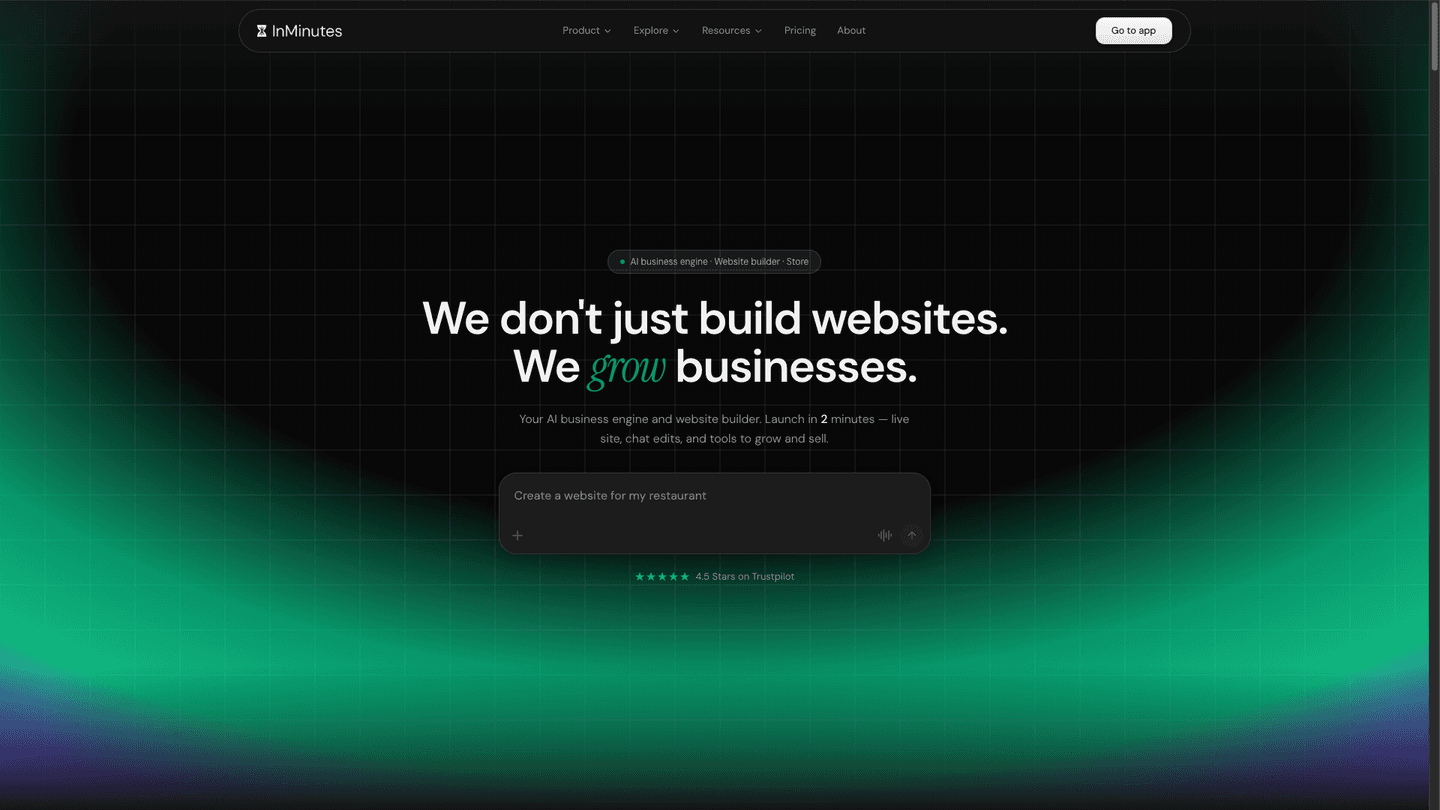
InMinutes is built around a narrower, more specific problem than the rest of this list: the millions of local businesses — restaurants, salons, clinics, contractors — that show up on Google Maps but have never had a website. Instead of starting from a blank template, you describe the business — name, category, city — and Claude generates a complete, custom-coded website — copy, layout, and design tailored to that business category — live in under two minutes.
Strengths:
-
Fastest genuinely custom output on this list — not a stock template filled in, code generated fresh per business
-
Chat-to-edit: changes are made by describing them in plain language ("make the hero darker," "add a booking button") instead of a drag-and-drop editor
-
Built-in local SEO and AI-search (GEO/AEO) foundations — structured data, meta tags, and llms.txt out of the box, not a bolt-on plugin
-
0% transaction fees on the built-in store, versus the percentage most builders take
-
Manage the site from WhatsApp or Telegram, not just a dashboard
-
Available in 6 languages (English, French, German, Spanish, Turkish, Chinese)
-
Starts completely free — no plan required until you're ready to publish
Limitations:
-
Smaller template/theme library than Wix or Squarespace — InMinutes isn't for someone who wants to browse hundreds of templates and hand-pick one
-
No built-in CRM or invoicing yet, where Durable has an edge
-
Purpose-built for local, service, and small e-commerce businesses — not the tool for a large content site or a complex web app
Verdict: if your business already exists on Google Maps but not on the web, InMinutes gets you from zero to a live site faster than anything else here, because it generates directly from a description of your business instead of a blank canvas.
A note on "prompt-to-code" app builders (v0, Lovable, Bolt)
A separate category worth knowing about: tools like v0, Lovable, and Bolt generate working code from a prompt, aimed at developers and founders building web apps and MVPs rather than marketing websites. They're excellent for prototyping a product, but they assume you can read and ship code — not the right fit if you just need a business website live today.
Best AI website builder by use case
If you are… | Use |
|---|---|
A local business with no website yet | InMinutes |
Naming a brand new business and need a logo and site together | Design.com |
Starting a brand and want a big template library to browse | BrandCrowd |
A designer who wants full visual control | Framer |
Running an online store at scale | Wix |
A photographer or creative studio | Squarespace Blueprint AI |
On a tight budget and just need something live | Hostinger |
Building a content-heavy site with a dev team | Webflow |
Already committed to WordPress | 10Web |
Willing to pay for a human design pass | B12 |
Building a web app or SaaS product, not a marketing site | v0, Lovable, or Bolt |
How to choose
Three questions cut through most of the decision:
-
Do you know exactly what the business is and does, or are you starting from nothing but an idea? Tools like InMinutes and Durable generate a finished site from a short description; template builders generate from stock content you then rewrite yourself.
-
Do you want to design it, or do you want it done? Framer and Webflow assume you want hands-on control. InMinutes and Durable assume you want a finished result you can then tweak by asking for changes.
-
What happens after launch? A slick first draft matters less than whether you can keep the site updated without relearning a tool every time. Chat-based editing (InMinutes) and drag-and-drop (Wix, Squarespace) solve this differently — pick based on which one you'd actually keep using six months from now.
FAQ
The bottom line
There's no single "best" AI website builder — there's a best fit for what you're starting with. If you want maximum design control, Framer or Webflow. If you want the biggest ecosystem and don't mind spending time in an editor, Wix. If you want the cheapest bundle, Hostinger. And if you're a local business that exists on Google Maps but not on the web yet, InMinutes turns a short description of your business into a real, custom website in about the time it took to read this article.

Guides15 min read

Guides9 min read
Guides14 min read
Guides10 min read