7 Signs an AI Website Builder Can Build Your Service Site

How to tell whether an AI website builder can actually generate a complete service business website — core pages, working booking flow, automated SEO, and same-day launch — before you commit to one.

Every AI website builder demos beautifully. The homepage appears in seconds, the copy sounds plausible, and the pricing page says "no code required." None of that tells you whether the tool can produce the site your service business actually needs — one with real pages, a booking flow that takes appointments, and a launch date measured in hours rather than weekends.
Quick answer: an AI website builder can genuinely build your service site if it generates complete multi-page sites (not a single scrolling homepage), maps your services into a working booking flow, handles SEO basics automatically, and gets you from signup to a live site in a day. InMinutes checks all seven signs below; most tools check three or four.
Here are the seven signs to look for — and how to test each one in a free trial before you pay anything.
1. It generates real pages, not one long homepage
A service business needs a home page, a services page (or one page per service), an about page, and a contact page at minimum. Many AI web design tools produce a single scrolling page with sections — fine for a landing page, thin for a business that wants to rank for "emergency plumber [your city]" and "water heater installation [your city]" separately.
Test it: generate a draft and count the actual pages in the navigation. If everything lives at one URL, that's a landing-page generator, not automated website development.
2. Booking is generated, not bolted on
The single biggest difference between service business websites and everything else: the site's job is to produce appointments. Some builders generate a "Book now" button that links to nothing; others expect you to embed a third-party scheduler and configure it separately.
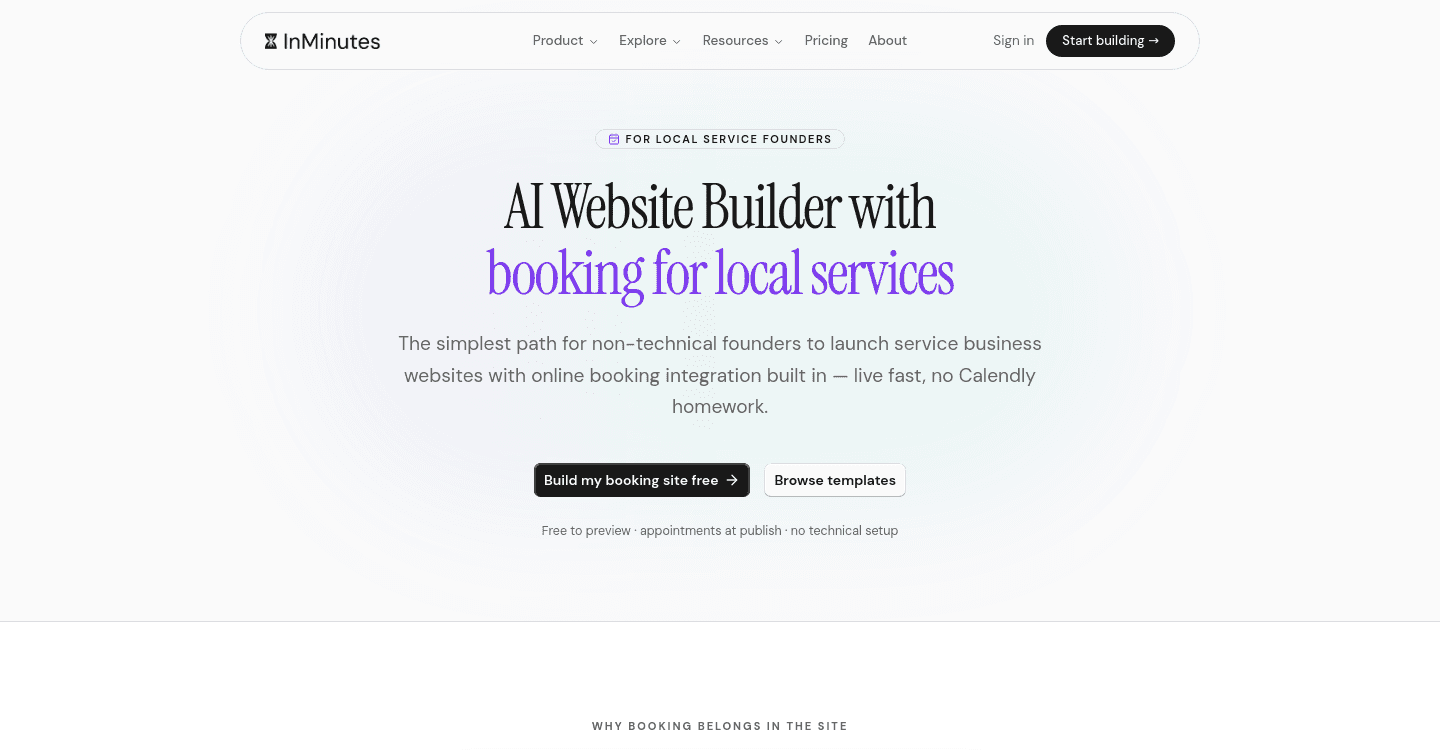
The strongest sign a builder understands service businesses is booking generated from your own details — your services become bookable options, your hours become availability, and confirmations work at publish. InMinutes does exactly this; the appointment flow is built from the services and hours the AI already knows about your business. For the full capability checklist, see 9 booking features to look for in AI website builders.
Test it: try to book a fake appointment on your own draft site. If you can't complete one within the trial, your customers won't either.
3. The copy is about your business, not a template's
AI website creation should mean the text mentions your services, your area, and your differentiators — not "We are passionate about excellence" filler that could describe a dentist or a drywall contractor equally well.
The best signal here is what the builder asks for as input. Tools that pull from your Google Business Profile — reviews, services, photos, hours — start with real material. Tools that ask only for a business name and an industry dropdown are guessing.
Test it: search your draft for your city name and your most profitable service. If neither appears, you'll be rewriting everything by hand.
4. SEO happens without an SEO checklist
Service businesses live on local search. A builder that leaves meta titles, descriptions, and structured data as "advanced settings" is handing you homework most owners never do.
Look for automatic meta tags, LocalBusiness structured data (the markup that tells Google you're a business with hours and a service area), and — increasingly important in 2026 — readiness for AI search engines that answer "best electrician near me" directly. InMinutes ships meta tags, LocalBusiness JSON-LD, and AI-search (GEO) signals automatically, with sitemap and Google Search Console tools on paid plans.
Test it: view your draft's page source and look for a <title> with your business name and a block mentioning "LocalBusiness". No developer knowledge needed — just Ctrl+F.
5. Edits don't require a design degree
A no-code website builder that dumps you into a 200-option drag-and-drop editor after generation has only moved the work, not removed it. The sign of a genuinely usable tool is that changing the site is as simple as describing the change — "make the header darker, add a page for gutter cleaning" — and reviewing the result.
Test it: make three edits during the trial. Time yourself. If each edit sends you hunting through panels and breakpoints, that's your future maintenance burden.
6. Signup to live site fits inside a day
Speed to launch is not vanity — every week your service business has no site (or a bad one) is a week of searches going to competitors. A capable AI website builder produces a reviewable draft in minutes and a published site the same day, including the booking flow and a connected domain.
For a deeper comparison of how AI-generated sites stack up against traditional drag-and-drop builds on exactly this dimension, see AI vs traditional website builders for service businesses.
7. The pricing matches a small service business
Watch for the gap between the advertised price and the price at which the features you need switch on — booking, payments, and SEO tools are commonly reserved for higher tiers, and some platforms take a cut of payments on top.
InMinutes is free to start, with booking on the Pro plan at $49/month — and the free tier is a real generated site, so you can validate every sign on this list before paying.
The seven signs at a glance
| Sign | What to check | Deal-breaker if missing? |
|---|---|---|
| Real multi-page site | Page count in navigation | Yes, for local SEO |
| Generated booking | Complete a test appointment | Yes, for appointment businesses |
| Business-specific copy | Your city + top service in the text | High — hours of rewriting |
| Automatic SEO | Meta title + LocalBusiness markup in source | High for local search |
| Describe-it editing | Time three edits | Medium — ongoing burden |
| Same-day launch | Signup to published, with domain | Medium |
| Honest pricing | Cost with booking + payments enabled | Depends on budget |
FAQ
The bottom line
Don't choose an AI website builder from screenshots — choose it from a checklist run against your own business. Seven signs, one free trial, about an hour of your time. Generate your service site free and test all seven →

Guides9 min read
Guides11 min read
Guides12 min read
Guides10 min read
Ready?
Your site, live in 2 minutes with InMinutes.
No agency. No waiting. Flat monthly fee.
Start for free →