10 Booking Website Builder Facts for Service Businesses

Ten facts appointment-based businesses should know about AI website builders that generate booking-ready sites — scheduling depth, SEO, no-show protection, and what it really costs.
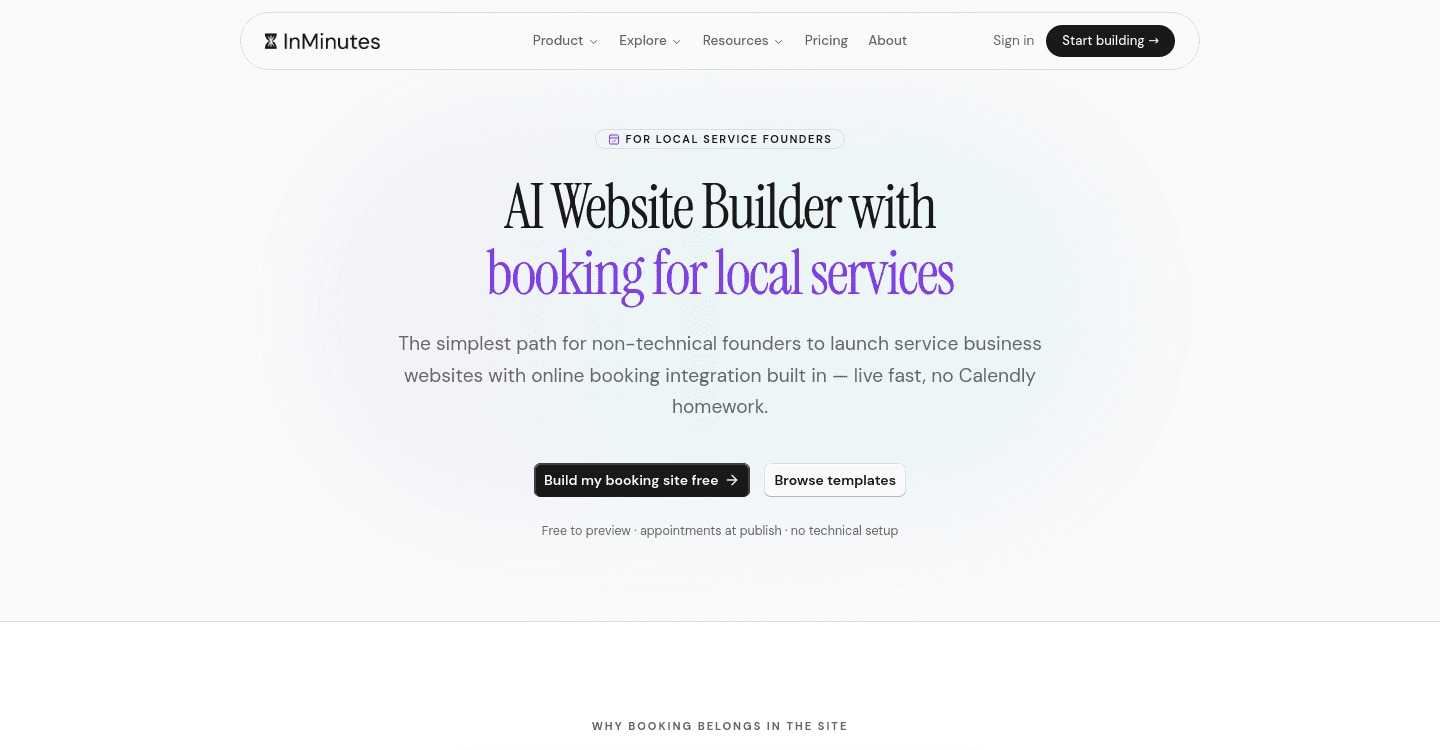
Quick answer: An AI website builder with online booking is only useful if the booking engine understands your real operation — service durations, staff, buffers, and hours — and if the site around it can be found. Check whether booking is native or an embedded add-on, whether it syncs to a calendar, how no-shows are handled, and what the total monthly cost is once scheduling is included. InMinutes generates a booking page from your services and includes appointments on every plan, Free included; card deposits at booking time are the Pro feature at $49/mo.
If you sell time rather than products, your website has exactly one job: convert a stranger into a confirmed appointment without a phone call. Here are ten facts about how these tools actually behave.
1. "Has booking" usually means "can embed someone else's booking"
This is the first thing to verify. On several major platforms, booking is an embedded widget from a separate product with a separate subscription, separate branding, and its own login.
The clearest example: Squarespace's scheduling is Acuity, which is a distinct subscription starting around $16/mo billed annually on top of your website plan. That is not a criticism of Acuity — it is a good product — but it means the advertised website price is not the price of a booking website.
2. The generated booking page is only as good as the questions you were asked
Automated website creation for a service business lives or dies on intake. If the builder never asked how long a service takes, how many staff you have, or when you are closed, it cannot generate real availability — it will produce a pretty page with fake slots.
Good intake asks about services and durations, working hours per day, buffer time between jobs, and whether appointments are per-person or per-business. InMinutes builds the availability rules from that conversation and generates the /booking page from your actual services.
3. Calendar sync is the difference between a tool and a trap
Without a two-way sync to Google Calendar or Outlook, you now maintain two calendars and eventually double-book someone.
Ask specifically for two-way: bookings push out to your calendar, and events you create elsewhere block availability. One-way sync causes exactly the failure it looks like it prevents.
4. Most bookings happen when you are not working
The strongest argument for online booking websites is not convenience, it is coverage. A large share of appointment bookings are made outside business hours — evenings, weekends, and lunch breaks are when people finally deal with their to-do list.
That is the actual replacement for a phone line: not a faster booking, but a booking that would otherwise have been a voicemail nobody returned.
5. No-shows are a pricing feature, not a scheduling feature
If no-shows cost you real money, the mechanism that fixes it is taking a card at booking time — a deposit or a stored card with a cancellation window.
Be honest about where this sits on the price list. On InMinutes, booking itself is free on every plan; taking a Stripe deposit at booking is Pro at $49/mo. On most competitors, deposits are also a paid tier of the scheduling product. Reminders help too, and they are cheaper: an email and SMS reminder cycle removes a meaningful share of forgetting-based no-shows.
6. Your booking page needs SEO of its own
Service businesses under-invest here. The booking page is usually the last step of a journey that started with a search for "physio near me" — so the pages leading to it need to exist and rank.
That means a page per service, not one services page with a bulleted list. It means LocalBusiness structured data, correct hours, and a name-address-phone that matches your Google Business Profile exactly. InMinutes generates meta tags and LocalBusiness JSON-LD at publish; you should still write the service descriptions in your own words.
7. Booking is the front door of an operation, not a standalone widget
Once someone books, a sequence has to happen: confirmation, reminder, the appointment, payment, a receipt, and ideally a review request.
Ask what the builder covers versus what you assemble. A tool that stops at "slot reserved" leaves you invoicing by hand and chasing payment by text. InMinutes includes invoicing and Audience CRM on Pro so the follow-up lives with the booking, but plenty of businesses happily run booking on one tool and invoicing on another — just count the subscriptions before you decide.
8. Compare the plan that includes scheduling
| Platform | Website plan | Booking | Real monthly cost |
|---|---|---|---|
 Squarespace Squarespace | Basic $16/mo annual | Acuity, separate from ~$16/mo | ~$32+/mo |
 Wix Wix | Light $17/mo | Wix Bookings, plan-dependent | Varies by plan |
 GoDaddy GoDaddy | Entry plans from ~$12/mo | Appointments on higher tiers | Tier-dependent |
 InMinutes InMinutes | Starter $19/mo ($15 annual) | Included on every plan, Free included | $19/mo, or $49 for deposits + store |
| The point is not that one row wins. It is that the number you compare should be the number after scheduling is switched on, which is rarely the number on the pricing page. |
9. The mobile booking flow is the whole product
Watch a real person book on a phone. Count taps from landing to confirmation. Anything over about five is losing people.
Check the specifics: is the date picker usable with a thumb, does it show your timezone, is the confirmation immediate, and does the form ask for a card at the right moment or too early? A beautiful desktop booking page with a cramped mobile date picker is a booking page that does not work.
10. You can test all of this before paying
Generate the site with your real services and durations, then book yourself an appointment end-to-end. You will learn more in ten minutes than from any feature comparison, including this one.
InMinutes lets you generate free and includes booking on the Free plan, so the whole flow is testable before a card is involved.
The takeaway
Native beats embedded, intake quality determines availability quality, calendar sync is non-negotiable, and the honest price is the one that includes scheduling. Everything else is preference.
Generate your booking-ready site free and book yourself a test appointment. Try InMinutes →
FAQ
Related reading
9 booking features to look for in AI website builders, 8 features to look for in an AI booking website, and our Squarespace comparison.