What to Know Before Using an AI Website Builder

Key factors local retailers, agencies, and non-technical founders should evaluate before choosing an AI website builder to launch a store with ecommerce and SEO.
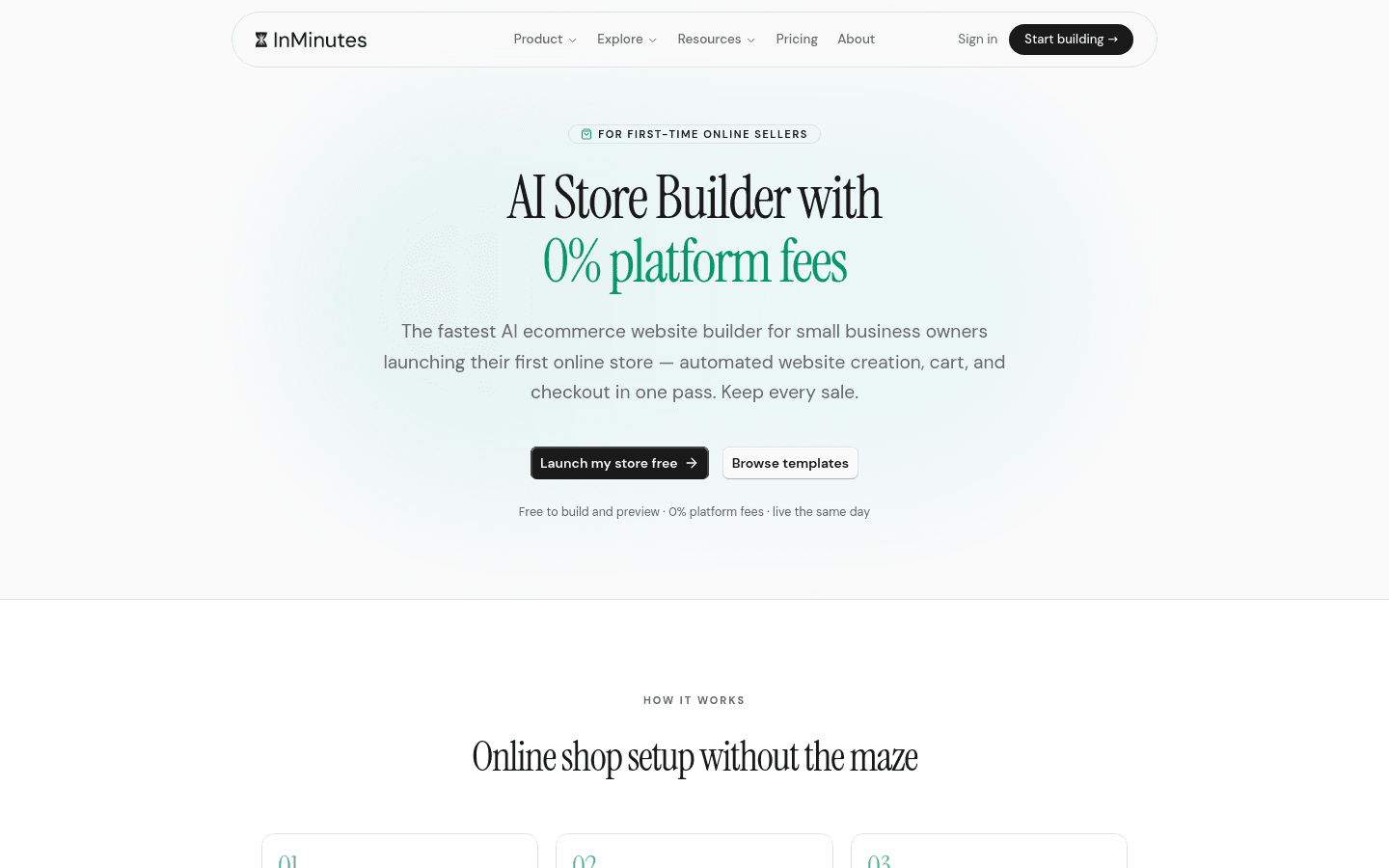
An AI website builder can put a local retail store online in an afternoon — or leave you with a pretty homepage, a half-connected checkout, and SEO fields you never open. Local retailers, agencies, and non-technical founders should decide before generation which jobs the platform must finish on day one: online store builder depth, SEO that ships configured, and editing that does not require a designer on retainer.
Quick answer: Before you start, confirm the store is native (not an iframe), what you pay per sale, what SEO exists at publish, how owners edit after launch, and whether agencies can hand the site off safely. InMinutes is built for that path — small business website creation with AI Store (0% InMinutes platform fee on Pro), SEO defaults, hosting, and plain-language edits. Generate free; publish when the draft is real.
1. Know what "AI" is actually generating
Some tools write headlines into a fixed theme. Others generate copy, layout, and working front-end together from your business type and city. The test is simple: generate a boutique, then a café. If only the nouns change, you bought no-code website design with an AI writing layer — useful for a brochure, thin for a store that needs product pages and local SEO.
Ask vendors to show automatic output for your niche, not a polished marketing demo.
2. Treat the store as the product, not an add-on
For retail, the catalog is the point. Before you commit, walk the online store builder path:
-
How do products get in — typed one by one, imported, or AI-assisted?
-
Are cart, checkout, tax, shipping, and coupons included on the plan you will actually buy?
-
Can a customer complete a purchase on a phone without leaving the site?
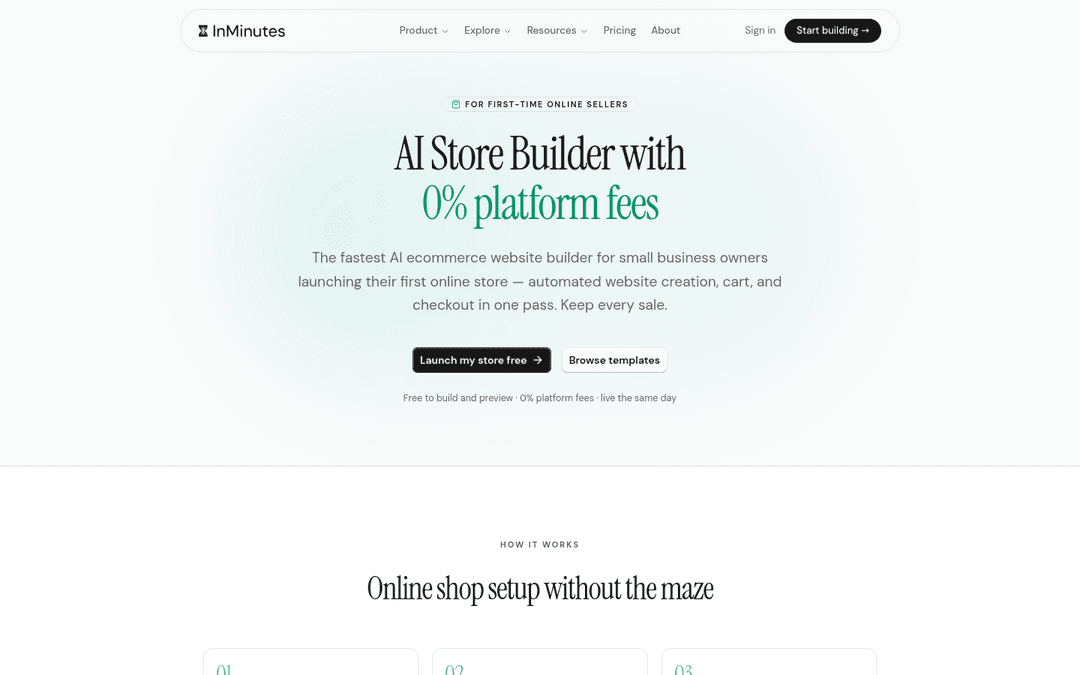
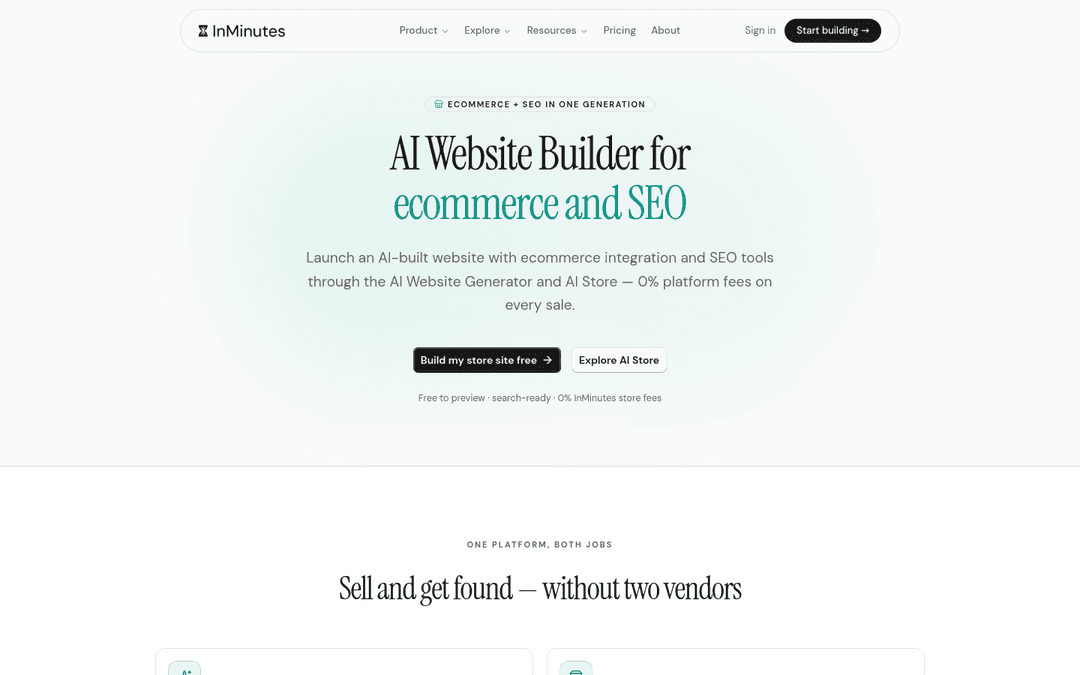
Bolted-on commerce (external cart widgets, separate Shopify embeds) can work, but they split branding, analytics, and support. Native store + site in one publish is what agencies can productize and what founders can maintain. See the AI website builder for ecommerce and SEO lander for how InMinutes packages both jobs.
3. Separate platform fees from processing fees
Every sales page says "0% fees" until you ask which fee. There are two:
-
Platform fee — the builder's cut of each sale (0% on InMinutes Pro with your own Stripe or PayPal; other builders vary by plan and processor lock-in).
-
Processing fee — what Stripe, PayPal, or a locked-in processor take (roughly 2.9% + 30¢ in the US, everywhere).
No honest AI website builder removes card processing. What you can avoid is a second percentage forever. Run the real number before you migrate a catalog.
4. Demand SEO that exists at publish — not "SEO tools"
Empty meta fields are not SEO. For local retail you want:
-
Unique titles and descriptions per page (including product or category pages when relevant)
-
LocalBusiness structured data with address, hours, and phone
-
Sitemap and a clear Search Console path on paid plans
-
Mobile pages where "Buy," "Reserve," or "Get directions" works with a thumb
If SEO is a homework panel, it will not happen during a store launch week. InMinutes generates meta and LocalBusiness JSON-LD with the site; treat that as the floor, then improve content. Related checklist: 10 SEO and store questions for AI website builders.
5. Local retail needs more than a catalog
Shops that also do pickup, alterations, classes, or consultations need hours, location, and sometimes booking next to products. Agency website development briefs that ignore this become phase-two tickets.
Ask whether hours, maps, contact, and booking (if you offer services) are generated with the site or bolted on later. A store that cannot answer "are you open Saturday?" will lose the Google traffic you paid to earn.
6. Decide who edits after launch — owner, agency, or both
Non-technical founders will change prices at 9pm. Agencies will hand the site to a client who should not be able to delete the tracking script.
Client website automation fails when the only editor is a free-form canvas. Prefer plain-language edits ("add a 20% off winter banner," "change Saturday hours to 10–4") plus collaborator roles so the client touches their site, not your whole workspace. That is the InMinutes model: chat-to-edit after generation, roles per site on paid plans.
7. Count the real stack you will run
A site that sells usually needs more than pages: payments, order notifications, customer list, sometimes invoices for wholesale. Count logins and subscriptions.
| Need | Assembled DIY |  InMinutes (typical) InMinutes (typical) |
|---|---|---|
| Pages + hosting | Builder + host | Included |
| Store checkout | Commerce plan / Shopify | AI Store on Pro |
| Platform fee on sales | 0–2%+ depending on tool | 0% InMinutes fee on Pro |
| Booking / appointments | Calendly etc. | Native (all plans) |
| Customer email list |  Mailchimp etc. Mailchimp etc. | Audience CRM on Pro |
| Editing | Learn a builder | Plain-language chat |
| If you already live in Shopify for catalog depth, stay there. If you need a small business website creation path that includes a store without a second platform, prefer a generator that ships both. |
8. Generate your real shop before you pay
Not a template gallery. Not a video. Your shop name, city, and a few products or services — clickable.
Output quality is the widest variable among AI builders, and marketing pages hide it. InMinutes and a few peers let you generate before paying. If a vendor puts a card form in front of the result, that is information.
What you still have to do (honest list)
AI does not replace: accurate prices, real photos, shipping policy, returns copy, and a human review of every page before you put the URL on Google Business or receipts. Budget an hour for that pass. The win is that you are reviewing a complete draft, not assembling one from a blank theme.
FAQ
The bottom line
Before you generate, decide what "done" means: a live URL, a working checkout, SEO that exists without a specialist, and an edit path the owner or client will actually use. Build your store site free on InMinutes →

Guides8 min read

Guides10 min read

Guides9 min read

Guides7 min read
Ready?
Your site, live in 2 minutes with InMinutes.
No agency. No waiting. Flat monthly fee.
Start for free →