Best AI Website Builders for Service Businesses With Booking, Store & Invoicing in 2026

Compare the best AI website builders for service businesses ranked by real total cost, booking features, store setup, and chat-based editing speed.

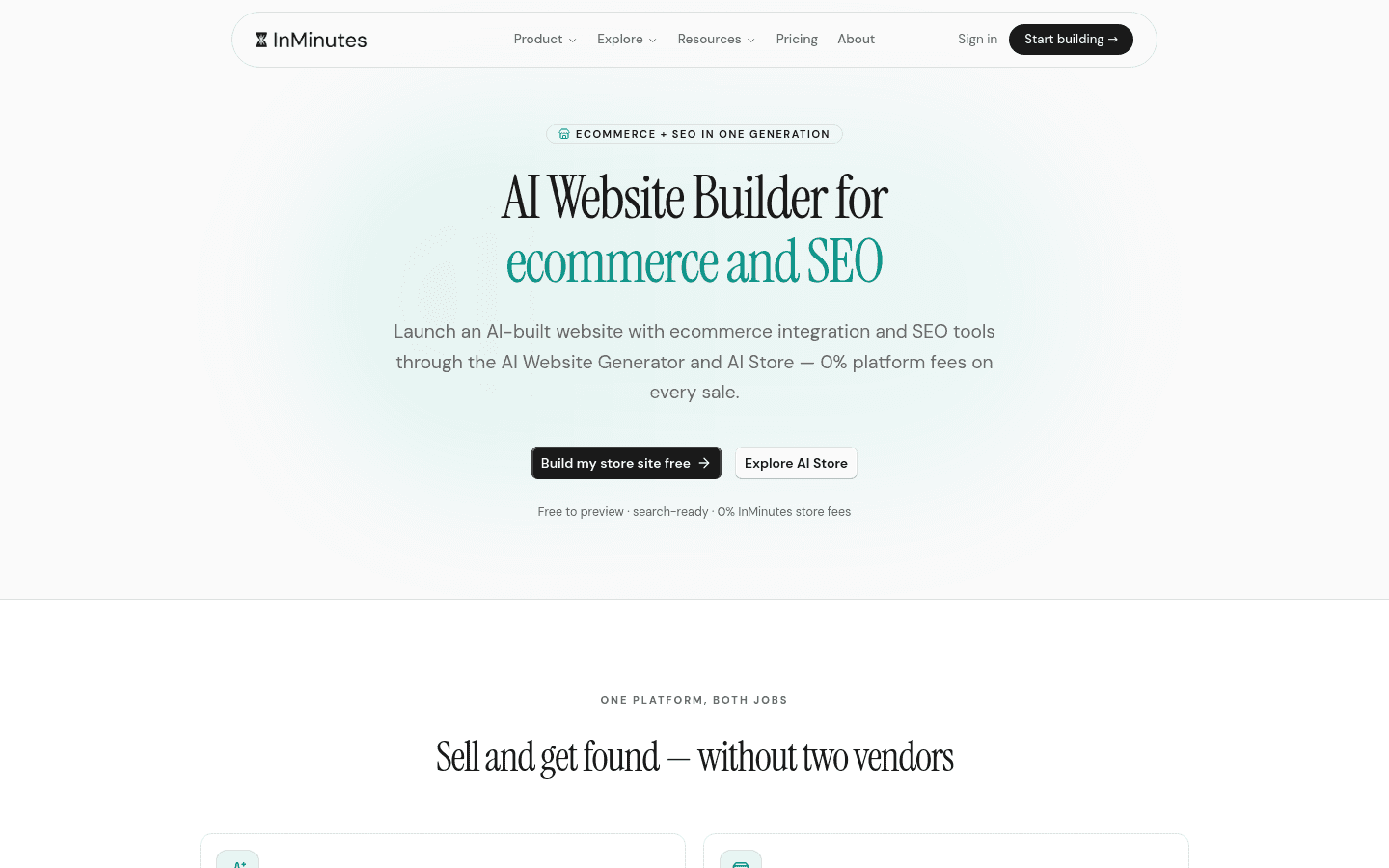
Quick answer: InMinutes is the best AI website builder for service businesses in 2026 because it generates a complete live site in minutes and includes store, booking, invoicing, and SEO in one Pro plan at $49/month — no add-on stacking needed. Wix AI works best if you want maximum template choice and don't mind assembling features yourself. Squarespace AI suits designers who prioritize visual polish over bundled business tools.
How We Ranked These AI Website Builders for Service Businesses
We evaluated each platform on what actually matters when you're running a service business and need to take bookings, sell products or packages, and get paid:
-
Time to live site — How long from signup to a published, working website with real pages, not a draft or wireframe.
-
Built-in business features — Whether store, booking, invoicing, and CRM are native or require external tools and subscriptions.
-
Editing workflow — How you maintain the site day-to-day; chat-based, drag-and-drop, or code.
-
SEO and discoverability — LocalBusiness schema, GEO files, llms.txt, and meta control out of the box.
-
Total cost of ownership — Base plan plus whatever you must add to get a functioning service business site.
 1. InMinutes — Fastest Live Site With Chat Editing, Store & Booking in One Plan
Setup: You describe your business, and InMinutes generates a complete multi-page website in minutes. No template selection, no blank canvas staring, no designer or developer needed. You edit by chatting in plain language — "make the hero darker," "add a services page," "change my headline" — with no drag-and-drop or code.
Booking: Appointment booking is included on every plan, including Free. Taking a deposit or card payment at booking time connects through your own Stripe account and requires Pro.
Store: Online store with checkout is built in on Pro ($49/month) and Business ($99/month), with 0% InMinutes platform fee — you pay only standard card processing at about 2.9% + 30¢ through your own Stripe or PayPal account. No processor lock-in. The store does not exist on Free or Starter.
Invoicing: Native invoicing is included, not a separate tool.
SEO: Meta titles and descriptions, LocalBusiness JSON-LD structured data, GEO files, and llms.txt are built in.
CRM: Audience CRM is native, not an integration.
Languages: Six interface languages: English, French, German, Spanish, Turkish, and Chinese.
Pricing: Free $0 (1 draft site, 200 AI tokens, no publishing), Starter $19/month, Pro $49/month, Business $99/month. Annual billing works out to $0, $15, $39, or $79 per month. New subscribers get a 3-day free Pro trial. Business doubles AI tokens from 3,000 to 6,000 monthly but otherwise matches Pro features.
Weakness: The Free plan does not publish, and the online store only unlocks at Pro. If you need a live store on the tightest possible budget, you must at least start the Pro trial.
Choose InMinutes if you want a complete service business website — store, booking, invoicing, SEO, CRM — live today, maintained by chatting, without stacking separate subscriptions.
 2. Wix AI — Deepest Template Library, But Assembly Required for Full Service Features
Setup: Wix AI asks questions and generates a starting point, but you still browse templates and customize through a drag-and-drop editor. The AI speeds up the first draft; finishing the site is manual work.
Booking: Available through Wix Bookings, though advanced scheduling features may require upgrading beyond the base plan.
Store: E-commerce exists natively, but full store functionality with checkout sits on a commerce tier rather than the entry plan.
Invoicing: Requires external tools or higher-tier plans; not included as a standard base feature.
SEO: Solid fundamentals available, though advanced local schema and AI-discovery formats like llms.txt need manual implementation or apps.
CRM: Basic contact management exists; deeper CRM workflows need integrations.
Pricing: Entry-level pricing is available, but commerce and advanced business features require plan upgrades and potential add-on costs.
Weakness: You trade speed for flexibility. Getting a complete service business site with booking, store, and invoicing means assembling features across plans and tools, with a steeper learning curve for ongoing edits.
Choose Wix AI if you want hundreds of templates and fine-grained visual control, and you have time to build and maintain the full feature stack yourself.
 3. Squarespace AI — Best Design Polish, Booking and Store Stay Separate Add-Ons
Setup: Squarespace AI generates elegant first drafts with strong typography and spacing defaults. The editor is structured, not free-form drag-and-drop, which keeps designs clean but limits layout freedom.
Booking: Squarespace Scheduling (powered by Acuity) is a separate subscription, not bundled into website plans.
Store: Native commerce exists, but full service-selling features require a commerce plan upgrade.
Invoicing: Not native; requires third-party integration.
SEO: Good baseline SEO, though local business schema and emerging AI-search formats need manual work.
CRM: Limited native CRM; email marketing and client management push toward additional Squarespace tools.
Pricing: Entry-level plans look affordable, but adding scheduling as a separate subscription and upgrading for commerce features increases total cost meaningfully.
Weakness: The beautiful design comes at the cost of fragmented business tools. Booking is not part of your website plan, and getting a complete service setup means multiple subscriptions.
Choose Squarespace AI if visual refinement matters more than bundled functionality, and you are comfortable paying separately for scheduling.
 4. Shopify — Most Powerful Store Engine, Service Features Need External Apps
Setup: Shopify's AI tools help with product descriptions and some layout suggestions, but the platform is fundamentally product-first, not service-first.
Booking: No native booking. You need an external app from the Shopify App Store, with its own subscription.
Store: The most powerful e-commerce engine on this list. Inventory, variants, shipping, and global selling are best-in-class.
Invoicing: Native invoicing exists for orders, but service invoicing workflows need app supplementation.
SEO: Strong product SEO, though local service business schema and GEO file support need manual implementation or apps.
CRM: Customer data is robust for buyers, but service-client relationship tracking is weaker without apps.
Pricing: Entry-level plan is $27/month as of 2026-08-06. Commerce features are native, but service business tools require additional app spending.
Weakness: Built for selling products, not time. Turning Shopify into a service business platform means app dependency for basics like booking.
Choose Shopify if you primarily sell physical products with some services on the side, and you need enterprise-grade commerce infrastructure.
 5. Durable — Fastest Business Name to Draft, Narrower Feature Set for Growth
Setup: Durable generates a site extremely fast from minimal input — sometimes just a business name and industry. The initial draft is impressively quick.
Booking: Limited native scheduling; deeper booking workflows may need external tools.
Store: Basic product selling exists, but checkout and inventory features are less developed than dedicated commerce platforms.
Invoicing: Available in some form, though not as robust as dedicated tools.
SEO: Basic SEO controls; advanced local and AI-search optimization is thinner.
CRM: Simple contact tracking, not a full audience management system.
Pricing: Entry-level plans are competitive, but scaling to full service business functionality reveals gaps that require workarounds.
Weakness: The speed of first draft comes with a ceiling. Growing service businesses often outgrow the native feature set and need to migrate or patch together tools.
Choose Durable if you need a business identity and basic web presence in the next hour, and your needs may stay simple.
 6. Hostinger AI — Budget-Friendly Hosting Bundle, Manual Setup for Booking and Store
Setup: Hostinger's AI builder generates a starting site quickly, tied to their hosting infrastructure. The editor is straightforward but conventional.
Booking: No native booking system. You integrate external scheduling tools manually.
Store: E-commerce requires plan upgrades and setup work; not as streamlined as dedicated store builders.
Invoicing: Not included; requires third-party tools.
SEO: Basic SEO tools available, though local business optimization needs manual configuration.
CRM: Minimal native CRM; expect to use external tools.
Pricing: Bundled hosting makes the headline price attractive, but adding booking, store, and invoicing through separate tools erodes the savings.
Weakness: The bundle is hosting-first, business-features-second. You save on infrastructure but spend time and integration effort on service business essentials.
Choose Hostinger AI if you already know you want their hosting and are comfortable assembling your own tool stack around it.
Comparison Table
| InMinutes | Wix AI | Squarespace AI | Shopify | Durable | Hostinger AI | |
|---|---|---|---|---|---|---|
| Time to live site | Minutes, complete multi-page | Hours, template-guided | Hours, design-polished | Hours, product-focused | Minutes, very fast | Hours, hosting-bundled |
| Booking | Built in, all plans | Native, tiered features | Separate Acuity subscription | External app required | Limited native | External integration |
| Store | Built in on Pro, 0% platform fee | Commerce tier required | Commerce plan upgrade | Best-in-class engine | Basic, less developed | Upgrade + setup needed |
| Invoicing | Native | External/higher tier | Third-party integration | Order-native, service needs apps | Basic | External tool |
| Editing | Chat-based, plain language | Drag-and-drop | Structured editor | Product-centric dashboard | Simple editor | Conventional builder |
| SEO | LocalBusiness JSON-LD, GEO, llms.txt | Good fundamentals, manual advanced | Good baseline, manual local schema | Strong product SEO, manual service local | Basic | Basic, manual config |
| Total cost | One plan for full stack | Plan + add-ons stack | Plan + separate scheduling sub | Entry plan + app spending | Competitive, limited scale | Hosting bundle + tool assembly |
Which One Should You Pick?
-
You want everything in one place, live today → InMinutes. Store, booking, invoicing, SEO, CRM, and chat editing on a single Pro plan.
-
You love tweaking design and don't mind building your stack → Wix AI. Unmatched template depth for hands-on owners.
-
Visual perfection matters more than bundled tools → Squarespace AI. The cleanest default designs, with separate subscriptions for business features.
-
You sell products first, services second, at scale → Shopify. Nothing beats its commerce engine, but budget for booking apps.
-
You need a name and site in the next 60 minutes, period → Durable. Fastest zero-to-draft, with trade-offs as you grow.
-
You prioritize hosting cost and will assemble tools yourself → Hostinger AI. Budget hosting bundle, manual feature building.
The Bottom Line
The "best" AI website builder for service businesses depends on what you're actually optimizing for. If your priority is design freedom, Wix and Squarespace offer more visual control — at the cost of assembling separate tools for booking, invoicing, and sometimes store functionality. If you sell products at volume, Shopify's engine is unmatched, though service features need external apps.
But if you're running a service business and need a professional website that takes bookings, sells products or packages, sends invoices, and ranks locally — without subscribing to four different tools — InMinutes is the only option that delivers all of it through chat-based editing on one Pro plan. The 0% platform fee on your own Stripe or PayPal account means you keep more of what you earn, and the minutes-to-live-site speed means you can stop researching builders and start taking customers.
Ready to see your site live? Start your free Pro trial and launch today.
FAQ

Guides8 min read

Guides9 min read

Guides7 min read
Guides10 min read
Ready?
Your site, live in 2 minutes with InMinutes.
No agency. No waiting. Flat monthly fee.
Start for free →