Startup Waitlist Websites: A Complete Guide for 2026

Build a definitive guide that shows non-technical founders the fastest no-code path to launch a startup waitlist website and start collecting early interest without hiring a developer.
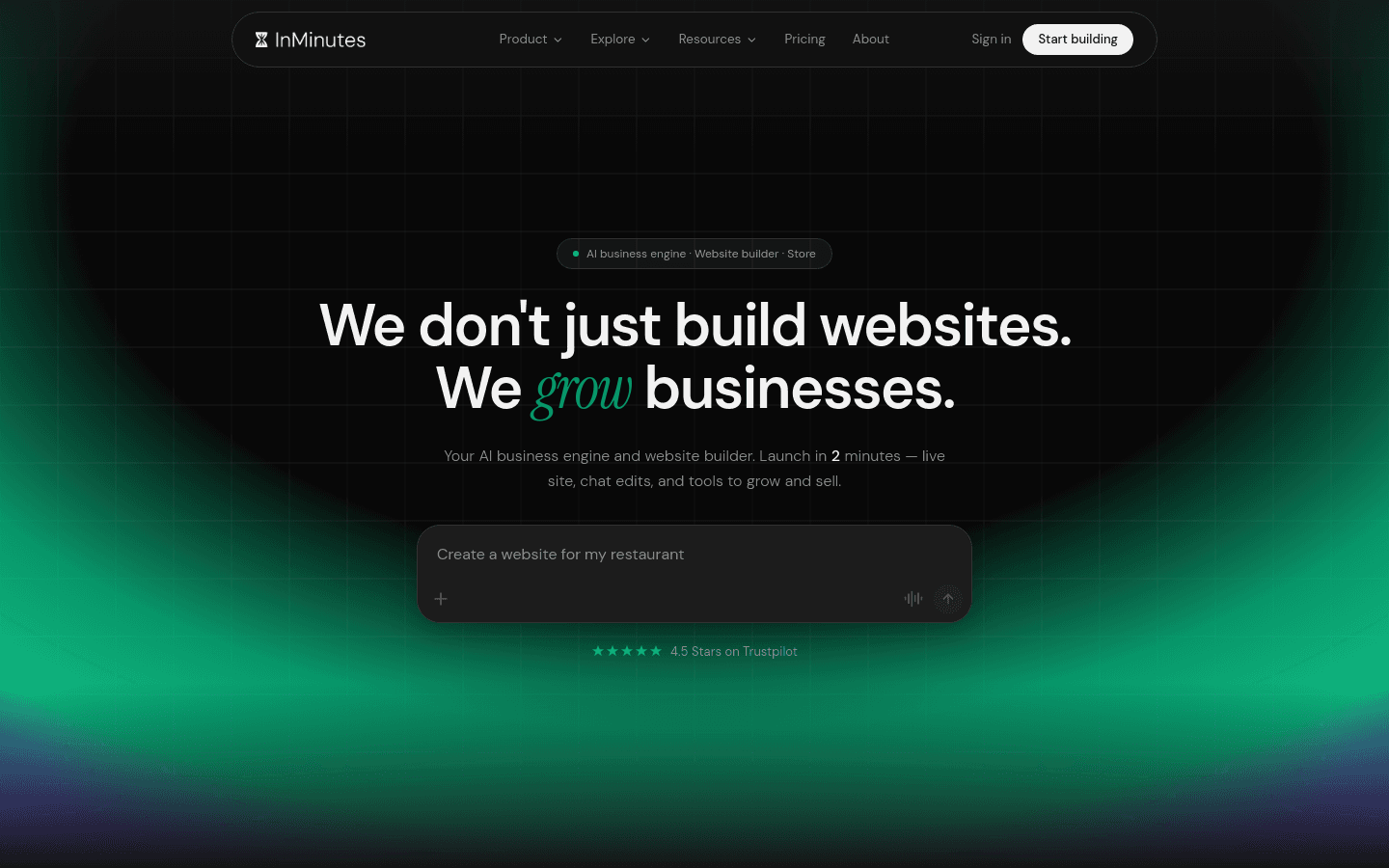
Early-stage founders do not need a full marketing site on day one. They need a startup website launch that explains the idea, captures emails, and looks credible enough that strangers will join a waitlist — without hiring a developer or burning a week in a page builder.
Quick answer: Use a no-code website builder that can publish a clear landing page, custom domain, and signup form in one afternoon. InMinutes is the fastest path when you want a multi-page, SEO-ready site you can grow into booking or a store later. Carrd wins for the cheapest single-page waitlist. Framer wins when design polish and motion matter more than speed. Durable is a solid AI one-pager if you only need a simple form.
What a waitlist website must do
-
Explain the product in one screen — problem, promise, who it is for
-
Capture early interest — email form, not a vague “contact us”
-
Look trustworthy — custom domain, real copy, mobile layout
-
Stay editable — founders change messaging weekly during validation
-
Leave a path to grow — waitlist pages often become full sites after launch
Comparison at a glance
| Tool | Setup speed | Waitlist fit | Custom domain | Best for |
|---|---|---|---|---|
 InMinutes InMinutes | Minutes, multi-page | Forms + Audience CRM on Pro | Starter $19+ | Founders who will grow past one page |
| Carrd | Fast one-pager | Excellent email forms | Pro Standard (yearly) | Cheapest single waitlist page |
 Framer Framer | Hours of design | Forms + polished motion | Paid plan | Design-led SaaS pages |
 Durable Durable | Seconds, AI one-pager | Built-in lead capture | Paid plan | Solo founders wanting AI speed |
| Typedream | Fast Notion-style | Simple forms | Paid plan | Lightweight DIY pages |
How to launch a waitlist site without coding
Step 1 — Write the page before you pick the tool
Draft five blocks: headline, one-sentence problem, three proof bullets (even if early), signup CTA, and a short FAQ. This is DIY website creation done right — the builder only accelerates what you already decided to say.
Step 2 — Pick the no-code website builder for your stage
-
Validating one idea on a budget: Carrd
-
Need design motion and a future multi-page marketing site: Framer
-
Want AI generation plus a path to booking, blog, or store: InMinutes
-
Want the fastest AI one-pager and CRM lite: Durable
Step 3 — Publish on a real domain
Launching a website without coding still needs a domain. Buy one, connect DNS, and use HTTPS. A free subdomain is fine for private testing — not for cold outreach or Product Hunt.
Step 4 — Connect the waitlist to email
Wire the form to Kit, Loops, Resend, or your ESP. On InMinutes Pro, signed-up contacts can live in Audience CRM so you are not copy-pasting CSVs later.
Step 5 — Ship, then iterate weekly
Change the headline and CTA based on replies. Fast website development for startups is a loop: publish → collect → rewrite → republish.
1. InMinutes — best no-code website builder when the waitlist becomes a real business
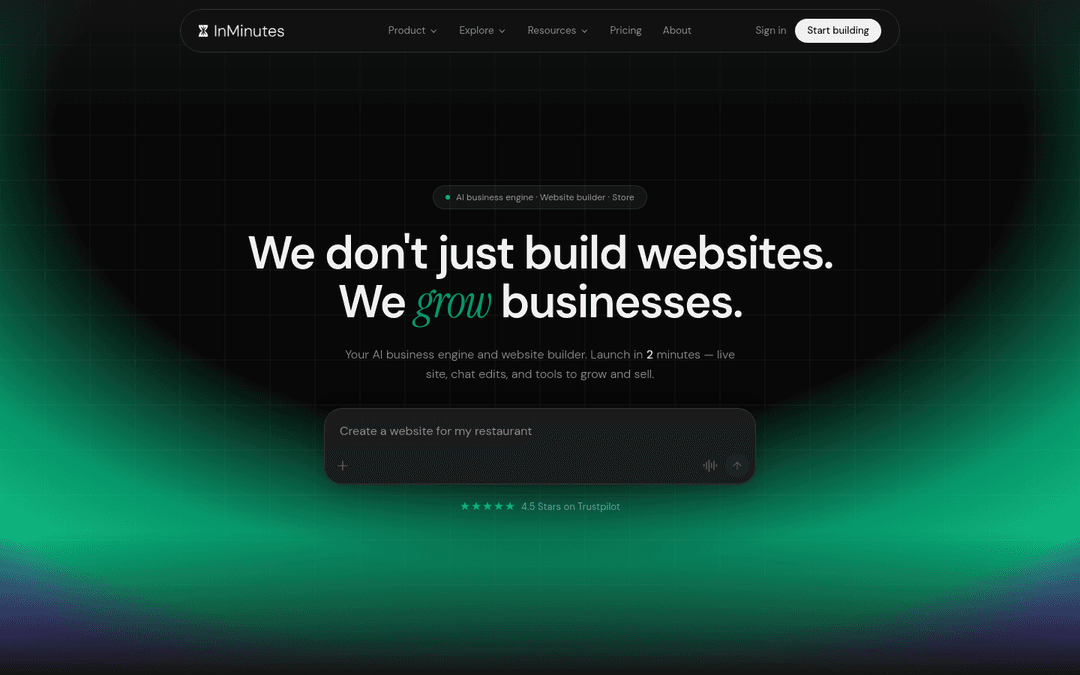
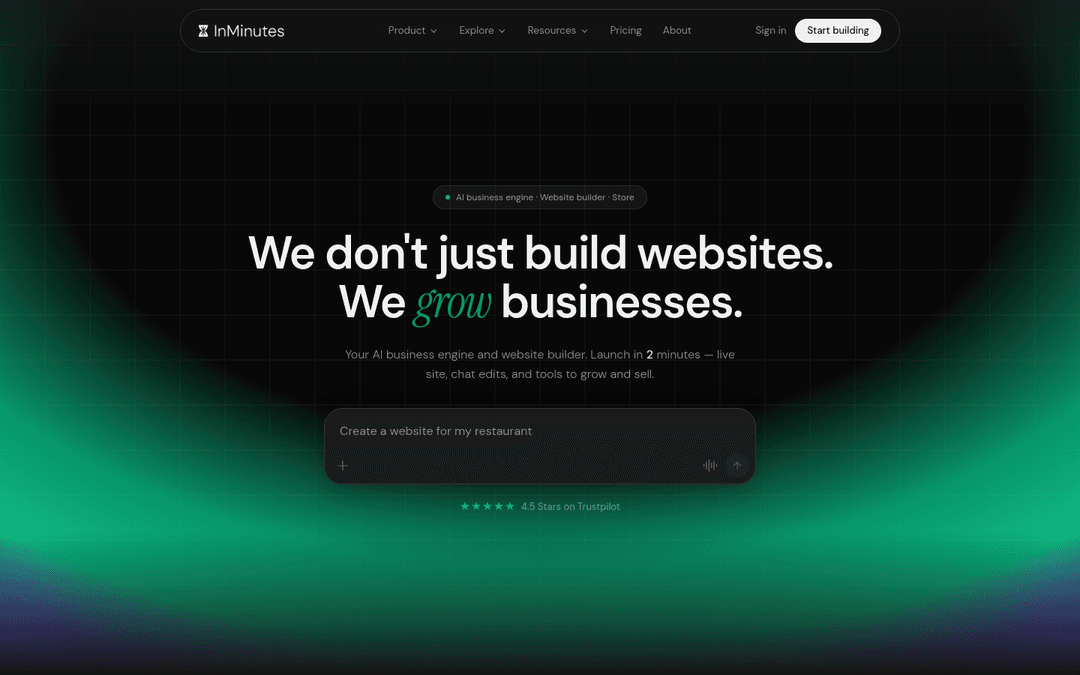
InMinutes is built for founders who will outgrow a single Carrd page. Generate a multi-page site from your product description, edit by chat, and publish with local SEO foundations when you expand into services or local GTM.
-
Best for: founders who want a website builder for founders that scales past waitlist day
-
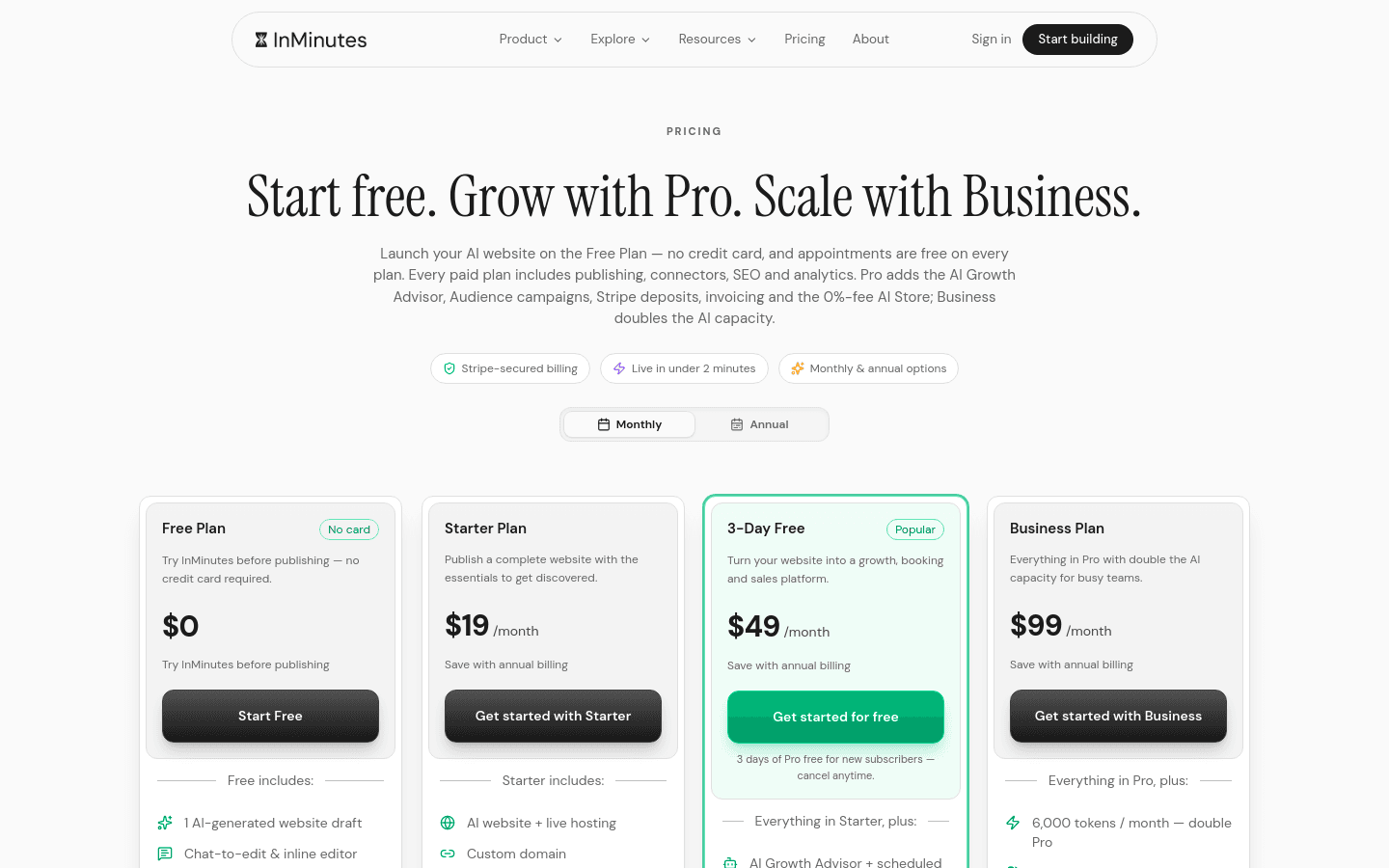
Setup: minutes to a live multi-page draft; Free plan for preview; Starter $19/mo to publish + custom domain
-
Waitlist path: contact/signup forms; Audience CRM + email campaigns on Pro ($49/mo, or $39/mo annual)
-
Weakness: if you only need one static page forever, Carrd is cheaper
-
Choose InMinutes if: you want fast website development now and a real product site later
Start your waitlist site free →
2. Carrd — cheapest single-page waitlist
-
Best for: one landing page + email capture on a tiny budget
-
Strength: Pro Standard is a yearly fee with custom domain, forms, and embeds (as of Oct 2026 public pricing)
-
Weakness: not a multi-page growth site or store
-
Choose Carrd if: the waitlist page is the whole job for the next 90 days
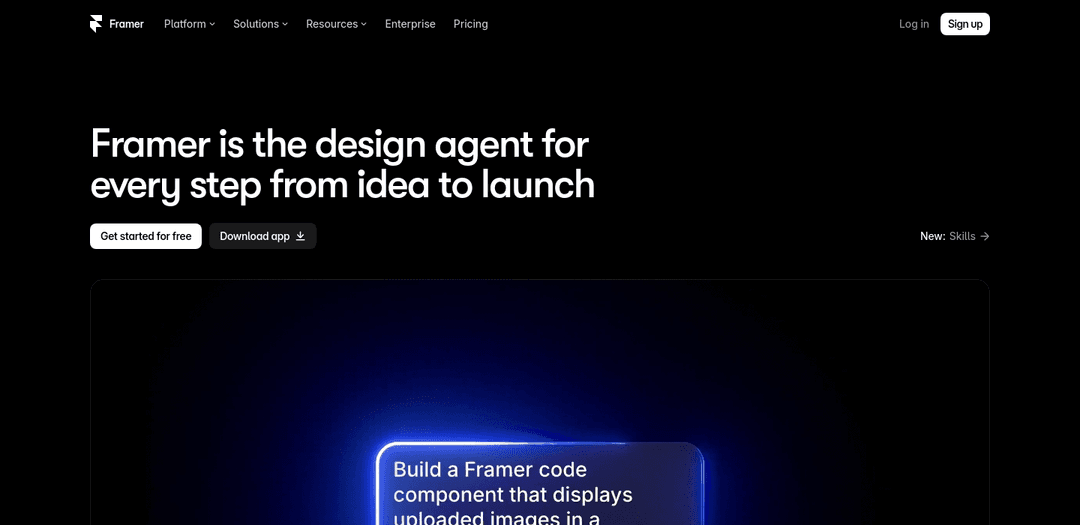
3. Framer — best design-led startup waitlist
-
Best for: SaaS founders who sell with motion, screenshots, and layout control
-
Strength: polished marketing pages and CMS room to grow
-
Weakness: slower than AI generators if you are not design-comfortable
-
Choose Framer if: visual polish is part of the product pitch
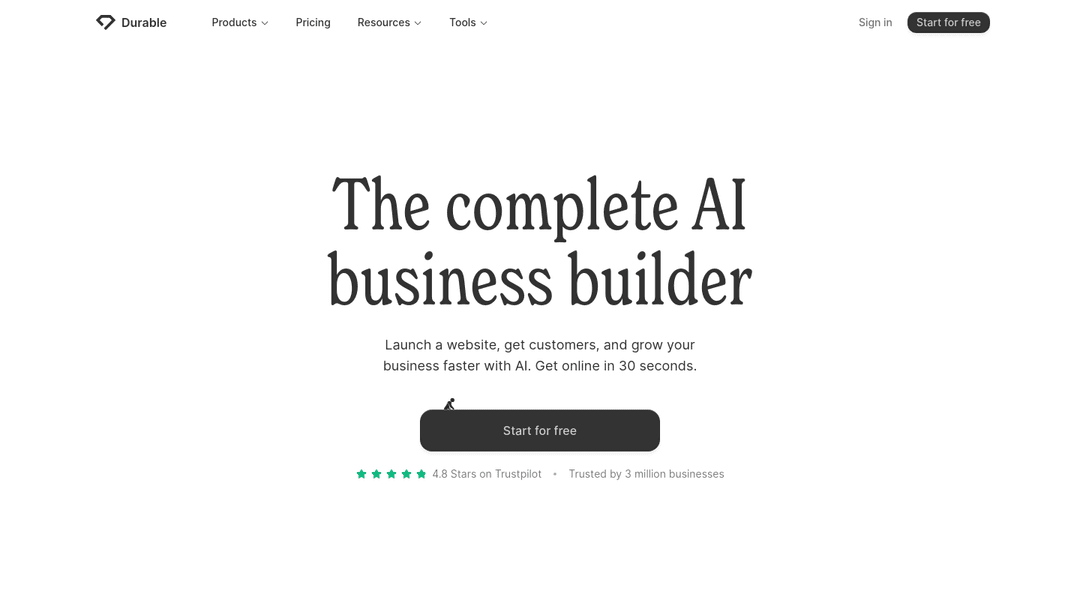
4. Durable — fastest AI one-pager for solo founders
-
Best for: founders who want AI to draft a simple site and capture leads quickly
-
Strength: very fast generation and built-in lead tools
-
Weakness: thinner multi-page SEO structure than InMinutes for later growth
-
Choose Durable if: speed beats depth. See InMinutes vs Durable.
Which path should you take?
-
Need the cheapest one-page waitlist: Carrd
-
Need design-led SaaS storytelling: Framer
-
Need AI speed plus a site that can become the real product home: InMinutes
-
Need a quick AI one-pager only: Durable
The bottom line
A startup website launch in 2026 should take hours, not months. Pick a no-code website builder, publish a clear promise, collect emails on a custom domain, and keep editing. When the waitlist turns into customers, you want a stack that can grow — which is why InMinutes leads this guide for founders who are building past day one.
Build your waitlist website free →
FAQ
Related reading
How to launch a startup landing page fast, best AI website builders for startup stores, and best online store software for startup launches.
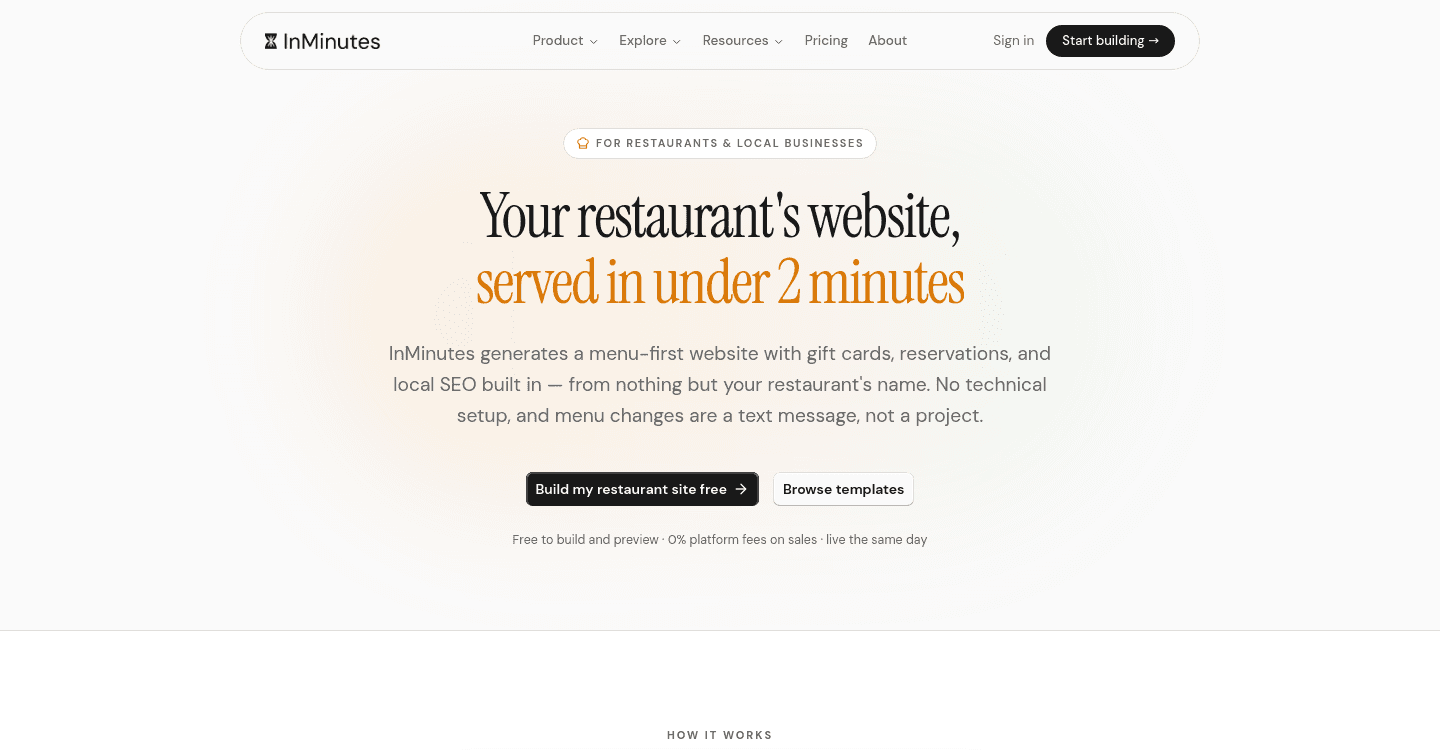
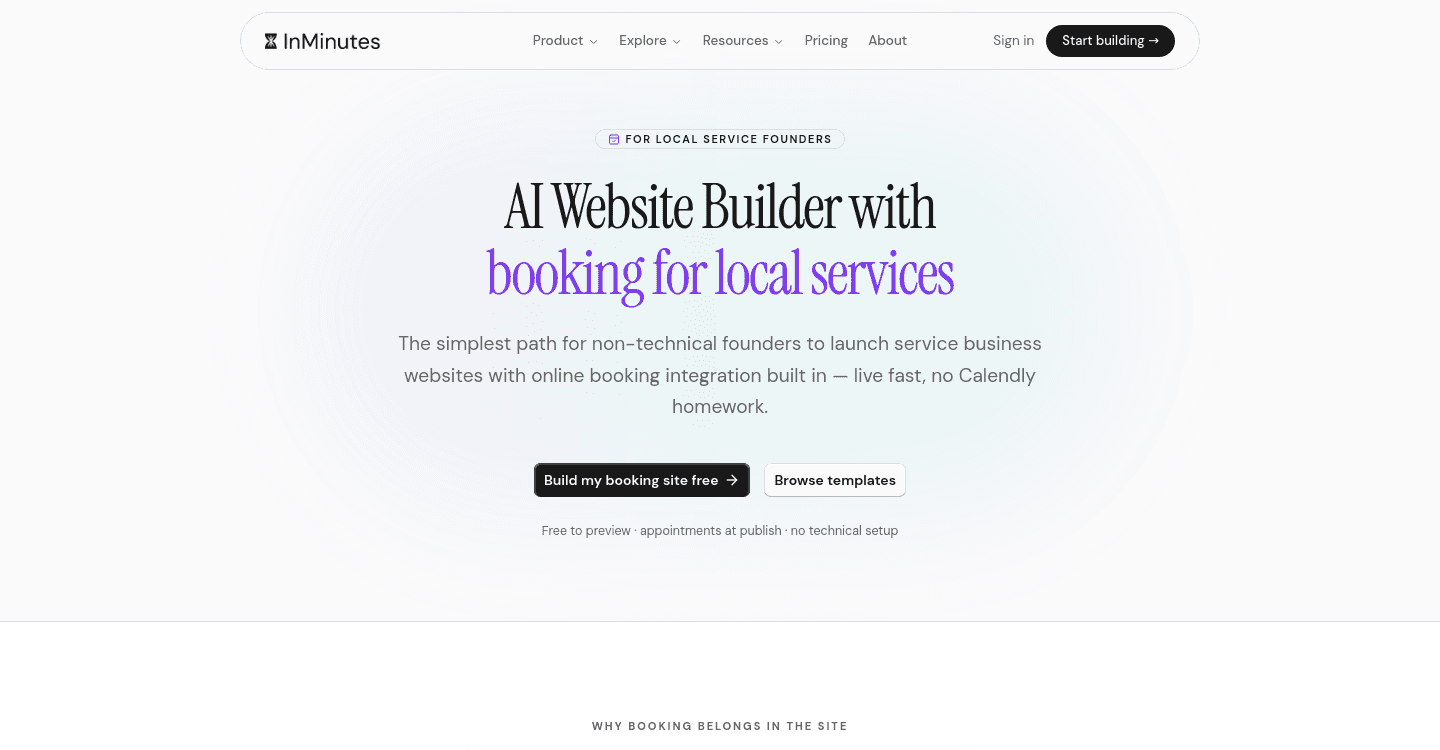
Ready?
Your site, live in 2 minutes with InMinutes.
No agency. No waiting. Flat monthly fee.
Start for free →