Restaurant Local SEO: A Google Maps Checklist

How restaurants show up in "near me" searches and on Google Maps — the listing work, the website signals, and the structured data that lets search engines and AI assistants read your hours and menu.

A restaurant's search traffic doesn't mostly arrive through a search results page. It arrives through a map — someone standing two streets away, phone in hand, deciding where to eat in the next ten minutes. Local SEO for a restaurant is the work of winning that moment, and most of it happens outside your website.
Quick answer: Claim and fully complete your Google Business Profile, make your name, address and phone identical everywhere they appear, publish your menu as text on your own site, keep hours accurate including holidays, add Restaurant structured data, and ask for reviews consistently. The listing does most of the work; the website's job is to confirm and reinforce it.
Start with the listing, not the site
If you do one thing from this article, do this: claim your Google Business Profile and fill in every field. It outranks your website for your own name, it's what appears in the map pack, and it's free.
Complete means genuinely complete:
-
Category — set the primary category precisely ("Neapolitan restaurant" not "restaurant"), then add secondaries
-
Hours, including special hours for public holidays
-
Menu link pointing at your own menu page
-
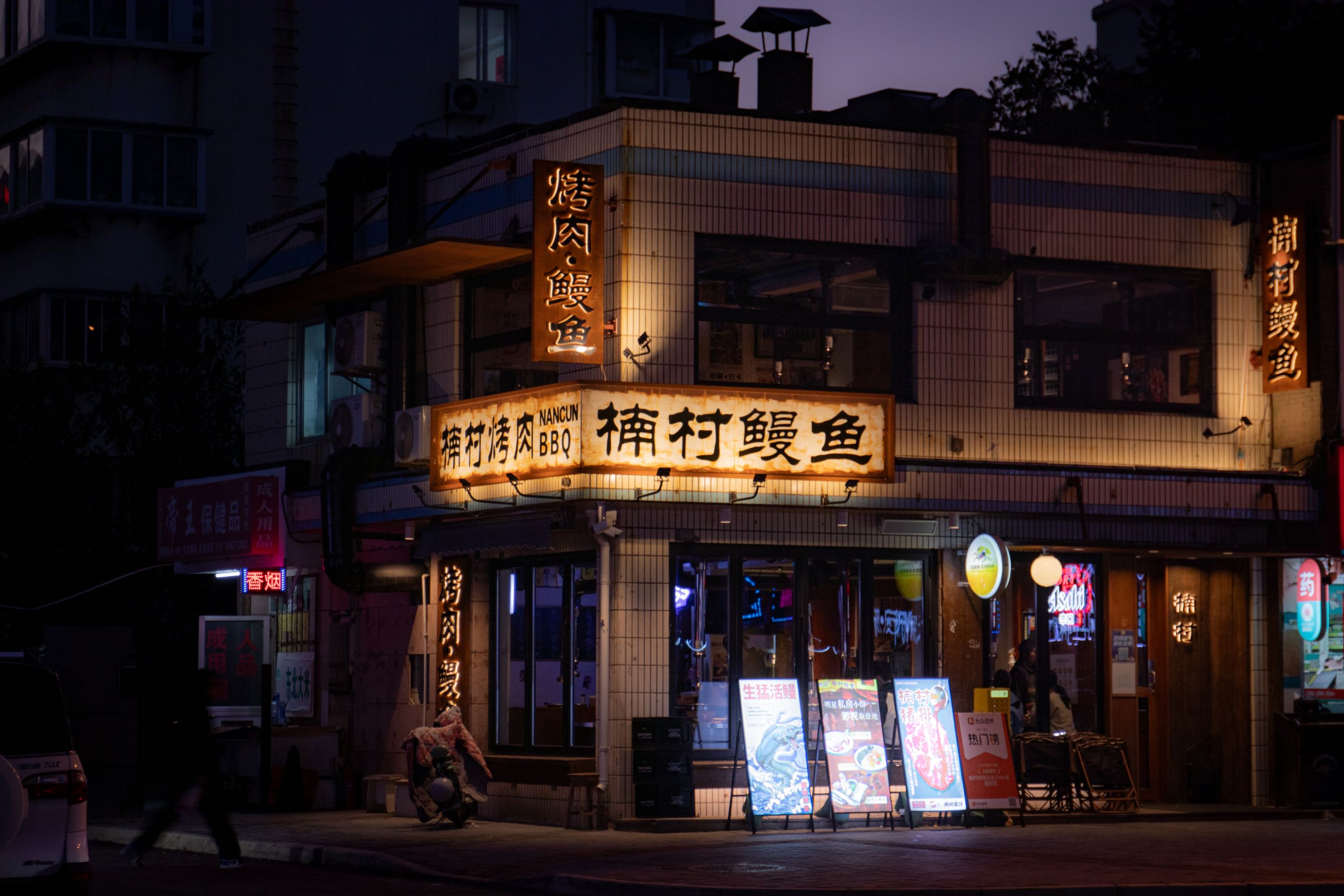
Photos — the room, the food, the exterior so people recognise it from the street
-
Attributes — outdoor seating, wheelchair access, takeaway, reservations
-
Ordering and booking links pointing to your site
The exterior photo is underrated. It's what stops someone walking past the door they're standing in front of.
Make NAP identical everywhere
Name, Address, Phone. These need to match — character for character — across your website, Google Business Profile, delivery apps, social profiles, and any directory you're listed in.
"St." on the site and "Street" on Google is the kind of small inconsistency that dilutes the signal telling search engines these all describe one business. Pick one canonical format, write it down, and use it everywhere. Same for the phone number format.
What your website contributes
The listing wins the map pack. The site is what backs it up.
Menu as text, not PDF
Your dish names and cuisine are search signals. In a PDF they're invisible, and an AI assistant asked "who does wood-fired pizza in this neighbourhood" can't quote them. This is covered fully in How to Put Your Restaurant Menu Online.
Structured data
Restaurant schema (a subtype of LocalBusiness) tells search engines your address, opening hours, price range, cuisine, and geo-coordinates in a format they don't have to guess at. Menu schema does the same for your dishes.
This isn't something to hand-write. It's a reason to care what your platform emits — InMinutes generates LocalBusiness structured data, meta tags, and Open Graph data into every site automatically at publish, so the machine-readable layer exists whether or not you've thought about it.
Hours on the page, matching the listing
Put them in the footer of every page and keep them synchronised with Google. A mismatch doesn't only cost you an SEO signal; it costs you the customer who drove over.
Speed on mobile data
Your visitor is outdoors on a phone, possibly on one bar of signal, deciding between you and the place next door. A menu page that takes eight seconds loses to one that takes two. Compress the photos.
A page that names the neighbourhood
Not keyword stuffing — just describing the restaurant the way a local would: the street, the neighbourhood, the landmark you're opposite. This is what matches how people actually search.
Reviews
Reviews affect both ranking and whether anyone clicks. What works:
-
Ask consistently. On the receipt, on the bag, from a server who just had a good interaction. A link that goes straight to the review form removes the friction.
-
Reply to all of them, including the good ones, briefly and in a human voice.
-
Reply to the bad ones without arguing. Prospective customers read the reply more carefully than the complaint — a calm, specific response does more good than the review did harm.
-
Never buy reviews. Detectable, and the penalty is worse than the problem.
The checklist
Item | Where | Priority |
|---|---|---|
Google Business Profile claimed and complete | Google | Critical |
Precise primary category | Google | Critical |
NAP identical everywhere | Everywhere | Critical |
Hours accurate, incl. holidays | Google + site | Critical |
Menu as text on your own site | Site | High |
Restaurant + Menu structured data | Site | High |
Booking/ordering links on the listing | Google | High |
Photos: exterior, room, food | Google + site | High |
Fast on mobile data | Site | High |
Review requests running consistently | Ops | High |
Neighbourhood named naturally in copy | Site | Medium |
Listed on the directories locals use | Directories | Medium |
FAQ
The bottom line
Complete the Google listing first, make your details identical everywhere, and give search engines a fast site with a readable menu and proper structured data. That's the whole of restaurant local SEO — the rest is maintenance. Build your restaurant's site free with InMinutes →
See also How to Make a Restaurant Website in 8 Steps and 7 Restaurant Website Features to Check in 2026.