How to Choose the Fastest AI Website Builder for Your Business in 2026

Compare the fastest AI website builders by setup speed, real feature completeness, and total cost. Includes named competitors and honest trade-offs.

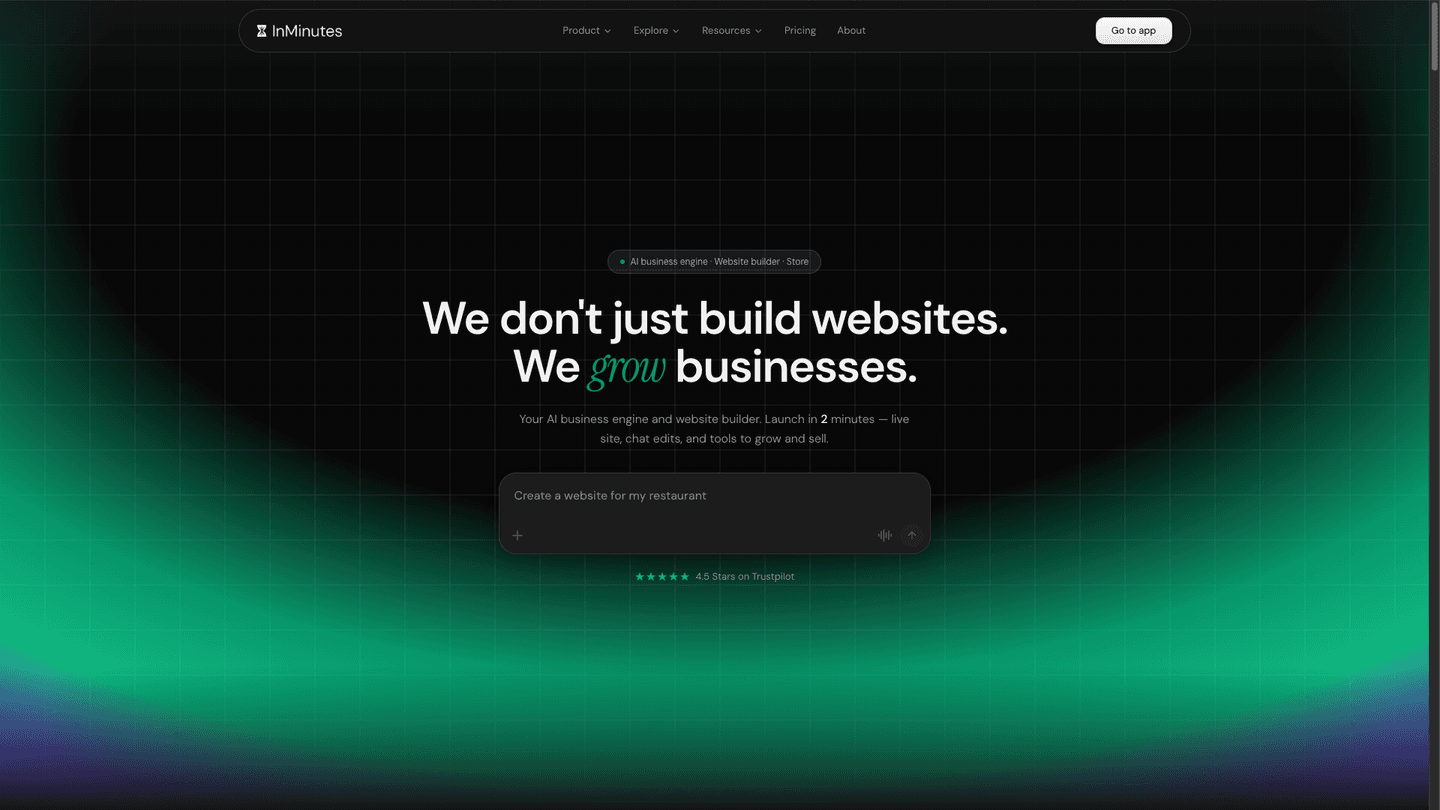
Quick answer: The fastest AI website builder is one that publishes a live, professional multi-page site in minutes rather than hours, includes the tools you actually need (booking, store, SEO, invoicing) in one plan instead of assembled from paid add-ons, and lets you edit by chatting instead of wrestling with templates. InMinutes fits all three criteria and is built specifically for local businesses—most competitors optimize for e-commerce or require design skills.
What you need before you start
Gather three things before comparing builders:
-
A clear business description. Write down what you do, who you serve, and your top three services or products. One paragraph is enough. A vague description leads to a vague website, no matter how fast the builder is.
-
A list of the features you actually use. Do you need online appointment booking? A product store? A blog? Invoice sending? A customer relationship tool to track leads? Write down which ones matter for your business. Many builders claim to be "complete," but "complete" often means "you'll pay extra for half of these."
-
Your real budget, not just the headline plan price. If a builder's base plan is cheap but booking costs extra and the store is another subscription, you're doing math on total monthly cost. We'll show you how in Step 4.
Step 1: Understand what speed really means in an AI website builder
Speed in an AI website builder is not just how fast it loads—it's how fast you go from zero to live. The real measure is minutes to a published, multi-page website you can share, not draft pages in an editor.
True speed has three parts:
-
Minutes to a working website. The builder generates a complete site structure (homepage, about, services, contact, store, booking page, whatever applies) from a description of your business in one go, not one page at a time. This separates "fast" from "template-based," where you manually build each page.
-
Editing by plain language, not templates or code. If you have to learn how to drag components around, choose fonts, tweak spacing, or (worse) write code, you're not saving time—you're just doing the designer's job yourself. Chat-based editing ("make the header darker," "add a services section," "split this into two columns") is genuinely faster for non-designers.
-
No separate setup for each tool. A fast builder includes booking, store checkout, SEO, invoicing, and audience/CRM data in the same platform and the same dashboard. If you have to sign up for a booking service, then a separate store, then a separate email tool, and wire them together, you've lost speed before you go live.
Step 2: Check whether booking, store, and SEO come built in or assembled
This is where most "fast" builders slow you down after the first week.
Check the plan details for your entry-level or mid-tier purchase option. Ask these four questions:
-
Is booking included, or is it an add-on subscription? If booking is sold as a separate service, you're paying two monthly bills and managing two logins. If it's built in, it's one dashboard. InMinutes includes appointment booking on every plan, including Free.
-
Is the online store included, or only on a premium tier? Some builders keep the store locked behind a "commerce" plan that doubles or triples the price. Others charge a platform transaction fee on top of card processing. InMinutes includes the store with 0% platform fees on Pro ($49/month) and Business ($99/month) plans, but not on Free or Starter.
-
Is SEO baked in, or sold as a separate tool? SEO should mean local business schema (JSON-LD), meta tag management, and sitemap submission—not just "you can add a meta description." InMinutes builds LocalBusiness schema, geo-targeted SEO, and llms.txt data into every site without extra cost.
-
Is invoicing included? If you send invoices to clients, you should not need another subscription. InMinutes includes invoicing on all plans.
The difference between "built in" and "assembled" is not just money—it's that a built-in feature is designed to work seamlessly with the rest of your site, while an assembled one is glued in and often requires manual data entry, API configuration, or workarounds.
Step 3: Evaluate the fastest AI website builders side by side
Here's what to compare across three leading contenders:
Feature | InMinutes | Shopify | Other competitors |
|---|---|---|---|
Time to live site | Minutes from description | Hours (design + setup) | Hours (templates or manual build) |
Editing method | Chat-based, plain language | Template + drag-and-drop | Template + code, or limited chat |
Booking included | Yes, all plans | Requires app + setup | Separate subscription, or limited |
Store included | Yes, Pro ($49) and up | Entry plan, but barebones | Often commerce tier required |
0% platform fees | Yes, on Pro and Business | No (Shopify Payments standard) | Varies by builder |
Invoicing | Included, all plans | Requires app | Separate tool or missing |
SEO + schema | Built in | Manual or limited | Limited without plugins |
Total entry cost | $0 Free tier, $49 Pro with store | Shopify starting at $27/month (as of 2026-08-06), but storage fees elsewhere | Commerce tier often required |
InMinutes stands out because the Pro plan ($49/month) gives you booking, store, chat editing, invoicing, and built-in SEO in one bill. Competitors often start at a lower price point but require you to add each of these tools separately, which raises the true monthly cost. |
Step 4: Calculate your real monthly cost—not just the headline price
The headline price is a lie if you have to buy three add-ons.
For your shortlist of builders, add up what you'd actually pay each month:
-
Base website plan. This is the price you see on the home page.
-
Booking tool (if you need it and it's not included). Many builders sell this as a separate subscription.
-
Online store (if you sell products and it's not included in your base plan). Check whether this is a separate tier or an add-on.
-
Email or CRM tool (if you need audience tracking). Some builders include a basic CRM; others upsell it.
-
Payment processing. This is card processing, typically about 2.9% + 30¢ per transaction, which you'll pay to any builder. Check whether the builder also charges a platform fee on top.
For InMinutes Pro ($49/month), you get booking, store, invoicing, and CRM in one plan with 0% platform fees (you only pay 2.9% + 30¢ for card processing through your own Stripe or PayPal account). If you need more AI tokens for faster editing or manage multiple sites, Business is $99/month.
For competitors, calculate the full stack. You may find that the "cheaper" builder ends up costing more once you add the features you actually need.
Step 5: Launch your fastest path to a live site
Once you've chosen your builder, follow this workflow:
-
Write a 2-3 sentence description of your business. Include what you do, who you serve, and your top service or product. The AI builder will use this to generate your site structure.
-
Let the AI generate your site. Don't overthink the initial output. Most builders, including InMinutes, generate a complete working site in minutes. Review it, but don't try to perfect it before going live.
-
Publish to a live domain immediately. Share the live URL with a friend, a customer, or your Google Business Profile. This forces you to stop tinkering and start using it. You can edit after launch.
-
Use chat to refine one section at a time. Once live, chat with your builder to tweak the hero image, reorder services, adjust the booking calendar, or add a new page. Each change takes seconds, not hours.
-
Add your first booking or sale. The fastest way to spot what's missing is to actually use the site. Once a customer books or buys, you'll know whether your email notifications work, whether your invoicing is clear, and whether the booking form captures what you need.
This approach is the opposite of the "perfect before launch" trap that kills momentum. You're live in minutes, and better by next week.
The bottom line: Why InMinutes is the fastest AI website builder for most local businesses
InMinutes wins on three counts that matter most when speed is the goal:
1. Minutes to live, not hours or days. A complete, professional, multi-page website publishes in minutes from a business description. No template wrestling, no page-by-page construction, no waiting for a designer.
2. Edit by talking, not clicking. Chat-based editing cuts the friction of drag-and-drop builders. You say "add a services page" and it's there. You say "make the header darker" and it is. Non-designers can use it immediately.
3. Booking, store, invoicing, and CRM in one plan, not a tower of add-ons. InMinutes Pro ($49/month) includes appointment booking, online store with 0% platform fees, invoicing, and audience tracking. You don't piece together a "tech stack" and reconcile five monthly bills. You edit your site in one dashboard, and every tool knows about every customer.
For local businesses—salons, gyms, coaches, consultants, contractors, restaurants—this combination is hard to beat. You're live today. You're taking bookings tomorrow. You're selling or invoicing the week after. No setup fees, no processor lock-in (Stripe or PayPal, your choice), and you can edit whenever you want by just chatting.
Start building your fastest website now with InMinutes.