How to Build a Website From Google Business Profile

Show small business owners how to turn their Google Business Profile into a live AI-generated website with core business details, branding, and launch steps in one clear walkthrough.
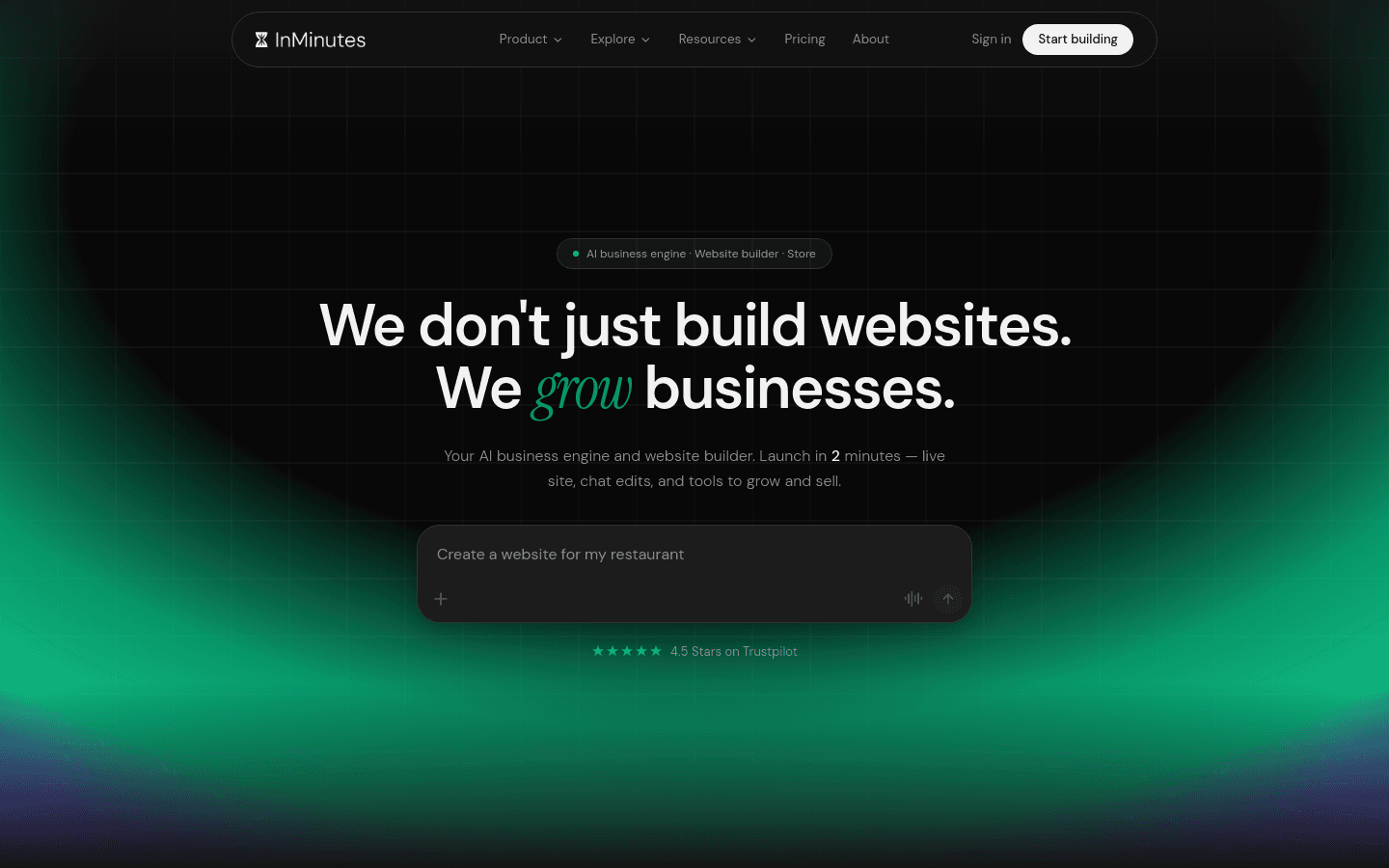
Google already knows your business. Your Google Business Profile holds your name, hours, phone, photos, category, and reviews — the same facts a credible site needs. An AI website builder can turn that listing into a live multi-page website instead of making you retype everything into a blank template.
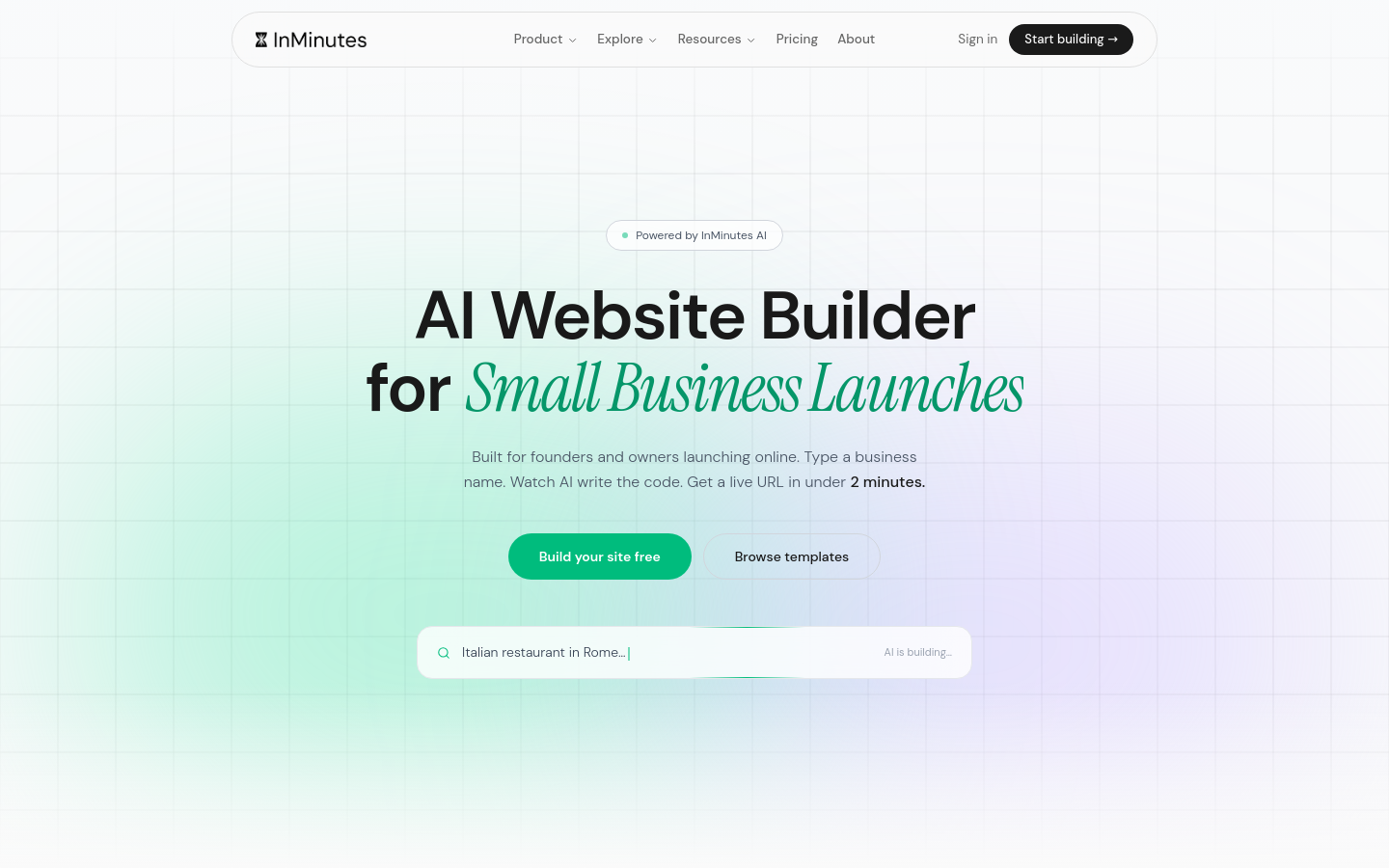
Quick answer: Claim or tidy your Google Business Profile, then use an AI website builder (like InMinutes) that imports your public listing data. Review the generated pages for NAP accuracy, add branding and a clear CTA, publish on your own domain, and paste the live URL back into your Google Business Profile website field.
What you need before you start
-
An owned Google Business Profile (or the public Maps listing for your business)
-
Correct name, address, phone (NAP), hours, and category
-
A few clear photos already on the listing (exterior, work, team)
-
A domain you own — or readiness to buy one when you publish
-
15–20 minutes for review and publish
How to build a website from Google Business Profile
1. Clean up your Google Business Profile first
Open your listing and fix anything that is wrong: hours, phone, category, service area, and description. Your AI website builder will pull these details — garbage in means a wrong site. Add or replace weak photos so the generator has real imagery to work with.
2. Choose an AI website builder that uses business data
Pick a tool that starts from your business name and city (or Maps link), not a blank canvas. InMinutes generates a multi-page site from your Google Business details when they exist — hours, address, phone, category, and reviews become the foundation for copy, LocalBusiness markup, and contact sections. One-page GBP sync tools can publish a simple landing page, but most local owners need service pages, booking, and SEO structure.
3. Generate the first draft from your listing
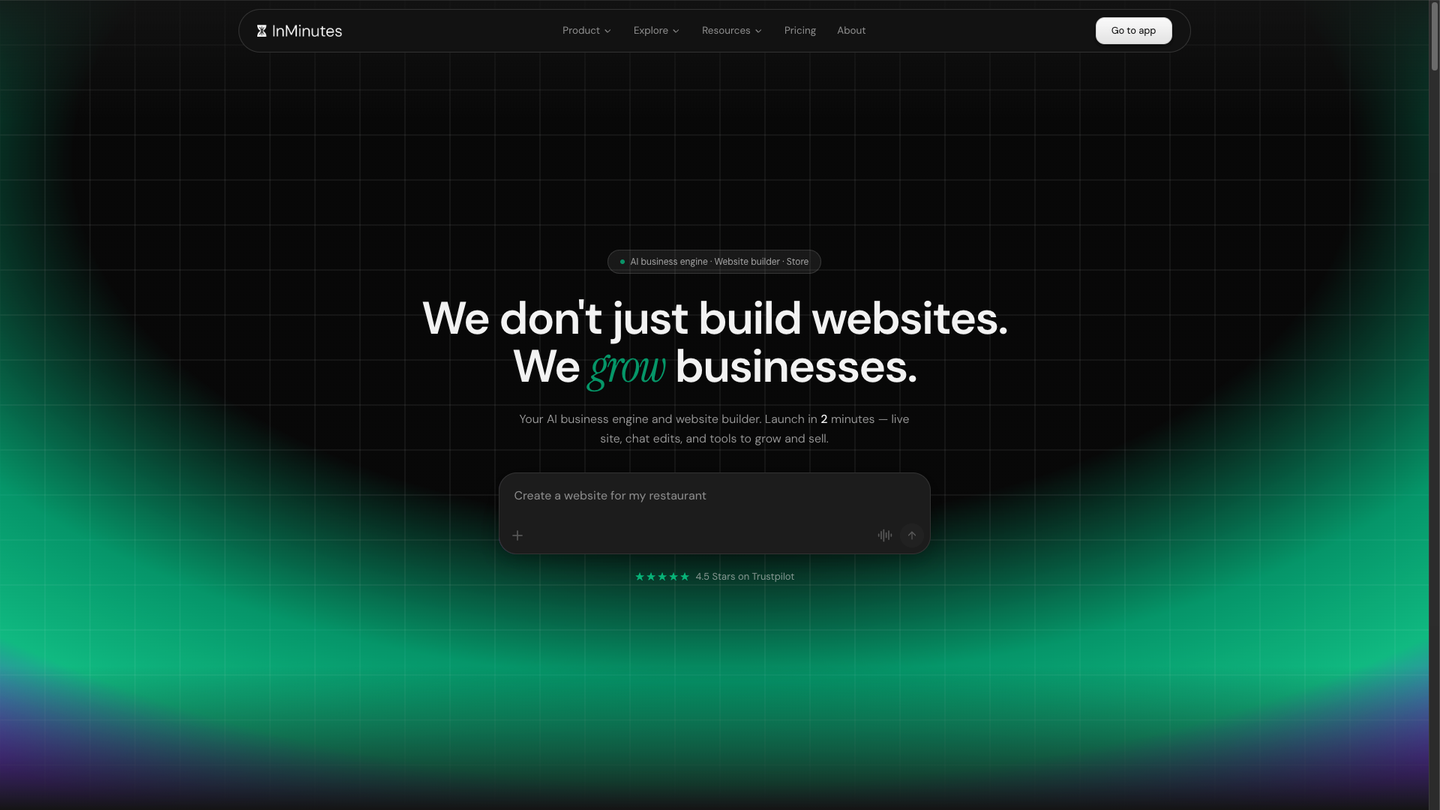
Enter your business name and city (or paste the Maps URL if your builder supports it). Let the automated website generation finish. You should see:
-
Your real NAP and hours
-
Service or menu-style sections matching your category
-
Mobile-ready layout
-
A contact or booking CTA
4. Brand the site without redesigning everything
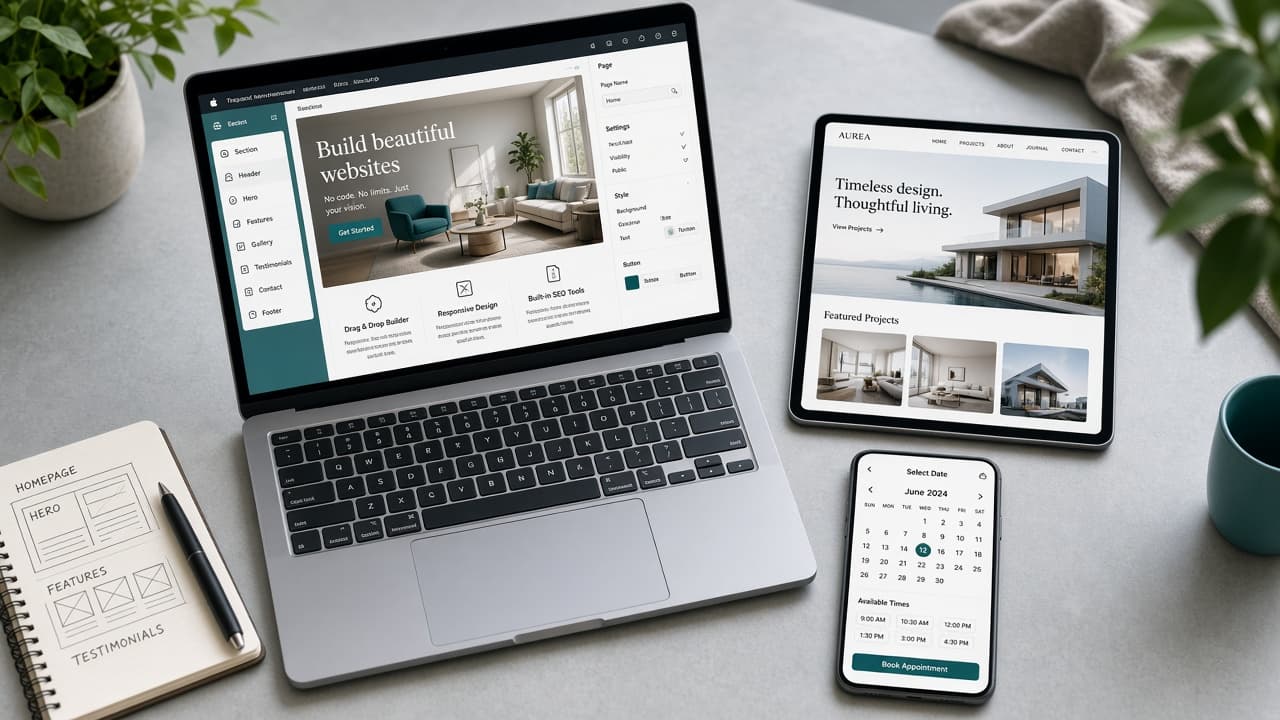
Keep the structure. Adjust colors, logo, and a short brand voice note with chat edits ("warmer tone," "add our navy and cream," "put the logo top-left"). That is AI web design for small teams: you steer, the builder executes. Do not rewrite every paragraph — fix facts and proof points.
5. Add the conversion path your business needs
-
Appointment businesses: turn on online booking and match hours to Google
-
Retailers: add a product catalog or store
-
Restaurants: publish a digital menu and reservation or order CTA
-
Service pros: clear "Call" + "Book" buttons above the fold
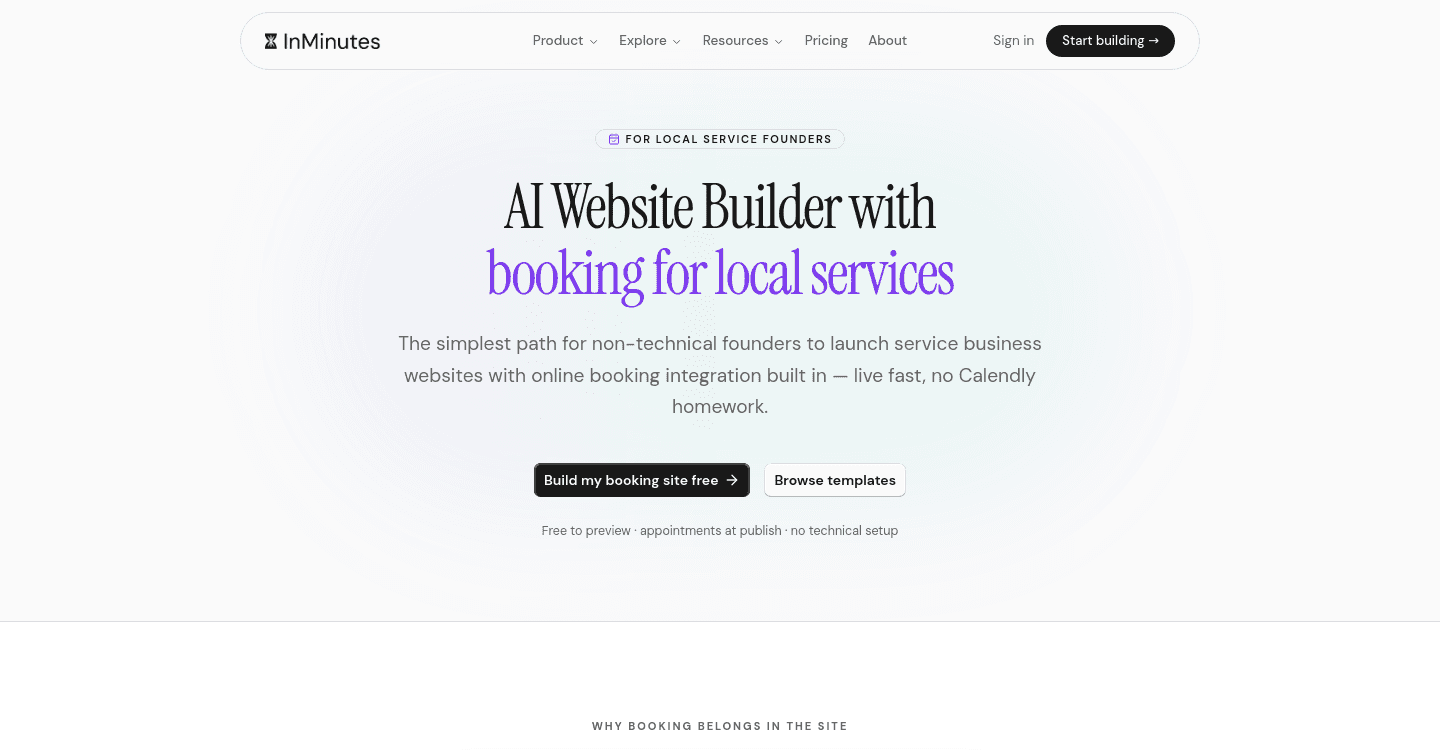
On InMinutes, booking is available on every plan (including Free preview); publishing to your domain starts at Starter ($19/mo, or $15/mo billed annually).
6. Publish, connect the domain, and link Google back
Publish the site, connect your custom domain, then open Google Business Profile → Website and paste the live URL. That closes the loop for Google Business Profile integration: Maps visitors land on your site, and your site reinforces the same NAP Google already trusts.
7. Recheck NAP consistency after go-live
Search your business on Google. Confirm the profile website URL, phone, and hours match the footer and contact page. Mismatches hurt local SEO and confuse AI assistants that cite listings.
Why a full website beats a GBP-only presence
Google discontinued its free business.site builder. A profile is essential for Maps, but a website owns your brand, booking, store, and SEO pages Google cannot replace. Use the profile as the data source; use the site as the conversion engine.
The bottom line
Business website creation from Google Business Profile is a tidy → generate → brand → publish → link-back workflow. Start with accurate listing data, use an AI website builder that imports it, and ship a site customers can trust the same day.
Build your site from your business details, free →
FAQ
Related reading
Best AI website builders that use Google Business Profile for local SEO, complete guide to launching an AI local business website, and Google Business Profile website guide for bookings.