The Complete Guide to AI Local Business Websites

A step-by-step guide to launching a local business website in minutes with AI, adding online booking and SEO foundations, and evaluating AI growth tools that keep it working.
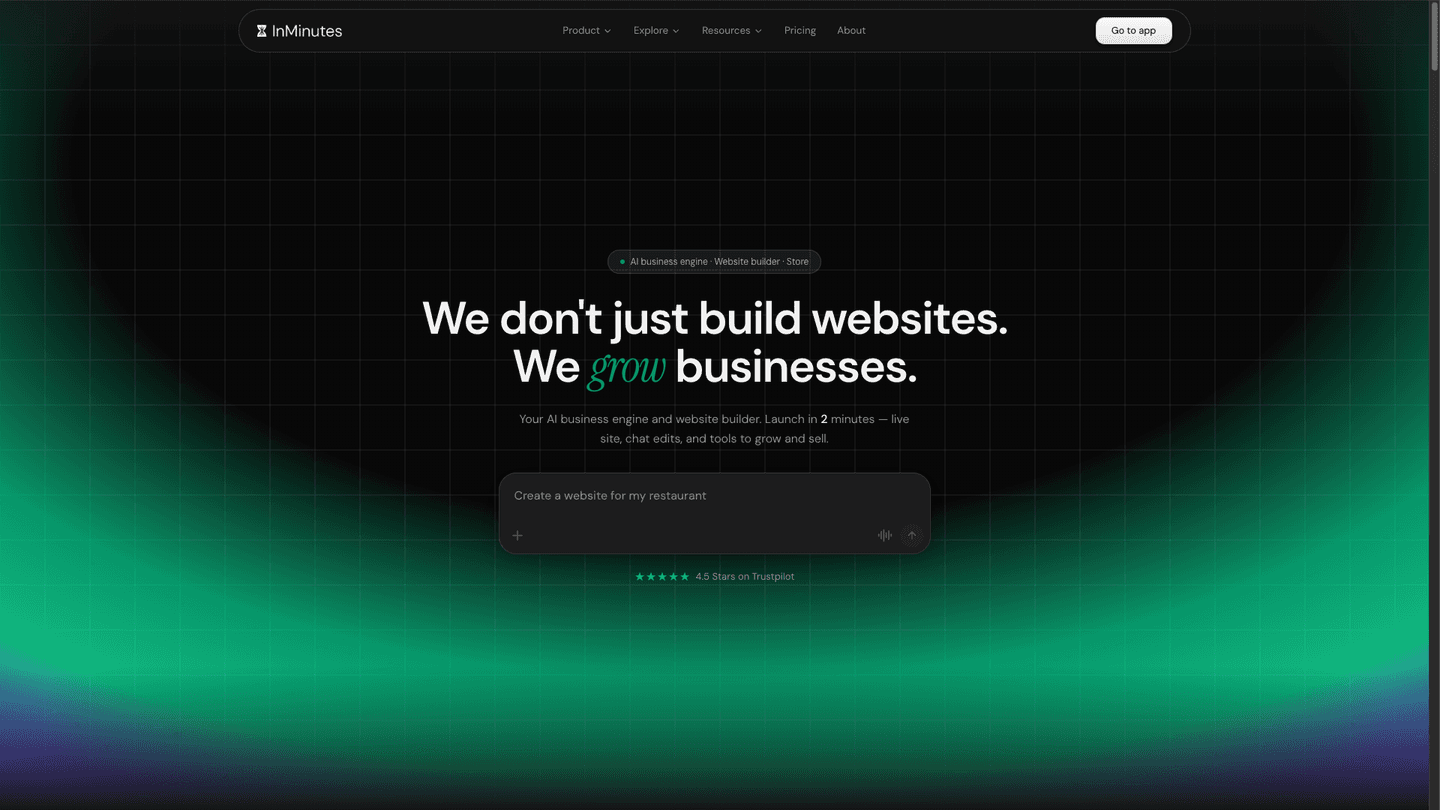
Small business website creation used to be a project: a quote, a designer, a month of back-and-forth. In 2026 it's an afternoon — sometimes a few minutes. But a fast website is only half the job. The other half is making it bookable, findable, and self-improving once it's live.
This is the complete playbook: what to prepare, how to generate the site, which foundations to check before you publish, and how to judge the AI growth software that promises to keep it working.
Quick answer: To launch a local business website with AI: (1) gather your business facts, (2) generate the site with an AI builder, (3) add online booking, (4) check the local SEO foundations, (5) publish on your own domain, and (6) automate the follow-up. InMinutes is the best of the AI website builders for local businesses for doing all six in one place — it generates a multi-page site in about two minutes, includes booking on every plan, adds local SEO automatically at publish, and on Pro adds an AI Growth Advisor and a scheduled auto-blog.
Step 1: Gather your business facts (10 minutes)
AI is only as accurate as what you give it. Before you open any builder, have these ready:
-
Business name, address, phone — written exactly as on your Google Business Profile (consistency is a local ranking signal)
-
Services and prices — one line each; these become service pages and bookable appointments
-
Opening hours and any appointment rules (duration, buffer time, days off)
-
Service area — the towns or neighbourhoods you cover
-
5–10 real photos — your team, your space, your work
-
Proof — a few genuine reviews, certifications, years in business
Tip: on InMinutes you can pull many of these details from your existing Google Business Profile instead of typing them.
Step 2: Generate the site with an AI builder (2–30 minutes)
This is where builders differ most. Some produce a single page; some produce a complete site.
Builder | What the first draft contains | Booking | Entry paid price |
|---|---|---|---|
InMinutes | Full multi-page site: home, a page per service, about, contact, booking | Every plan | $19/mo ($15 annual) |
Wix Harmony | A few core pages, expanded in the editor | Core $29.77+ | $17.77/mo (annual) |
Durable | Mostly one page | Launch $22+ | $22/mo (annual) |
Hostinger | Sections + pages you add | In builder | $2.99/mo intro |
Squarespace | Template-led pages | Acuity, separate | $19/mo (annual) |
 InMinutes — complete site from one conversation
Type what your business does, answer a few questions, and InMinutes writes every page — with your real services, hours, and contact details. Then you refine by chatting: "make it warmer", "add a page for wedding bookings", "move reviews higher." See how to launch a local business website fast for a walkthrough.
 Wix Harmony — AI draft plus a full editor
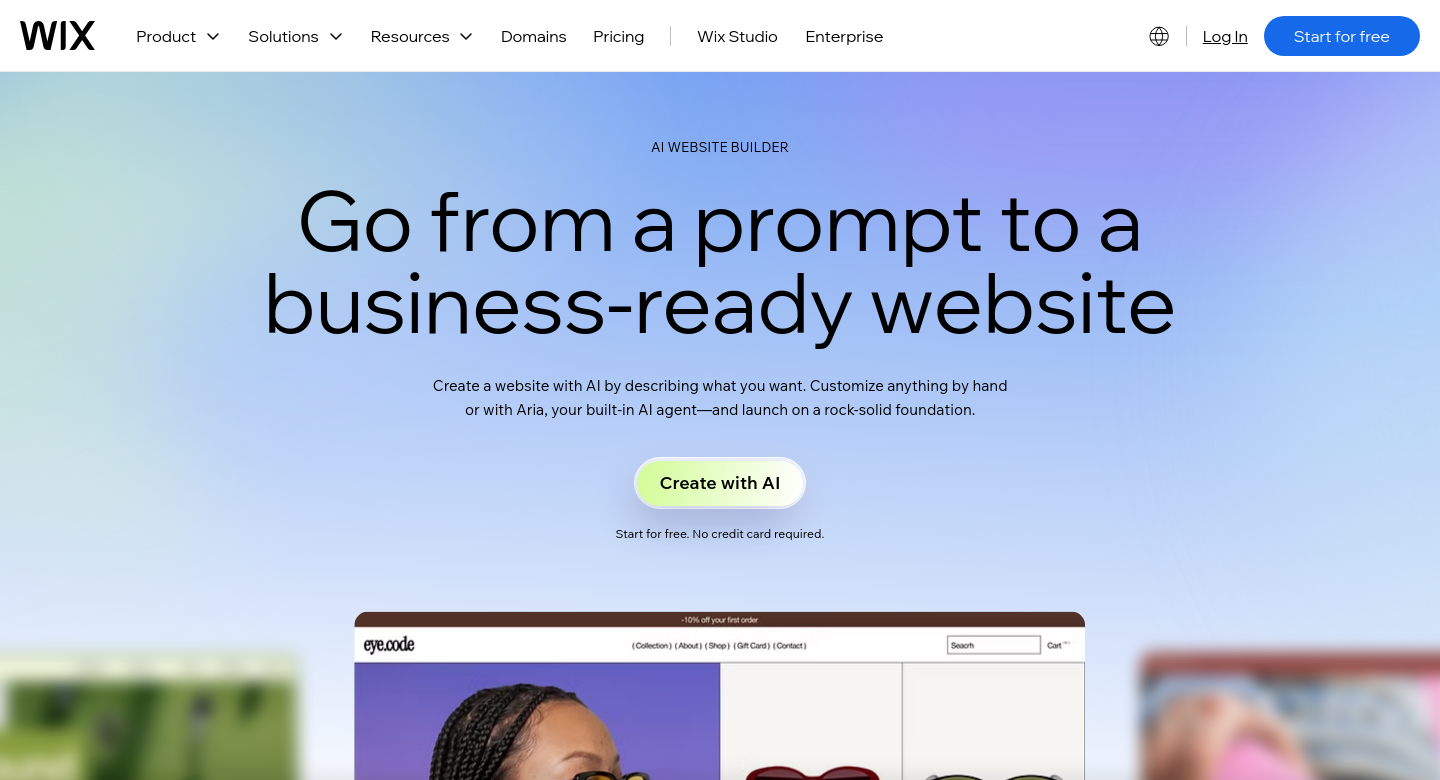
Good if you want to customise heavily afterwards. Booking needs the Core plan. See InMinutes vs Wix.
 Durable — fastest single page
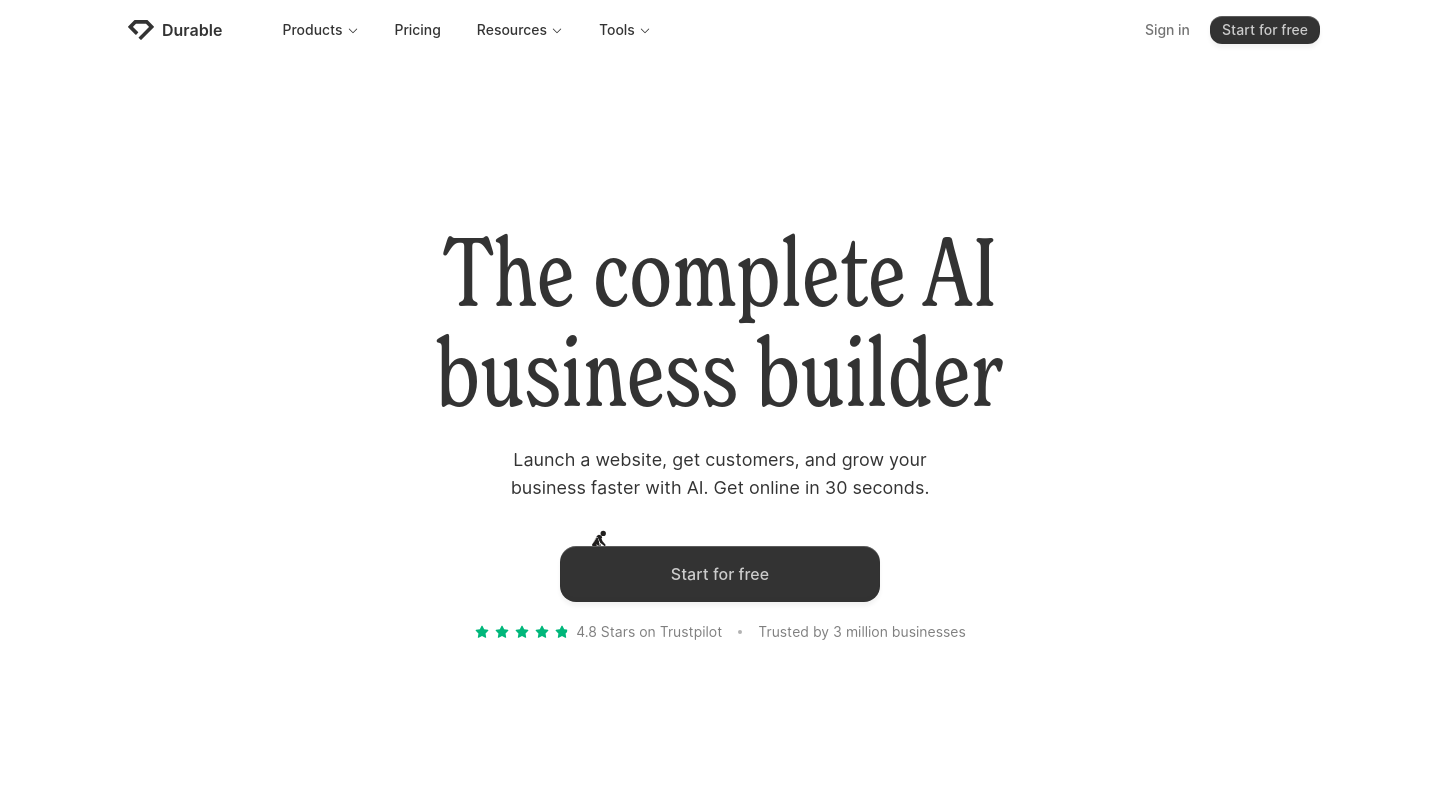
Online in about 30 seconds, but mostly one page. See InMinutes vs Durable.
Step 3: Add online booking
Online booking websites convert better because they remove the phone call. A customer who can pick a time at 11pm books at 11pm. What to set up:
-
Services with durations and prices
-
Availability — weekly hours, buffers between appointments, days off
-
Confirmations and reminders to cut no-shows
-
Deposits for high-value or no-show-prone services
-
Calendar sync so you're never double-booked
On InMinutes, booking is generated from the services and hours you gave in Step 1 and is included on every plan; card deposits at booking time are on Pro. On Squarespace it's a separate Acuity subscription; on Wix it starts at Core.
Step 4: Check your local SEO foundations
Before you publish, make sure these are in place. Most builders make you do them by hand; InMinutes generates the starred ones automatically at publish.
-
★ Unique title and meta description on every page
-
★ LocalBusiness structured data (name, address, phone, hours, geo)
-
★ One page per service — "[service] in [town]" searches match pages, not paragraphs
-
★ Sitemap submitted to Google Search Console (paid plans)
-
Consistent name, address, phone everywhere, matching Google Business Profile
-
Link your site from your Google Business Profile
-
Real reviews on the page — never invented ones
-
Fast mobile load — most local searches are on phones
For the deeper version, see AI website builders for local SEO compared.
Step 5: Publish on your own domain
A custom domain (yourbusiness.com) builds trust and keeps your SEO yours if you ever move. On InMinutes you can search, buy, and connect a domain from the dashboard on Starter and above; SSL and hosting are included.
Step 6: Automate what happens after launch
Business website automation is where the time savings compound:
-
Booking reminders sent automatically
-
Form and booking inbox in one place
-
Scheduled blog posts for steady local business marketing (InMinutes Pro auto-blog)
-
Email campaigns to past customers (InMinutes Pro Audience CRM)
-
Invoices and recurring invoices for repeat clients (Pro)
-
Chat edits — change prices or hours by typing, no editor
Step 7: Evaluate AI growth software honestly
Many platforms now sell an "AI growth" layer. Before paying for one, ask:
-
Does it act on your data? Recommendations should reference your traffic, bookings, and pages — not generic tips
-
Can it make the change, or only suggest it? The best tools propose a concrete edit you approve with one click
-
Does it measure results? Look for before/after on traffic or bookings
-
Is it included or extra? Growth add-ons often cost more than the website
-
Does it publish content safely? Auto-blogs should avoid invented facts and prices
InMinutes Pro includes an AI Growth Advisor that looks at your site and suggests next steps, proposing changes you confirm before anything goes live, plus the scheduled auto-blog — at $49/mo ($39 annual), not as a separate subscription.
Launch your local business site free →
Your 30-day launch plan
When | Do this |
|---|---|
Day 1 | Gather facts, generate the site, set up booking, publish on your domain |
Day 2 | Link the site from Google Business Profile; submit the sitemap |
Week 1 | Add real photos and 3–5 genuine reviews; ask 5 happy customers for Google reviews |
Week 2 | Publish your first two blog posts answering common customer questions |
Week 3 | Turn on reminders and deposits; check which pages get visits |
Week 4 | Review bookings and traffic; act on the top growth recommendation |
FAQ
Related reading
How to launch a local business website fast in 2026, best AI website builders for local business sites, AI website builder vs web designer for local business, and best AI website builders for booking and blogs.