The Complete Guide to Booking and Checkout Friction (2026)

How small business owners can remove the booking and checkout obstacles that cause abandoned carts and lost appointments, with fixes ranked by impact.

Every extra field, surprise fee, and "call us to confirm" costs you customers. Baymard Institute's running average of 50 studies puts online cart abandonment at about 70%. Booking forms leak the same way: a client who can't see a free slot at 11pm doesn't call at 9am, they book someone else.
Quick answer: Checkout friction comes from a short list of fixable causes: surprise costs, forced account creation, too many fields, unclear availability, missing payment options, trust gaps, and errors on mobile. Fix them in that order. If your current site makes the fixes hard, InMinutes builds booking and checkout with the common ones already removed: guest checkout with email or phone, live booking slots, shipping shown before payment, and Stripe or PayPal.

Why do customers abandon carts and bookings?
Baymard's research on US online shoppers (list updated September 2025) ranks the top checkout reasons, excluding people who were only browsing:
| Reason for abandoning checkout | Share of shoppers |
|---|---|
| Extra costs too high (shipping, tax, fees) | 40% |
| Delivery was too slow | 20% |
| Didn't trust the site with card details | 19% |
| Site required creating an account | 18% |
| Checkout was too long or complicated | 17% |
| Website had errors or crashed | 17% |
| Unsatisfactory returns policy | 13% |
| Couldn't see the total cost up front | 12% |
| Card was declined | 10% |
| Not enough payment methods | 9% |
| Source: Baymard Institute, Cart Abandonment Rate statistics (average rate 70.22% across 50 studies). |
Appointment booking has its own version of these problems: no visible availability, request-a-time forms that need a reply, surprise deposits, and forms that ask for everything up front.
The 10 biggest friction points and how to fix them
1. Surprise costs at the last step
Fix: show shipping options and prices on the product page or in the cart, not after the card form. For bookings, show the price and any deposit next to each service.
2. Forced account creation
Fix: offer guest checkout and guest booking. Ask for an account, if at all, after the purchase. On InMinutes, shoppers check out with an email or a phone number, just one, and no account.
3. Too many form fields
Fix: remove every field you don't need to fulfil the order. A booking needs a name, a way to reach the client, and a slot. Everything else can be optional.
4. Availability you can't see
Fix: replace "request a time" forms with real-time availability. A client who sees an open Thursday at 4pm books it on the spot. A form that says "we'll get back to you" loses the night-owl bookers.
5. A slow, cramped mobile checkout
Fix: test your checkout on a phone every month. Large tap targets, a correct keyboard for email and phone fields, and no pinch-zooming.
6. Trust gaps
Fix: use a recognized payment processor (Stripe, PayPal, Square, Shopify Payments), show your returns and cancellation policy before payment, and display real contact details.
7. Too few ways to pay
Fix: offer card plus at least one wallet or alternative. For services, offer "pay in person" when a deposit isn't essential.
8. Hidden or harsh policies
Fix: state return windows and cancellation rules in one plain sentence near the pay button. Harsh but clear beats vague.
9. Errors and dead ends
Fix: after any site change, run a test order and a test booking. A discount code that throws an error loses the sale it was meant to win.
10. No second chance
Fix: send one friendly recovery email to people who started checkout and left. InMinutes sends one automatically for stores, to shoppers who entered contact details and didn't finish.
Is a multi-step checkout bad for conversions?
No. The number of steps matters less than the effort and surprises inside them. A multi-step checkout with a short contact step, a shipping step that shows prices, and a payment step usually converts well because each screen is simple. A single page with 20 fields and a surprise fee converts badly. Aim for few fields, no surprises, and visible progress.
Checkout and booking friction audit
| Friction point | Quick test | Fix | How InMinutes handles it |
|---|---|---|---|
| Surprise shipping cost | Add an item; is shipping visible before payment? | Show rates early | Flat-rate shipping and pickup shown in checkout |
| Forced account | Can you buy without signing up? | Guest checkout | Email or phone, no account |
| Long forms | Count required fields | Cut to essentials | Booking needs name, email, slot; phone optional |
| Unclear availability | Can you see free slots? | Live calendar | Live slots from your hours and bookings |
| Deposit surprise | Is the deposit shown before booking? | Show it with the service | Deposit shown at booking (Pro); or pay in person |
| Few payment options | How many ways to pay? | Add a second option | Stripe or PayPal |
| Lost discount sale | Does the code field work? | Test after each change | Coupons and gift cards built in |
| No recovery | Started-checkout email? | One reminder | One automatic recovery email |
| No-shows | Are reminders sent? | Automatic reminders | Email reminders, SMS when connected |
What does checkout optimization look like for small business websites?
Checkout optimization for small business websites is mostly removal, not addition: fewer fields, fewer surprises, fewer steps that need a human. You don't need A/B testing software to start. Run a test purchase and a test booking on your phone, write down every moment you hesitate, and fix those first.
How does InMinutes reduce booking and checkout friction?
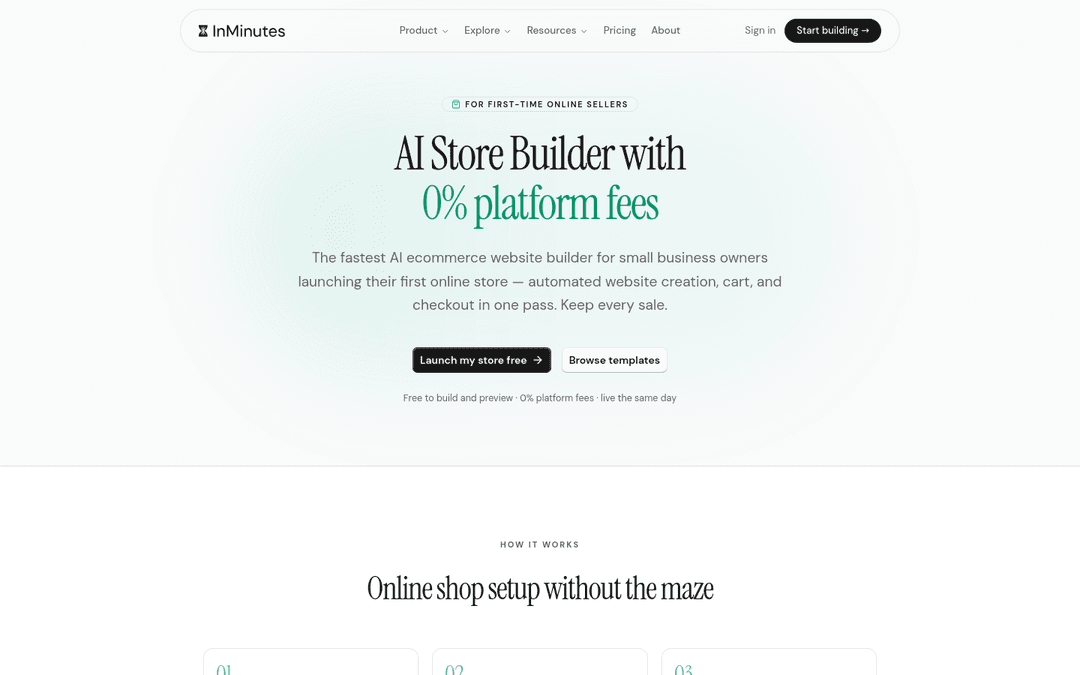
InMinutes builds the website, the booking flow, and the store checkout together, so they share one design and one set of rules:
-
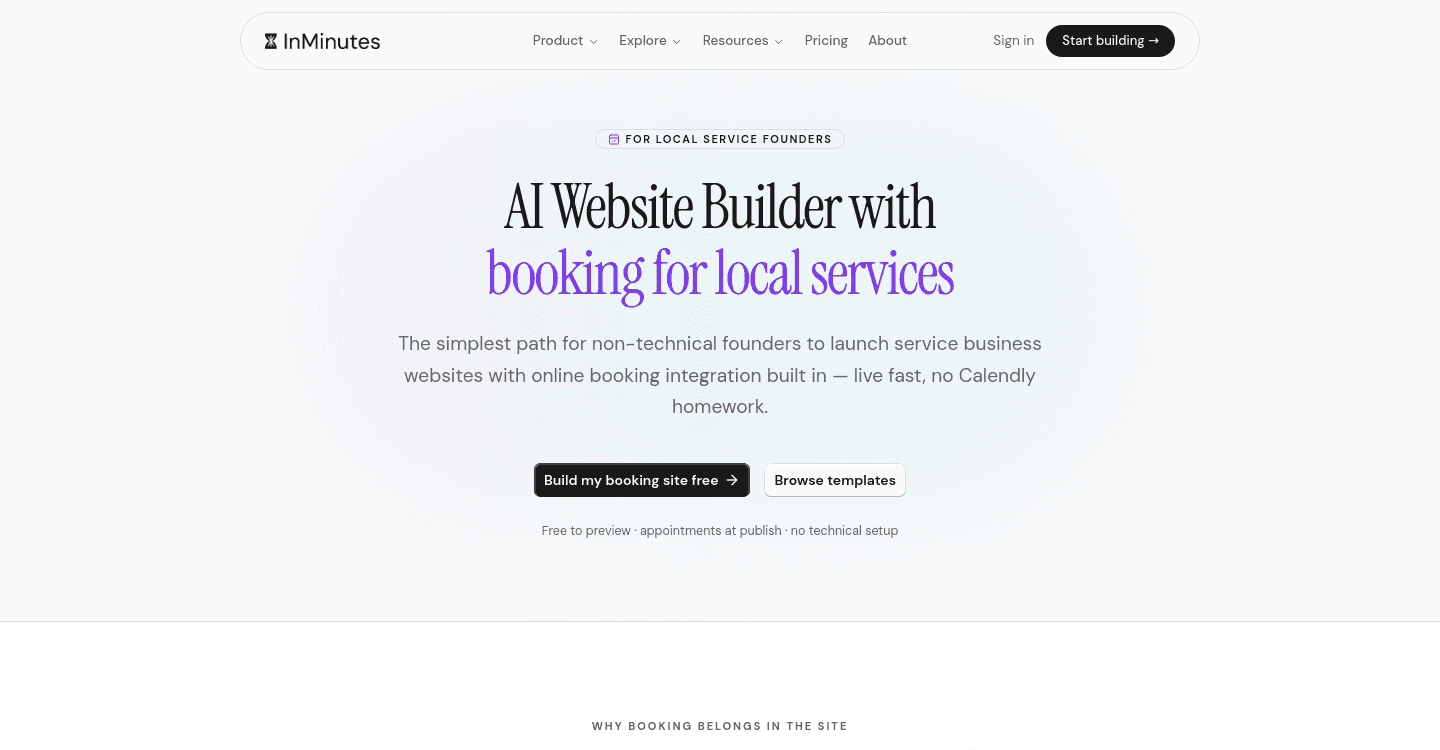
Bookings: live availability, a short form, confirmation and reminder emails (SMS when connected), and a choice of free, pay in person, or a card deposit (Pro)
-
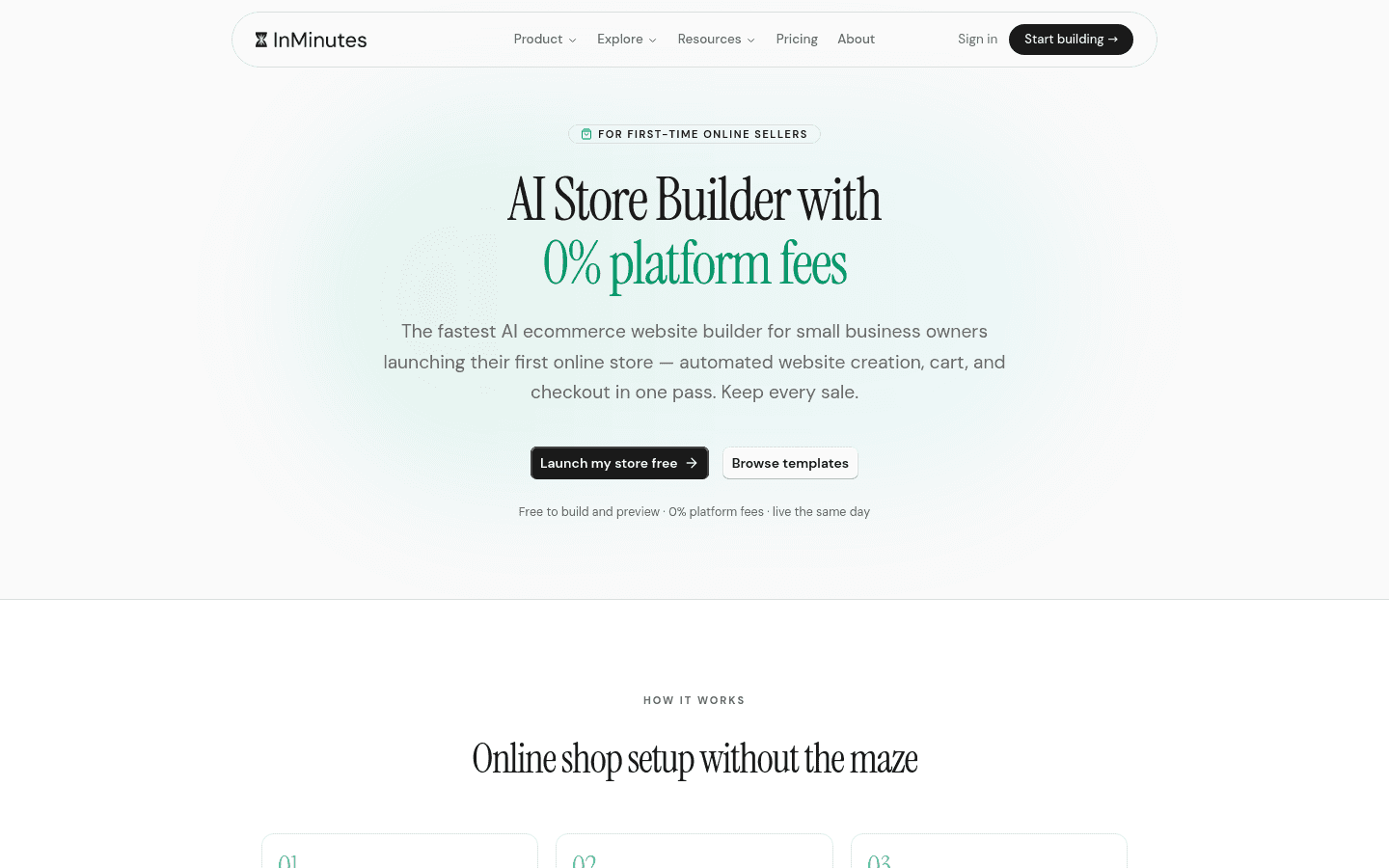
Store checkout (Pro): guest checkout with email or phone, Stripe's hosted checkout or PayPal, flat-rate shipping or local pickup, coupons, gift cards, and one automatic recovery email
-
Fixes by chat: "move the shipping info onto the product page" or "add our returns policy above the buy button" is a message, not a developer ticket
-
Honest limits: shipping is flat-rate (no live carrier rates) and tax is one rate per store, so complex multi-region shipping is better served by Shopify
Build a low-friction booking or store site free →
Related reading
The bottom line
Most lost sales and bookings come from a few predictable frictions: surprise costs, forced accounts, long forms, hidden availability, and no second chance. Fix those first, test on a phone, and repeat monthly. If your platform fights you, InMinutes gives you a booking and checkout flow with those frictions already removed.
FAQ
Ready?
Your site, live in 2 minutes with InMinutes.
No agency. No waiting. Flat monthly fee.
Start for free →