Booking and Checkout Mistakes Small Businesses Make

Create a structured educational listicle that explains the most common usability issues that cause booking drop-off, cart abandonment, and website update friction on small business websites.
Most small business sites do not fail because the logo is wrong. They fail at the last step: the customer tries to book or pay, hits friction, and leaves. This listicle covers the small business website usability mistakes that drive appointment booking friction, cart abandonment, and painful website maintenance — plus how to fix each one.
Quick answer: The costliest mistakes are hidden CTAs, multi-step booking with surprise fields, slow mobile checkout, unclear prices/fees, broken confirmation emails, and editors so hard that hours and stock stay wrong. Fix the path to book/pay first. Platforms like InMinutes reduce website builder usability issues by generating booking and checkout with the site and letting owners edit by chat.
1. The book/buy button is below the fold — or missing
If the first screen is a poem about your mission and the Book button appears after three scrolls, mobile users never see it.
Fix: Put call and book/buy in the header and hero. One primary action.
2. Booking asks for a novel before showing times
Appointment booking friction spikes when forms demand life stories before calendar slots. People want times first.
Fix: Show availability early; collect only essential fields; add intake after the slot is held if needed.
3. Hours and buffers are wrong (or exist in two places)
Staff diary says closed Monday; the widget says open. Customers book ghosts. Front desk panics.
Fix: One calendar source. Native booking tied to real weekly hours beats a pasted third-party link you forget to update.
4. Checkout surprise: shipping, tips, or "account required"
Cart abandonment loves surprise totals and forced accounts. Small shops copy enterprise flows they do not need.
Fix: Show total early. Guest checkout. Fewer upsell modals. Checkout optimization is honesty plus speed.
5. Mobile pay feels broken
Tiny fields, zooming forms, wallets missing, or a desktop-only theme. Most traffic is phone traffic.
Fix: Test the full pay path on cellular. Support Apple Pay / Google Pay / Stripe Link where your processor allows.
6. No confirmation — so customers rebook or ghost
Silence after submit creates duplicates and no-shows. That is a customer experience failure disguised as "flaky clients."
Fix: Instant on-screen confirmation plus email/SMS. Clear cancellation rules.
7. Prices hide until the last step
"Contact for pricing" on every service trains people to leave. So does revealing fees only at payment.
Fix: Publish starting prices or packages. If custom quotes are required, say why and how fast you respond.
8. Too many payment or booking tools stitched together
Calendly + PayPal link + Google Form + Instagram DM is not a stack — it is a scavenger hunt.
Fix: Prefer a website builder where booking and checkout live with the site. InMinutes includes booking on every plan and store/deposits on Pro with checkout through your Stripe or PayPal (0% InMinutes platform fees on Pro store sales).
9. Website updates require a designer (so they never happen)
Sold-out items stay listed. Holiday hours stay wrong. That quiet rot destroys trust more than an imperfect colour palette.
Fix: Choose chat or truly simple editors. Website maintenance should be a two-minute job, not a ticket.
10. Trust goes missing at the moment of payment
No address, no reviews snippet, no policy link beside pay. First-time buyers abort.
Fix: Show NAP, reviews, refund/cancellation basics, and a real face/brand near checkout and booking.
Usability scorecard (use monthly)
| Check | Pass if… |
|---|---|
| First screen CTA | Book/call/buy visible on mobile without scroll |
| Time-to-slot | Customer sees times in under 30 seconds |
| Checkout clarity | Total and fees visible before pay |
| Confirmation | Email/SMS + on-page success |
| Update speed | Hours/price change without a developer |
| Mobile field test | Full path works on cellular |
How InMinutes reduces these mistakes by default
-
Booking generated with the site (hours, buffers, min notice)
-
AI Store checkout on Pro via your own Stripe/PayPal
-
Chat edits for services, prices, and hours
-
Forms and bookings into one business inbox
-
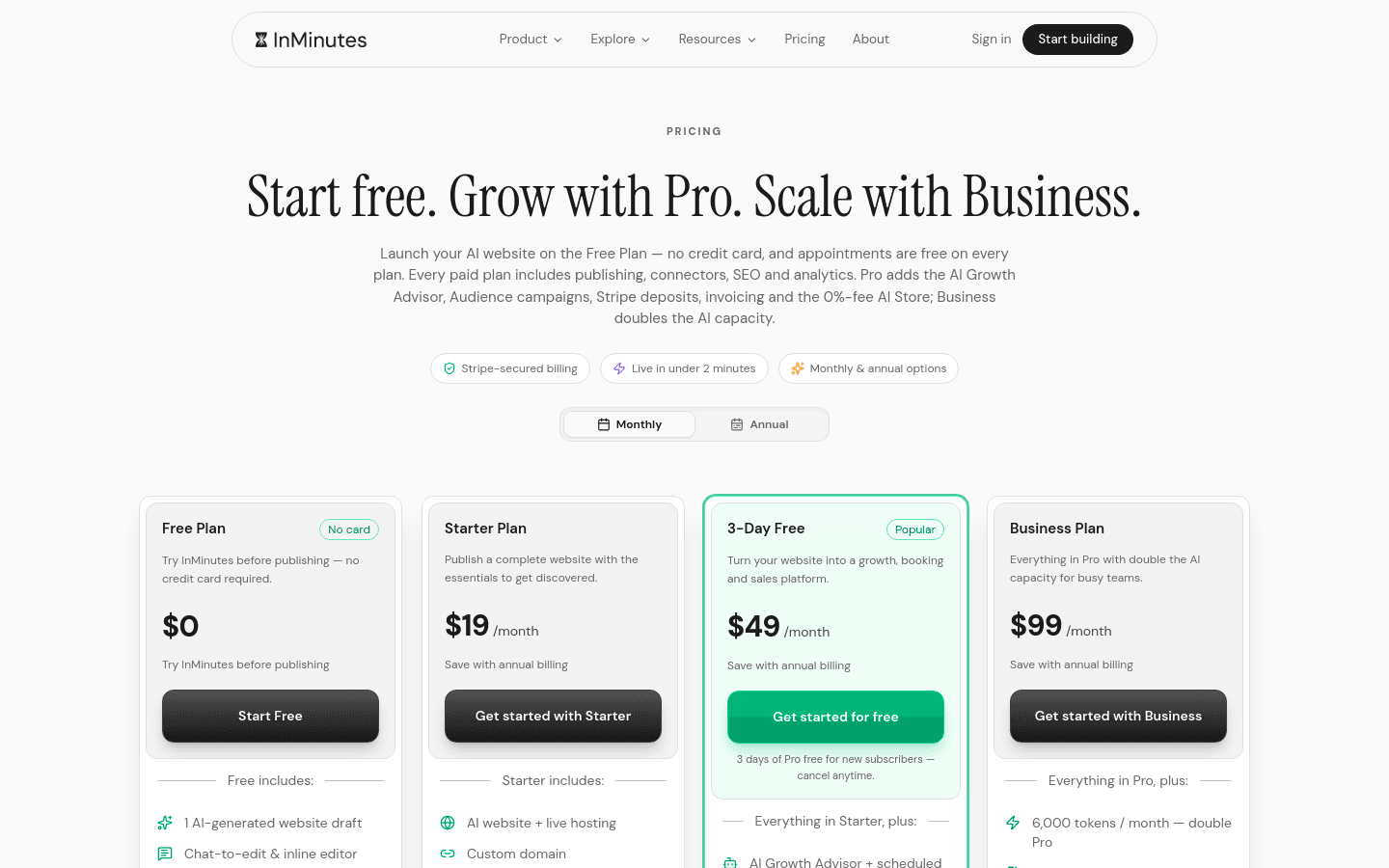
Free preview; Starter $19/month ($15 annual); Pro $49/month ($39 annual)
You still need to write clear offers — software cannot save a confusing package. It can stop the interface from being the reason people leave.
Preview a site with booking built in →
FAQ
Related reading
Best AI website builders for client-based businesses, best clinic scheduling software to prevent overbooking, and how mobile site speed affects local service discovery.
Ready?
Your site, live in 2 minutes with InMinutes.
No agency. No waiting. Flat monthly fee.
Start for free →