Best Website Builders Where You Can Build Your Own Site for Free in 2026

Compare free website builders with honest trade-offs. See where to build for free, what features cost extra, and which tool fits your business need.

Quick answer: InMinutes and Wix are the most practical free builders to start with — InMinutes if you want a live site with store and booking in minutes, Wix if you prefer template control. Both avoid the common trap of locking essential features behind paywalls. Squarespace, Shopify, and others work too, but they're better picks for specific situations than as general free starters.
What 'free' really means: features included vs. paywalls
A free website builder sounds straightforward until you try to add the features your business actually needs.
Most builders offer a free tier, but it comes with quiet limits. Booking might be free, but taking a payment at checkout costs extra. Your store might be free, but only on a paid plan. Your domain might be free, but it's theirs, not yours. You build for weeks, and then discover the feature you need sits behind a second subscription you didn't budget for.
The best free builders avoid this stack. They include store and booking and basic SEO on the free or cheapest plan—or at least make sure those aren't three separate charges. They let you publish a real site to your own domain immediately, so you're live and searchable from day one, not trapped in drafts.
Below we compare six builders on what's genuinely free, what's locked behind paywalls, and which features cost extra when you're ready to scale.
Where to build your own website for free: 6 builders compared
 Wix — best for template flexibility and drag-and-drop editing
Wix gives you hundreds of templates and a drag-and-drop editor that works the way most people expect: grab an element, move it around, drop it in place. The free plan includes hosting, a free Wix domain, an online store, basic appointment booking, and blogging. You pay to add your own domain, remove Wix ads, or unlock advanced features like abandoned cart recovery.
Strengths: Template choice is enormous. The drag-and-drop interface is intuitive for anyone who's moved things around in presentation software. Appointment booking is built in, even on free.
Weaknesses: The free plan displays Wix branding. You'll want to upgrade to use your own domain and remove ads if you're taking your business seriously. Templates look recognizable, which is fine for some trades but can blur together.
 Squarespace — best for design-led businesses and portfolios
Squarespace is known for beautiful, modern templates that don't look "free." The platform is designed around aesthetics first—the builder, the templates, the built-in image handling all assume you care how it looks. Booking, e-commerce, and blogging are included, though some features only unlock on higher tiers.
Strengths: Templates are polished and professional. Image handling is excellent. Built-in SEO basics. No ads on free sites (after a trial period, you'll need a plan to keep publishing).
Weaknesses: No true free plan after the trial—you need a paid subscription to publish a live site. The learning curve for customization is steeper than Wix.
 Shopify — best for stores and inventory management
Shopify's entry-level plan starts at $27/month (as of 2026-08-06) and is built specifically for selling. The platform prioritizes inventory management, order routing, fulfillment integrations, and multi-channel selling (marketplace, social, in-person). Booking is a separate paid add-on.
Strengths: Store features are deep and mature. Designed for businesses that live or die by sales. App ecosystem is huge.
Weaknesses: There is no true free tier—Shopify requires a paid plan from the start. Booking is not native; it comes as an add-on subscription separate from your website plan. Heavy focus on e-commerce means the website itself can feel like an afterthought.
Squarespace — best for local services and simple booking
Most local service businesses don't need inventory management or complex sales workflows. They need a calendar, a way for clients to book, and maybe a simple online store. Durable (a competitor in this space) offers templates with built-in booking and store functionality on a free tier, though some advanced store features live on paid plans.
Strengths: Simpler than Shopify. Booking and store are native, not add-ons. Free tier exists and is usable.
Weaknesses: Store features only unlock on higher tiers. Design customization is more limited than Wix or Squarespace. SEO basics are there, but not as robust.
GoDaddy Website Builder — best for quick launch with budget in mind
GoDaddy's builder is straightforward: templates, drag-and-drop editing, hosting included. The free tier includes a free subdomain, a store, and booking, with an upsell to a custom domain and advanced features.
Strengths: Affordable and simple. Store and booking are both present on the free plan. Launch fast.
Weaknesses: Design flexibility is lower than Wix. SEO customization is basic. Free sites live on a GoDaddy subdomain until you upgrade.
 InMinutes — best for getting live in minutes with no template wrestling
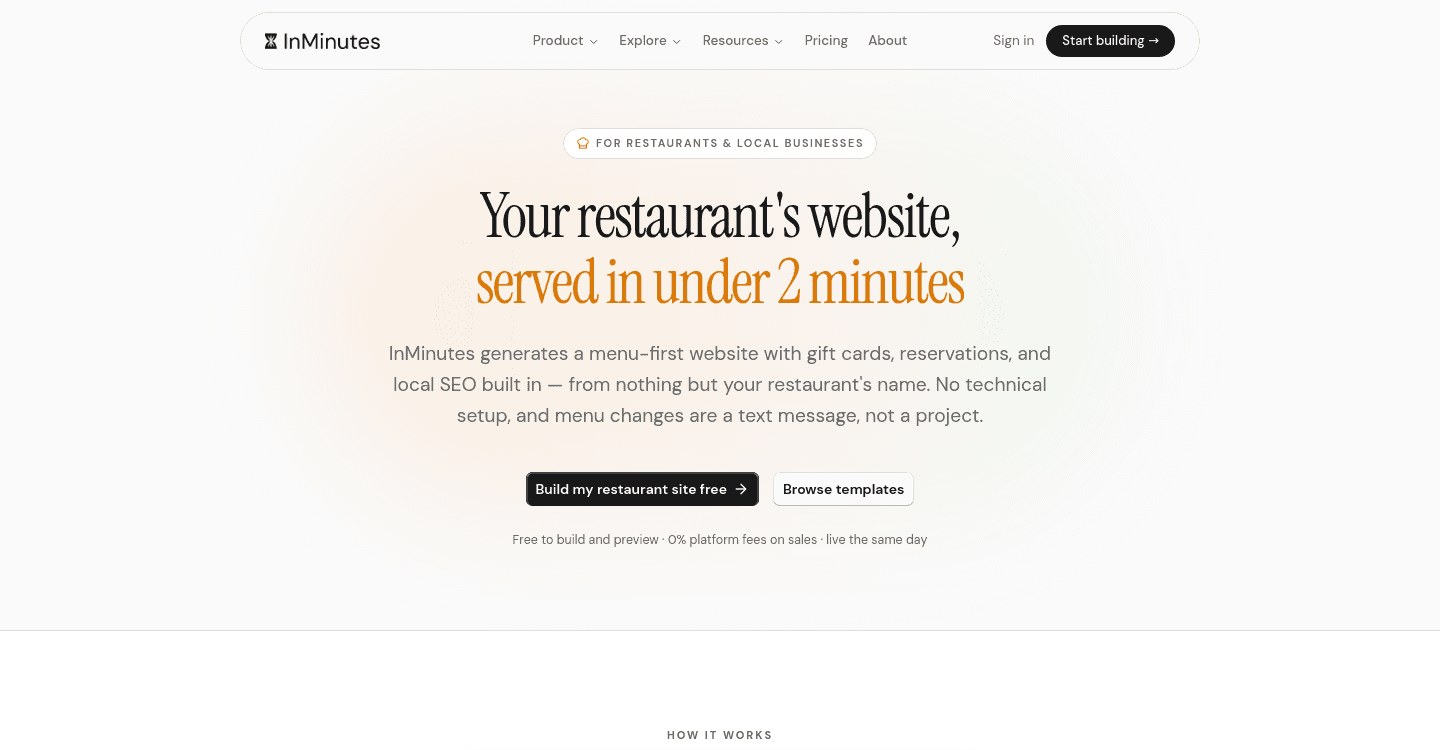
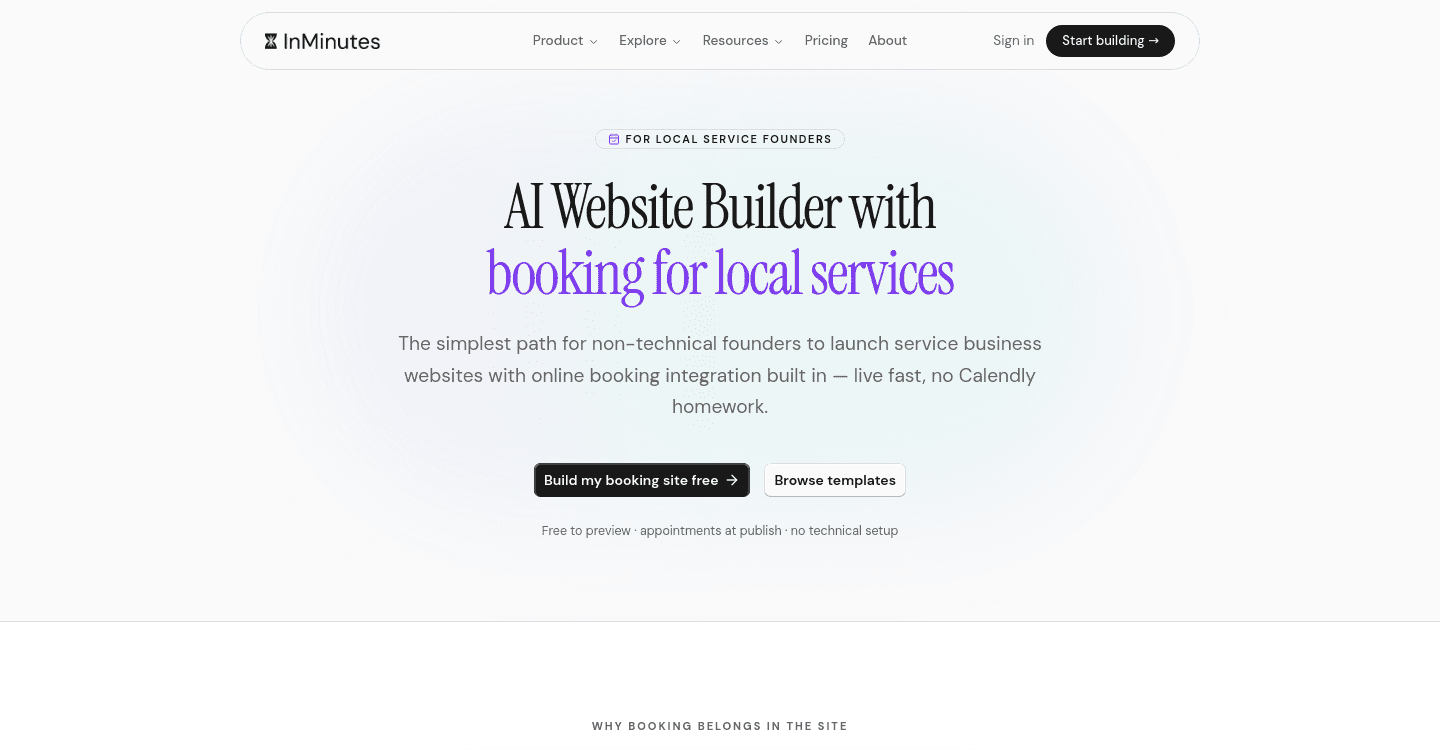
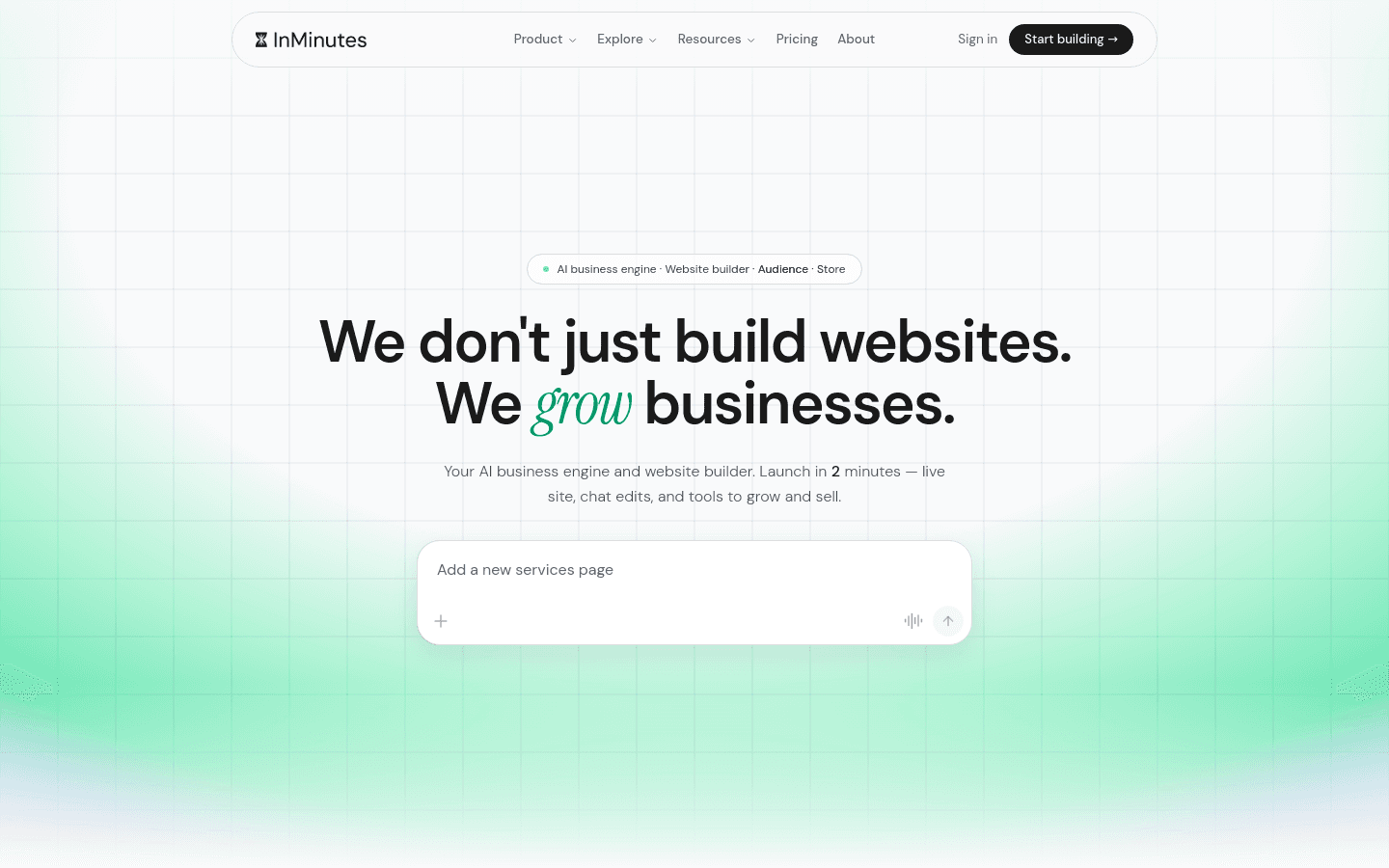
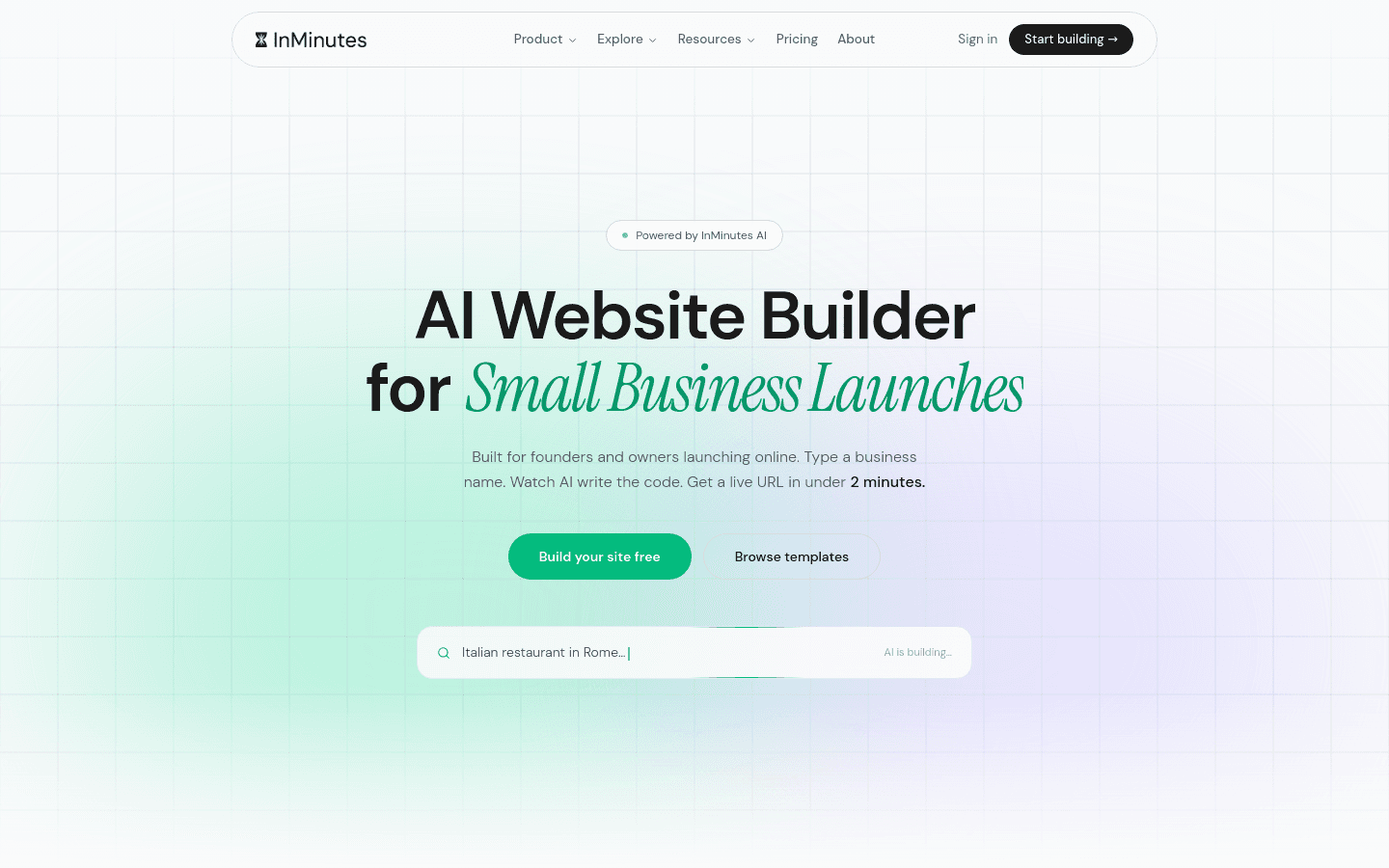
InMinutes is an AI builder designed for local businesses that don't have time to wrestle with templates. You describe your business in a few sentences. InMinutes generates a complete, multi-page, professional website in minutes. You then edit it by chatting with the AI in plain language ("make the hero darker," "add a services page")—no drag-and-drop, no learning the interface, no template selection paralysis.
The Free plan ($0/month) includes one draft site, 200 AI tokens to generate and edit it, and appointment booking. You can't publish it live, so it's best used to preview and build toward a paid plan.
The Starter plan ($19/month) includes one published site and 500 tokens per month, but it's missing online store and advanced booking features.
On Pro ($49/month) and Business ($99/month), you unlock the full stack: online store with checkout (0% InMinutes platform fee, just Stripe or PayPal processing at about 2.9% + 30¢), appointment booking with payment deposits, blogging, SEO (meta tags, LocalBusiness JSON-LD, GEO, and llms.txt), invoicing, and a built-in Audience CRM. You can also import your Google Business data directly. Pro gives 3,000 tokens per month; Business doubles that to 6,000 and is best for agencies or power users.
Annual billing works out to $15, $39, $79 per month respectively. New subscribers get a 3-day free Pro trial, so you can see the full feature set before committing.
Strengths: Speed—your site is live and publishable in minutes, not hours or days. No template wrestling or drag-and-drop learning curve. The editing model (chat, not drag-drop) is faster once you're past the first few edits. Store, booking, SEO, and invoicing are included on Pro, not assembled from separate subscriptions. 0% platform fee on store transactions (you own the Stripe or PayPal relationship). You keep full control—no Shopify processor lock-in. Appointment booking is on every plan, including Free. Great for solopreneurs and small local teams.
Weaknesses: Chat-based editing is different from drag-and-drop, so the first few edits have a learning curve. The Free plan is genuinely limited (draft-only, 200 tokens). You need Pro to publish a store, so e-commerce businesses will pay more upfront than on Shopify's entry tier (though InMinutes includes booking, invoicing, and CRM in that price). If you want unlimited design tweaks and full visual control in the builder, Wix's drag-drop interface may suit you better.
Comparison table: free tiers, booking, store & SEO across platforms
Platform | Free Tier | Appointment Booking | Online Store | SEO Included | Publishing |
|---|---|---|---|---|---|
Wix | Yes, with ads | Yes | Yes | Basic | Yes |
Squarespace | Trial only | Yes | Yes | Basic | No (trial ends) |
Shopify | Commerce tier required | Separate add-on | Yes | Basic | Yes |
GoDaddy | Yes, subdomain | Yes | Yes | Basic | Yes (subdomain) |
Durable | Yes | Yes | Tiered | Basic | Yes |
InMinutes | Yes (draft only) | Yes | Pro and Business | Full (Pro+) | Pro and Business only |
Which builder is best for your situation?
You want to launch today and don't care about design flexibility. InMinutes is your fastest path. Your site is published and searchable within hours. Use the 3-day Pro trial to see the store and booking in action. If you're a solo business without a complex product catalog, Pro ($49/month) pays for itself after a few bookings or orders.
You want to pick a template and customize it visually yourself. Wix is the clear choice. Hundreds of templates, drag-and-drop editing, everything you need on the free tier to explore before you decide to add a custom domain. No time pressure, no hurry to upgrade.
You're selling primarily online and need inventory, fulfillment, and multi-channel selling. Shopify. It's built for this. Booking comes later as a separate decision. You'll spend more per month, but the backend is built to scale if your store grows.
You're a local service business (salon, gym, contractor, dental practice, etc.) that needs both booking and a light online store. InMinutes on Pro or Wix free tier. InMinutes if you want everything in one dashboard and don't want to manage separate booking software. Wix if you want to design and edit visually without learning chat-based prompts. Both include booking and store. The real difference is speed (InMinutes) vs. control (Wix).
You're a design professional or agency building client sites. Wix or Webflow (if you want code control). Not InMinutes—InMinutes is optimized for business owners, not agency workflows.
The bottom line: honest recommendation
The best free website builder is the one that ships. All six of these platforms work. Wix and InMinutes are the two safest bets for a general audience because both let you publish a live site for free, both include booking and store, and both have clear upgrade paths if you outgrow the free tier.
InMinutes wins if you're solo or small, impatient, and don't want to choose templates or drag things around. You get store, booking, invoicing, and SEO in one plan (Pro, $49/month), not scattered across add-ons and separate subscriptions. The 3-day Pro trial lets you build a real site and test the checkout before you spend anything.
Wix wins if you like visual control, want to explore before upgrading, and aren't in a rush. The free plan is genuinely useful for months.
Both beat the trap of making you pay for booking and store separately. Start with one, and if it doesn't feel right after a week, try the other. The right one is the one you'll actually use.
Ready to launch? Build your site with InMinutes in minutes—new subscribers get 3 days on the Pro plan free, so you can publish and test before you commit.