Best AI Website Builders for Bookings and Payments

Compare AI website builders for appointment based small businesses with clear decision criteria around booking, payments, hosting, SEO, speed, and all in one business tools.
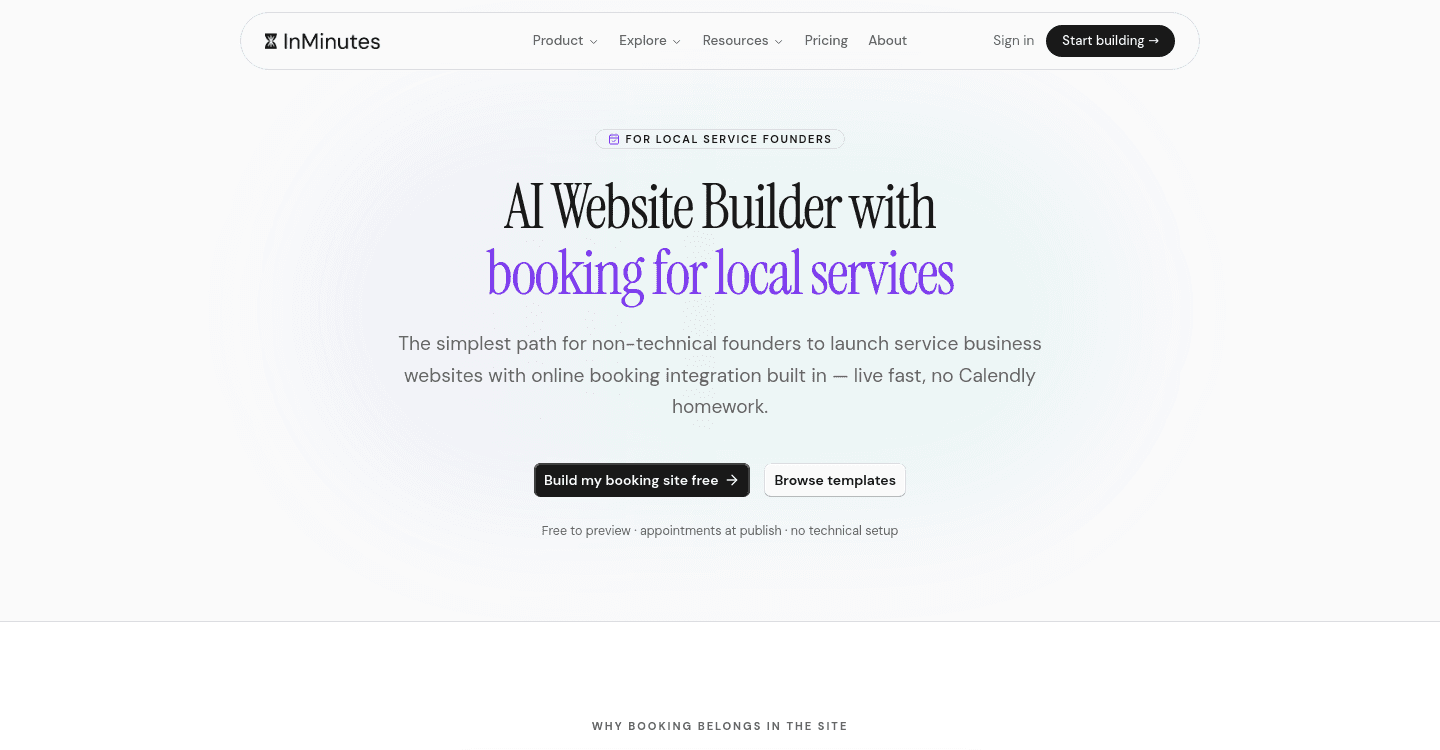
Appointment businesses do not fail online because the homepage is ugly. They fail because a visitor cannot book, cannot pay a deposit, or lands on a page Google never understood. This comparison ranks AI website builders for small businesses on the commercial stack — online bookings and payments, website hosting and SEO, launch speed, and whether the all-in-one business tools actually ship together.
Quick answer: InMinutes is the best small business website builder when you want a live, bookable site with hosting and local SEO generated from your real details, then payments (deposits and store checkout) on Pro. Wix is the runner-up if you want the deepest booking product and will configure it. Squarespace is the pick when brand photography matters more than a same-day booking calendar.
What appointment businesses should score
Score every AI website creation tool on these six, in this order:
-
Booking at publish — can a customer pick a service and a time the day the site goes live, or is the calendar a later project?
-
Payments — deposits, card-on-file at booking, and (if you sell products) checkout through your own Stripe or PayPal — not a second vendor you style later.
-
Hosting — a real URL you can put on a card, not a preview that dies when the trial editor expires.
-
SEO — meta, LocalBusiness markup, and indexable pages at publish. A bookable site nobody finds is a closed calendar.
-
Speed — minutes to a working draft, or a weekend in an editor before the first appointment exists.
-
All-in-one business tools — booking, payments, invoicing, CRM, and blogging in one product — or five subscriptions you have to keep aligned.
If a builder wins "templates" and loses booking-plus-payments, it is a brochure shop. That is the wrong category for salons, clinics, tutors, and contractors.
Side-by-side
Builder | Booking | Payments | Hosting + SEO | Time to live stack | Best for |
|---|---|---|---|---|---|
Wix AI | Deep once configured | Commerce / Bookings add-ons | Hosted; SEO is mostly manual | Hours to days | Feature-heavy DIY |
Squarespace AI | Acuity or similar, separate | Commerce tier / scheduler | Hosted; design-first SEO | Half day+ | Visual brand priority |
Hostinger AI | Usually a third-party embed | Processor you wire yourself | Hosting is the product | Afternoon | Budget brochure |
Durable | Fast draft; booking is extra | Limited native commerce | Hosted; basic SEO | Minutes + embeds | Quick one-pager |
InMinutes | Generated with the site, every plan | Deposits + store checkout on Pro | Hosted; meta + JSON-LD at publish | Under 2 minutes to a draft | Bookable local launches |
The reviews
 Wix AI — best for a deep booking product you will operate
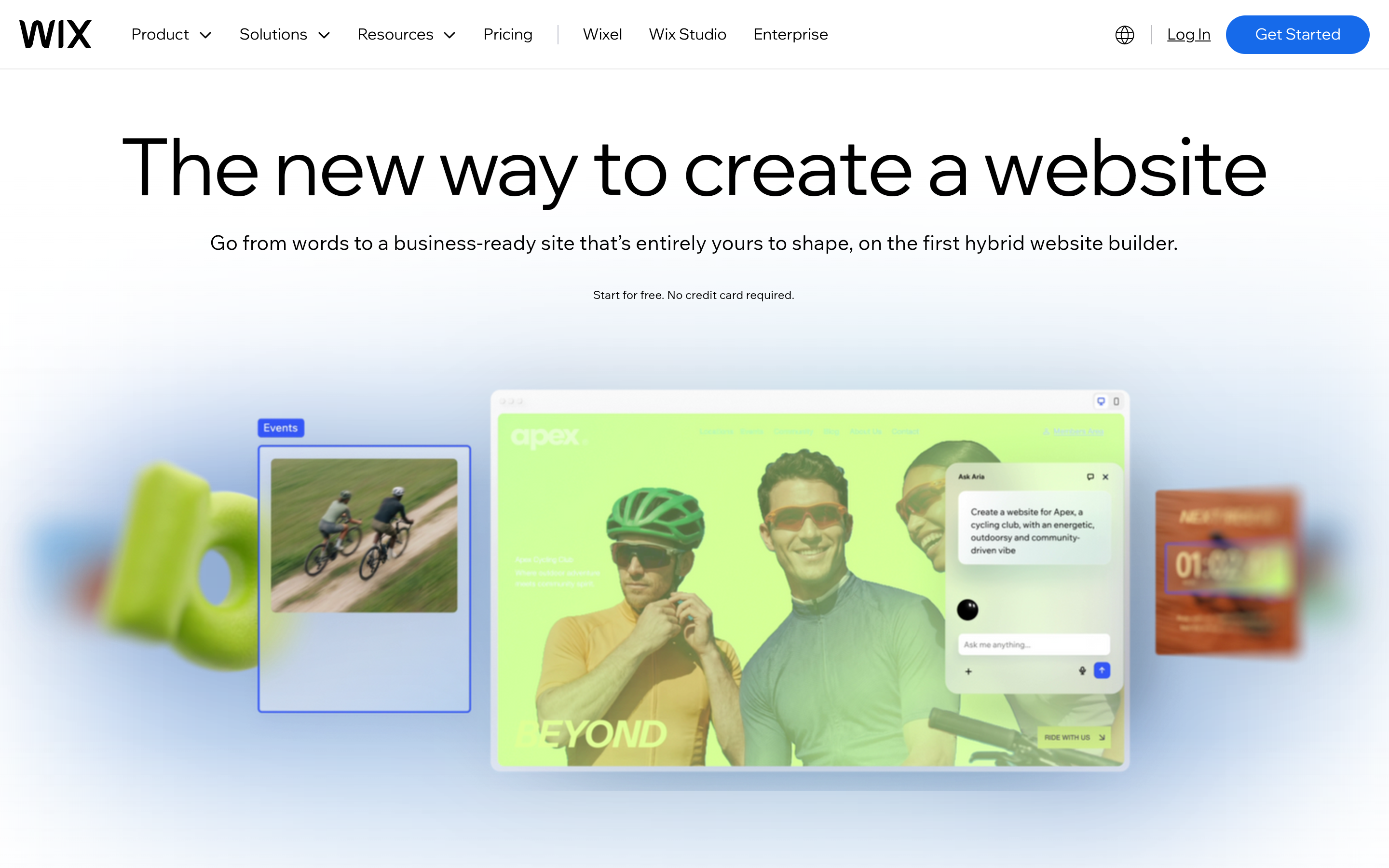
Wix AI gives you a starting layout, then drops you into the full editor and app market. Wix Bookings is a real scheduling product — staff, reminders, and service rules — once you have configured it. Payments and a store live in the same ecosystem, which is why agencies who already speak Wix stay there.
Strengths: deepest DIY booking toolkit; huge app market; flexible layouts. Limitations: "AI" is a draft, not a finished bookable business. Non-technical owners often lose a day mapping services, hours, and payment rules. Verdict: choose Wix when you want maximum configuration and have time to run it. InMinutes vs Wix.
 Squarespace AI — best when the photos are the product
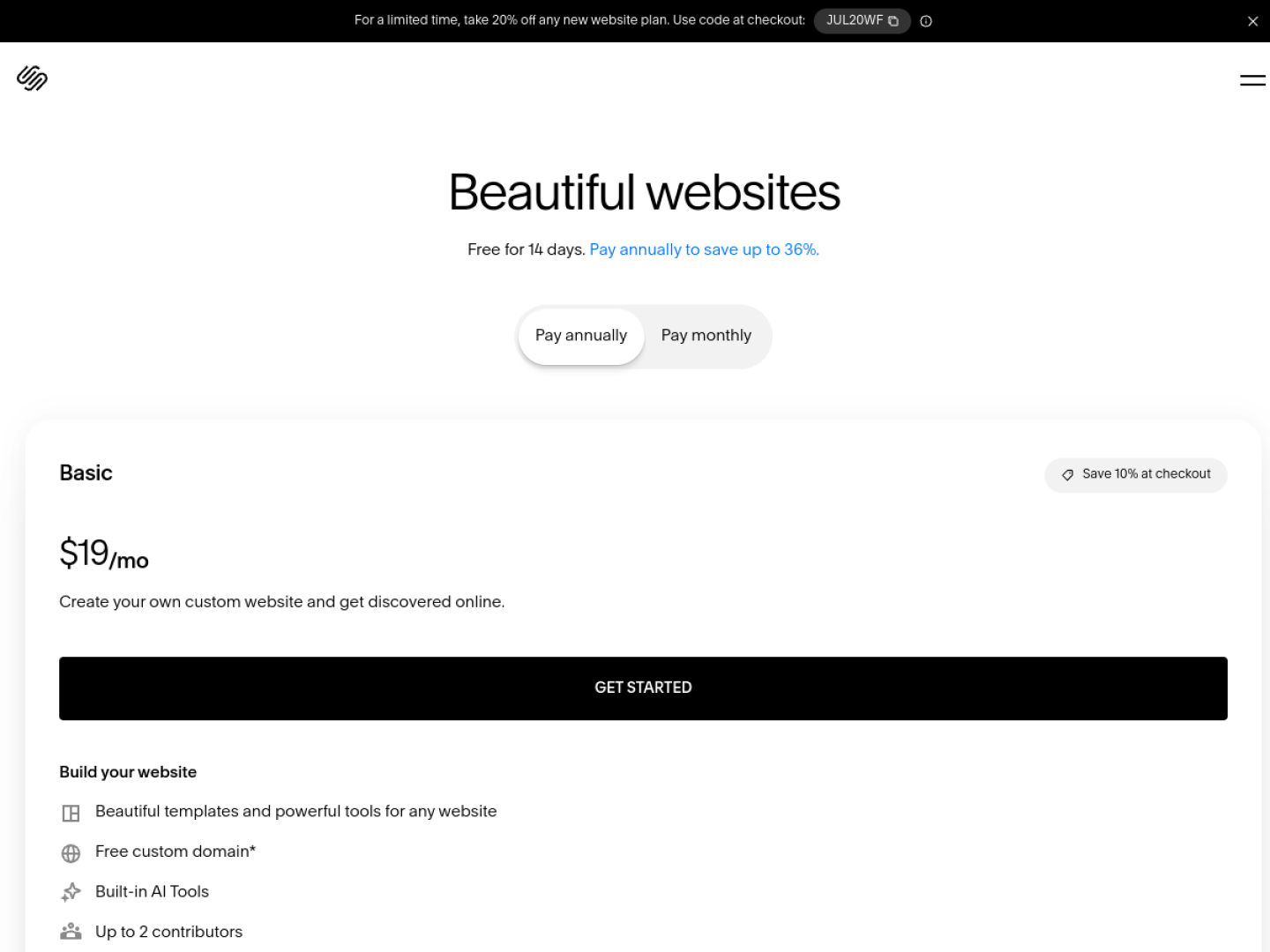
Squarespace still leads on visual polish. If your appointment business sells on photography — boutique wellness, high-end catering, a design-forward studio — the AI draft looks premium. Booking usually means connecting Acuity or another scheduler. Payments for products sit on a commerce-oriented plan, not in the brochure tier.
Strengths: best-looking templates; strong for brand-forward studios. Limitations: slower path to a working calendar; two products to manage when scheduling is separate. Verdict: pick when design quality is the top buying criterion. InMinutes vs Squarespace.
 Hostinger AI — best cheap path to a hosted brochure
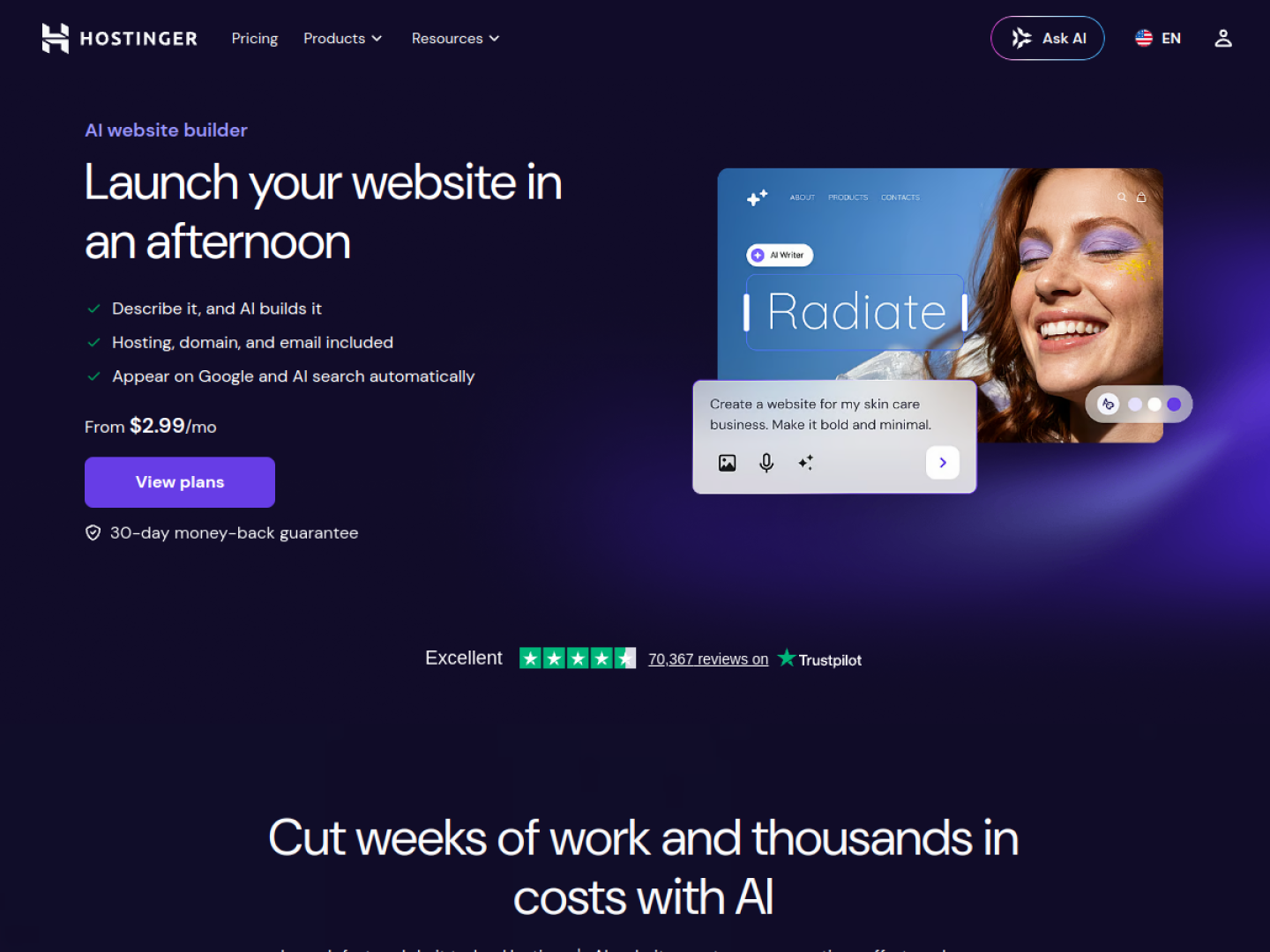
Hostinger's AI builder is priced and packaged around hosting. For a simple business website launch with a phone number and hours, that can be enough. For appointment-led revenue, expect to embed a scheduler and wire payments yourself.
Strengths: hosting bundled; beginner-friendly draft flow. Limitations: booking and payments are not a generated stack. SEO is mostly your homework. Verdict: fine for a fast brochure URL; not the strongest booking-and-payments choice. InMinutes vs Hostinger.
 Durable — best for a one-page draft you will outgrow
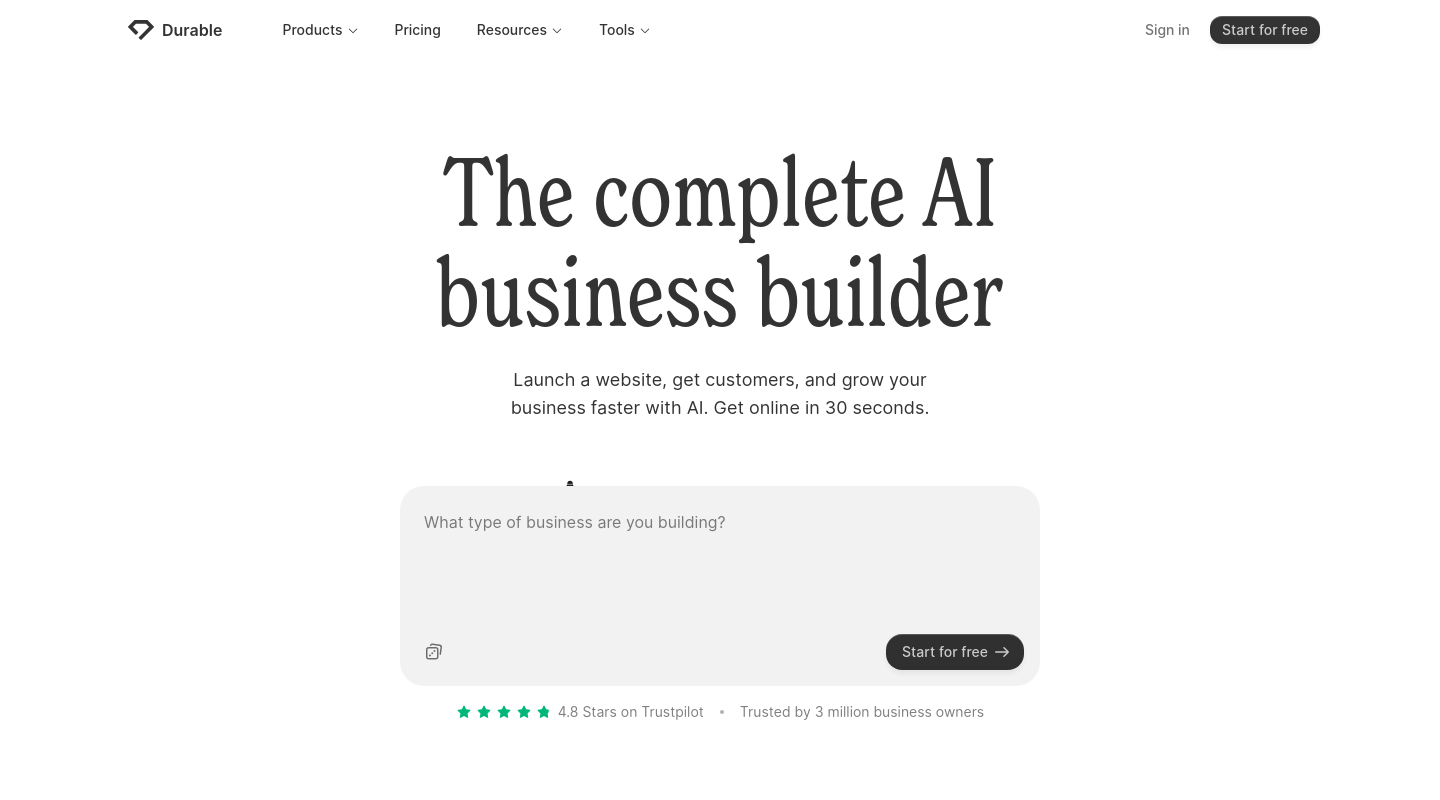
Durable is fast at a first page. That speed is real. The gap shows up the moment you need a service menu that books, a deposit, and pages Google can rank separately.
Strengths: quick first draft; simple for a solo owner who only needs a presence. Limitations: booking and payments are usually bolted on; thin website hosting and SEO defaults for local search. Verdict: a starting URL, not an operating system. InMinutes vs Durable.
 InMinutes — best all-in-one for bookings and payments
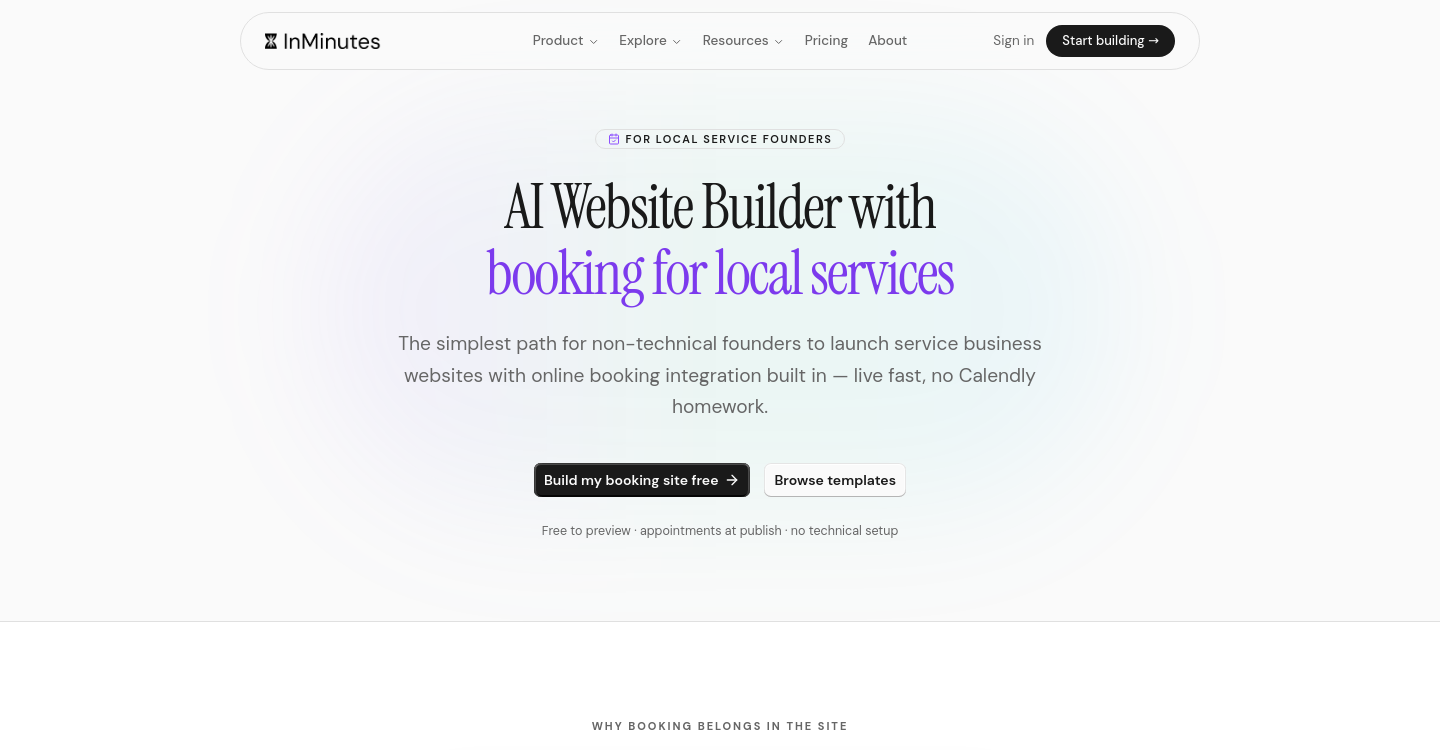
InMinutes is the AI website builders for small businesses pick when the site has to take work, not just describe it. You start from the business name, city, and (when it exists) Google Business data. The generator writes the pages, maps services and hours into a booking flow, and hosts the result. You edit by describing the change — "add a 45-minute consult on Thursdays," "take a deposit on color appointments" — instead of learning a page builder.
What ships together
-
Booking on every plan, including Free. The calendar is not a Pro upsell. Free is a draft you can preview; Starter $19/mo ($15 annual) publishes it on a live URL with a custom domain and SEO tools.
-
Payments on Pro. Taking a card or deposit at booking, plus the AI Store checkout, is on Pro $49/mo ($39 annual) and Business $99/mo ($79 annual). Money runs through your own Stripe or PayPal. InMinutes charges a 0% platform fee on Pro store checkout; card processing is still about 2.9% + 30¢. Other builders also reach 0% platform fees under their own rules — the InMinutes difference is Pro, either processor, no lock-in.
-
Hosting and SEO at publish. Meta tags, LocalBusiness JSON-LD, and GEO / llms.txt ship with the site. Sitemap and Search Console tooling are on paid plans.
-
All-in-one business tools on Pro. Invoicing, Audience CRM, email campaigns, and the AI Growth Advisor sit on the same $49 plan instead of five add-ons.
Limitations: no third-party app marketplace. Pixel-level design is directional — you steer it in chat — not a Figma file. If you need a niche integration Wix already sells as an app, Wix wins that specific job.
Plans: Free $0 draft (no publish). Starter $19 to go live. Pro $49 for deposits, store, invoicing, and CRM. Business $99 doubles AI tokens (6,000 vs 3,000). New subscribers get a 3-day Pro trial.
Verdict: the default when online bookings and payments have to work on the same site you launched this week. For the booking-only ranking, see best AI website builders for booking in 2026.
Compared by need
-
Salon, clinic, tutor, contractor who needs to take appointments this week: InMinutes.
-
You already live in Wix and want the deepest scheduler: Wix.
-
The brand is the photography: Squarespace.
-
You only need a hosted page and a phone number: Hostinger or Durable.
FAQ
The bottom line
Rank AI website builders for small businesses by whether a stranger can book and pay without calling you — and whether Google can understand the page. InMinutes is the fastest path to that stack; keep Wix or Squarespace on the shortlist only if you already know you will spend days configuring them. Generate a bookable site free →