Best AI Website Builders for Blogging and SEO

Compare AI website builders that bundle hosting, built-in SEO, and blogging so small businesses can choose a faster path to publishing and content growth.

For a small business, a blog only works if publishing is easy enough to keep doing. If every post means logging into a separate CMS, fixing formatting, and remembering to add meta descriptions, the blog stops after three posts.
Quick answer: InMinutes is the best AI website builder for blogging and SEO for small businesses because hosting, built-in SEO (meta tags, sitemap, Search Console, structured data), and a blog come together on Starter, and Pro adds a scheduled AI auto-blog plus AI-search (GEO) tools. Squarespace is the runner-up for writers who want beautiful long-form layouts, Wix suits teams that want blog plugins and fine-grained SEO settings, and Durable is the cheapest way to get AI-written posts on a simple site.

What should you look for in a blog website builder for SEO?
You should look for a blog website builder that removes the steps between writing and ranking. The checklist:
-
Website hosting included — fast, secure (HTTPS), no separate host to manage
-
Built-in SEO — editable meta titles and descriptions, automatic sitemap, Search Console connection, structured data
-
Blogging workflow — write, schedule, and publish without a second tool
-
AI help — drafting posts, suggesting topics, or publishing on a schedule
-
AI-search readiness — content structured so AI assistants can quote it
Comparison at a glance
| Builder | Hosting | Built-in SEO | Blogging | AI content help | Best for |
|---|---|---|---|---|---|
 InMinutes InMinutes | Included | Meta, sitemap, Search Console, LocalBusiness data | Blog on Starter; scheduled auto-blog on Pro | AI posts + GEO/llms.txt on Pro | Small businesses that want content on autopilot |
 Squarespace Squarespace | Included | Solid basics | Excellent long-form layouts | AI writing help | Writers and creatives |
 Wix Wix | Included | Deep settings + SEO tools | Strong blog + plugins | AI text tools | SEO tinkerers |
 Durable Durable | Included | Basics | Simple blog | AI blog writer (2/10/32 posts a month by plan) | Cheapest AI posts |
 Hostinger Hostinger | Included | Basics | Blog in builder; WordPress option | AI writer | Budget or WordPress fans |
 Framer Framer | Included | Good | CMS-driven blog | Limited | Design-led brands |
1. InMinutes — best AI website builder for blogging and SEO
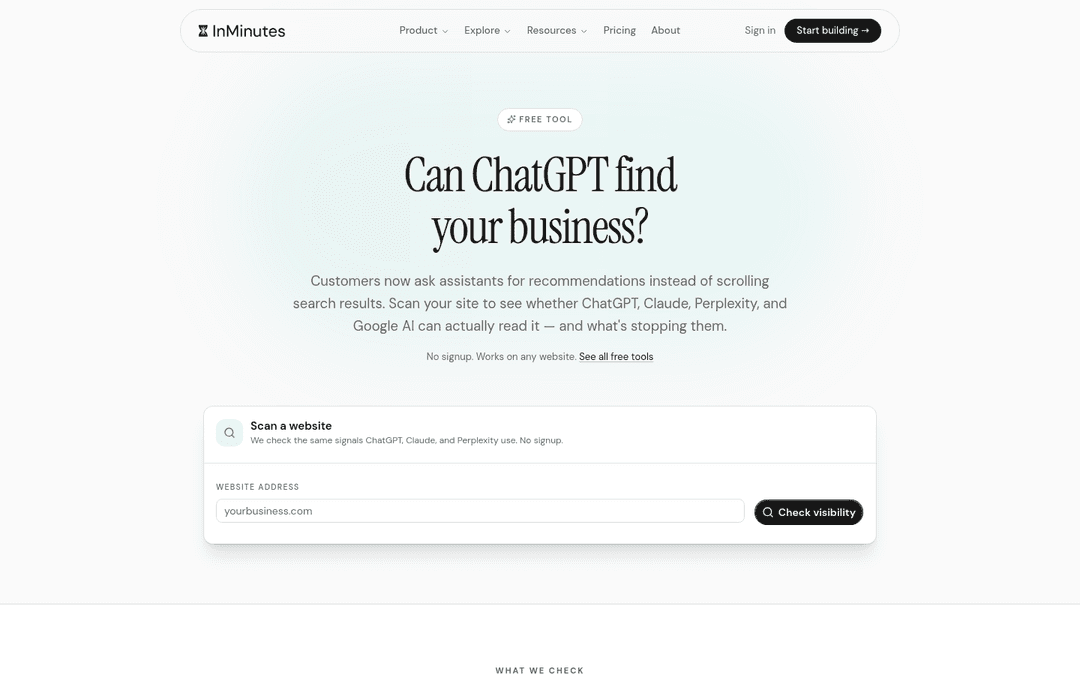
InMinutes is the shortest path from "we should blog" to posts that are actually published and indexed. Your site, blog, hosting, and SEO tools live in one dashboard — and on Pro, an AI agent can draft and publish posts on a schedule you set.
-
Website hosting: included on every paid plan, with your custom domain and HTTPS
-
Built-in SEO: meta tags, sitemap, Search Console connection, and LocalBusiness structured data on Starter and up; favicon and social images added at publish
-
Blogging: write, edit, and publish posts from the dashboard on Starter ($19/mo); ask the editor chat to publish a post for you
-
AI content: scheduled auto-blog and GEO tools (llms.txt, AI FAQ generation) on Pro ($49/mo)
-
Weakness: not a full publisher CMS — no multi-author editorial workflow or deep plugin ecosystem like WordPress
-
Choose InMinutes if: you want no-code website creation where the blog runs itself and SEO basics are never forgotten
Start your blog-ready site free →
2. Squarespace — best for beautiful long-form posts
-
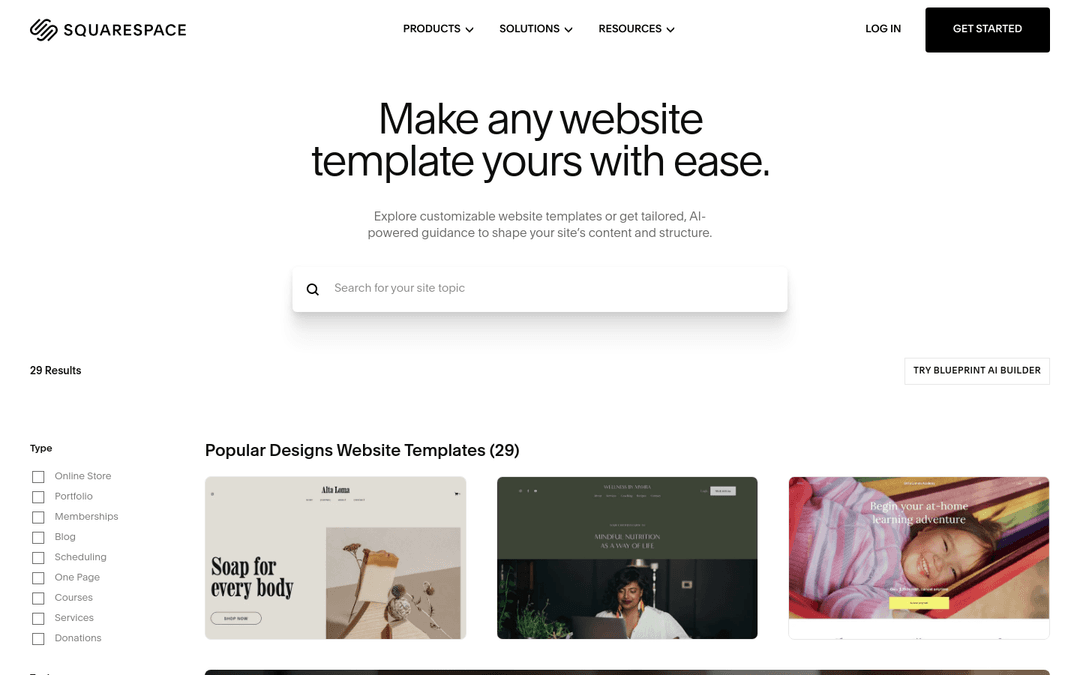
Blogging: some of the best-looking post layouts available
-
Built-in SEO: solid basics
-
Weakness: no AI publishing schedule; booking costs extra if you also take appointments
-
Choose Squarespace if: you're a writer or creative and the reading experience matters most. See InMinutes vs Squarespace
3. Wix — best for SEO tinkerers
-
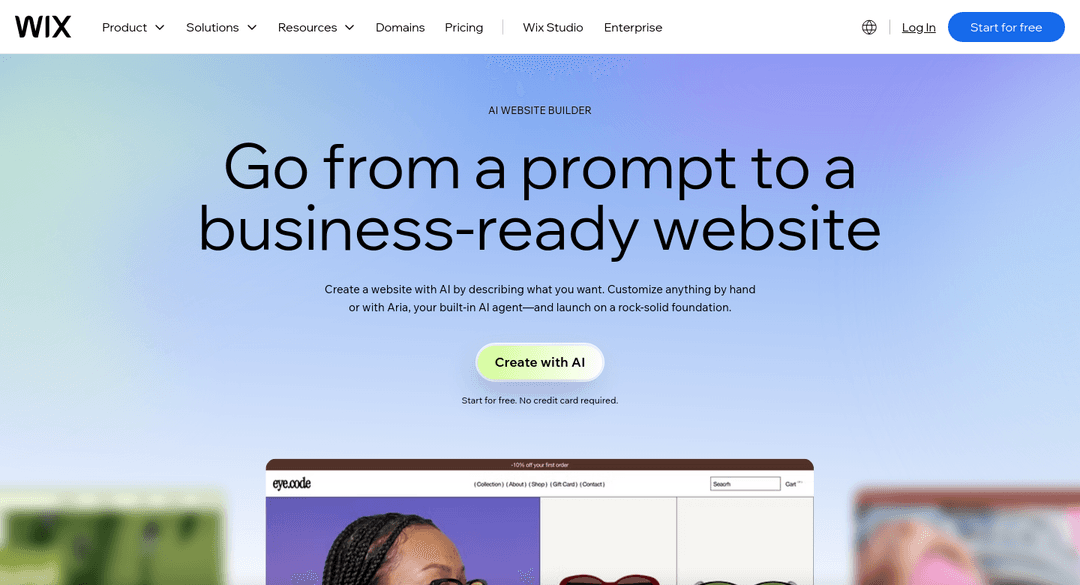
Built-in SEO: detailed controls and guided SEO setup
-
Blogging: strong blog with plugins and multiple writers
-
Weakness: more settings to learn and maintain
-
Choose Wix if: you enjoy fine-tuning SEO yourself. See InMinutes vs Wix
4. Durable — cheapest AI-written posts
-
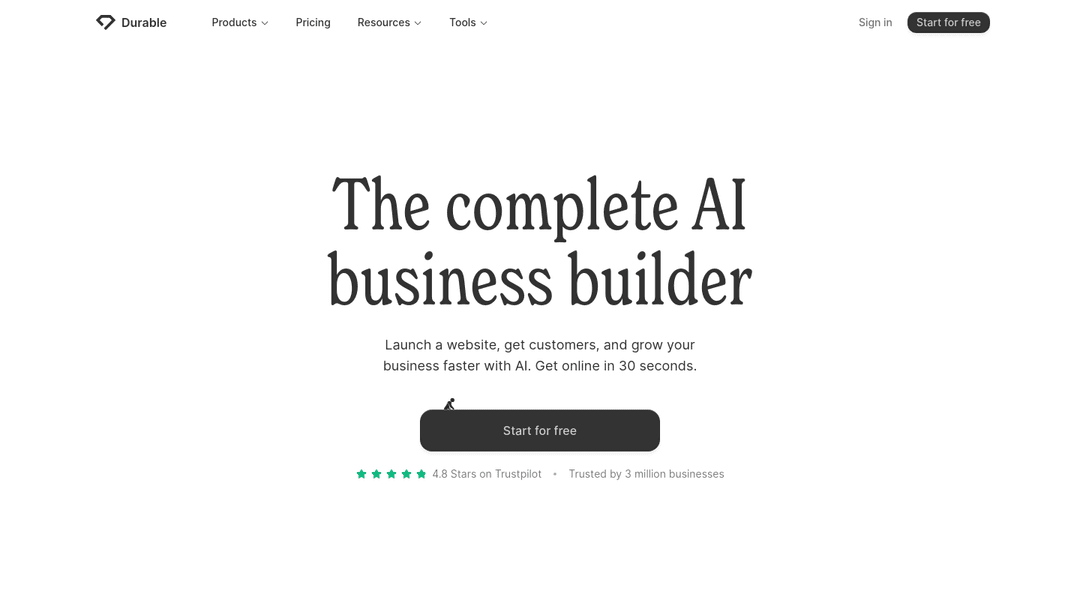
AI content: monthly AI blog post allowance by plan
-
Weakness: simple site structure limits how much SEO weight posts can build
-
Choose Durable if: you want AI posts on a budget. See InMinutes vs Durable
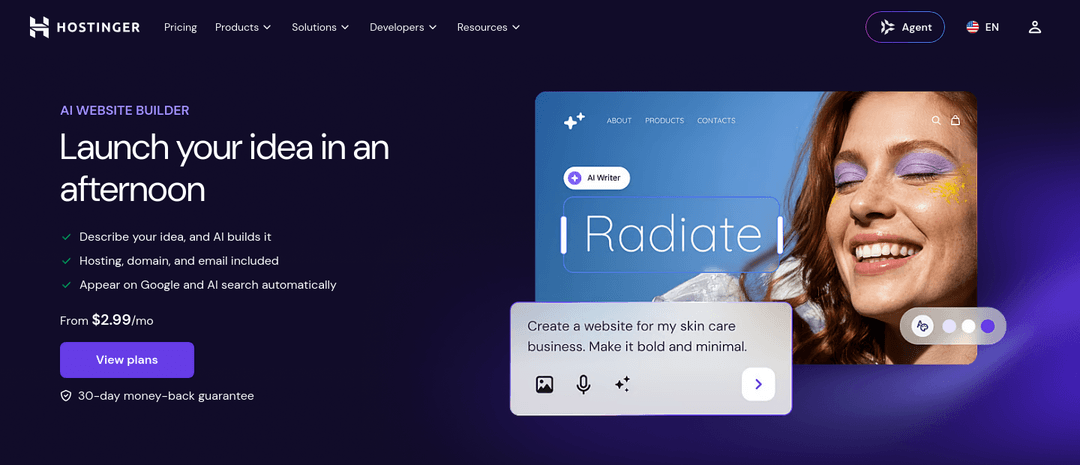
5. Hostinger — budget hosting with a WordPress option
-
Blogging: builder blog, or move to WordPress later on the same host
-
Weakness: more DIY SEO
-
Choose Hostinger if: you may want WordPress eventually. See InMinutes vs Hostinger
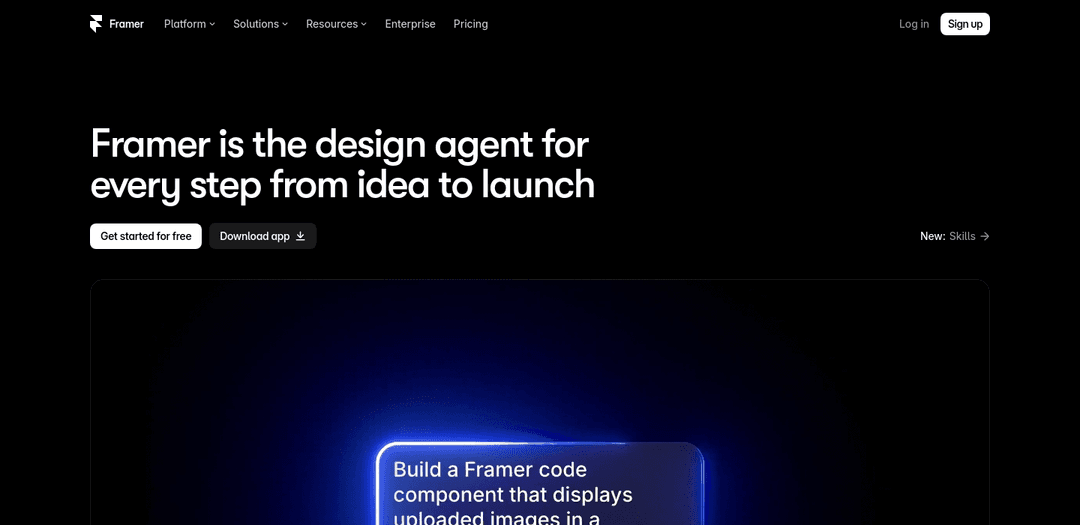
6. Framer — design-led content sites
-
Blogging: flexible CMS collections
-
Weakness: steeper for non-designers; no built-in AI publishing
-
Choose Framer if: your brand is design-first and you have design skills
Does an AI website builder help a blog rank?
An AI website builder helps a blog rank by removing technical blockers and making consistent publishing easy — it can't make thin content rank. What it can do:
-
Add meta tags, sitemaps, and structured data so every post is indexable
-
Connect Search Console so you see what's working
-
Keep publishing consistent with scheduled posts
-
Structure content (clear headings, FAQ sections) so search engines and AI assistants can quote it
What still depends on you: topics your customers actually search for, original experience, and internal links between related posts.
Which builder fits your blogging and SEO goals?
-
Small business that wants the blog to run on a schedule: InMinutes
-
Writer or creative focused on reading experience: Squarespace
-
Hands-on SEO tuning and plugins: Wix
-
Cheapest AI-written posts: Durable
-
Might move to WordPress later: Hostinger
Related reading
The bottom line
AI web design is now the easy part; consistent publishing is the hard part. An AI website builder that bundles hosting, built-in SEO, and an AI blogging schedule — like InMinutes — gives small businesses the fastest path to content that compounds.
FAQ


Ready?
Your site, live in 2 minutes with InMinutes.
No agency. No waiting. Flat monthly fee.
Start for free →