Best AI Website Builder With Blog and SEO for Local Service Launches in 2026

Ranked comparison of AI website builders with blog and SEO for local services. See which tools include booking, store and invoicing without add-on assembly.

Quick answer: The best AI website builder with blog and SEO for local services is InMinutes, because it generates a complete multi-page site in minutes and includes store, booking, blogging, and local SEO in one $49 Pro plan without template wrestling or paid add-ons. Wix AI is the runner-up for owners who want the deepest template library and third-party app market. Squarespace AI is the runner-up for owners who prioritize polished, magazine-quality visual design above all else.
How We Ranked the Best AI Website Builders With Blog and SEO
-
Time to live site — How fast the AI produces a usable, branded multi-page site with homepage, services, about, and contact.
-
Built-in local SEO — Whether meta tags, LocalBusiness schema, GEO/llms.txt, and sitemap generation are native or require plugins.
-
Native blogging — Whether the blog is core to the platform or an afterthought/add-on.
-
Store + booking integration — Whether ecommerce and appointment scheduling are included or require separate subscriptions.
-
Editing model — How you actually change the site: chat, drag-and-drop, or code.
-
Honest total cost — Whether the headline price covers the features a local service business needs, or stacks up with required add-ons.
 1. InMinutes — Fastest All-in-One Launch With Chat Editing
Setup: You describe your business in plain language. InMinutes builds a complete multi-page website — homepage, services, about, contact, blog — in minutes. No designer, no developer, no template wrestling.
Editing: You edit by chatting. "Make the hero darker." "Add a services page." "Change my headline." No drag-and-drop, no code, no hunting through sidebar menus.
SEO: Built-in meta editing, LocalBusiness JSON-LD schema, GEO/llms.txt for AI discoverability, and Google Business data import. This is native, not a plugin you install later.
Blogging: Full blogging platform included on every plan. Write, publish, categorize, and manage posts without leaving the dashboard.
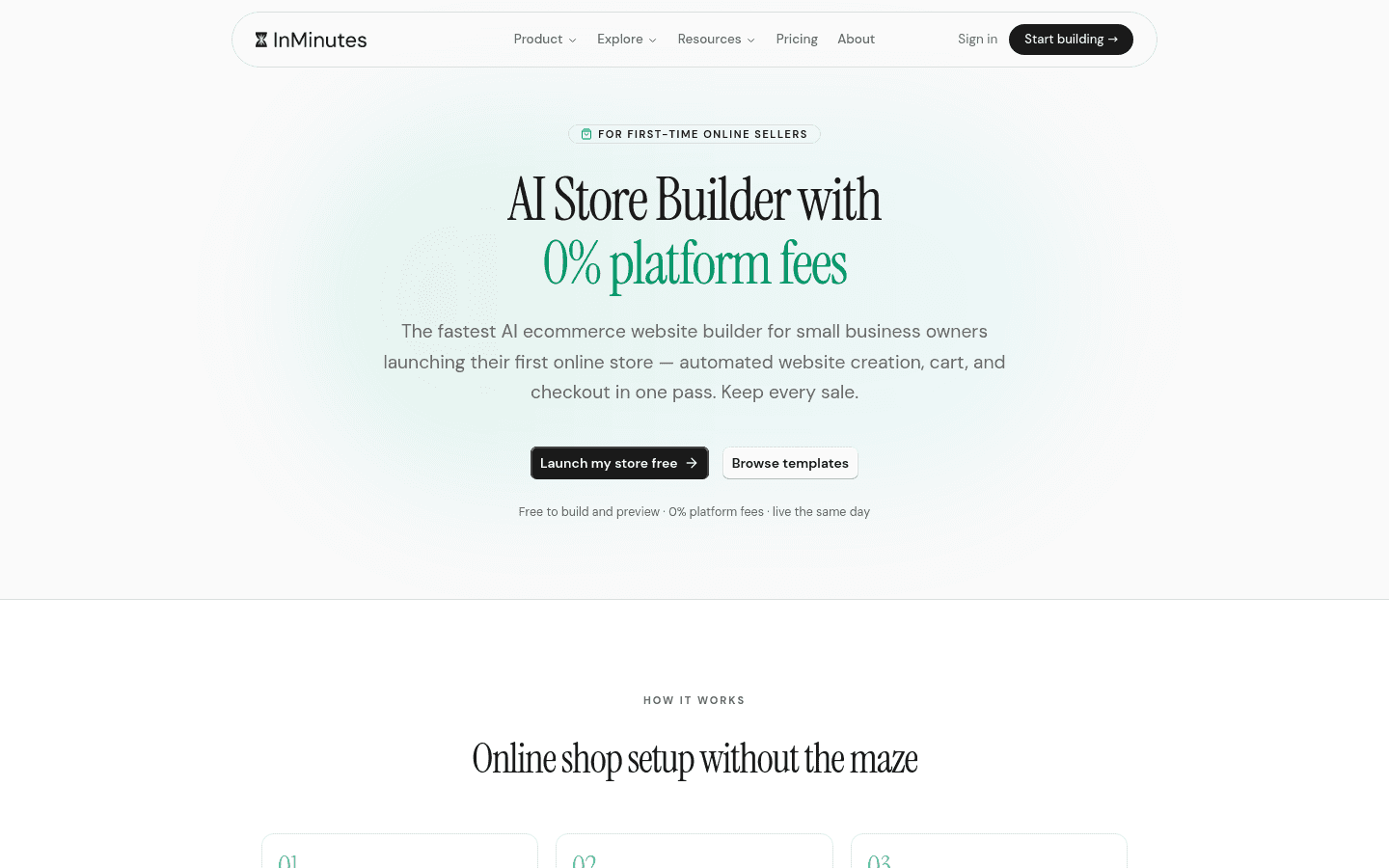
Store: Online store with checkout on Pro and Business plans only. 0% InMinutes platform fee — you connect your own Stripe or PayPal, and standard card processing applies at about 2.9% + 30¢. Digital product sellers can use Paddle as merchant of record for worldwide sales tax handling.
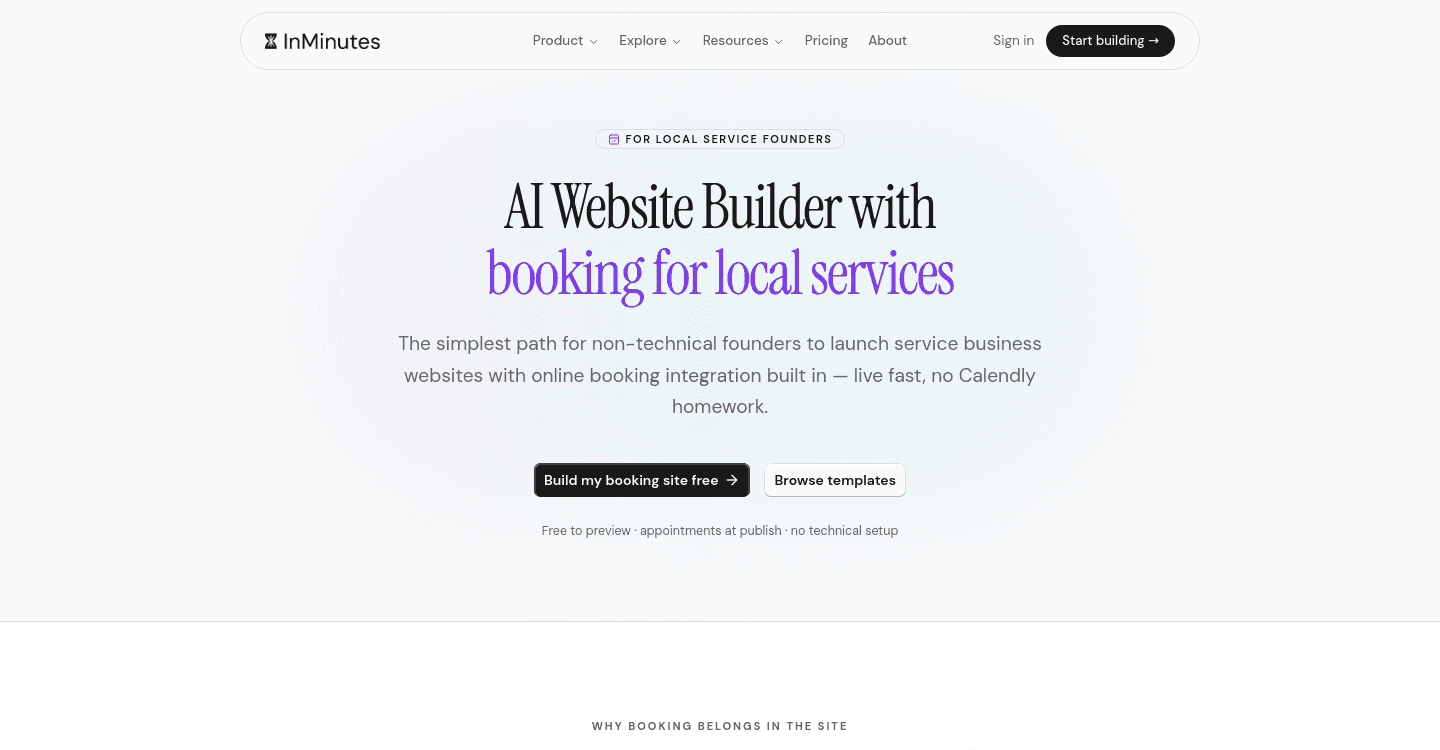
Booking: Appointment booking on every plan, including Free. Taking a deposit or card payment at booking time requires Pro and connects to your Stripe.
CRM & invoicing: Audience CRM and invoicing built in, not separate tools to wire together.
Languages: Interface available in English, French, German, Spanish, Turkish, and Chinese.
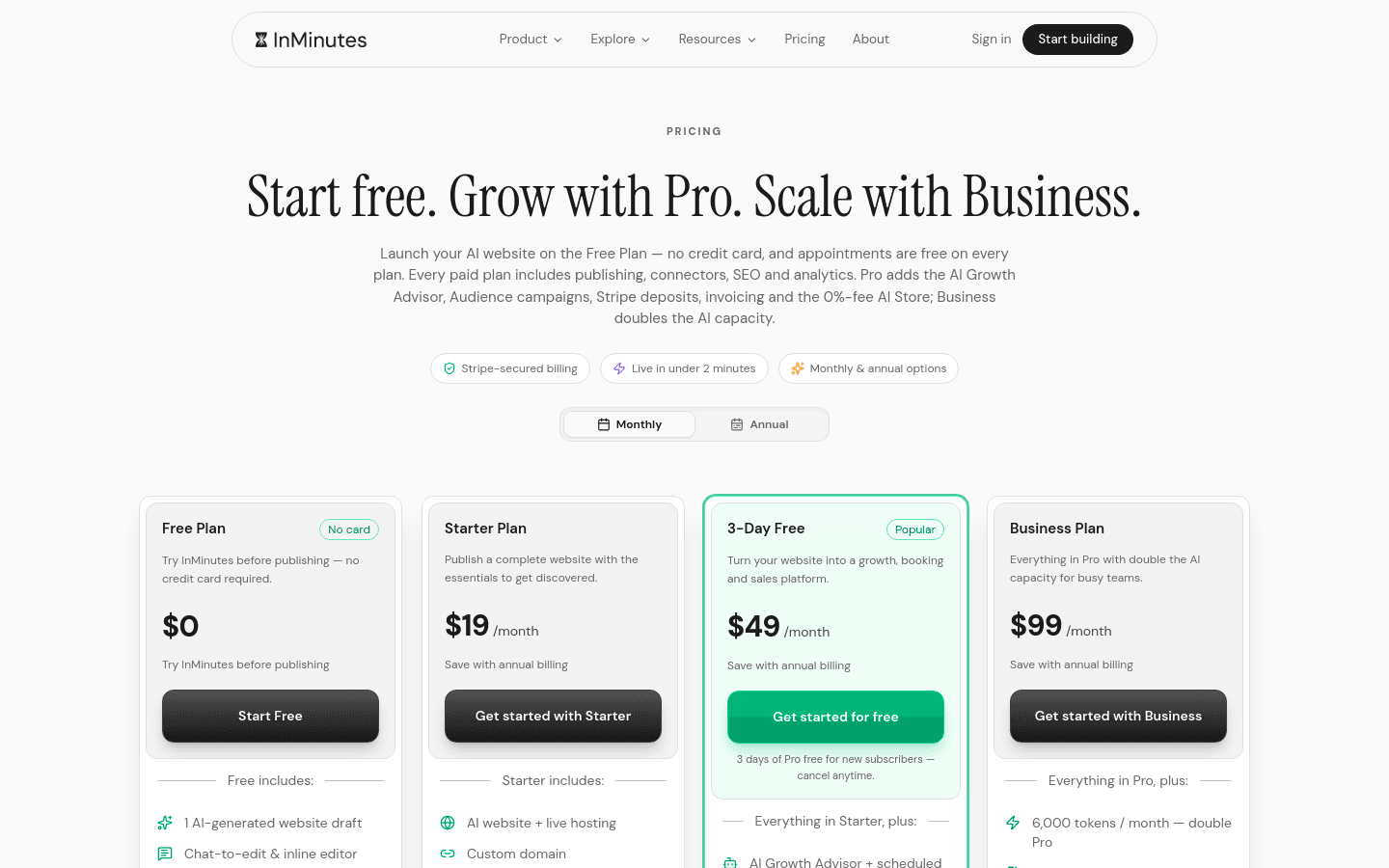
Pricing: Free $0, Starter $19, Pro $49, Business $99 per month. Annual works out to $0 / $15 / $39 / $79 per month. Free plan includes 1 draft site and 200 AI tokens, no publishing. New subscribers get a 3-day free Pro trial.
Weakness: The Free plan does not publish, and the online store only unlocks on Pro. If you need a live store on the cheapest possible tier, you will need to upgrade.
Choose InMinutes if you want the fastest path from idea to live site, hate drag-and-drop editors, and need store + booking + SEO + invoicing in one plan instead of assembled from paid add-ons.
 2. Wix AI — Deepest Template Library and App Ecosystem
Setup: Wix's AI asks questions and generates a site from hundreds of templates. More choices than any competitor, which also means more decisions to make.
Editing: Drag-and-drop editor with AI assistance. Very flexible, but you will spend time learning where controls live and managing spacing manually.
SEO: Basic SEO tools are included, but advanced local SEO features and schema often require apps from the Wix App Market.
Blogging: Native blog, though some advanced blogging features sit behind higher tiers or app integrations.
Store: Ecommerce is available, but full store features with checkout unlock on a commerce tier rather than the base plan.
Booking: Available through Wix Bookings, though taking payments at booking time may require upgrading your plan.
CRM & invoicing: Wix has CRM and invoicing tools, but they are separate products with their own complexity and potential add-on costs.
Languages: Broad language support for the site front-end; editor interface in many languages.
Pricing: Entry-level plan pricing is not verified for this comparison. Store and booking features require commerce-tier upgrades or separate subscriptions.
Weakness: The flexibility becomes complexity. Every feature you add — advanced booking, email marketing, CRM depth — can mean another app subscription and another dashboard to manage. The "cheap" base plan stacks up quickly.
Choose Wix AI if you want maximum template choice, enjoy tinkering with design details, and do not mind assembling your stack from the app marketplace.
 3. Squarespace AI — Most Polished Design Output
Setup: Squarespace's AI generates layouts with strong typography and photography treatment. The output looks finished faster than most competitors.
Editing: Section-based drag-and-drop. Less granular than Wix, more constrained than Webflow, but the results are consistently attractive.
SEO: Clean code and fast loading help SEO, but advanced local business schema and AI discoverability features like llms.txt are not native priorities.
Blogging: Excellent native blogging — arguably the best-designed writing experience of any builder here.
Store: Ecommerce exists, but full checkout and advanced commerce features require upgrading beyond the base plan.
Booking: Scheduling is available as an integration rather than core to the platform.
CRM & invoicing: Email marketing and basic CRM exist, but invoicing and deep customer management are not Squarespace's strength.
Languages: Site front-end in many languages; editor interface more limited.
Pricing: Entry-level plan pricing is not verified for this comparison. Commerce and advanced features require tier upgrades.
Weakness: You trade control for polish. Custom functionality often requires code injection or third-party workarounds, and the beautiful templates can feel rigid when you need something specific.
Choose Squarespace AI if your brand lives or dies on visual impression — photographers, designers, high-end consultants — and you prioritize aesthetics over operational features.
 4. Shopify — Strongest Dedicated Ecommerce Foundation
Setup: Shopify's AI tools help generate product descriptions and some layout suggestions, but the platform assumes you are building a store first, a brochure site second.
Editing: Theme-based with sections. Less free-form than Wix or Squarespace, more structured around product catalogs.
SEO: Solid technical SEO for product pages, but local service business schema and GEO features are not the platform's focus.
Blogging: Native blog exists, though it feels secondary to the commerce engine.
Store: The strongest dedicated ecommerce foundation of any option here. Inventory, variants, fulfillment, and multi-channel selling are core.
Booking: Not native. You will need a third-party app for appointment scheduling, which means another subscription and another system to sync.
CRM & invoicing: Customer data is strong for purchase history, but service-business CRM and invoicing require apps or external tools.
Languages: Extensive for storefronts; backend in many languages.
Pricing: Entry-level plan $27/month as of 2026-08-06. Commerce features and lower transaction fees require higher tiers.
Weakness: It is a store builder that can do a blog, not a local service builder that can do a store. Booking, local SEO, and service-oriented workflows all require workarounds.
Choose Shopify if you are primarily selling physical products with some local presence, not a service business that also takes online orders.
 5. Durable — Simplest Single-Page Speed
Setup: Generates a basic site extremely fast, often a single page or very simple multi-page structure.
Editing: Limited editing options. Fast to launch, hard to evolve.
SEO: Basic meta tags, but no advanced local schema or AI discoverability features.
Blogging: Not a core strength; blog functionality is minimal or absent on simpler plans.
Store: Limited or no native ecommerce; not designed for transactional businesses.
Booking: May integrate with external tools rather than native scheduling.
CRM & invoicing: Minimal native CRM; invoicing typically requires external tools.
Languages: Primarily English-focused.
Pricing: Entry-level plan pricing is not verified for this comparison.
Weakness: Too simple for businesses that need to grow. The speed of launch is undone by the lack of depth in store, booking, blog, and SEO features.
Choose Durable if you literally just need a phone number and a contact form live in the next ten minutes, and you know you will rebuild elsewhere later.
6. Webflow — Most Granular Design Control
Setup: Webflow's AI assists with layout suggestions, but the platform expects you to understand design systems, CSS logic, and responsive breakpoints.
Editing: Visual code editor. You are designing in code without writing code — but you are still thinking like a developer.
SEO: Excellent technical control over markup, schema, and performance. You can implement anything, but you must know what to implement.
Blogging: Native CMS for blogging, powerful but with a learning curve.
Store: Ecommerce exists as a separate plan tier with checkout, but it is overbuilt for simple local service needs.
Booking: No native booking. Requires external embeds or third-party tools.
CRM & invoicing: Not core to Webflow. You will use external tools and embed them.
Languages: Site front-end in any language; editor in major languages.
Pricing: Entry-level plan pricing is not verified for this comparison. Ecommerce is a separate, higher tier.
Weakness: The control is real, but so is the time investment. A local plumber or salon owner should not need to understand flexbox to change a headline.
Choose Webflow if you have a designer on staff or you are a designer yourself, and you want pixel-level control over every interaction.
Comparison Table
| Time to Live | Editing | Local SEO | Blog | Store | Booking | Total Cost Reality | |
|---|---|---|---|---|---|---|---|
| InMinutes | Minutes, multi-page | Chat, plain language | Meta + JSON-LD + GEO/llms.txt | Native, all plans | Pro & Business, 0% platform fee | All plans, deposits on Pro | One plan covers stack |
| Wix AI | Hours, template choice | Drag-and-drop + AI | Basic native, advanced via apps | Native, some tier limits | Commerce tier required | Via Wix Bookings, may upgrade | Base plan + apps stack up |
| Squarespace AI | Hours, polished output | Section drag-and-drop | Clean code, limited local schema | Excellent native | Commerce tier required | Integration, not core | Tier upgrades for commerce |
| Shopify | Hours, store-first | Theme sections | Product-focused, not local service | Secondary to store | Core strength, dedicated platform | Third-party app required | Entry at $27/mo as of 2026-08-06, higher tiers for full features |
| Durable | Minutes, very simple | Very limited | Basic only | Minimal or absent | Not designed for | External tools | Simple but shallow |
| Webflow | Days, design-heavy | Visual code editor | Full control, you implement it | Powerful CMS | Separate ecommerce tier | External embeds required | Overbuilt for local services |
Which One Should You Pick?
-
You need live today with store, booking, and SEO: InMinutes.
-
You want to browse 800 templates and build a custom app stack: Wix AI.
-
Your brand is visual-first and you publish long-form content: Squarespace AI.
-
You ship inventory, not appointments, as your primary business: Shopify.
-
You need a placeholder site while you plan a real build: Durable.
-
You are a designer who wants to hand-code without the code: Webflow.
The Bottom Line
The best AI website builder with blog and SEO for local services depends on what you are actually building. If you are a local service business — contractor, salon, clinic, consultant — you need more than a pretty homepage. You need booking that syncs, a store that checks out, invoices that send, and SEO that tells Google and AI assistants exactly what you do and where.
InMinutes is the only option that treats all of these as one system, not a shopping list of add-ons. The chat editing means you spend time running your business, not learning a dashboard. And the Pro plan at $49 puts store, booking, blogging, SEO, CRM, and invoicing under one roof — no separate Acuity subscription, no email marketing upsell, no app marketplace archaeology.
Ready to stop comparing and start serving customers? Launch your site with InMinutes and go live this afternoon.
FAQ
Ready?
Your site, live in 2 minutes with InMinutes.
No agency. No waiting. Flat monthly fee.
Start for free →