7 Factors in Choosing an AI Website Builder for Shops

Seven practical factors local shop owners should use to evaluate AI website builders — launch speed, online store setup, booking, ease of use, SEO readiness, and all-in-one operations.

Local shop owners do not need another template gallery. They need a website that takes orders, shows up in search, and stays current without hiring an agency. These seven factors separate an AI website builder that actually runs your shop from one that only produces a pretty homepage.
Quick answer: Evaluate builders on launch speed to a live URL, whether the online store and booking are generated with the site or bolted on later, how non-technical owners edit after launch, SEO defaults at publish, and whether operations — payments, CRM, invoicing — live in one place. InMinutes checks all seven for local retailers on Pro at $49/mo; most DIY builders require you to assemble the stack yourself.
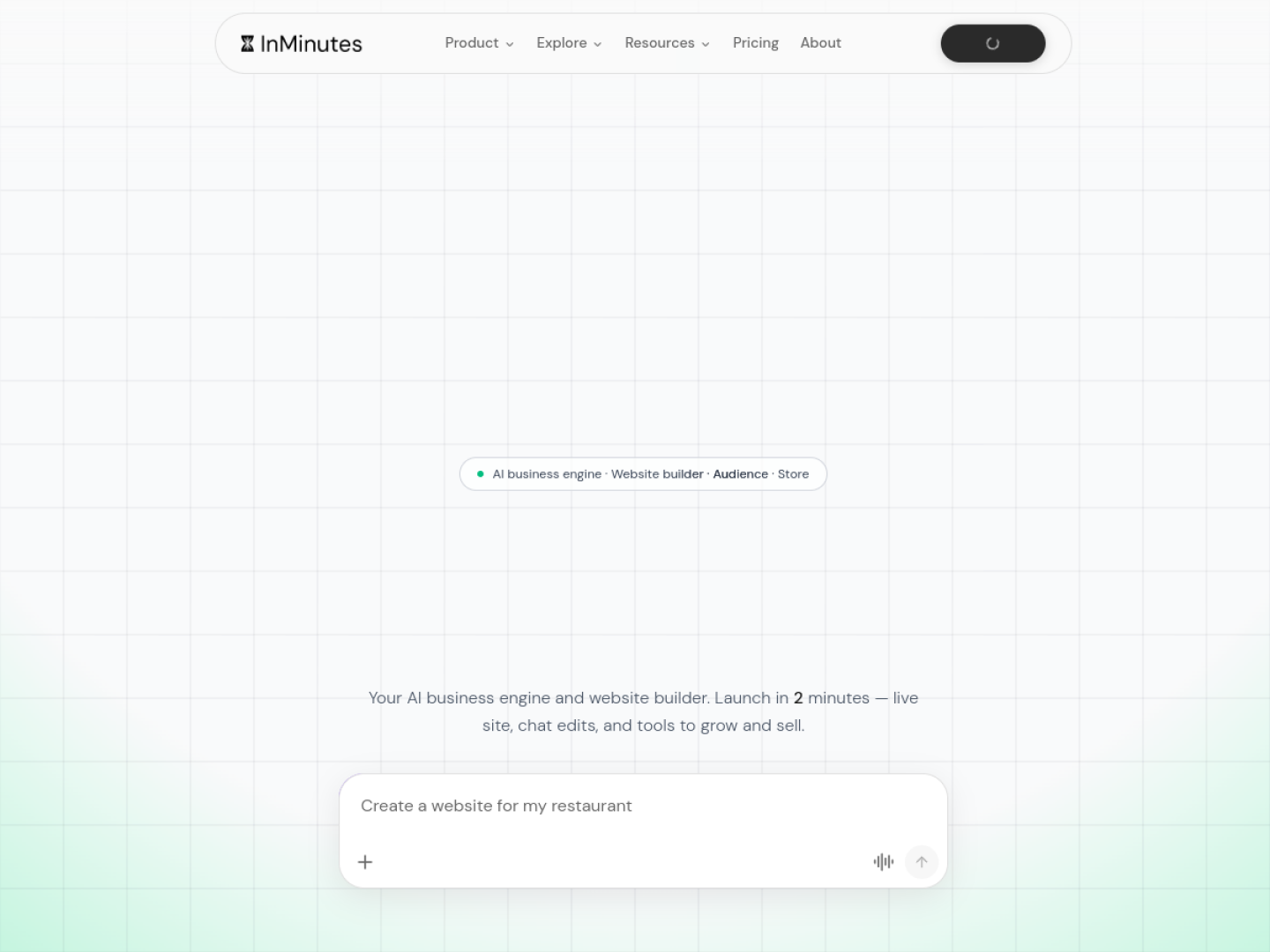
1. Launch speed — draft vs. live store
"Site in 30 seconds" usually means a preview, not a URL you can put on Google Business or a receipt. Time the full path: signup → published site on your domain → a customer can complete a purchase or enquiry. No-code website creation tools that generate and publish in one pass beat template editors that still need hosting, domain, and store configuration afterward. InMinutes targets minutes to a live multi-page site; Wix and Squarespace typically need hours to days once you add commerce.
2. Online store — built in or assembled
For a retail shop, the store is not an add-on — it is the point. Ask whether checkout, catalog, coupons, and order tracking ship with the site or require a separate commerce plan and manual setup. Also ask about platform fees on each sale: InMinutes charges 0% InMinutes platform fee on Pro when you connect your own Stripe or PayPal (card processing at roughly 2.9% + 30¢ still applies, like everywhere). Some builders charge extra platform fees unless you use their payment processor.
3. Booking and appointments — if you offer them
Many shops blend retail with services — alterations, consultations, pickup slots, classes. Booking that is generated from your services and hours at publish beats embedding a third-party scheduler that looks and feels separate from your brand. Wix Bookings is capable but configured by you; Durable and Hostinger lean on external embeds. InMinutes generates the appointment flow on every plan alongside the store on Pro.
4. Ease of use after launch
The editor you learn on day one is less important than how you change a price at 9pm on a Tuesday. Drag-and-drop canvases with hundreds of controls work for designers; shop owners do better with plain-language editing — "add a 20% off winter sale banner," "change Saturday hours to 10–4." That is InMinutes' model: chat-to-edit instead of a page builder to relearn every month.
5. SEO readiness on day one
Small business websites only drive foot traffic if Google understands them. At minimum you want unique meta titles and descriptions per page, LocalBusiness structured data, mobile-friendly markup, and a sitemap. If SEO lives in settings panels most owners never open, it will not happen. Strong AI builders generate meta tags and LocalBusiness JSON-LD automatically at publish; weaker ones leave it as homework.
6. All-in-one operations — not a stack of subscriptions
A shop website that sells also needs customer records, email follow-ups, and sometimes invoicing for wholesale accounts. Count how many extra logins and subscriptions that requires. InMinutes includes Audience CRM, invoicing, Growth Advisor, and blogging on paid plans — agency website creation without assembling Mailchimp, Calendly, and a separate CRM. Wix covers much of this through its app market, which is powerful but means more configuration and more bills.
7. Data input — generic vs. your real business
Builders that ask only "what industry?" produce generic copy. The best client website development experience starts from real data — your Google Business Profile, hours, photos, and reviews — so the first draft already sounds like your shop. InMinutes imports Google Business data where available, which is why generated copy mentions your city and services instead of placeholder lorem ipsum.
Shop owner scorecard
Factor | Weak signal | Strong signal |
|---|---|---|
Launch speed | Draft in seconds | Live URL + working checkout same day |
Online store | Commerce tier required | Store generated with the site |
Booking | Third-party embed | Generated from services + hours |
Editing | 200-control editor | Describe changes in plain language |
SEO | Settings you must fill | Meta + LocalBusiness automatic |
Operations | 3+ separate tools | CRM, invoicing, email in one place |
Input quality | Industry dropdown | Your Google Business / real details |
FAQ
The bottom line
Shop owners should judge AI website builders on the seven factors that affect revenue after launch — store, booking, SEO, speed, and operations — not on homepage screenshots. Launch your shop site free with InMinutes →
See also: AI website builder for local retail stores and best AI ecommerce builders for local stores.

Strategy11 min read
Strategy12 min read

Strategy14 min read

Strategy10 min read