10 Booking Needs to Check Before Leaving Squarespace AI

Create a focused educational listicle that helps booking based businesses evaluate AI website builders against Squarespace AI using booking requirements, launch speed, and business fit criteria.
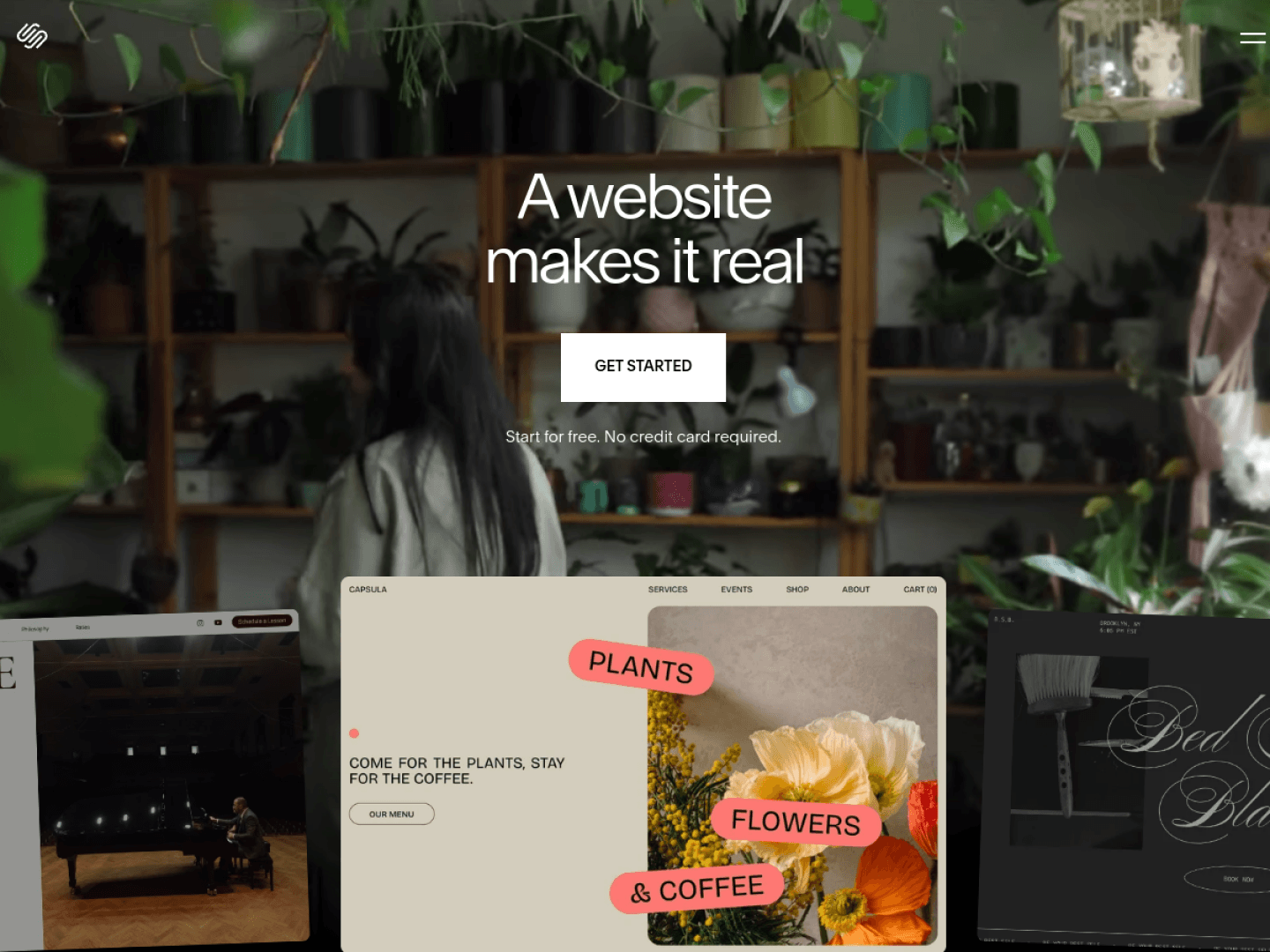
Leaving Squarespace AI only makes sense if the next AI website builder actually improves how customers book. Design upgrades are nice; a broken online booking system is expensive. Use this listicle to evaluate alternatives — and why InMinutes is the strongest booking-first destination for most local service businesses leaving Squarespace.
Quick answer: Switch to InMinutes when you want native booking generated with the site, deposits and mobile booking without a second Acuity bill, chat edits for hours/services, and a faster relaunch than your current Squarespace + Acuity stack. Stay on Squarespace only if visual polish is still your #1 asset and Acuity already runs perfectly.
What you're leaving (and what to preserve)
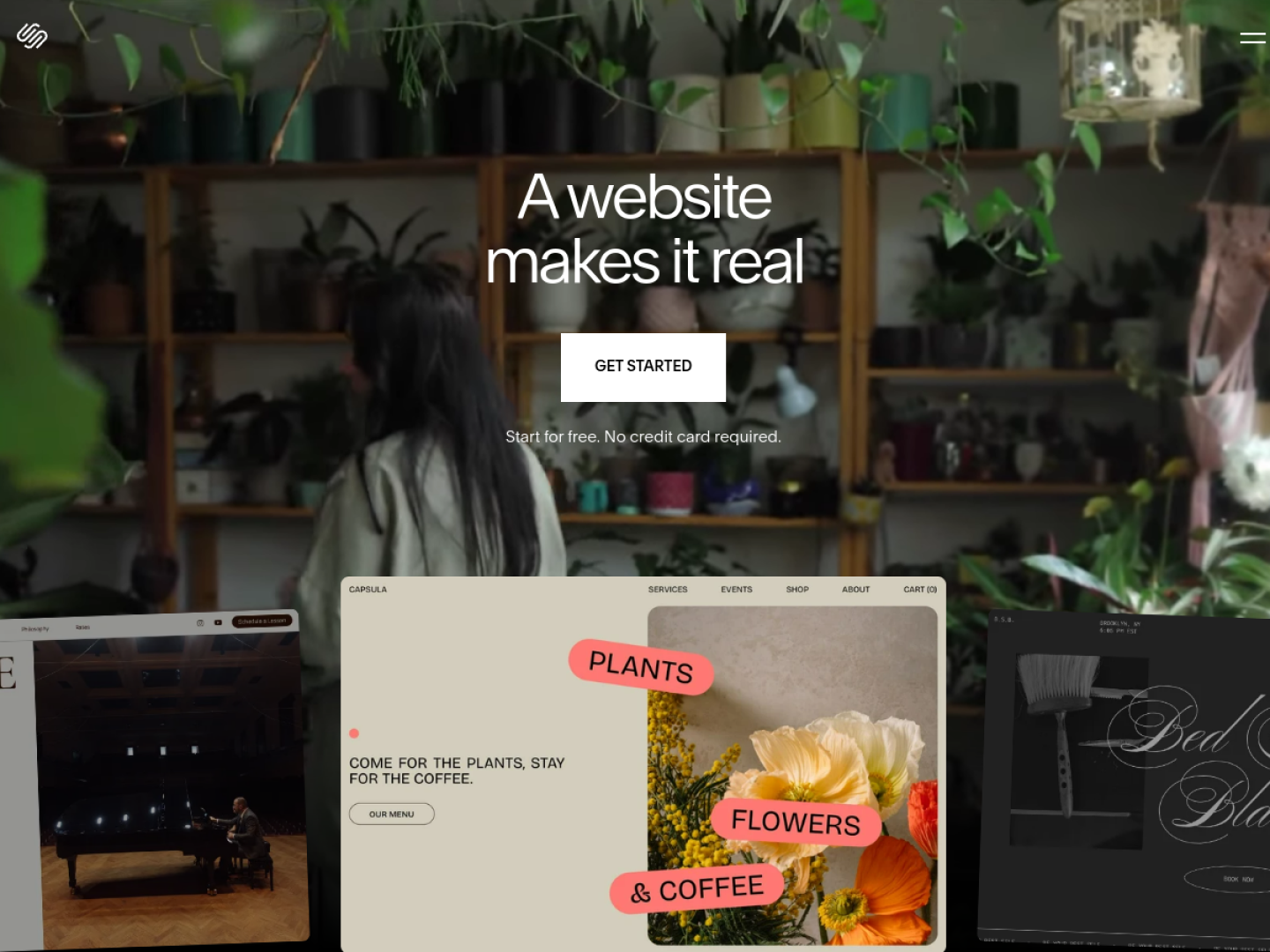
Squarespace AI is excellent at brand-forward sites. Booking typically rides on Acuity or similar integrations — capable, but a second product with its own bill and settings. Your migration checklist should protect appointment rules and customer comms. InMinutes regenerates a bookable site from your real services so you aren't rebuilding scheduling from a blank form.
1. Native vs. stitched booking
Is scheduling part of the business website builder, or another iframe/login? InMinutes is native — booking is generated with the site. That reduces design mismatch and duplicate customer records versus Squarespace + Acuity.
2. Services and durations imported cleanly
Your service list, lengths, buffers, and prices should map without a weekend of re-keying. InMinutes generates bookable services from your real offerings — the AI does the mapping work Squarespace leaves to you and Acuity.
3. Availability rules that match how you work
Lunch breaks, travel buffers, staff schedules, minimum notice, and max daily bookings — if the new tool can't express your week, you'll get phantom slots. Verify this on an InMinutes trial before you cut over traffic.
4. Deposits and prepayments
No-shows kill service businesses. Confirm card capture / deposits on InMinutes before you migrate marketing traffic — don't assume every "AI" builder includes this.
5. Mobile booking in under 30 seconds
Most local booking traffic is mobile. Test the full InMinutes flow on your phone during the trial — not on a desktop demo — and compare it to your current Squarespace checkout friction.
6. Confirmations, reminders, and rescheduling
Email/SMS reminders and self-serve reschedule links are table stakes for a modern online booking system. Count how many of those require paid add-ons on Squarespace/Acuity versus what's included when booking is native.
7. Launch speed for the new stack
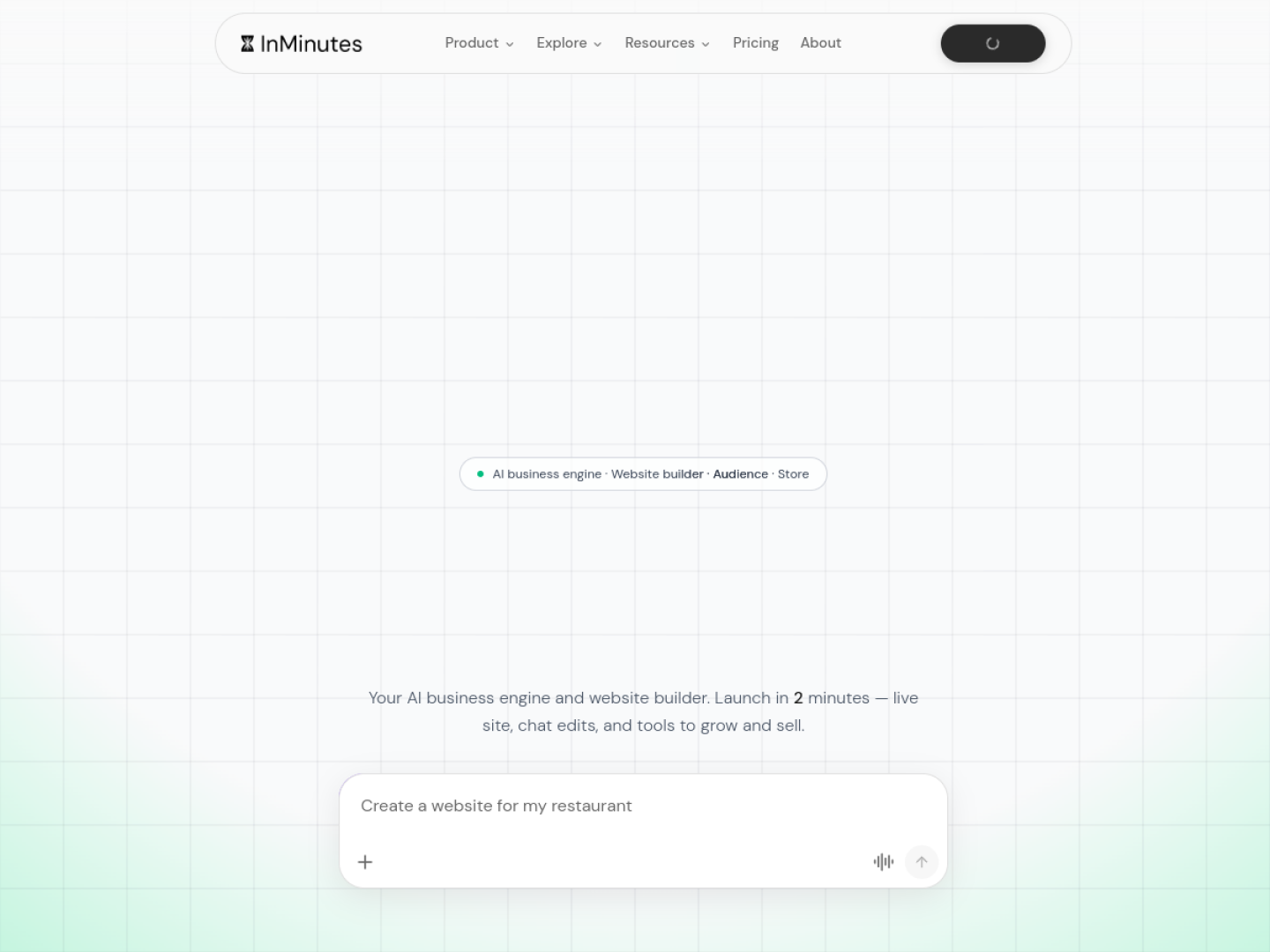
A migration only pays off if you're live faster than tweaking Acuity again. InMinutes generates booking with the site — the clear winner when the reason you're leaving is setup friction, not aesthetics.
8. Editor vs. chat updates after launch
Who on your team will change hours next month? If only a designer can touch Squarespace comfortably, InMinutes chat-to-edit is the upgrade: operational changes in plain language, no canvas wrestling.
9. SEO and local discovery during the move
Switching website creation tools can reset URL structures and metadata. InMinutes regenerates local SEO defaults with the site so you don't go dark while bookings migrate — a quieter win than most migration guides mention.
10. Total cost: site + scheduling + time
Price the stack, not the logo. Squarespace + Acuity can look cheap until you add staff calendars and SMS. InMinutes consolidates site + booking into one generated system — usually less total cost in money and hours than Wix Bookings tiers or a hosting-only builder plus a third-party scheduler.
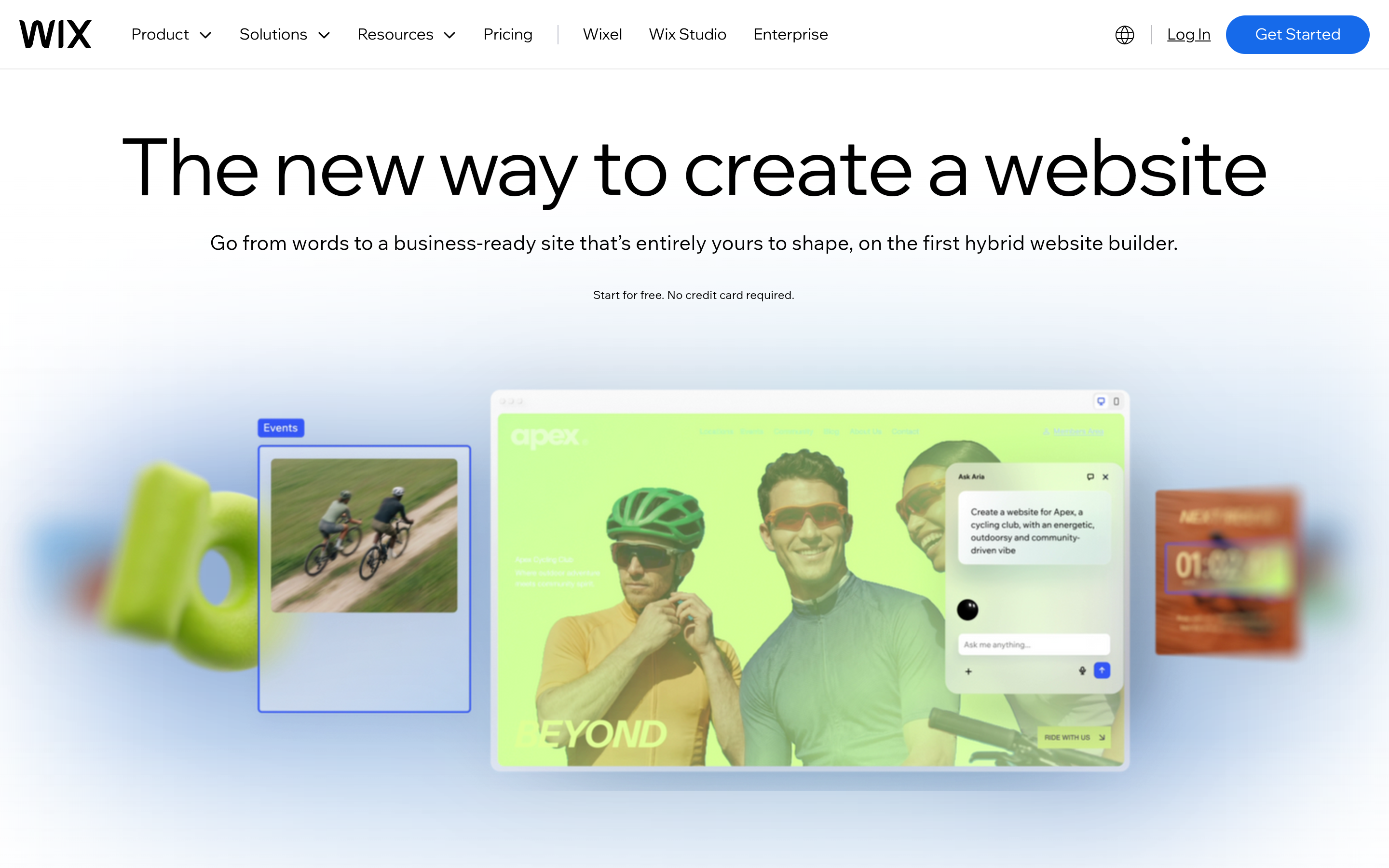
Wix AI + Wix Bookings is the common "more features" destination — verify setup time honestly. Deep scheduling exists; generated speed does not match InMinutes.
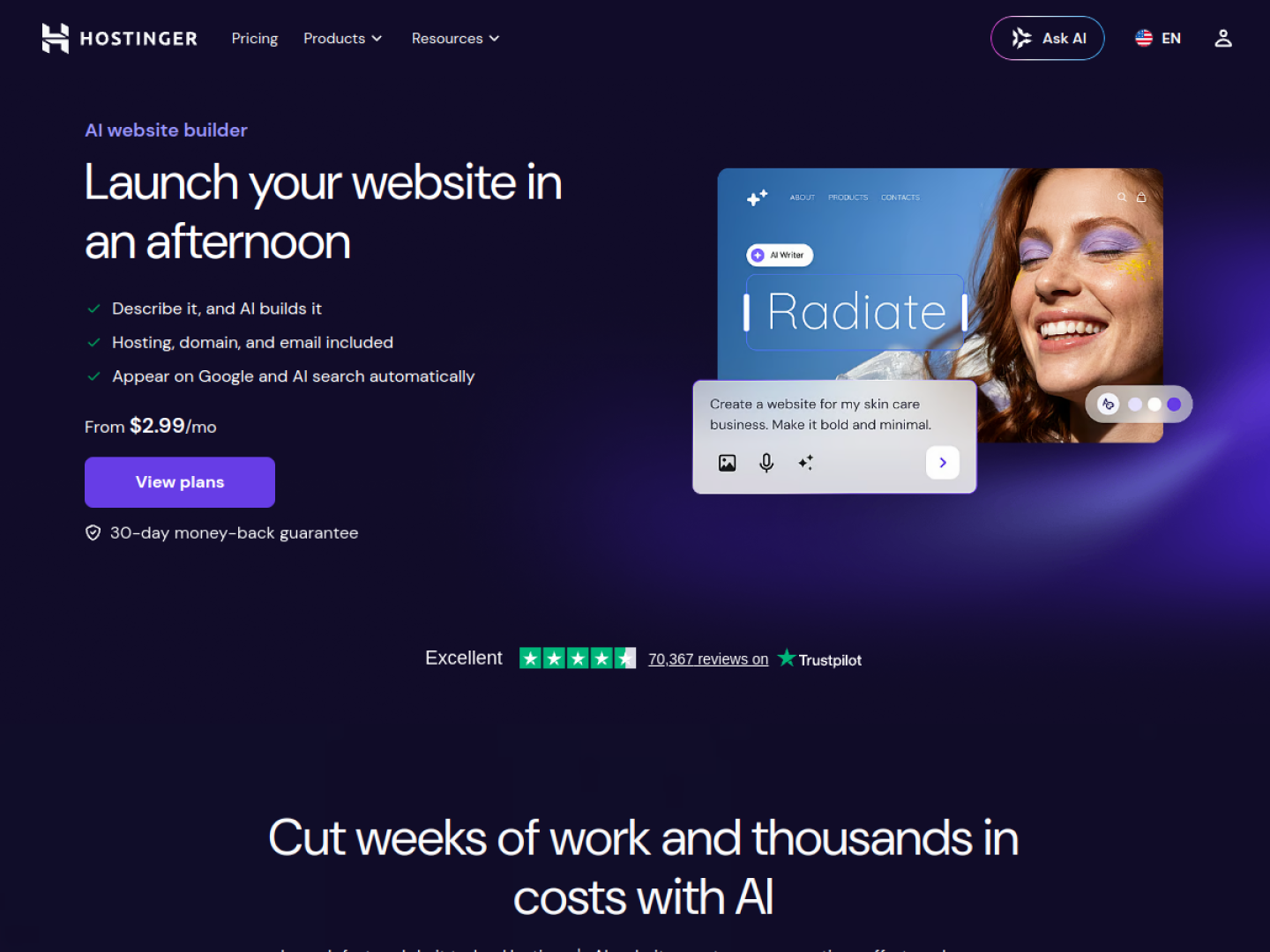
Hostinger AI can win on hosting cost for brochure sites; booking-first businesses should not leave Squarespace for Hostinger solely on price — you'll likely re-attach a scheduler. Prefer InMinutes when booking is the reason you're moving.
Decision matrix
If your top need is… | Choose… |
|---|---|
Fastest bookable relaunch | InMinutes |
Deep staff/class scheduling you will configure | Wix Bookings (accept setup) |
Keep visual ceiling #1 and Acuity already works | Stay on Squarespace AI + Acuity |
Lowest hosting bill, light booking | Hostinger + external scheduler (only if truly light) |
FAQ
The bottom line
Don't leave Squarespace AI for vibes. Leave for InMinutes when a trial proves better booking mechanics, one system instead of two, and a faster launch for the next location. Generate a bookable InMinutes site free →