10 AI Website Builder Basics for Local Retailers

Ten things small retailers should evaluate in an AI website builder — local SEO, online store setup, and whether the site is usable on day one — before picking a platform.
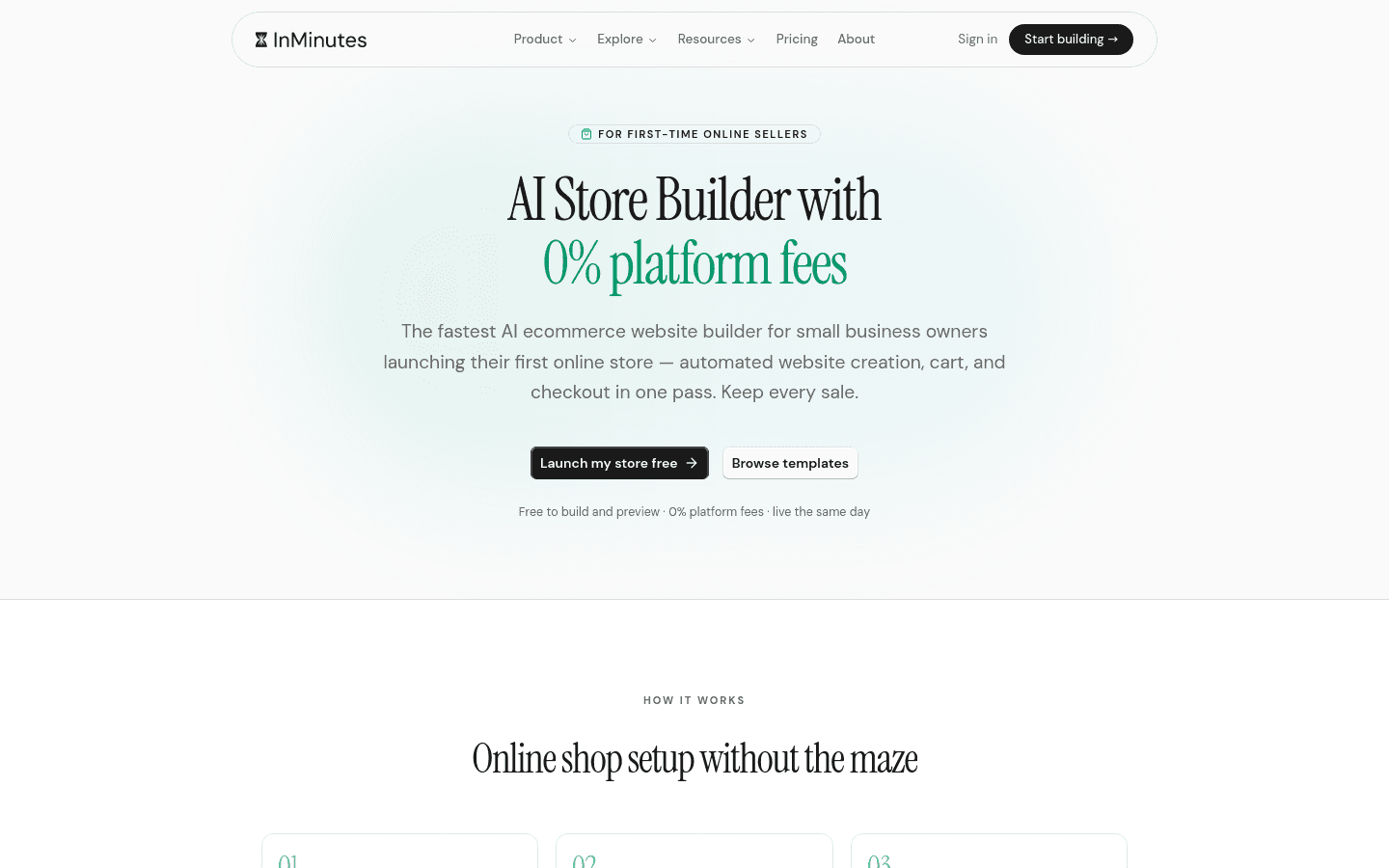
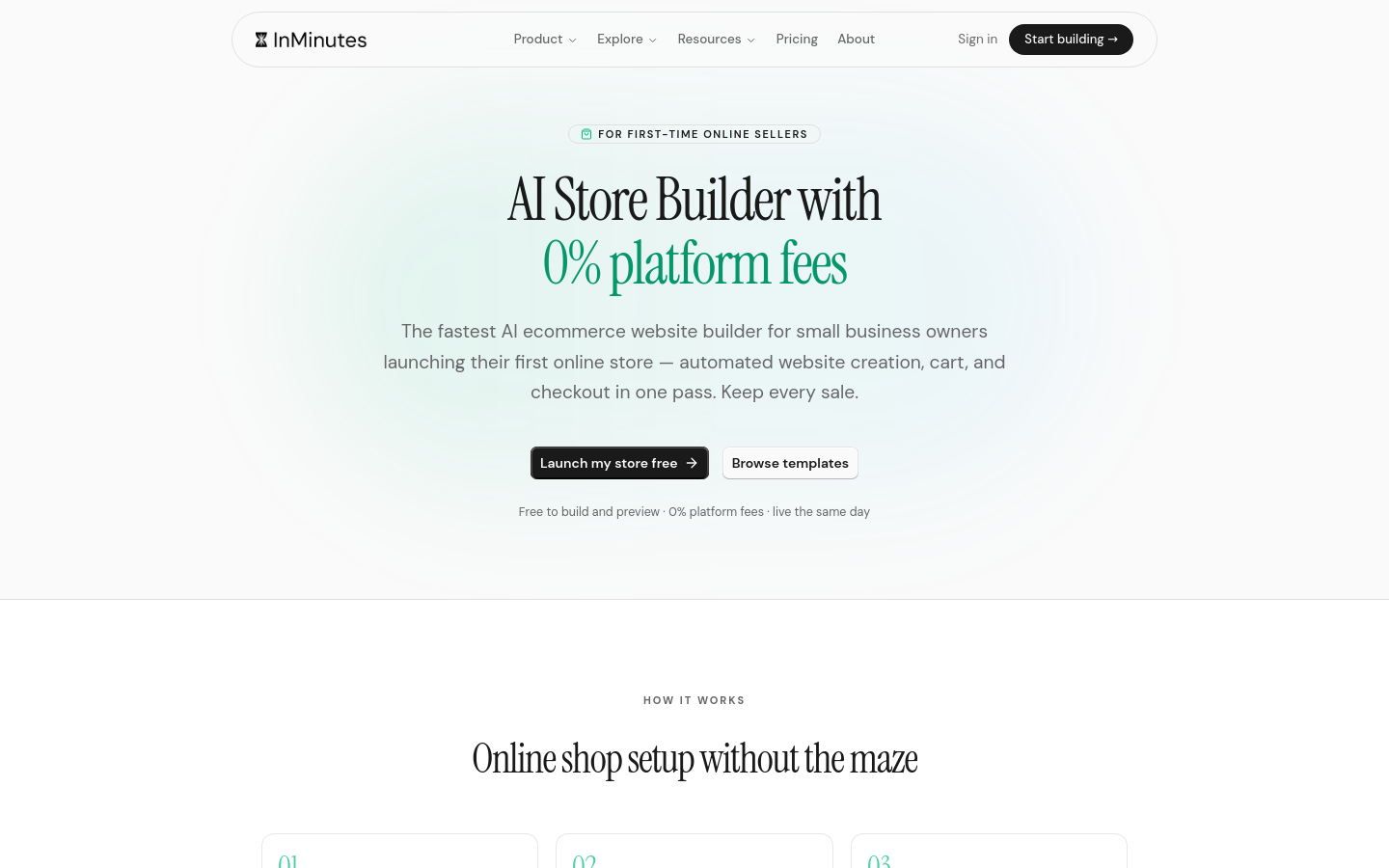
Quick answer: For a local shop, an AI website builder for small businesses needs to do three jobs well: get you found locally, let you sell without a week of setup, and be usable the day it launches. Check the product import path, the platform fee, whether local SEO ships automatically, how inventory and pickup work, and what happens when you have 12 products instead of 200. InMinutes generates a store-ready site free, publishes from $19/mo, and takes 0% platform fee on Pro at $49/mo with Stripe or PayPal.
Local retail is an awkward fit for most website builders. The big ecommerce platforms are built for people shipping thousands of SKUs nationally. You have a shop, a street, a few hundred products, and customers who mostly want to know whether the thing is in stock before they drive over. These ten basics are what actually matters for that.
1. Your website's first job is the drive-by, not the checkout
Most local retail websites get more "are you open" traffic than order traffic, and that is normal. Hours, address, phone, parking, and a map should be findable in one tap from anywhere on the site.
Get this wrong and no amount of AI-powered ecommerce helps. Get it right and you convert the searches you are already receiving. Check that the generated site puts hours and location above the fold on mobile, not in a footer.
2. Local SEO has to be automatic, not a checklist
Ask what exists at publish rather than what is "supported":
-
LocalBusiness structured data with your address, hours, and phone
-
A unique title and meta description on every page
-
Name, address, and phone that exactly match your Google Business Profile
-
A sitemap that is submitted rather than sitting in a folder
-
Product pages that are individually indexable
The Google Business Profile match matters more than most owners expect. Inconsistent formatting between your site and your profile splits the signals that decide who shows up in the map pack.
3. Count the steps from "I want to sell online" to a live product
Online store creation is where local retailers lose weeks. Write down the real sequence for each builder you are trying: create the store, add a product, set shipping, connect payments, set tax, publish, test a purchase.
On some platforms that is a guided afternoon. On others it is a week of documentation. A generator that produces the store pages and the checkout together removes most of the middle.
4. Understand platform fees versus processing fees
These are two different charges and vendors blur them constantly.
Platform | Plan to sell | Platform fee | Processing |
|---|---|---|---|
Shopify | Basic $27/mo ($19 annual) | 0% with Shopify Payments, 2% otherwise | ~2.9% + 30¢ |
Squarespace | Basic $16/mo annual | 2% on Basic, 0% on Core $23+ | 2.9% + 30¢ |
Wix | Core $29/mo | 0% | ~2.9% + 30¢ |
Square Online | Free tier available | 0% | 3.3% + 30¢ free tier, 2.9% + 30¢ on Plus $49 |
InMinutes | Pro $49/mo ($39 annual) | 0% with Stripe or PayPal | ~2.9% + 30¢ |
Two honest points. Processing is unavoidable everywhere — no builder removes Stripe's cut. And 0% platform fee is genuinely common now; it is not an InMinutes exclusive. Our difference is reaching 0% with either Stripe or PayPal rather than being pushed onto one processor. |
5. Local retail needs pickup, not just shipping
Click-and-collect is the highest-margin fulfilment a local shop has: no packaging, no courier, and the customer walks into your store and often buys something else.
Check whether local pickup is a real option at checkout with a pickup window, or whether you have to fake it with a $0 shipping method called "collection". Also check local delivery zones if you deliver within a few miles — that is a common gap.
6. Inventory should be honest without being a second job
Nothing costs a local shop more goodwill than someone driving over for something you sold this morning.
You do not need warehouse-grade inventory. You need stock counts that decrement on sale, an out-of-stock state that shows rather than hides the product, and a way to mark something in-store-only. Anything more elaborate than that will not get maintained.
7. Product photos will be your bottleneck, so check the tolerance
An AI builder can write your product copy in seconds. It cannot photograph your shelves.
What you should test is how the design behaves with imperfect input: mixed aspect ratios, phone photos, a product with no image yet. Good layouts crop consistently and degrade gracefully. Fragile ones need every image at exactly 1200×1200 or the grid falls apart — which means a real afternoon of cropping before you can launch.
8. Make sure the site works at 12 products and at 300
Small retail business website needs change with catalogue size. At a dozen products, a single grid is fine and categories are noise. At three hundred, you need collections, filters, and search or nobody finds anything.
Ask what happens as you grow: do you get categories and search without changing plans, and does the navigation regenerate, or do you rebuild the menu by hand?
9. Budget the second year, not the first month
Add it up properly: plan, domain, payment processing on your expected volume, and any app you will need for email, reviews, or loyalty.
Worked example at $5,000/month in online sales and a $40 average order: processing runs about $180 whatever you choose. On InMinutes Pro annual that is roughly $219/month all-in. On Shopify Basic with Shopify Payments it is about $207. Shopify is genuinely cheaper there, and it should be said plainly — the case for a generator is setup time and included booking, invoicing, and CRM, not a fee saving.
10. Generate your actual shop before you pay
Your shop name, your street, your product categories. Then read the copy as a customer would and click every link.
This is the check that separates the tools. AI ecommerce website builder output quality varies wildly and pricing pages hide it completely. InMinutes and Durable let you generate free; if a vendor wants a card before showing you the result, that is the answer.
Where to start
If you only test three things, test these: whether local SEO ships at publish, how many steps stand between you and a live product, and what the total monthly cost is on the plan you will actually need. Everything else is refinement.
Generate your shop's site free and see the store pages for yourself. Start with InMinutes →
FAQ
Related reading
9 retail store AI website builder tips for 2026, 9 ecommerce features in AI website builders, and our Shopify comparison.

Guides15 min read

Guides9 min read
Guides14 min read
Guides10 min read