InMinutes AI vs Wix AI for Small Business Websites

Compare InMinutes AI and Wix AI for small businesses that need fast site launch, online booking, ecommerce support, and practical website setup guidance.
If you're a small business owner or an agency comparing AI website builders, InMinutes and Wix AI often end up on the same shortlist — but they're solving the problem very differently. Wix AI is a legacy drag-and-drop platform with an AI layer bolted on top, so most of the actual setup still lands on you. InMinutes is AI-native from the ground up: it generates a complete site, booking flow, and store from your real business data, live in under two minutes, with nothing left to configure manually.
Quick answer: if what you need is a working small business website — fast, with booking and store already live, written from your actual business rather than a template — InMinutes is the clear pick. Wix AI is worth considering only if you specifically want to spend hours in a drag-and-drop editor and don't mind configuring booking, store, and SEO by hand.
Quick comparison
InMinutes | Wix AI | |
|---|---|---|
Time to first live site | Under 2 minutes | 2–4 hours, often longer |
AI approach | Full auto-generation from your real Google Business data | AI draft, then manual drag-and-drop editing |
Online booking | Built in from the start, zero setup | Separate Wix Bookings app you install and configure |
Ecommerce | Built-in store, 0% transaction fees | Built-in store, percentage-based fees on lower plans |
SEO tools | Meta tags, structured data, GEO/AEO (llms.txt) live by default | Manual setup wizard, historically weaker technical SEO |
Editing model | Chat-to-edit — describe the change in plain language | Drag-and-drop editor, manual for every change |
Content | AI writes real copy from your business data | Mostly placeholder copy you rewrite yourself |
Starting price | $10/month — free to start | $17/month |
The reviews
 InMinutes — the AI-native builder built for small businesses
InMinutes was built around one specific job: getting a local or small business — a restaurant, salon, clinic, contractor, boutique — from "no website" to "live, booking-ready, sellable website" as fast as possible, with the AI doing the actual work instead of handing you a blank template.
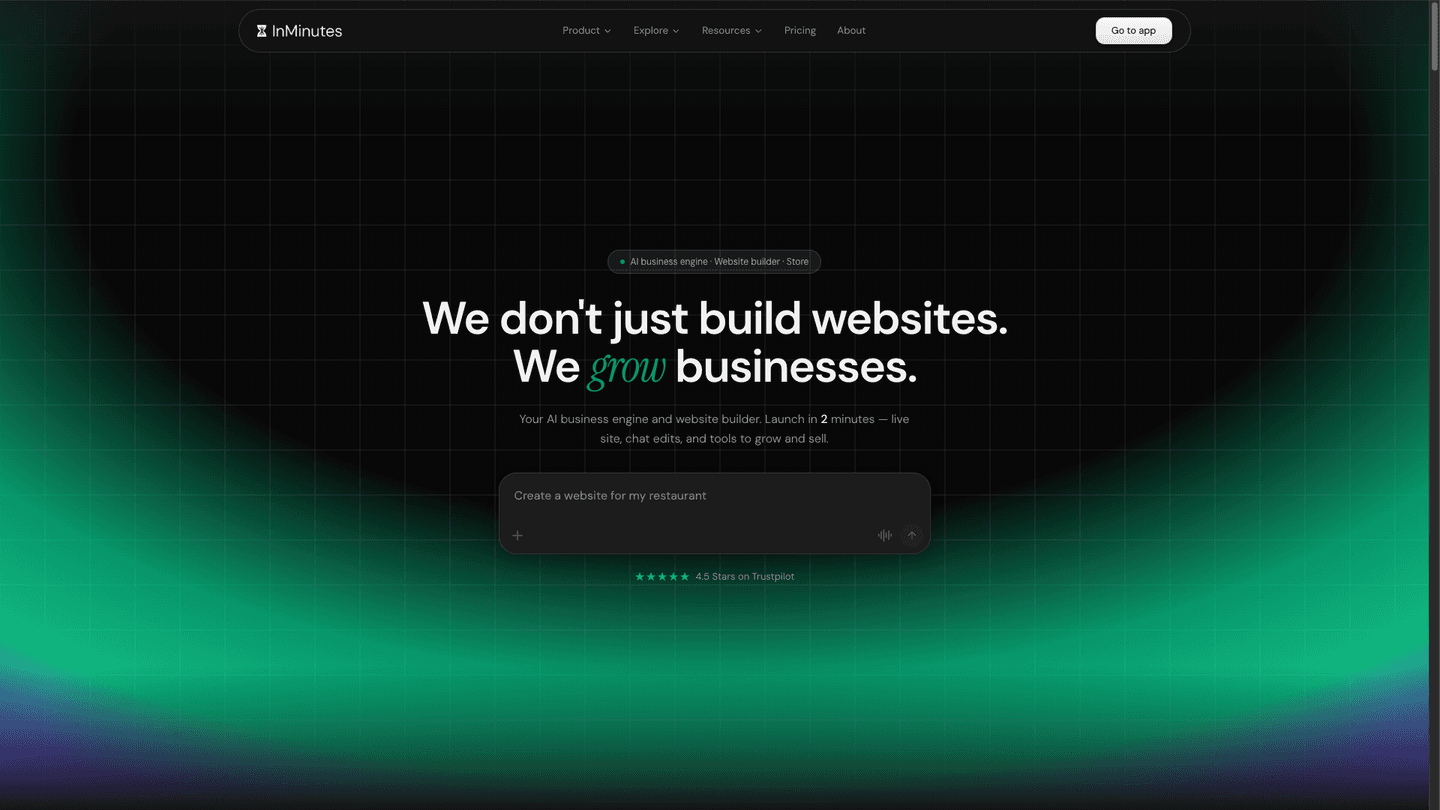
Type your business name and city, and InMinutes pulls your real details — hours, address, phone, category, reviews — from your Google Business listing, then Claude AI writes a complete, custom-coded site around that data: copy, layout, booking, and store, tailored to your business category. No placeholder text, no template to fill in, no separate apps to bolt on.
Strengths:
-
Fastest genuinely custom output available — under 2 minutes, not hours
-
Booking and store are built in from generation, not add-ons you configure afterward
-
0% transaction fees on the built-in store
-
Chat-to-edit — describe changes in plain language instead of dragging elements
-
SEO and AI-search (GEO/AEO) foundations built in by default, not a manual checklist
-
Manage the site from WhatsApp or Telegram, not just a dashboard
-
Starts completely free — no plan needed until you're ready to publish
Limitations: a smaller template library than Wix, since InMinutes generates a design rather than offering hundreds to browse — a non-issue if you want a finished site, not a template to shop for.
 Wix — the legacy drag-and-drop builder with AI bolted on
Wix AI's setup wizard asks a series of questions, then generates a draft using Wix's existing template system. It's still fundamentally the same platform Wix has run for over a decade — the AI shortens the first step, but you land right back in the manual drag-and-drop editor to actually finish the site.
Strengths: the largest app marketplace of any builder on this list, useful if you need a specific integration Wix happens to have built.
Limitations: the AI draft is a starting point, not a finished site — most owners spend two to four hours or more rewriting placeholder copy, swapping stock images, and adjusting layout before publishing; booking and ecommerce are separate apps that need their own setup; older Wix sites carry a lingering reputation for bloated code and slower load times that hurt SEO.
Fast site launch
Wix AI's draft-then-edit cycle means the "AI" part of Wix AI only gets you partway. You still do the real work: rewriting copy, replacing images, configuring sections by hand. Most owners lose an afternoon or a full weekend before they're ready to publish.
InMinutes skips that cycle entirely. Because the AI is writing from your actual business data instead of guessing at a template, there's nothing left to rewrite — most sites are live in under two minutes.
Winner: InMinutes, by a wide margin. This isn't a close comparison — it's minutes versus hours.
Online booking integration
Wix Bookings is a separate app. You install it, map it to your services, configure staff calendars, and connect it to the rest of your site — a real setup project layered on top of building the site itself.
InMinutes builds booking directly into the site at generation time. If your business takes appointments, the booking flow is already live when the site is — no separate install, no re-mapping services into a second system.
Winner: InMinutes. A working booking flow from the first minute beats a capable app you still have to configure.
Ecommerce features
Wix Stores charges a percentage-based transaction fee on its lower-tier plans, on top of the monthly subscription — a cost that scales with every sale you make.
InMinutes includes a built-in store as part of the generated site on the Pro plan, and charges 0% platform transaction fees on it — you pay only your own Stripe or PayPal processing. For a small business selling a modest catalog — a bakery with online ordering, a boutique with a small product line — that's less setup, and it's money that stays with the business instead of going to platform fees on every order.
Winner: InMinutes, especially on cost — 0% fees add up fast for any business selling regularly.
SEO tools for websites
Wix has a well-documented history of SEO problems — heavier page code and slower load times that made technical SEO harder to get right. Wix has added SEO tools since, but they're still something you have to find and configure yourself.
InMinutes generates clean HTML with SEO metadata, structured data (Schema.org), and fast load times as the default output — not an optional checklist. It also builds in AI-search readiness (GEO/AEO foundations like llms.txt and FAQ structured data) from day one, which matters as more customers discover businesses through AI answers instead of only traditional search.
Winner: InMinutes. SEO that's correct on day one beats SEO tools you have to remember to use.
Business website creation and setup guidance
With Wix AI, the AI shortens onboarding but doesn't remove the work: you'll still adjust sections, replace stock imagery, rewrite copy, and configure booking and store as separate steps. For a solo owner with no design background, that's a lot of decisions to make correctly.
With InMinutes, setup is mostly a review pass — the AI already pulled your real business data and generated the site, booking, and store around it. Changes are made by describing them in plain language ("make the hero section darker," "add a deposit to the booking form") instead of manually editing layout, which is a meaningfully easier bar for a non-technical owner — and for an agency that needs to make fast client-requested tweaks without opening a full drag-and-drop editor every time.
Winner: InMinutes, especially for anyone without design experience or time to spend in an editor.
Small business website design
Wix's template library is large, but breadth has a ceiling: experienced users can often spot a Wix site, because every business is styled from the same shared design system.
InMinutes generates a design tailored to the business category at creation time — a restaurant gets a food-first layout, a clinic gets a trust-and-credentials-first layout, a contractor gets a portfolio-first layout — instead of reusing one visual language across every customer. If you specifically want to browse dozens of templates and hand-pick one, Wix has more to scroll through. If you want a site that already looks built for your business, InMinutes gets there without the scrolling.
When to choose each
Choose InMinutes if:
-
You're a local or small business that needs a site, booking, and store live fast
-
You don't want to write your own copy or configure booking/store as separate apps
-
You want 0% transaction fees on your store
-
You'd rather describe changes than drag elements around an editor
-
You're an agency spinning up multiple client sites quickly and can't afford hours per site
Choose Wix AI only if:
-
You specifically want to browse a very large template library and hand-pick one
-
You need a niche third-party app integration that only exists in Wix's marketplace
-
You're fully comfortable spending real time in a manual editor and configuring booking, store, and SEO by hand
FAQ
The bottom line
Wix AI still hands you a mature editor and a large app marketplace — but the AI only shortens the first step, and everything after that is manual work: rewriting copy, configuring booking, setting up the store, and chasing down SEO settings yourself. InMinutes does that work for you, generating a real site, a working booking flow, and a 0%-fee store from your actual business data in under two minutes. For a small or local business that just wants to be live — accurately, quickly, and without spending a weekend in an editor — InMinutes is the stronger choice.

Guides15 min read

Guides9 min read
Guides14 min read
Guides10 min read