How to Build an AI Website Builder With Blog and SEO That Ranks: A Buyer's Comparison

Compare AI website builders with built-in blog and SEO. See which ones rank and how InMinutes bundles store, booking, and SEO in one Pro plan.

Quick answer: An AI website builder with built-in blog and SEO is the fastest way to launch a site that ranks. The key is choosing a platform where store, booking, blogging, and SEO are included in one plan—not spread across separate subscriptions. InMinutes does this on Pro ($49/month), while most competitors charge extra for each piece. Test the editing workflow, verify payment processor compatibility, and compare total cost before deciding.
What you need before you start
You'll need three things ready before you pick an AI website builder with blog and SEO:
-
Your business information: business name, description, address (if local), phone, email, and a short list of services or products you offer.
-
Your priorities: decide whether you need e-commerce (a store), appointment booking, blogging, or a combination. This determines which plan level and which builder makes sense.
-
Your payment processor: know whether you'll use Stripe, PayPal, or another processor. Some builders lock you into their own payment gateway; others let you connect your own.
Having these three things clear before you start saves you from rebuilding or switching platforms mid-process.
Step 1: Decide what SEO and blog features actually matter for your business
Start by asking yourself: do you need blogging and SEO, or do you just need a fast website?
If you're a local plumber, salon, dentist, or contractor, SEO matters a lot. Your customers search "plumber near me" or "salon in [city]," and a site with LocalBusiness schema, local keyword optimization, and a blog on maintenance tips ranks faster than a template-only site. Blogging also keeps your site fresh (search engines favor fresh content) and builds trust with customers who find your how-tos before they call you.
If you're launching an online store, blogging is less critical for the first few weeks—product pages and inventory matter more. But a blog still helps. A clothing shop can write about styling tips; a handmade goods seller can write about materials and craft techniques.
If you offer services with appointments (coaching, consulting, haircuts, dental cleanings), you need blogging and SEO even more because you're competing against other service providers in your area. A published article on "5 questions to ask before hiring a [your service]" positions you as the expert and brings in organic traffic.
Write down your answer: Do I need blogging and SEO for my business type, or am I primarily selling products or booking appointments? This answer shapes which platform features you'll actually use and which you'll overpay for.
Step 2: Understand how blog and SEO features stack across AI website builders
Not all AI website builders treat blogging and SEO the same way. Here's what to look for:
Built-in vs. bolt-on blogging: Some builders include a blog as part of the core platform. Others make you add a separate blog tool (Mediumm, Ghost, or a blog add-on) and then try to integrate it. Built-in is always easier: you edit everything in one place, metadata syncs automatically, and you don't pay for a second subscription.
SEO features that actually matter: Ask whether the builder includes:
-
Custom meta titles and descriptions for every page
-
LocalBusiness schema markup (critical if you're local)
-
Sitemap auto-generation and submission
-
Geographic/location tagging
-
Mobile responsiveness (Google ranks mobile-first)
-
Page speed optimization (directly affects ranking)
InMinutes includes meta customization, LocalBusiness JSON-LD schema, geographic markup (geo/llms.txt), and auto-generated sitemaps. All are included on the Free plan. Compare InMinutes against other builders to see where they fall short on these basics.
When SEO features are locked behind higher tiers: Watch for builders that withhold blogging or SEO features from lower plans. If blogging only unlocks on a higher tier, but you also need a store, you're paying more than the builder's headline price suggests.
Compare qualitatively: does the builder make blog and SEO available at all price points, or do you have to upgrade to access them?
Step 3: Compare total cost when blog, SEO, store, and booking are separate vs. included
This is where most buyers go wrong. They compare headline prices and miss the add-on fees.
The add-on trap: Many builders price their base site plan low, then charge extra for:
-
Store functionality (often a separate commerce tier)
-
Appointment booking (sometimes a separate subscription)
-
Blogging (sometimes gated behind a higher plan)
-
Advanced SEO tools (locked to premium)
When you add these up, your "simple" website costs as much as a dedicated e-commerce or booking platform.
InMinutes' bundling: On InMinutes Pro ($49/month, or $39/month annual), you get:
-
Unlimited pages (home, about, services, portfolio, etc.)
-
Online store with checkout (0% InMinutes platform fee; Stripe or PayPal processing at about 2.9% + 30¢ per transaction)
-
Appointment booking
-
Full blogging and SEO (meta, schema, sitemap, geo markup)
-
Invoicing
-
Audience CRM
The Business plan ($99/month, or $79/month annual) has the same features and doubles your monthly AI tokens from 3,000 to 6,000—useful if you're editing heavily. There's no hidden tier for stores or booking.
Compare this to competitors:
-
Some require a commerce tier for store functionality instead of including it in the base plan.
-
Others charge a separate subscription for appointment booking rather than bundling it.
-
Blogging may unlock only on higher-tier plans, forcing you to upgrade if you want both a store and a blog.
The real cost question: Add up what you'd pay for each feature separately, then compare to an all-in-one plan. InMinutes' advantage is that you don't assemble costs—they're all in one monthly fee.
Step 4: Test the chat-based editing workflow to see if AI-driven changes feel natural
Before you commit to a builder, test how you'll actually work with it every day.
What to test: Most AI website builders offer a free trial. Use it to:
-
Build a draft site with a sample description (e.g., "I'm a fitness coach in Denver offering personal training and group classes").
-
Try making a specific edit: "Add a testimonials section," "Make the hero background darker," or "Add a blog post about stretching routines."
-
Notice how the builder responds. Does it ask clarifying questions? Does the output match what you asked for? Can you refine the result easily, or do you end up in a back-and-forth loop?
Why this matters: Chat-based editing is the biggest difference between AI builders and template platforms. With templates, you drag and drop, which is slow but predictable. With chat, changes are instant and feel natural—if the AI understands you. If the builder's AI is poor, your edits become frustrating.
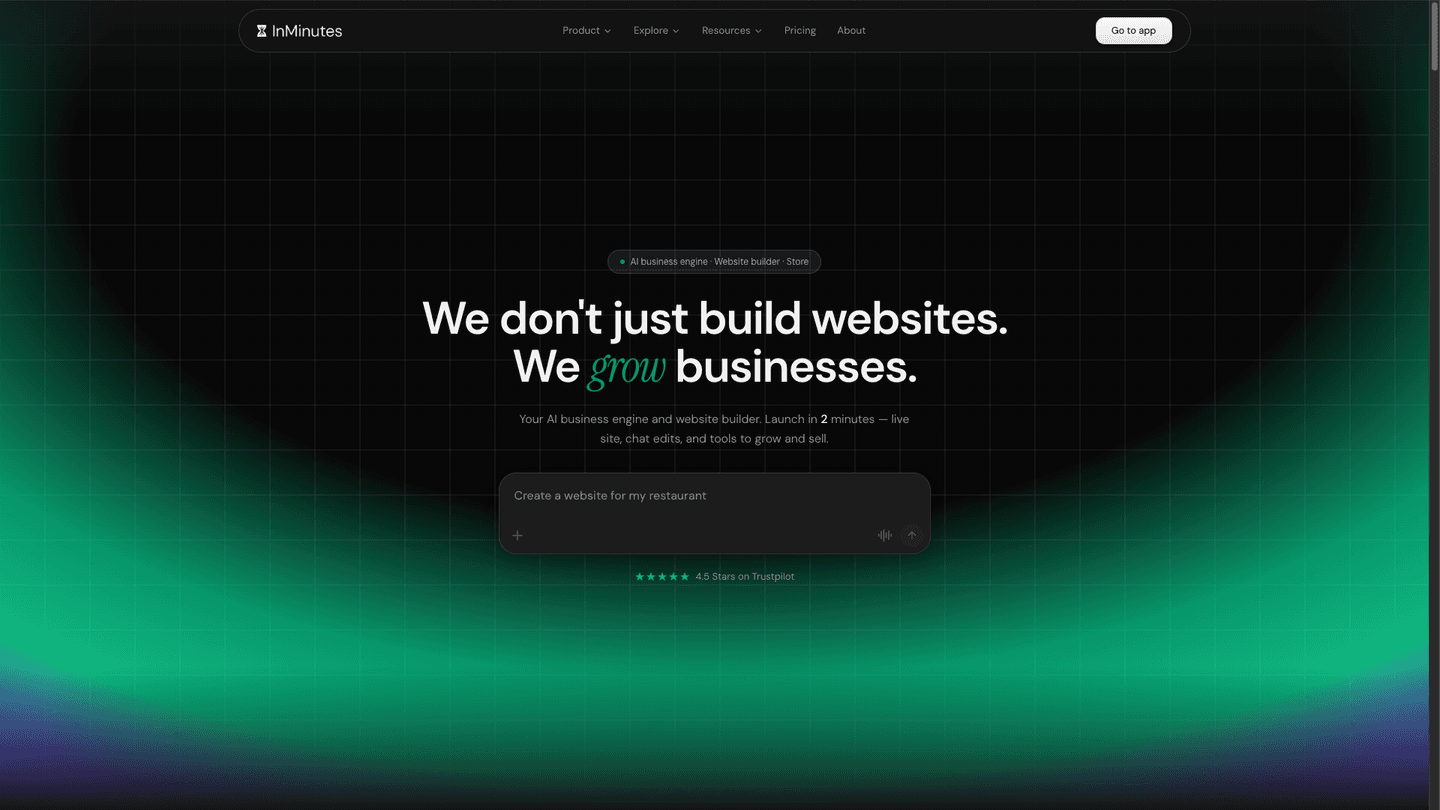
InMinutes' chat interface is designed for non-technical owners. You speak plain English: "add a services section with pricing," "make the color scheme blue and green," "write a blog post about [topic]." The AI generates changes without code or template wrestling. Test it in your free trial and compare the speed and ease to other builders' chat or visual interfaces.
Step 5: Verify your store and booking features work with your payment processor
Before finalizing your choice, confirm that the builder's store and booking tools connect to your payment processor without lock-in.
The lock-in risk: Some builders require you to use their own payment processor or charge you a cut on top of standard card processing fees. This is expensive: on a busy sales month, a platform fee charged on top of card processing eats straight into your margin.
InMinutes' setup: Store and booking both run through your own Stripe or PayPal account. There's no InMinutes platform transaction fee (0% on InMinutes' side). You only pay Stripe or PayPal's standard processing rate (about 2.9% + 30¢ per transaction in the US). This keeps your costs predictable and puts you in control of your payment data.
What to verify:
-
Log into your Stripe or PayPal account (or create one—they're free).
-
In your builder's trial, connect your payment processor to the store and booking features.
-
Test a fake transaction to confirm it flows through correctly.
-
Check your Stripe/PayPal dashboard to verify the funds appear in your account, not the builder's.
This takes 10 minutes and prevents months of payment friction later.
The bottom line: Why InMinutes wins on blog, SEO, and feature bundling
When you're choosing an AI website builder with blog and SEO, you're really choosing between two models:
Model 1: Assemble your own stack. Pick a base website builder, add a separate blogging tool, subscribe to a booking service, then plug in e-commerce elsewhere. You pay for each piece, manage multiple accounts, and hope they integrate smoothly.
Model 2: One integrated platform. Blog, SEO, store, booking, and invoicing all in one place. One login, one bill, one workflow.
InMinutes operates on Model 2. On the Pro plan ($49/month), you get a complete, professional website built in minutes, edited via chat in plain English, with store, booking, blogging, and SEO all included. The Free plan lets you build a draft and learn the platform. Upgrade to Pro when you're ready to publish and accept payments.
The speed (minutes, not days or weeks) and the all-in-one pricing are what set InMinutes apart. You're not paying for features you don't use, and you're not assembling a website from five different tools.
If you're a service business, a local shop, or a seller with a blog, start your free trial with InMinutes today. Build your site in minutes, test the editing workflow, and see why bundling beats building from parts.