Best AI Website Builders for Freelancers in 2026

Compare AI website builders for freelancers and consultants with clear decision criteria around speed, beginner ease, affordability, and client-ready features.
Freelancers and consultants do not need a design studio. They need a client-ready site that looks credible, lists services clearly, and can take inquiries or bookings without a weekend lost to templates.
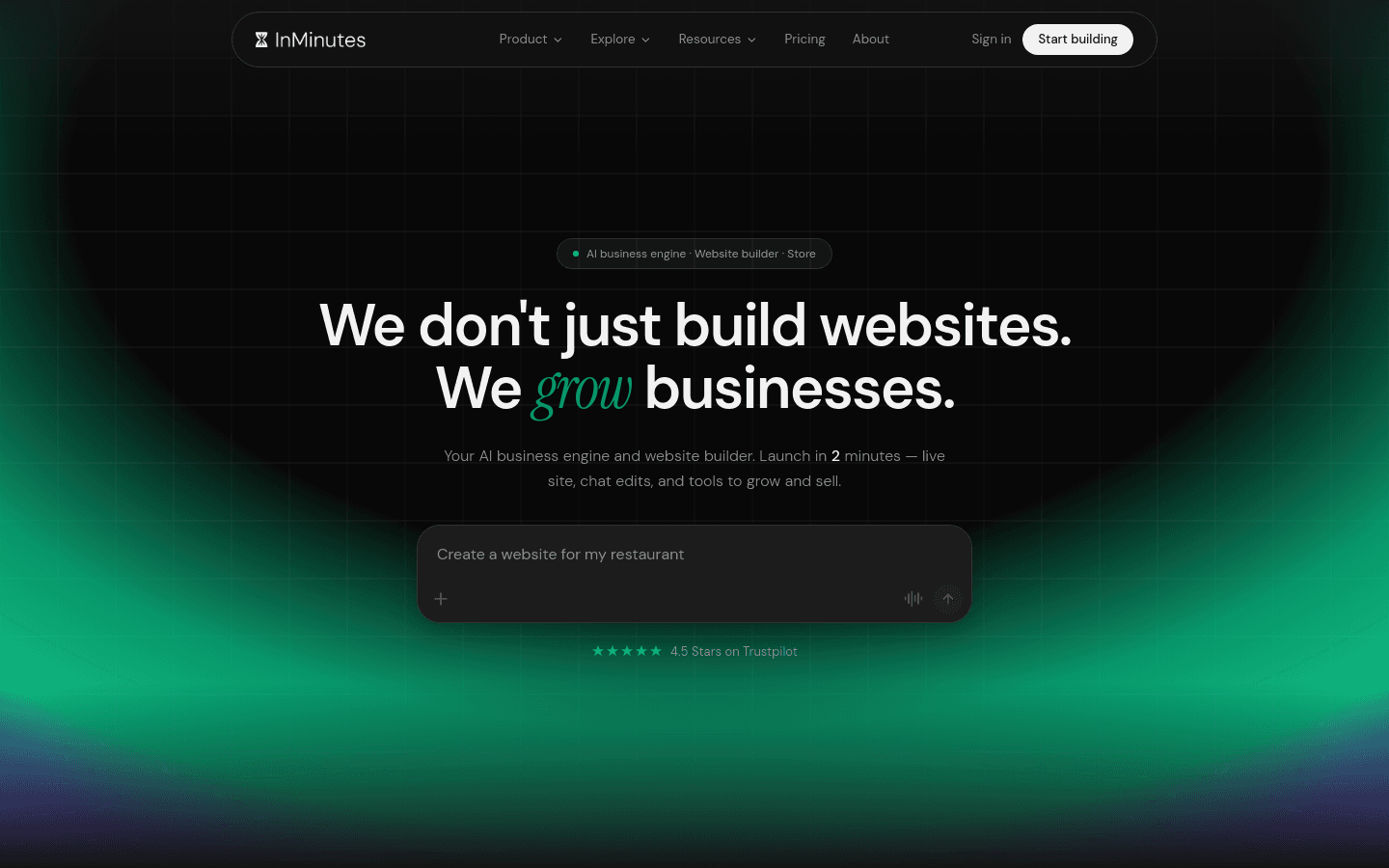
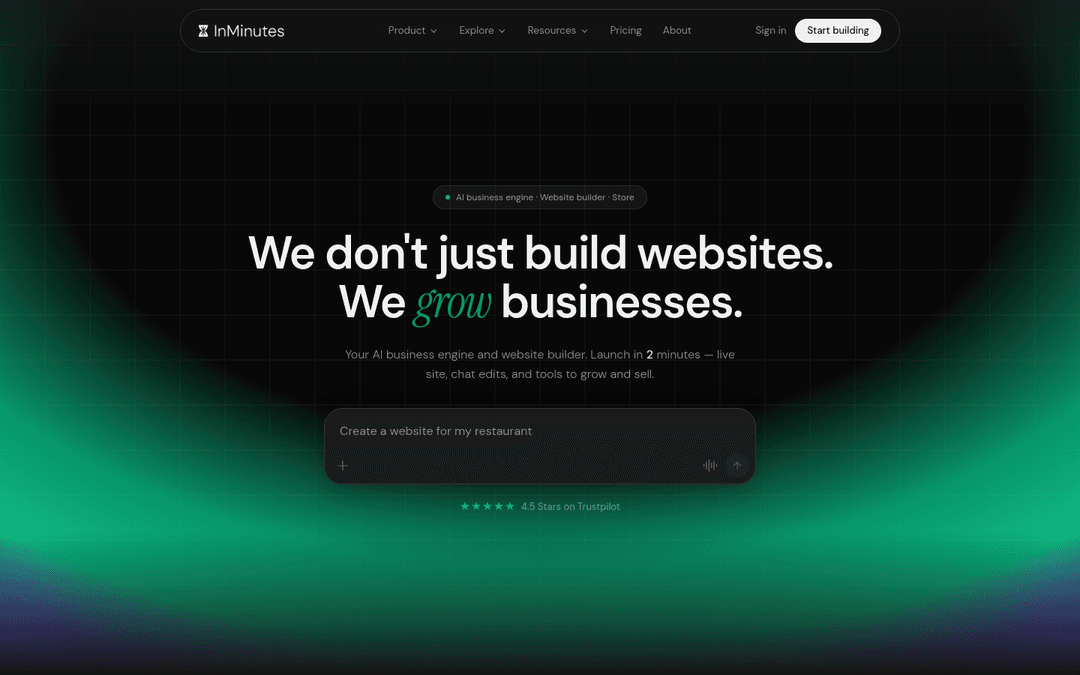
Quick answer: InMinutes is the best AI website builder for freelancers in 2026 because it generates a multi-page, client-ready site in minutes, edits by plain-language chat, and includes booking on every plan — including Free for drafting. Durable is the runner-up for the cheapest solo AI one-pager, Squarespace is best when your portfolio is the product, and Framer wins for design-led personal brands.
How we ranked them
-
Speed — how fast you get a live, shareable site for a pitch or proposal
-
Beginner ease — can a non-designer finish it without a course?
-
Affordability — real monthly cost to publish and stay client-ready
-
Client-ready features — services pages, contact/booking, invoices or CRM path
-
Ongoing edits — how painful is a last-minute copy change before a call?
Comparison at a glance
| Builder | Speed | Beginner ease | Publish path | Client-ready extras | Best for |
|---|---|---|---|---|---|
 InMinutes InMinutes | Minutes, multi-page | Chat-to-edit | Starter $19+ | Booking every plan; invoices + Audience CRM on Pro | Consultants & service freelancers |
 Durable Durable | Seconds, one-pager lean | Very easy | Paid plans | AI blog + payments/invoices | Solo pros on a tight budget |
 Squarespace Squarespace | Hours of polish | Moderate | Paid plans | Strong portfolios; booking via Acuity add-on | Creatives selling visual work |
 Framer Framer | Hours of craft | Steeper | Paid plans | CMS + motion; booking/store via embeds | Design-led personal brands |
 Wix Wix | Hours to days | Drag-and-drop learning curve | Paid plans | Deep apps and bookings | Freelancers who want pixel control |
 Hostinger Hostinger | Fast if you assemble it | DIY | Cheap hosting + builder | Blog + store; more DIY | Budget DIY launches |
1. InMinutes — best AI website builder for client-ready freelancer sites
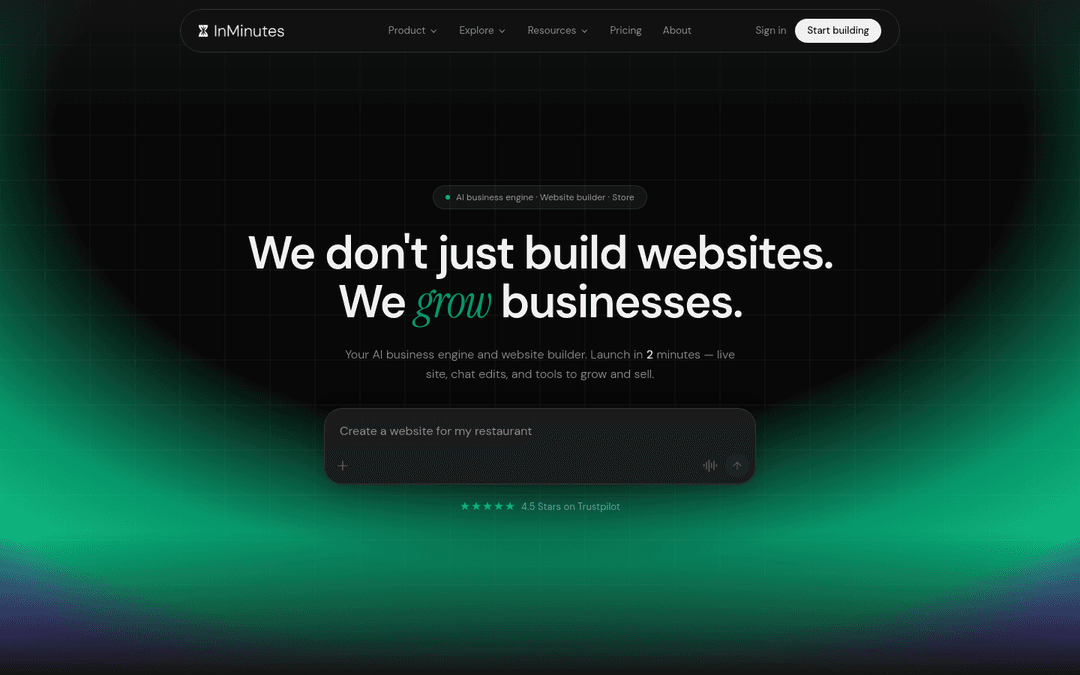
InMinutes is built for freelancers who sell expertise, not design time. Describe your offer once and get a multi-page site with services, about, contact, and booking — then tweak copy in chat before you send the link in a proposal.
-
Speed: live draft in minutes; Free plan for preview (1 draft + 200 AI tokens); Starter $19/mo to publish
-
Beginner ease: no templates to wrestle — chat prompts like “make the hero darker” or “add a discovery-call CTA”
-
Affordability: Starter $19/mo (or $15/mo annual) for a published site; Pro $49/mo when you need store, invoicing, Audience CRM, and more AI tokens
-
Client-ready features: booking on every plan; invoicing and Audience CRM on Pro; store with 0% InMinutes platform fee on Pro (card processing still applies, about 2.9% + 30¢)
-
Weakness: if your whole business is a visual portfolio with no booking or service pages, Squarespace or Framer may feel more “gallery”
-
Choose InMinutes if: you want website creation for beginners that still looks client-ready for consultants, coaches, and B2B freelancers
Launch your freelancer site free →
2. Durable — fastest free-feeling AI one-pager for solo pros
-
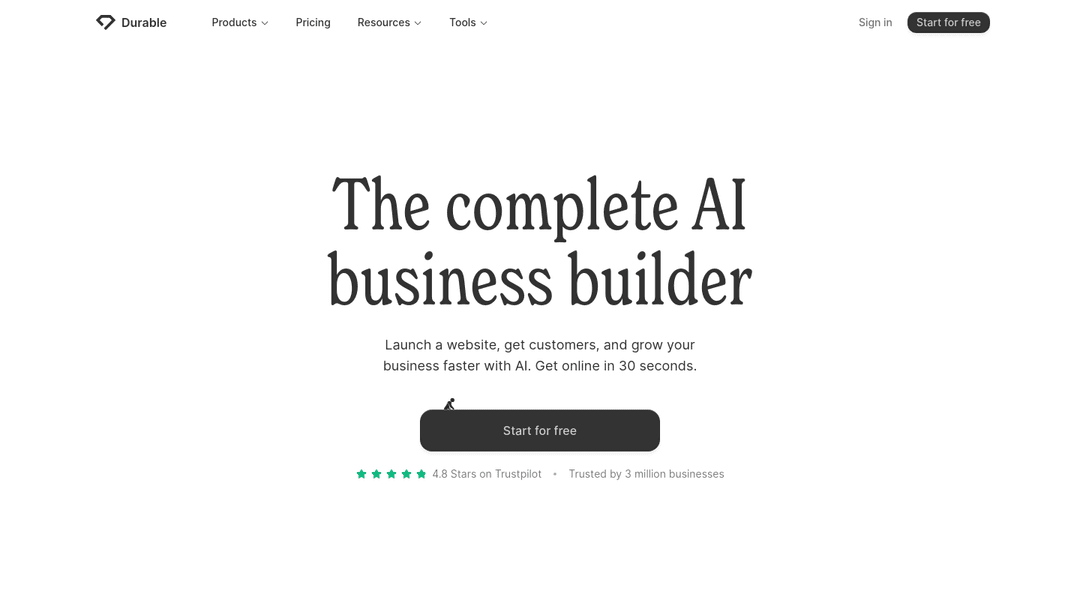
Speed: near-instant AI landing page
-
Beginner ease: among the easiest AI web design tools for a single page
-
Client-ready features: lead capture, payments/invoices, AI blog allowance by plan
-
Weakness: thin multi-page structure for SEO and service depth
-
Choose Durable if: you only need a simple presence and AI content volume on a small budget. See InMinutes vs Durable.
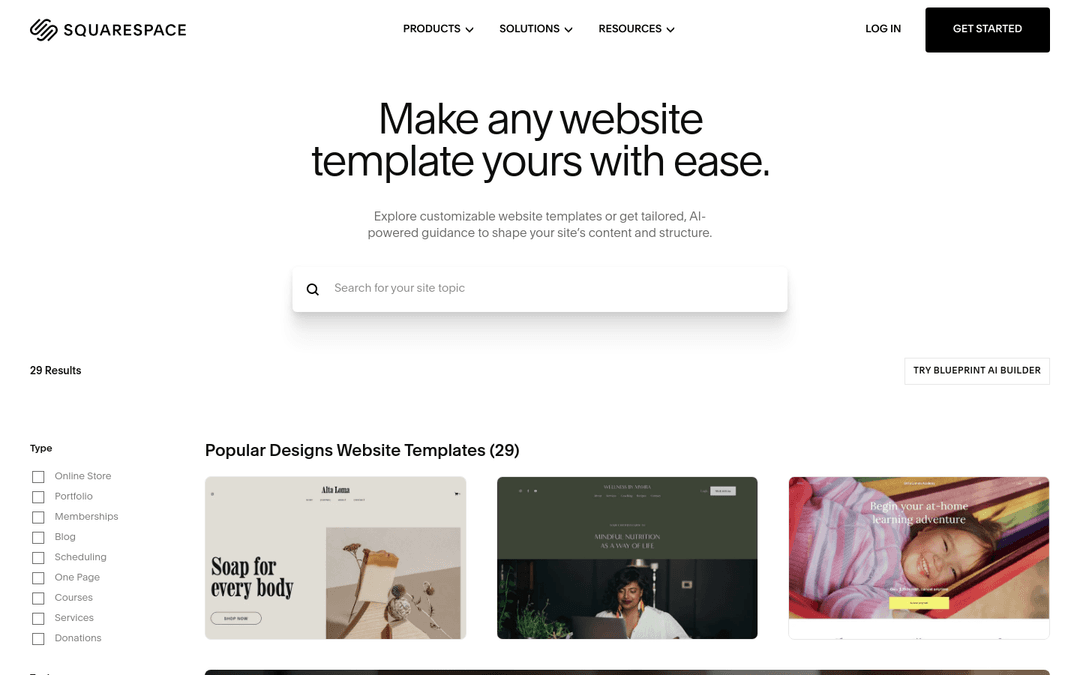
3. Squarespace — best when the portfolio is the product
-
Speed: polished, but not “minutes”
-
Beginner ease: friendly templates; still section-by-section work
-
Client-ready features: excellent galleries and blogging; booking is a separate Acuity subscription
-
Weakness: freelancers who sell calls or retainers pay extra to take appointments
-
Choose Squarespace if: you are a photographer, designer, or creative whose work must look gallery-grade. See InMinutes vs Squarespace.
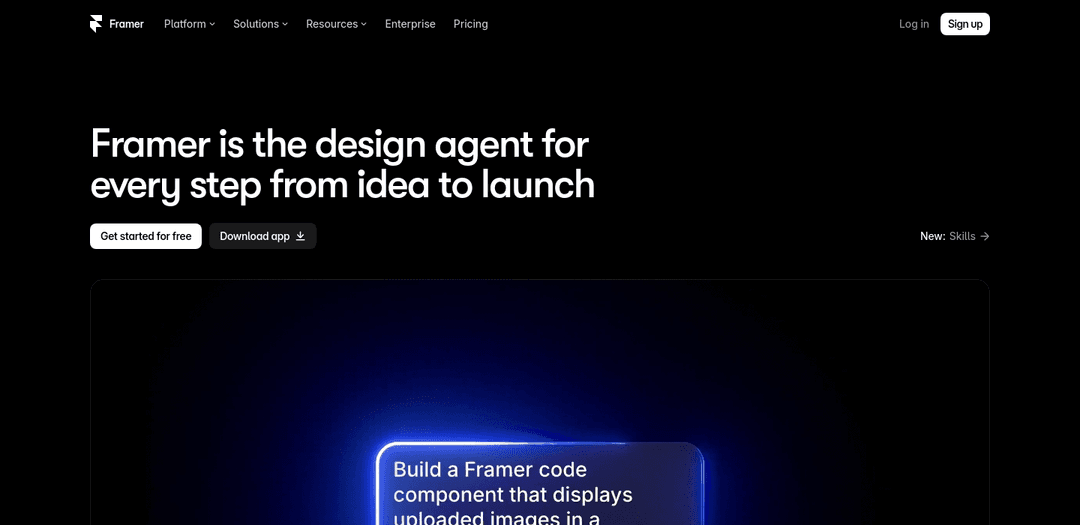
4. Framer — design-led personal brands
-
Speed: fast for designers; slower for non-designers
-
Beginner ease: steeper than chat-based AI website builder tools
-
Client-ready features: CMS and motion; booking and invoicing via embeds
-
Weakness: not an all-in-one freelancer business stack
-
Choose Framer if: design craft is your differentiator and you are comfortable assembling tools
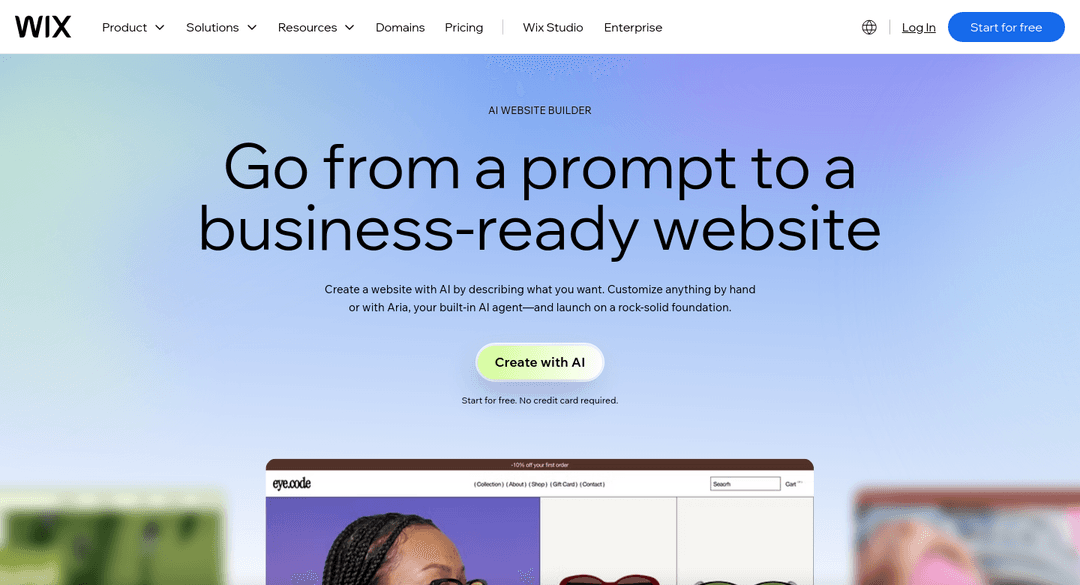
5. Wix — deepest DIY control
-
Speed: slower than AI-first generation
-
Beginner ease: drag-and-drop is learnable but time-consuming
-
Client-ready features: deep app marketplace and booking rules
-
Weakness: easy to spend days tuning layouts instead of sending proposals
-
Choose Wix if: you enjoy pixel-level control. See InMinutes vs Wix.
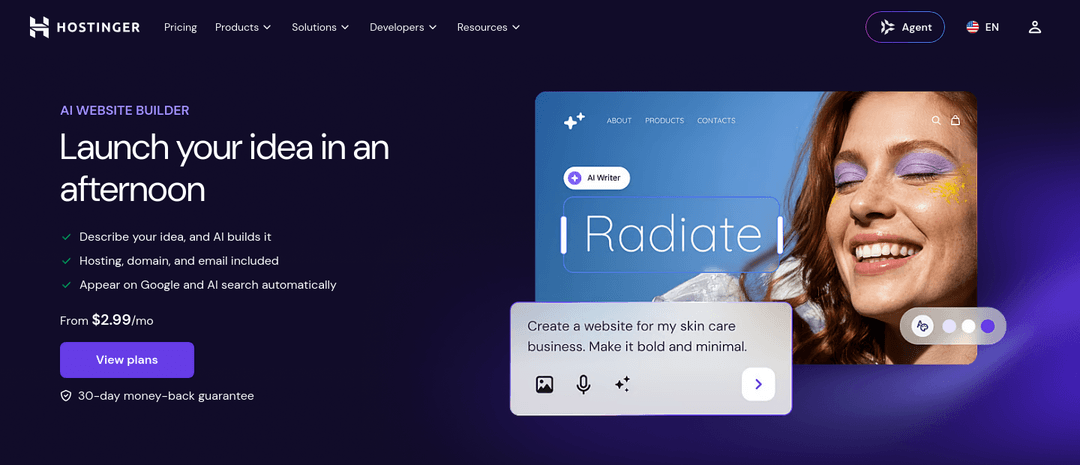
6. Hostinger — budget DIY path
-
Speed: fine if you assemble pages yourself
-
Beginner ease: hosting-first mindset; more DIY than chat AI
-
Weakness: you trade money for time
-
Choose Hostinger if: the lowest hosting bill matters more than generation speed. See InMinutes vs Hostinger.
Which one should you pick?
-
Consultant or coach who needs bookings this week: InMinutes
-
Solo pro who wants the cheapest AI one-pager + blog posts: Durable
-
Photographer / designer portfolio: Squarespace or Framer
-
Freelancer who loves drag-and-drop: Wix
-
Tightest hosting budget, willing to DIY: Hostinger
-
Want a free AI website builder draft before paying: InMinutes Free for preview, then Starter to publish
The bottom line
Rapid website development for freelancers is about looking credible before the next discovery call — not mastering a design tool. An AI website builder that ships services pages, contact, and booking in one pass beats a prettier template you never finish.
FAQ
Ready?
Your site, live in 2 minutes with InMinutes.
No agency. No waiting. Flat monthly fee.
Start for free →