How to Avoid Website Builder Store Setup Roadblocks

A step-by-step checklist for spotting website builder store setup roadblocks — payments, inventory, SEO, and booking — before you commit to a platform.

Most online store setup problems aren't things you fix after launch — they're things you can spot before you ever pick a website builder, if you know what to check. This is the checklist small business owners and agencies should run through before committing to a platform, not after spending a weekend fighting one.
The Roadblock-Spotting Checklist
Before you choose a website builder for an online store, check these five things. Each one is a common point where businesses get stuck weeks into setup — not because they did something wrong, but because the limitation wasn't visible until they hit it.
Payment Processing Fees Hidden in the Fine Print
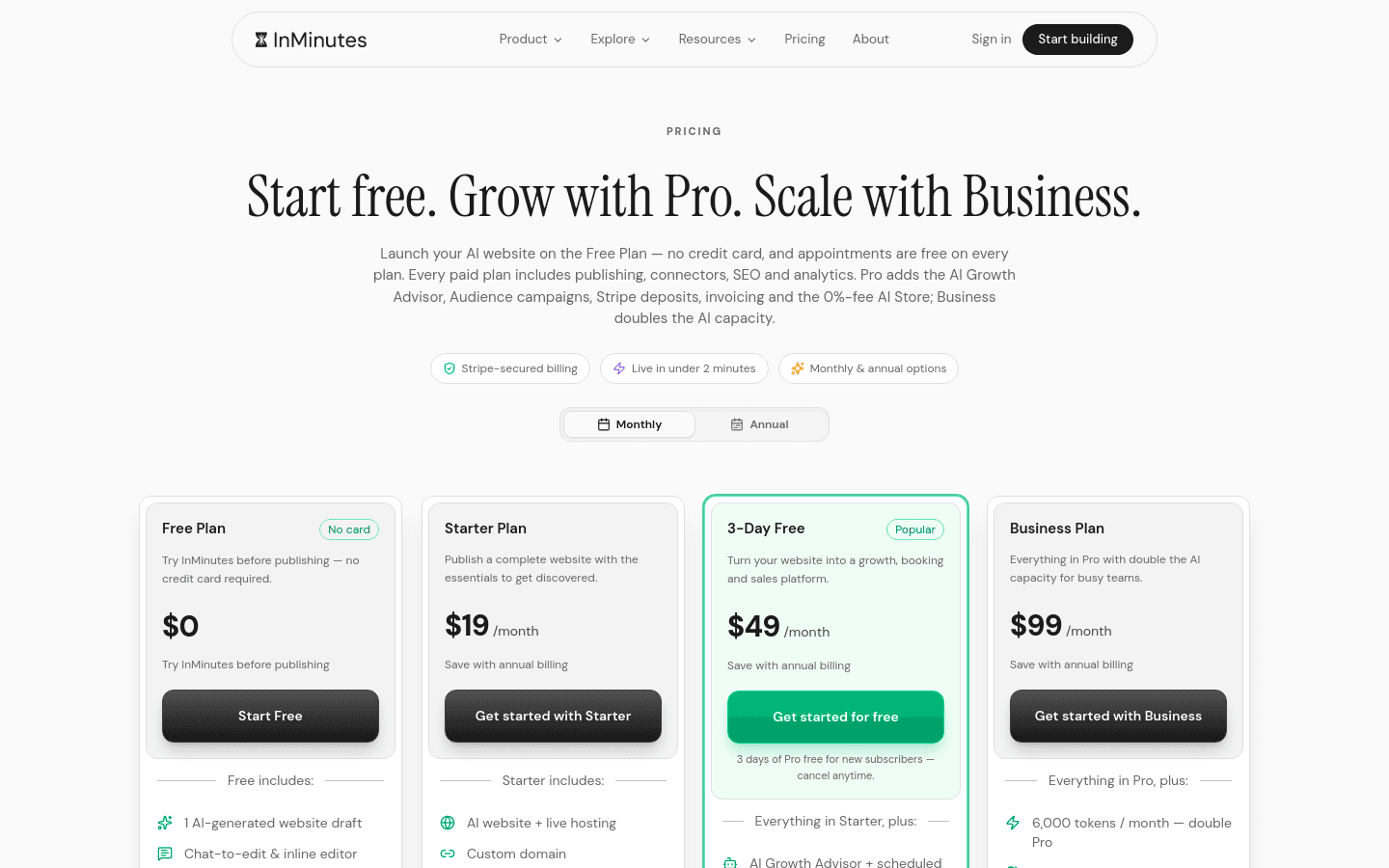
Many website builders charge a percentage transaction fee on top of your payment processor's fee unless you're on a higher-tier plan. Check the actual store plan tier, not just the general pricing page, before assuming your payment setup is free.
Inventory Limits That Don't Show Up Until You Hit Them
Some plans cap the number of products or variants you can list. If you sell items with multiple sizes or colors, each combination often counts against that limit — a 50-item cap can disappear fast.
Booking and Ecommerce Living on Two Different Systems
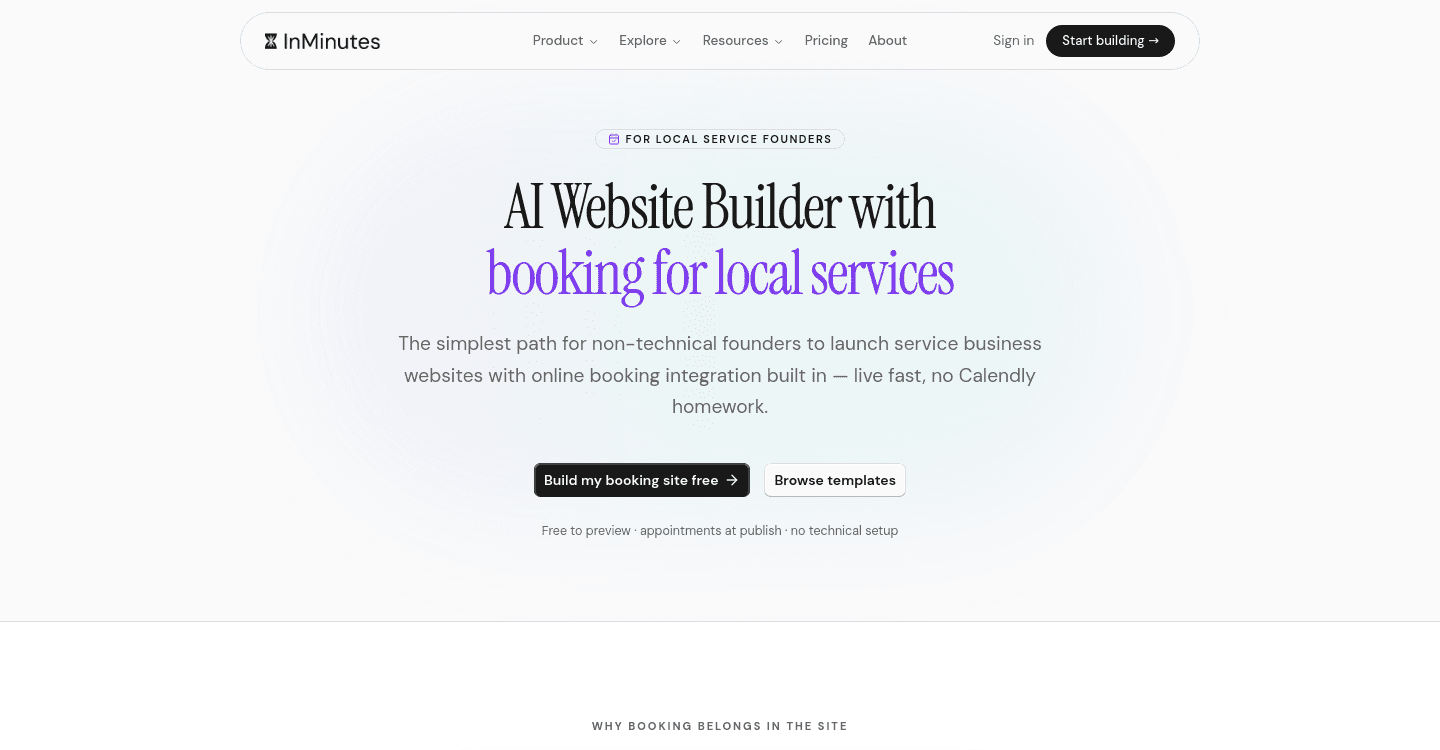
If your business needs both a store and appointment booking, check whether the builder handles both natively or requires two separate apps with two separate logins and two different designs bolted onto the same site.
SEO Settings You Can't Reach Without a Paid Plan
Some builders lock meta tags, custom URLs, or structured data behind a specific pricing tier. Confirm what SEO controls are actually available on the plan you're evaluating, not just the plan's marketing page.
Design Lock-In Once You've Already Built the Store
Adding ecommerce to a site built with a general-purpose template can visually break the rest of the site, or require switching templates entirely. Check whether the store and the rest of the site are designed as one system.
How to Test a Website Builder Before Committing
If you're an agency evaluating a platform for a client, don't rely on the sales page. Create a free trial account and try to complete these three tasks yourself: add a product with two variants, connect a payment method, and check whether a meta description field exists on the product page. If any of those three takes more than a few minutes to find, expect the same friction during the real build.
Where AI-Led Setup Removes These Roadblocks Entirely
The reason these roadblocks exist is that most website builders treat catalog, payments, shipping, SEO, and booking as separate systems you assemble yourself. The InMinutes AI Store generates all of them together as part of the site itself — there's no separate app to configure, no plan-tier gate on SEO fields, and booking and ecommerce share the same design from the start.
FAQ
Bottom Line
The businesses that avoid online store setup roadblocks aren't the ones that work around them fastest — they're the ones that picked a website builder where those roadblocks don't exist in the first place.
Ready?
Your site, live in 2 minutes with InMinutes.
No agency. No waiting. Flat monthly fee.
Start for free →